Shopify Tax Reports: Sales Tax, Filing, and Accuracy
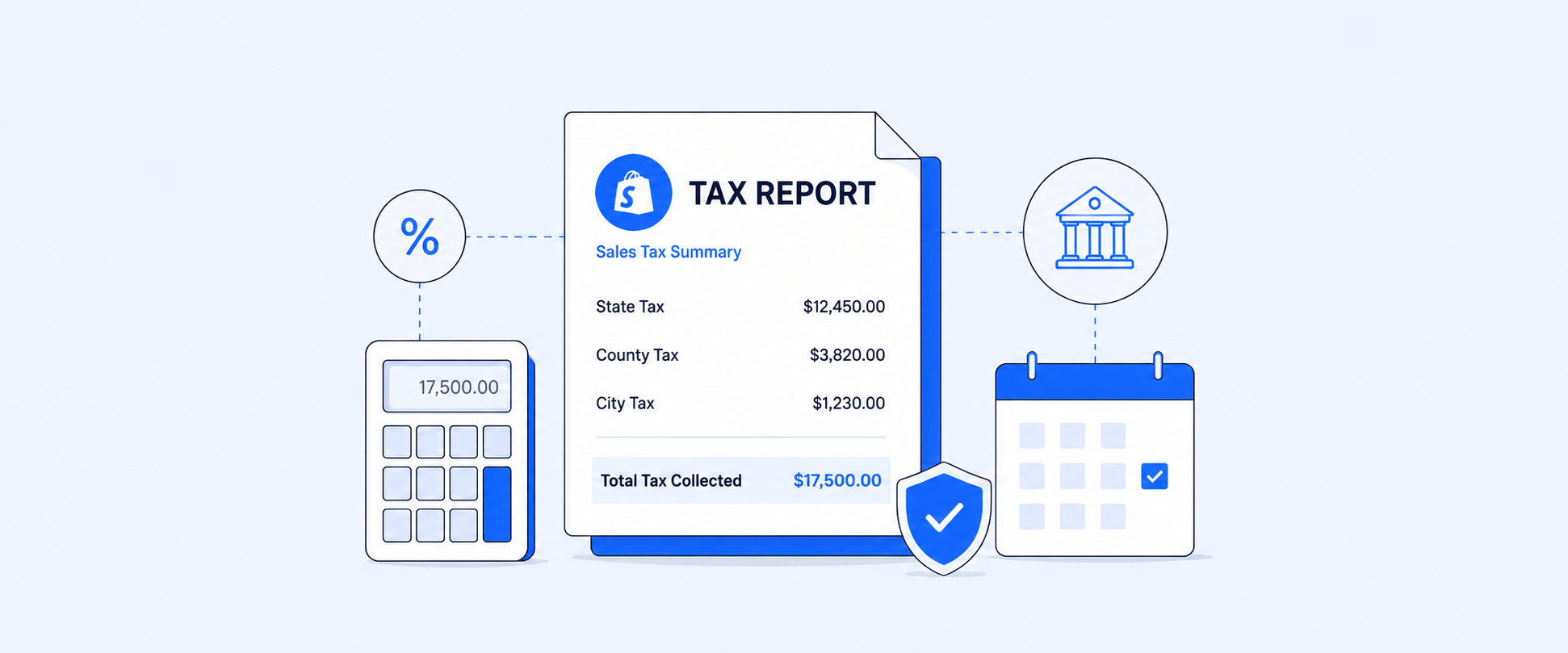
Sales tax reporting getscomplicated fast once your Shopify store sells across states, regions,channels, or countries.
The hard part is not onlycollecting tax at checkout. It is knowing what was collected, where it wascollected, which sales were taxable, which were exempt, how refunds affectedthe numbers, and what your accountant needs for filing. Shopify gives merchantsuseful native tax reports, especially for US merchants using Shopify Tax, butthe right report depends on your store location, tax setup, currency, saleschannels, and filing workflow.
Tax compliance is ultimately themerchant's responsibility. Shopify can help calculate taxes and providereports, and Shopify Tax can support automated filing in eligible setups, butmerchants should still work with a tax professional or local tax authority whendeciding what to collect, file, and remit.
What Is the Shopify Tax Report?
A Shopify tax report is any ofShopify's built-in reports that show how much tax you collected, where youcollected it, and how that breaks down for filing. Depending on your store'slocation and setup, that can mean the Taxes Report for a general summary, theUnited States Sales Tax Report for state and jurisdiction-level detail, or theTotal Sales by Order Report for order-level context. Which one applies dependson where your store is based, what currency you use, and whether you useShopify Tax.
Key Takeaways
- Shopify tax reports cover different needs: jurisdiction-level detail (US), general summaries (Taxes Report), and order-level context (Total Sales by Order).
- The right report depends on store location, currency, and whether Shopify Tax is enabled.
- Filing usually needs more than total tax: taxable vs non-taxable sales, refunds, shipping tax, and jurisdiction breakdowns all matter.
- Native reports have limits, including display restrictions and export caps, making custom reporting useful for complex workflows.
Why Does Shopify Sales Tax Reporting Feel Difficult?
Sales tax is rarely one flat number.
A US merchant may need tax by state, county, city, and special tax jurisdiction. A Canadian merchant may need GST, HST, PST, QST, or other province-specific views. A merchant selling internationally may need VAT or GST summaries by country. A store using marketplaces may also need to separate sales where tax was handled by a marketplace from sales where the merchant is responsible.
That is why a basic sales report is not always enough. For filing, you need tax data in the shape your accountant or filing process expects. That usually means clear separation between taxable sales, non-taxable sales, shipping, shipping tax, refunds, tax-exempt customers, and jurisdiction-level totals.
What Native Shopify Tax Reports Are Available?
Shopify gives merchants several tax-related reports. The right one depends on what you are trying to file or review.
The United States Sales Tax Report is the most filing-focused report for eligible US stores. It breaks tax data down at state, county, and jurisdiction level and allows drill-down into jurisdiction and transaction views. The Taxes Report is broader and gives a summary of sales taxes applied to sales. The Total Sales by Order Report is often useful when an accountant needs order-level context, including gross sales, net sales, taxes, returns, and shipping charges.
When Should You Use the United States Sales Tax Report?
The United States Sales Tax Report is designed for US sales tax review.
It is available only when the store is located in the United States, uses Shopify Tax, and has USD as the store currency. The report includes only orders with shipping addresses in the United States, and it can be viewed at the country, jurisdiction, or transaction level.
This report is useful when you need to understand how much tax was collected by state and jurisdiction. It can show total net item sales, total item tax amount, shipping, and shipping tax. The jurisdiction view also separates state, county, city, and special tax jurisdictions, which is closer to how many US sales tax returns need to be prepared.
There are a few limits to keep in mind. The report displays up to 1,000 rows in the admin, and CSV exports from the United States Sales Tax Report are limited to a maximum of one month of data. For longer export periods, the Taxes finance report may be more practical.
When Are the Taxes Report or Total Sales by Order Report Better?
Not every store can use the United States Sales Tax Report.
For stores outside the US, stores not using Shopify Tax, or stores that need broader order-level detail, the Taxes Report and Total Sales by Order Report become more useful. The Taxes Report summarizes sales taxes applied to orders. The Total Sales by Order Report can be exported and used to review gross sales, net sales, taxes, returns, and shipping charges over the correct filing period.
This is especially helpful when a merchant or accountant needs to reconcile sales tax against order totals rather than only reviewing summary cards. It also gives more flexibility when the filing period is quarterly or annual.
What Tax Data Actually Needs to Be Reviewed?
A tax-ready report usually needs more than the tax amount collected.
At minimum, merchants often need order date, order name, destination, taxable sales, non-taxable sales, tax title, tax rate, tax amount, shipping amount, shipping tax, refunds, and total sales. For deeper review, tax jurisdiction, product category, customer exemption status, sales channel, payment method, and payout date can also matter.
The reason is simple. Filing rarely asks only, “How much tax did you collect?” It usually asks where the sale happened, what tax applied, whether shipping was taxable, whether a refund reduced the liability, and whether any part of the sale was exempt.
How Do Refunds Change Tax Reporting?
Refunds are one of the easiestplaces for sales tax reports to become confusing.
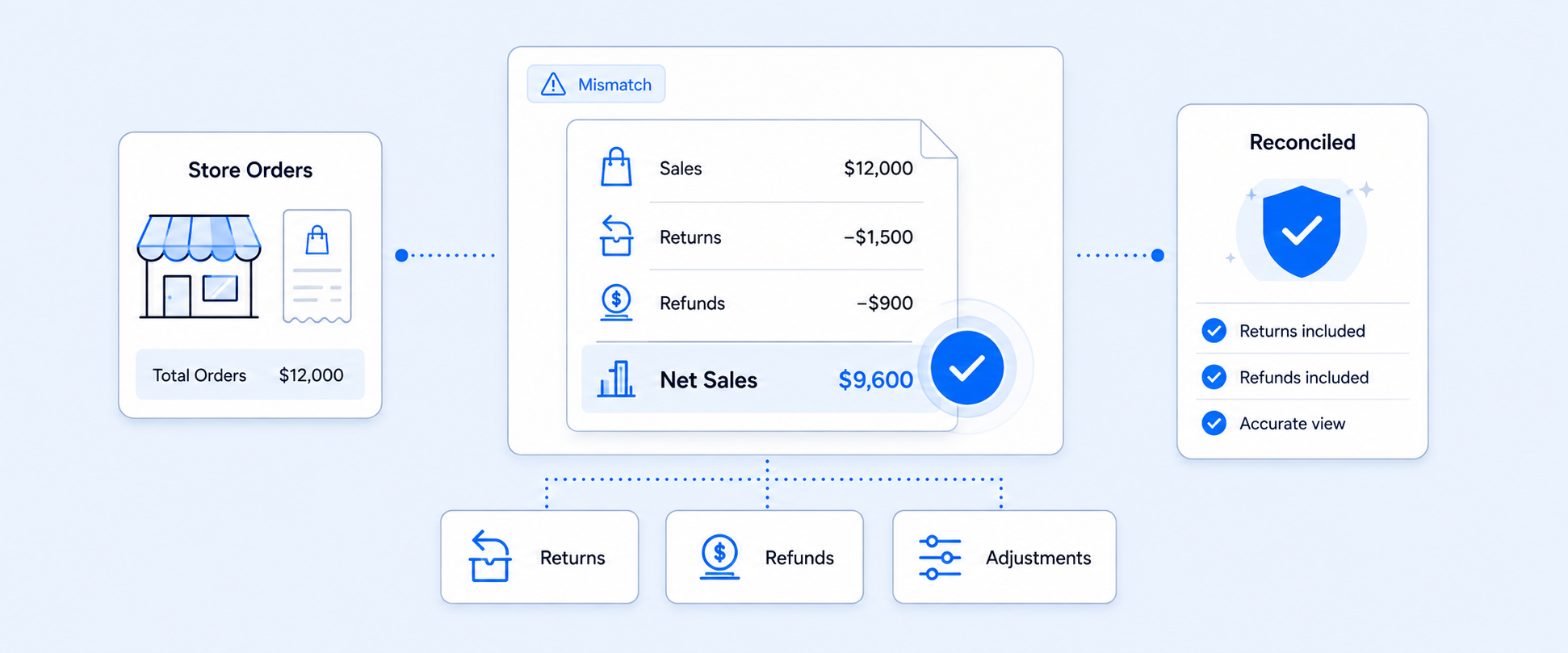
When a refund is tied to aspecific line item, the related tax can be reduced in the United States SalesTax Report, and the detailed transaction view shows the refund separately. Whena custom refund is entered without being associated with a specific line item,tax is not refunded and remains included in the report.
That distinction matters duringfiling. A refunded order does not always reduce tax in the same way. The refundtype, refund timing, and whether the refund is tied to a product line canaffect how the tax appears.
Do Marketplace Sales Need Separate Attention?
Marketplace sales can create another layer of confusion.
Some marketplaces act as marketplace facilitators and handle tax collection and remittance on behalf of merchants. But in some states and localities, marketplace sales may still need to be reported in gross sales totals. Shopify Tax automated filing has specific considerations around marketplace sales and supported channels, so merchants should review marketplace reporting requirements carefully before filing.
This is one reason a tax report should not be treated as a one-click filing answer for every store. It is a filing input. The final filing logic depends on the merchant’s tax obligations.
Should Taxable, Non-Taxable, and Total Sales Stay Separate?
Tax filing becomes cleaner when taxable, non-taxable, and total sales are not blended together.
Taxable sales are the sales subject to tax based on product type, customer location, customer status, and local rules. Non-taxable sales include exempt products, tax-exempt customers, or sales that are not taxable in a given region. Total sales gives the broader sales picture, but it does not explain what tax should be filed by itself.
A useful tax report should keep those numbers separate. That helps avoid overpaying tax, underreporting tax, or forcing an accountant to untangle exemptions later.
How Do You Pull a Sales Tax Report in Shopify?
The usual path is: Analytics > Reports
From there, open the tax or finance report that matches your filing need. For eligible US stores using Shopify Tax and USD, the United States Sales Tax Report is usually the best starting point. For broader tax review, non-US stores, or order-level accounting work, the Taxes Report or Total Sales by Order Report may be more useful.
Before exporting, check three things carefully. First, confirm the date range matches the filing period, such as the exact month, quarter, or calendar year. Second, confirm the report is showing the right sales scope, especially if you need online sales, POS sales, marketplace sales, or a specific region. Third, review whether refunds, shipping tax, tax-exempt sales, and non-taxable sales are included in the way your accountant expects.
Once the report looks correct, export it and keep the file with your filing records. For stores with heavier sales volume or multi-region tax obligations, it is worth saving a consistent reporting process so the same filters, date logic, and fields are used every filing period.
How to Create Tax Reports in Shopify (Video Guide)
Where Native Tax Reporting Starts to Feel Limited
Shopify’s native reports are useful, but tax work often needs more structure than a default report provides.
A merchant may need a tax report grouped by country, state, province, product category, customer type, sales channel, or payment method. Another merchant may need order date and payout date in the same report because accounting is reviewed by payout timing. A store selling products with different tax rates may need multiple tax titles and amounts shown clearly on each order.
Native reports can get part of the way there. The gap appears when the report needs a custom layout, custom filters, multiple tax columns, regional grouping, payout context, or recurring delivery to an accountant.
How Report Pundit Makes Tax Reporting Easier
Report Pundit is useful when tax reporting needs to move from “download a report” to “run a repeatable filing workflow.”
Instead of exporting multiple reports, adjusting columns, and rebuilding the same file every month or quarter, merchants can create tax reports that match the way their accountant reviews data. That can include tax titles and tax amounts, taxable and non-taxable sales, gross and net sales, refunds, shipping tax, product category, customer details, payment method, order date, payout date, and regional breakdowns.
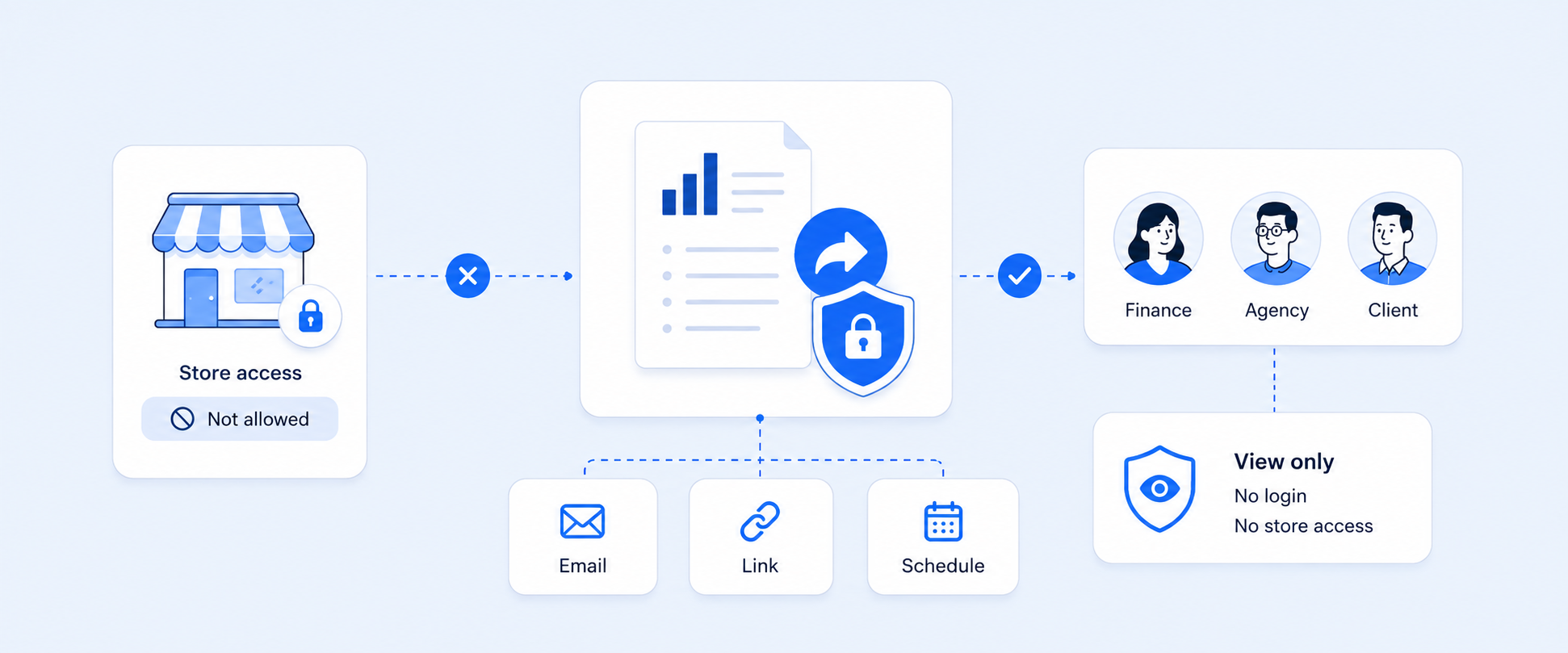
This is especially helpful when a store needs custom tax views such as tax by state, tax by country, monthly tax summaries, product tax reports, Canadian tax breakdowns, or reports that separate multiple tax rates in one order. Report Pundit also supports export and scheduling workflows, so the same tax report can be delivered to the right person without rebuilding it manually each filing period.
The workflow change is the key benefit. Finance teams get cleaner data. Accountants get a consistent file. Store owners spend less time stitching together sales, tax, refund, and payout details.
Practical Tax Reporting Workflows Merchants Often Need
Tax reporting becomes easier when the report matches the filing workflow, not just the data source. Different merchants often need different tax views depending on where they sell, how taxes are collected, and how their accountant reviews the numbers.
These are not just different tax reports. They are different filing workflows. The more specific the filing requirement, the more important it becomes to keep the report consistent every month or quarter.
What Are Common Mistakes to Avoid in Shopify Tax Reporting?
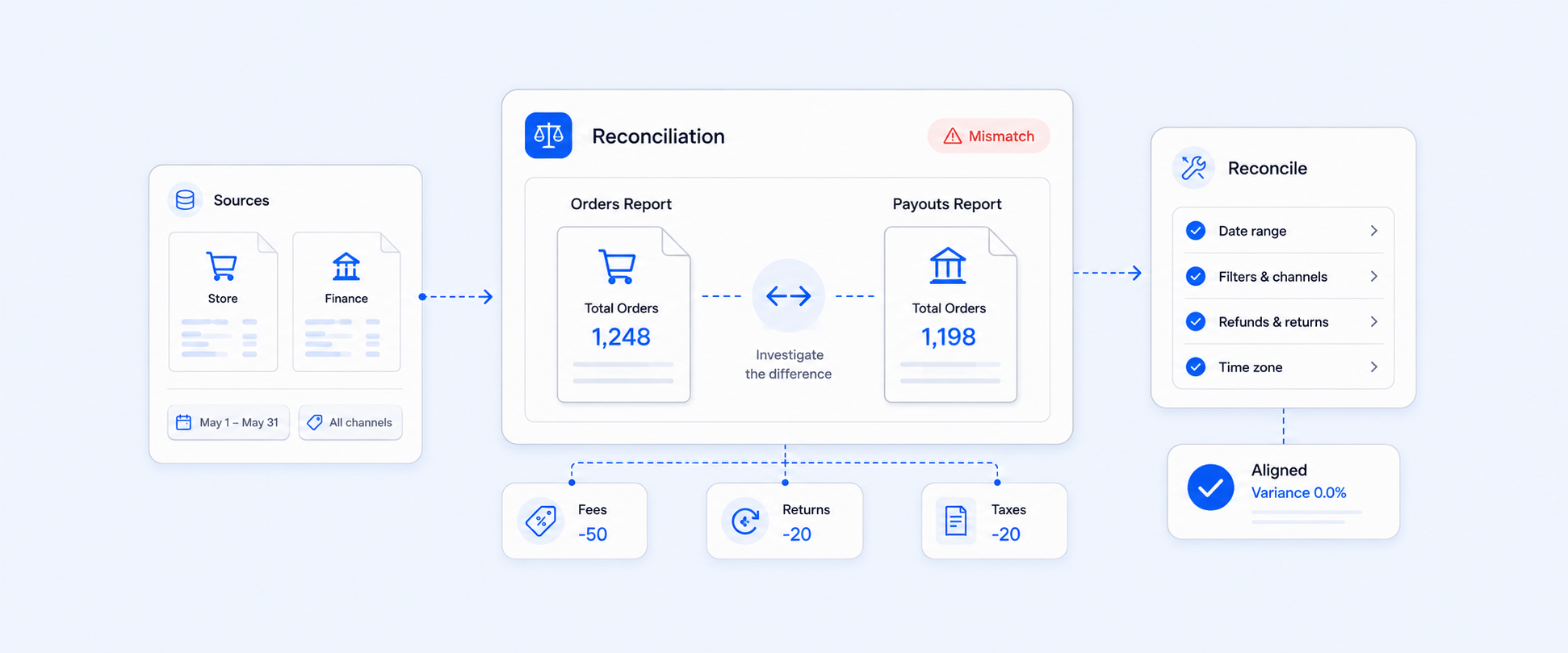
The most common mistake is using one sales total as the tax filing number. Gross sales, net sales, taxable sales, non-taxable sales, and total sales can all answer different questions.
Another mistake is ignoring refund behavior. A line-item refund and a custom refund can appear differently in tax reporting, which matters when reviewing collected tax. Shipping tax can also be missed if the team focuses only on product tax. Marketplace sales, tax-exempt customers, and product exemptions should be reviewed separately instead of being buried in total sales.
For tax filing, clean separation matters more than a large summary number.
Native Shopify Tax Reports vs. Custom Tax Reporting Workflow
This is the simplest way to decide what you need.
Use native Shopify tax reports when the available report gives your accountant the correct filing data for the right time period.
Use a custom tax reporting workflow when you need multiple tax rates, custom fields, payout context, regional grouping, app data, automated exports, or a consistent report delivered every month or quarter.
If the report needs to be rebuilt every filing period, the problem is no longer just tax reporting. It is workflow maintenance.
Conclusion
Sales tax reporting is easier when the data is separated clearly.
Shopify gives merchants useful native reports for reviewing tax collected, US jurisdiction-level tax data, and order-level tax details. But once the filing workflow needs custom fields, regional grouping, payout context, refund visibility, or scheduled delivery, a custom reporting workflow becomes more practical.
Report Pundit helps merchants turn tax reporting from a manual export task into a repeatable process, with cleaner reports that finance teams and accountants can use with more confidence.
FAQs: Shopify Tax Reports
What Is the Shopify Tax Report?
The Shopify tax report is any ofShopify's built-in reports showing collected tax, broken down for filing. Thisincludes the Taxes Report for a general summary, the United States Sales TaxReport for state and jurisdiction detail, and the Total Sales by Order Reportfor order-level review. The right one depends on your store's location,currency, and tax setup.
What Sales Tax Reports Are Available in Shopify?
The main tax-related reportsinclude the United States Sales Tax Report, Taxes Report, Total Sales by OrderReport, and Managed Markets Taxes Report for eligible Managed Markets setups.The right report depends on your tax setup, region, and filing need.
Where Can I Find Sales Tax Reports in Shopify?
Go to Analytics > Reports andopen the relevant tax or finance report for your store. For eligible US storesusing Shopify Tax, the United States Sales Tax Report is the main detailedsales tax report.
Does Shopify File Sales Tax for Me?
Usually, merchants areresponsible for filing and remitting taxes. Shopify does not file or remittaxes unless the merchant uses Shopify Tax and sets up automated filing in aneligible setup.
Who Can Use the United States Sales Tax Report?
The United States Sales TaxReport is available to stores located in the United States that use Shopify Taxand have USD set as the store currency. It includes orders shipped to USaddresses.
Why Do Refunds Make Sales Tax Reporting Confusing?
Refunds can affect tax reportingdifferently depending on whether the refund is tied to a specific line item.Line-item refunds can reduce the related tax, while custom refund amounts mightnot reduce tax in the same way.
Can Report Pundit Help Create Custom Sales Tax Reports?
Yes. Report Pundit can helpbuild custom tax reports with fields such as tax titles, tax amounts, taxableand non-taxable sales, refunds, shipping tax, payment method, order date,payout date, and regional breakdowns, depending on your store data and setup.
How Do I Create a Custom Shopify Tax Report?
Shopify's native reports workfor many stores, but if you need multiple tax rates, payout context, orrecurring delivery, a tool like Report Pundit's Tax Report lets you build a custom view withtaxable and non-taxable sales, tax titles, refunds, and regional breakdowns,then schedule it to export automatically.

5.0 ( 2000+ Reviews)