Most Profitable Products Report for Shopify Stores
Shopify revenue reports are not profit reports.
If you are searching for a “most profitable products report” in Shopify, you are looking for profit, not just sales.
Most merchants can quickly find “top selling products,” but “most profitable products” requires cost data and profit logic. Shopify can show what sold and how much revenue came in. In some setups, Shopify can show margin-style metrics if COGS is tracked. But a true “most profitable products” view usually needs more, especially when you want profit by variant, by date range, by channel, and after refunds, discounts, shipping ad spend and other costs.
Where is this in Shopify?
What Shopify has
In Shopify Admin, you can find product-level sales performance inside Analytics and Reports. Depending on your plan and configuration, you may see reports like:
- Sales by product (revenue-focused)
- Sales by product variant (revenue-focused)
- Margin or gross profit style metrics (only if your cost data exists and is used in reporting)
If your store maintains Cost per item for products and variants, Shopify may show margin-related metrics in some reports. This can help you spot higher-margin products, but it is still limited by which costs are included and how consistently those costs are maintained.
What is missing for a “most profitable products report”
Most merchants mean a report that can answer these questions:
- Profitability, not just revenue
- Profit by date range (last 7 days, last 30 days, custom)
- Profit after discounts and refunds
- Profit by product variant (SKU-level accuracy)
- Profit split by channel (online store, POS, marketplaces)
- Profit segmented by discount code, campaign, or customer group
Shopify can answer parts of this, but many stores still need a dedicated profit report because:
- COGS is often missing or inconsistent at the variant level
- Expenses like ad cost are not part of Shopify’s standard product sales reports
- Refunds, returns, discounts, and shipping impacts are not presented in a profit-first view
- Profit segmentation requires joining multiple data sources cleanly
Common ways people search for this report
- Most profitable items Shopify usually means “rank products by profit, not by sales.”
- Product profit report Shopify implies a product-level profit statement with COGS and adjustments.
- Profit by product Shopify usually means profit by SKU or variant for a specific date range.
- Highest margin products Shopify often means margin percent, but most teams also need profit dollars for purchase planning.
How Report Pundit builds it
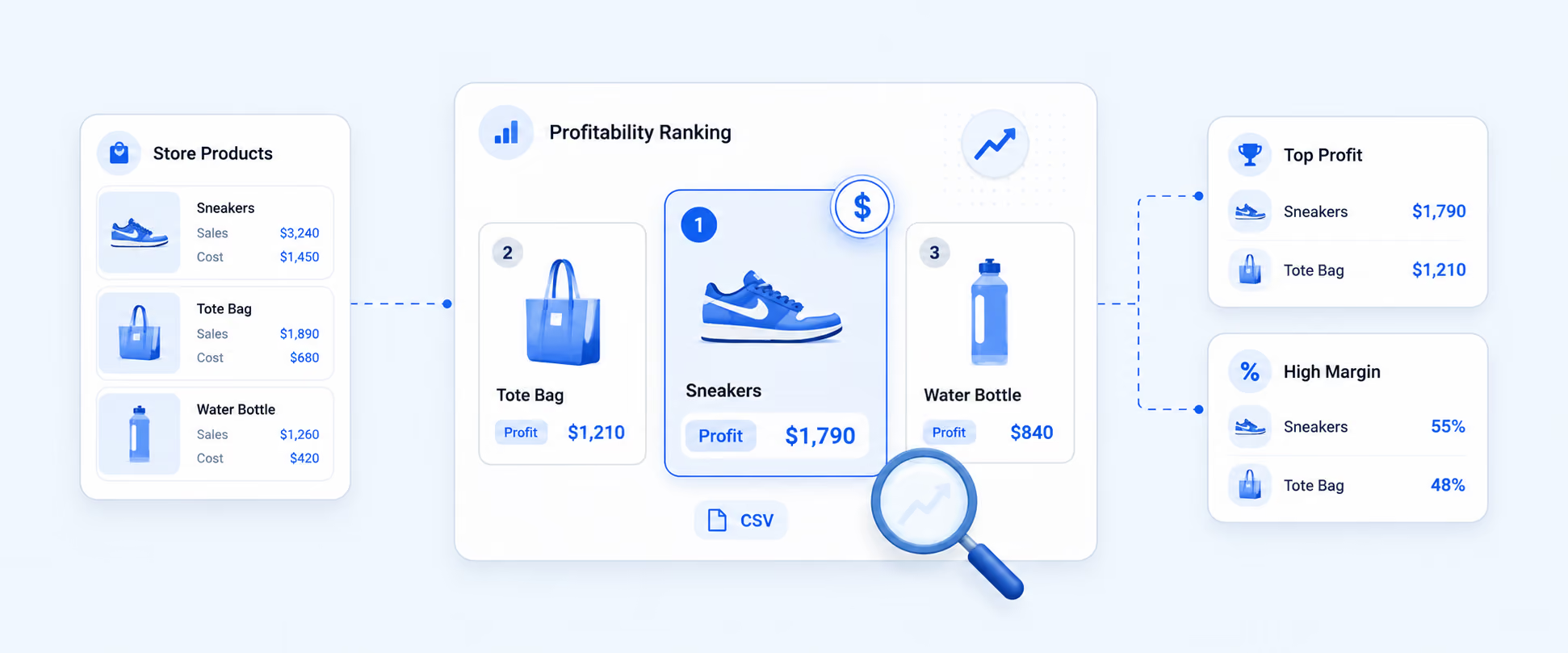
Report Pundit builds a “Most Profitable Products” report by combining the sales side and the cost side data.
Data sources Report Pundit uses (depending on your setup)
Report Pundit can pull and join data such as:
- Shopify orders and line items
- Product and variant data
- Discounts, refunds, returns, and taxes
- COGS from Shopify cost fields or your cost source (based on your configuration) - (Custom data sync from google sheet)
- Shipping revenue and shipping costs (based on what you track)
- Marketing spend (ad cost) if connected and supported by your configuration (integrations)
How profit is calculated at the product level
At a simple level:
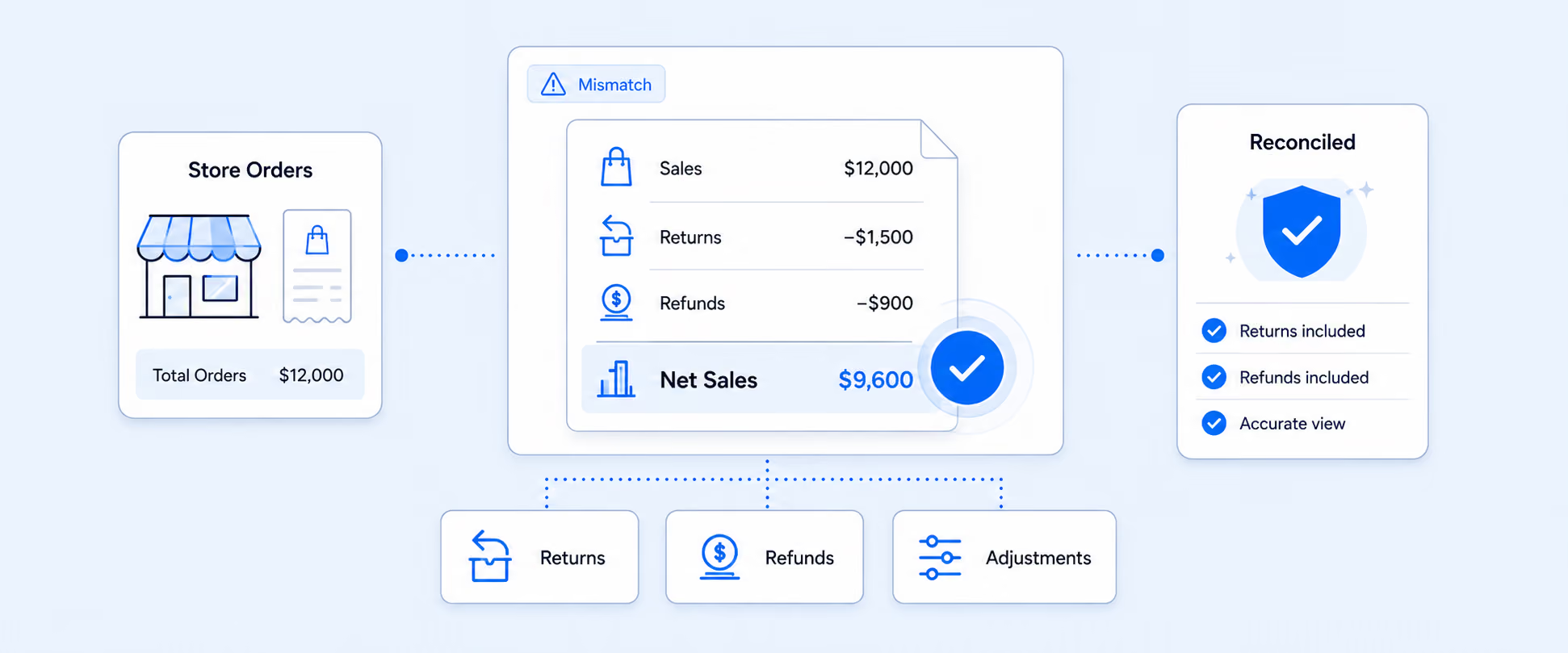
Product Profit = Net Sales minus COGS minus attributable costs (as available)
Net Sales typically accounts for discounts and refunds. Profit is computed per product and per variant so you can rank items by profit dollars, not just revenue.
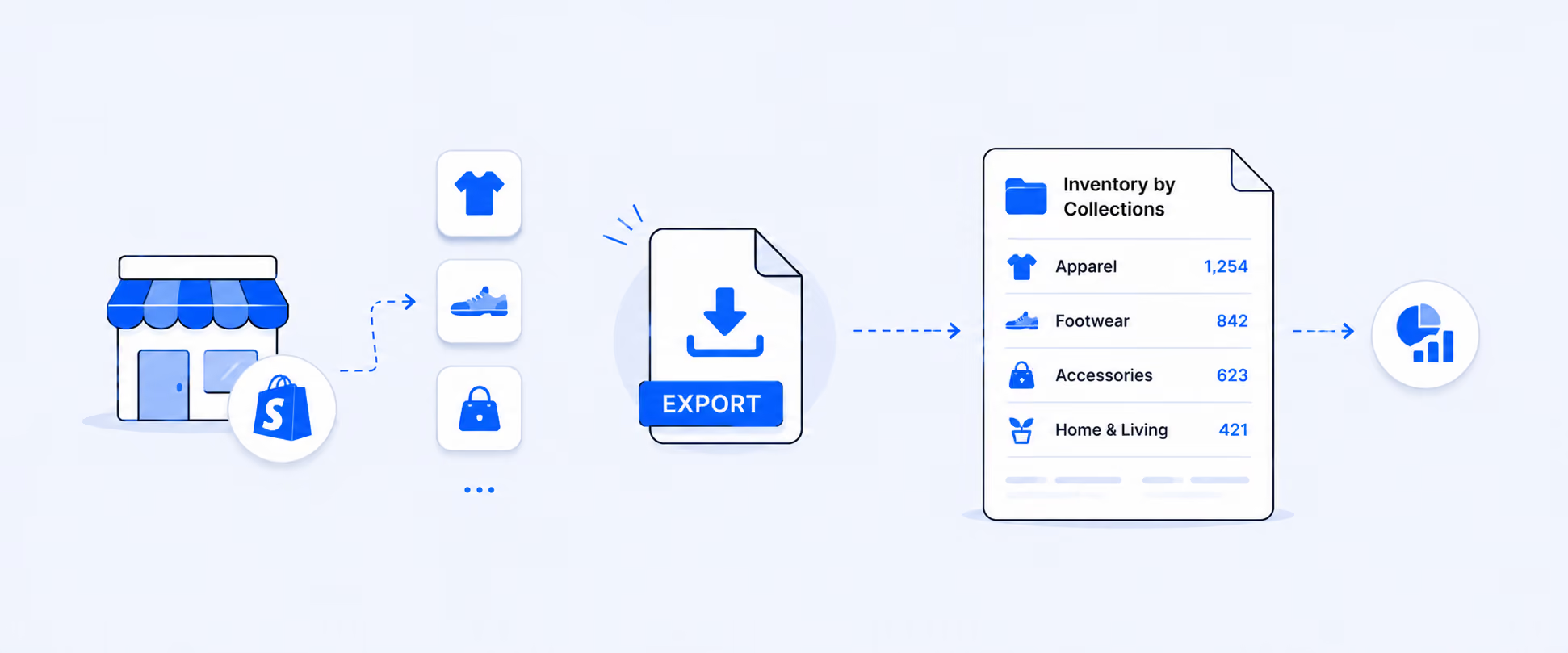
You can export the results to Excel or Google Sheets.
Get this report in Report Pundit
Fields included in the Most Profitable Products Report
Below is a practical field set used by most Shopify teams. Your final list can be adjusted based on your store setup and connected cost sources.
Note: Whether “ad cost” and “net profit after ad cost” are included depends on your integrations and allocation rules. If you do not connect ad platforms, you can still generate a strong product profit report using COGS and sales adjustments.
How to build the report in five quick steps
Step 1: Confirm your cost data (COGS)
Make sure you have cost data available at the product or variant level. If costs are not set, profit will not be accurate.
Step 2: Open Report Pundit and choose a profit-by-product template
Start with a product profit template that supports product and variant-level profitability.
Step 3: Select your date range
Choose a preset range (today, last 7 days, last 30 days) or set a custom range.
Step 4: Add segmentation only if needed
If you need deeper answers, filter or segment by:
- Variant-level view
- Channel or sales source
- Discount code
- Customer cohort (new vs returning, first purchase month, or your cohort rule)
Start simple, then drill down.
Step 5: Export or schedule the report
Export to Excel or Google Sheets, or schedule it weekly or monthly so you always see profit winners and profit leaks.
Get this report in Report Pundit
Advanced profit questions this report can answer
Product profit by variant
In many catalogs, the “winning product” is a single variant. Variant profit helps you decide what to reorder and what to stop pushing.
Product profit by date range
Profit changes with discounts, ad spend, seasonality, and returns. Date-range profit helps you compare time windows fairly.
Profit by customer cohort
Some products look profitable until you account for returns or low repeat rate. Cohort profit helps you validate long-term value.
Profit by channel
A product can be profitable on the online store but not on marketplaces or POS due to fees, discounts, or return patterns. Channel profit shows where to sell what.
Profit by discount code
Discounts can spike orders while cutting profit. Discount-code profitability helps you keep codes that grow profit, not just revenue.
If you are searching for a "most profitable products report" in Shopify, you are looking for profit, not just sales. Shopify's native reports show revenue, not true profit, unless costs are properly tracked and exposed at the product level.
FAQs
Where can I find my most profitable products report in Shopify?
Shopify primarily provides revenue-focused product reports. Some margin-style metrics may appear only if your cost data (COGS) is properly tracked and exposed at the product or variant level, but Shopify does not typically provide a dedicated profit-ranked products report that accounts for discounts, refunds, and additional costs. For a true profit-ranked view, many merchants use Report Pundit to build profit by product using COGS and supported expenses.
Does Shopify show profit by product variant?
Shopify can show sales by variant. Profit by variant depends on whether variant-level costs are tracked and whether profit metrics are available in reporting. Report Pundit supports profit by variant when cost data exists.
Can I get “highest margin products” in Shopify?
You may see margin-related metrics if costs are tracked and available in reports. But “highest margin” is not always the same as “most profitable.” A product with a high margin percent can still generate fewer profit dollars than a lower-margin product with higher volume.
Can I export my most profitable products list?
Yes. Report Pundit lets you export your most profitable products to Excel or Google Sheets.
Can I filter profit by a date range?
Yes. In Report Pundit, you can run the profit report for any date range and compare different periods.

5.0 ( 2000+ Reviews)