Shopify Metafields Reports that work like magic for business
Shopify stores come with standard fields for products, orders, and customers. But as your business grows, those default fields often become limiting. You may need to track product materials, supplier codes, expiration dates, launch timelines, customer preferences, or internal cost notes. These are important pieces of information, yet Shopify cannot predict every merchant’s operational needs.
That is where Metafields become powerful.
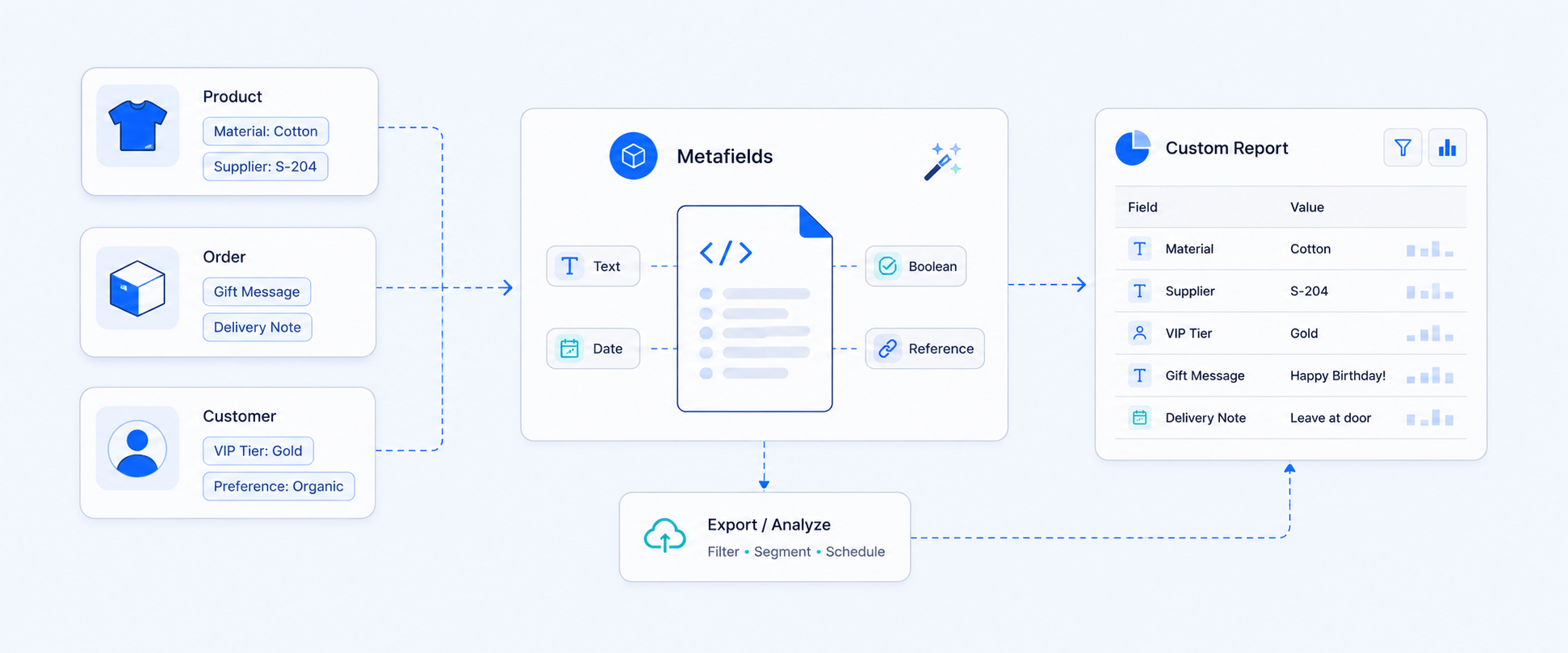
Metafields are Shopify’s custom data feature that lets you store structured information beyond standard fields. You can attach metafields to products, variants, customers, orders, collections, draft orders, and even locations. Instead of keeping extra information in spreadsheets or scattered notes, you store it directly inside Shopify where it belongs.
For example, businesses use metafields to store:
- Expiration dates for food products
- Part numbers for hardware items
- Launch dates for fashion collections
- Ingredient lists for skincare
These are not just extra details. They are structured business data that improve both operations and reporting.
Why Metafields Matter for Growing Stores
Metafields do more than just store information. They bring structure and clarity to your business.
First, they add customization and flexibility. You can display product care instructions, technical specifications, compliance data, or compatibility notes directly on product pages. This enhances the customer experience while keeping everything organized.
Second, they improve internal tracking and organization. Many merchants use metafields to manage:
- Supplier codes
- Internal SKU systems
- Cost tracking notes
- Reorder points
- Vendor specific internal details
This keeps operational data centralized and reduces dependency on external tools.
Third, and most importantly for analytics focused businesses, metafields now support reporting inside Shopify.
Shopify allows you to enable Use in analytics when creating a metafield definition. Once enabled, that metafield can be used as a filter or dimension in Analytics reports. This means you can analyze performance using attributes that matter to your business, not just Shopify’s defaults.
For example, you can now answer questions like:
- How much revenue came from products made of Wood?
- Which supplier’s products have the highest conversion rate?
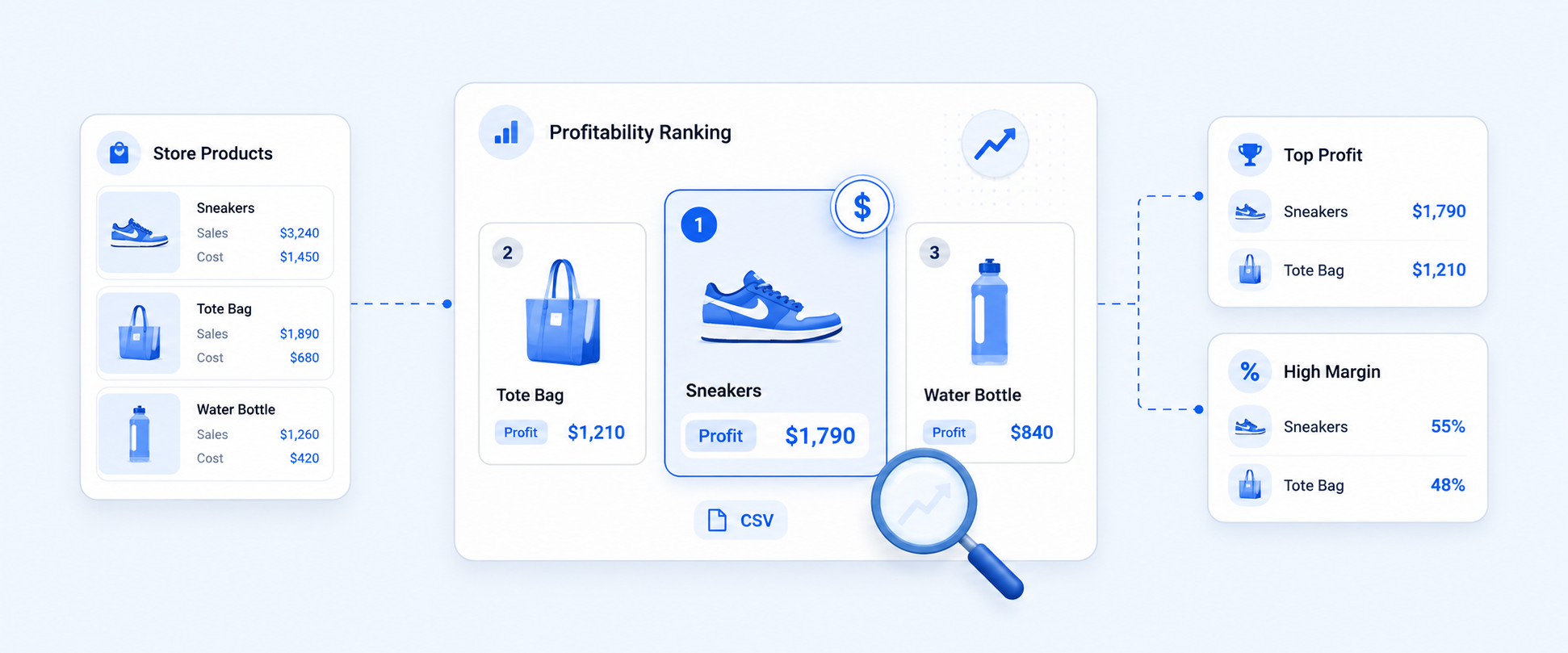
- Which product line is driving the best results?
That is where reporting becomes strategic instead of generic.
How Metafields Work Across Different Store Elements
Metafields are flexible because they apply to multiple areas of your Shopify store.
Product Metafields
Product metafields are commonly used to store additional details beyond title, description, and price. These might include ingredient lists, related products, compatibility notes, or technical specifications. Keeping this information structured makes it easier for teams to access and display consistently.
Variant Metafields
Variants often require unique information per option. A shoe store might track heel height per size. A tech store might store battery capacity per model. Variant metafields make these differences clear and measurable.
Order Metafields
Order metafields help capture extra information that does not fit into default fields. This might include gift messages, special instructions, packaging notes, or delivery preferences. This ensures fulfillment teams have context without relying on manual notes.
Customer Metafields
Customer metafields allow personalization at scale. Businesses use them to track VIP status, loyalty tiers, preferences, or service notes. This leads to better targeting, stronger retention, and improved support.
Collection, Draft Order, and Location Metafields
Collections can use metafields for seasonal tags or campaign identifiers. Draft orders can store bulk pricing details or service preferences. Locations can track warehouse notes or pickup time rules. In each case, metafields bring structure to data that would otherwise be unmanaged.
How to Create Metafields and Include Them in Your Reports
Setting up metafields is straightforward.
First, create a metafield definition.
Go to Settings → Metafields and metaobjects, choose the resource such as Products or Orders, and click Add definition. Define the name, data type, and validation rules.
Next, enable reporting use.
Turn on Use in analytics so the metafield becomes available in reporting filters and segments.
After that, add values.
Open the product, variant, order, or customer and enter the metafield value in the designated section.
Finally, use it in reports.
Open Analytics, build or edit a report, and select the metafield as a dimension or filter. Once selected, you can segment and export your report based on that custom data.
Shopify Metafield Reporting Limitations Explained
While Shopify now supports metafields in Analytics, there are still several limitations store owners should be aware of.
Limited metafield types
Only specific metafield types work in analytics such as single line and multi line text, integers, decimals, product references, booleans, dates, URLs, colors, IDs, and ratings. They must also belong to Products, Variants, Customers, or Orders resources.
Must enable Use in analytics
Each metafield definition requires the Use in analytics option to be manually enabled before it can be used as a dimension or filter in reports, which adds an extra configuration step.
Limited to dimensions and filters
Metafields can only be used as dimensions or filters in Shopify reports. They cannot be used as calculated measures or in advanced analytical functions.
Not available in all report types
Many default reports such as Finance, Fraud, most Orders reports, and Web Performance reports cannot be filtered or edited using metafields.
Performance considerations
In automation contexts such as Shopify Flow, looping through large metafield values, especially HTML based fields, can affect performance.
How Report Pundit Removes These Restrictions
For businesses that rely heavily on structured custom data, these limitations can slow down deeper analysis.
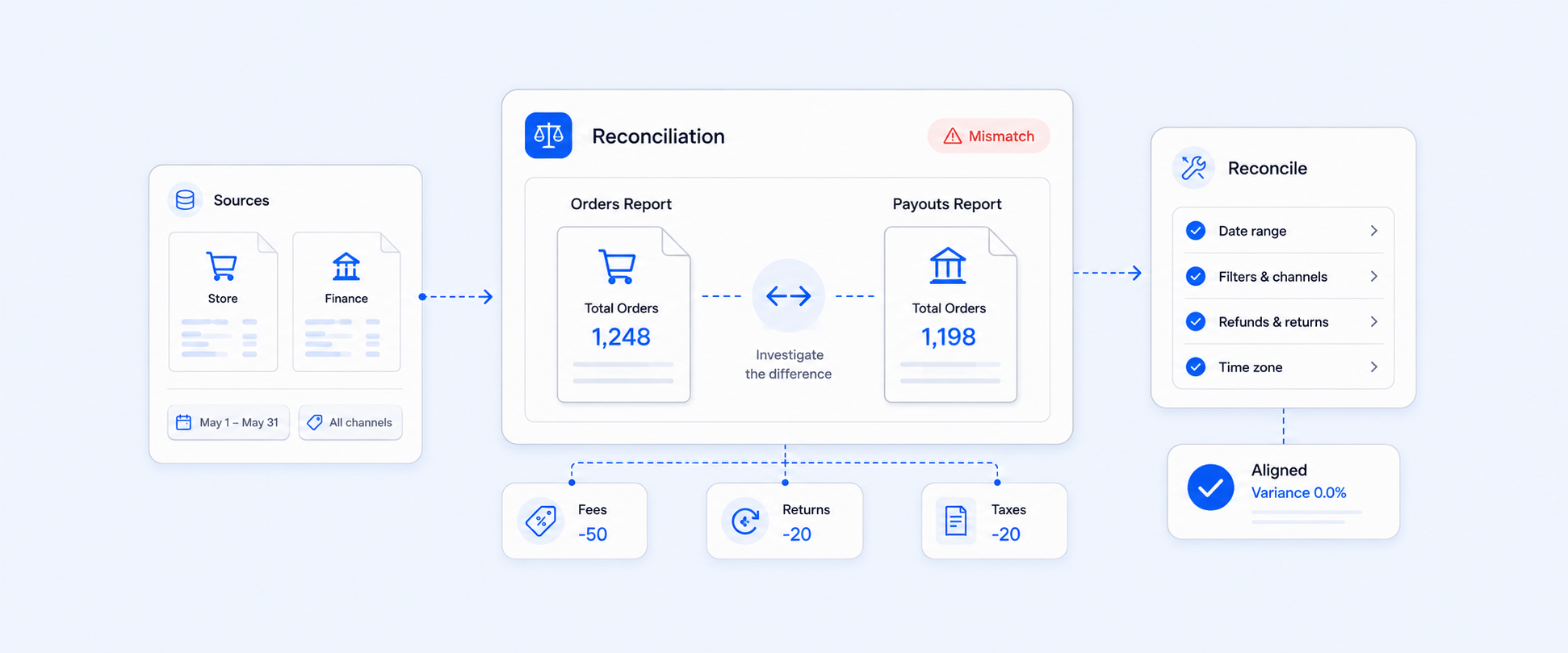
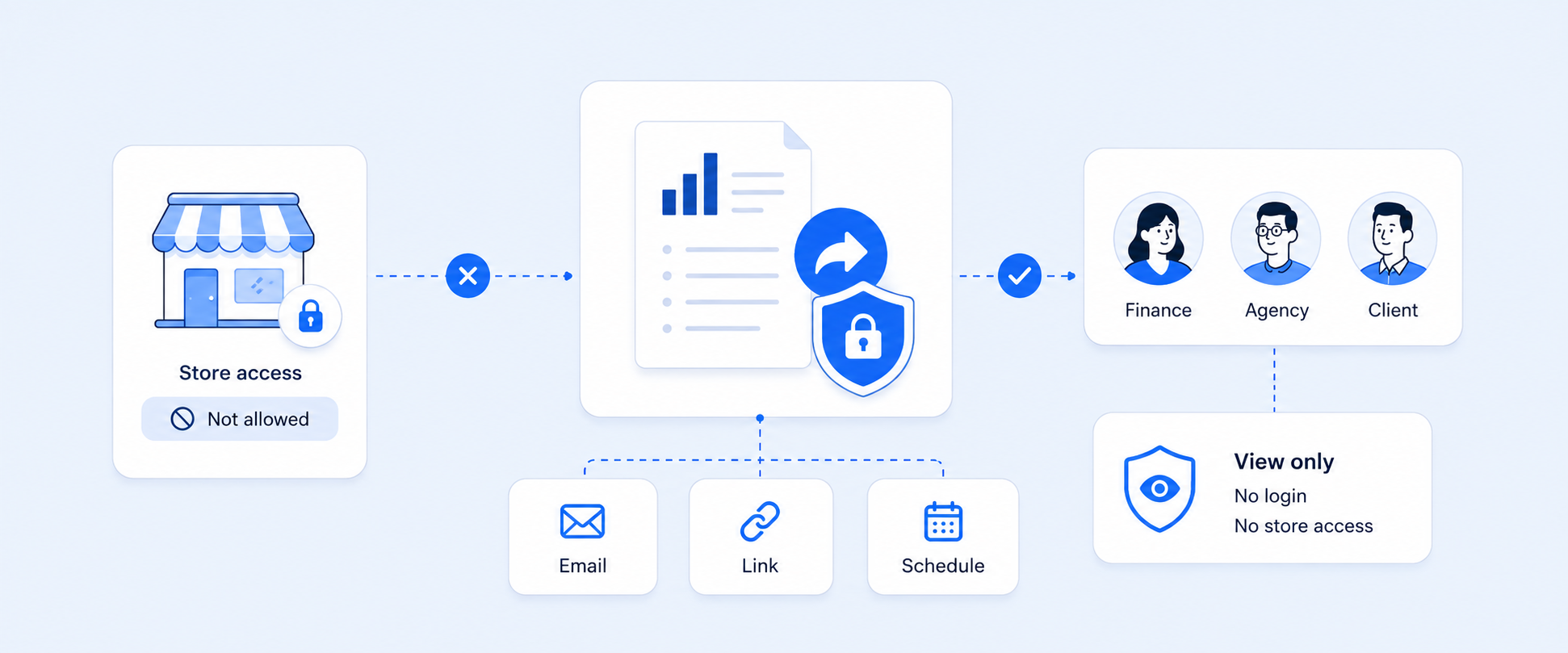
Report Pundit expands metafield reporting by allowing usage across all report types. It supports all data types as both metrics and dimensions, enables metafields inside calculated fields, and provides pre built metafield templates. Flexible scheduling also allows reports to be automated and delivered consistently.
This gives Shopify merchants complete control over how metafields are used in reporting, without being restricted by native report boundaries
Conclusion
Metafields make Shopify far more flexible by letting you store structured business specific data across products, orders, customers, and more. And with Shopify’s Use in analytics option, you can now bring that custom data into reporting to filter, segment, and export insights that actually match how your business operates.
That said, Shopify’s native metafield reporting still has constraints around supported types, report coverage, and advanced analysis. If you rely heavily on metafields for decision making, it is worth planning your metafield structure carefully so you can get the most value from both your storefront data and your reports.

5.0 ( 2000+ Reviews)