How Shopify Returns and Refunds Break Reports, Cause Data Discrepancies, and How to Fix Them

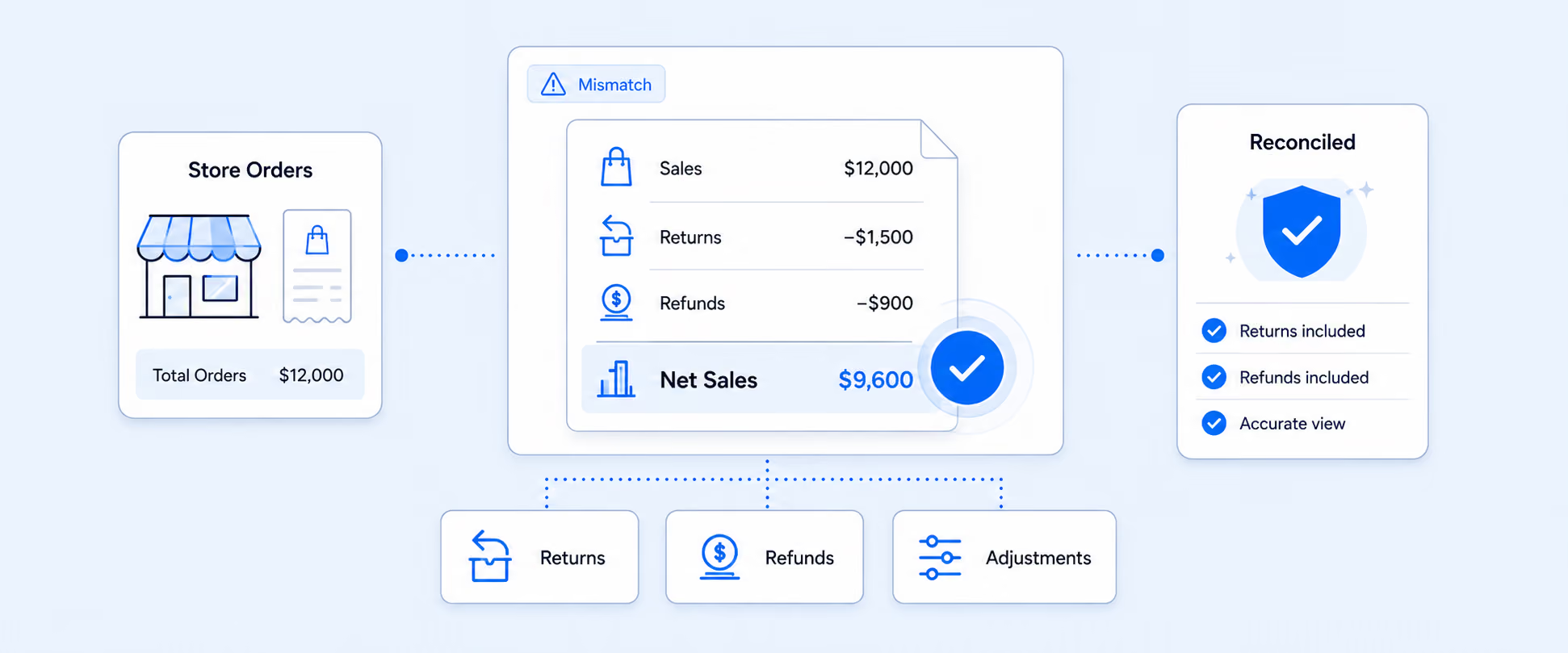
You may frequently face challenges with the platform’s return handling, which can significantly affect day-to-day operations. Shopify treats all returns as refunds, even when the customer has not yet received their money.
As a result, sales figures are prematurely reduced for returns that are still in progress, and orders can show lingering refund owed balances for returns that may never be finalized.
This is especially problematic for businesses with high return volumes or those that offer exchanges or store credit, as it complicates reconciliation and can distort the true picture of sales performance.
Understanding Shopify’s Returns and Refunds Impact
When a customer initiates a return, whether using Shopify’s self-serve returns or a third-party returns app, Shopify automatically steps in and takes care of the return-related actions in the background. Shopify returns describe the process of a customer sending a product back to a store, while Shopify refunds occur when the store issues money back to the customer for that item. Although these actions often happen simultaneously, they are distinct and separate processes.
Many Shopify merchants are realizing that returns can mess up their reports. Many cases show that where COGS is reversed twice on returns, inventory values become inaccurate, and accounting tools receive incorrect data. These issues make it harder to trust sales, cost, and profit numbers. The good news is that with a few practical changes to how returns and exchanges are handled, these reporting mismatches can be reduced, and financial data can be accurate.
How Returns Break Reports and Cause Discrepancies
Returns may look straightforward on the surface, but behind the scenes, it creates confusion that makes sales, refunds, and profit numbers a bit messy.
Below are the most common ways returns break reports and lead to costly discrepancies.
1. Date mismatches
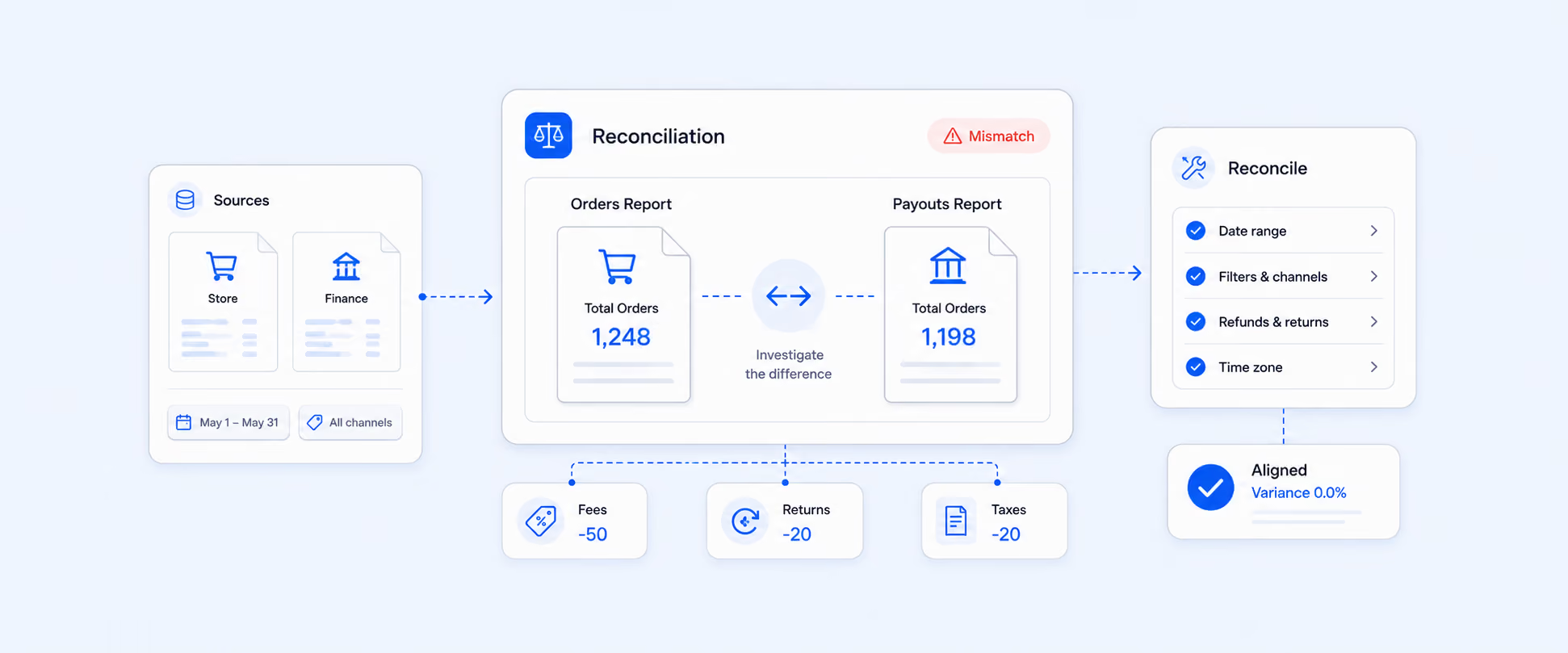
Dashboards often assign refunds to the original order date, while data exports rely on the refund creation date. This shifts revenue and refund numbers between reporting periods, making month-over-month comparisons unreliable. As shown in the example below, the same refund can shift revenue between months depending on how it is reported.
2. Premature sales deductions from self-serve returns
Self-serve returns reduce sales as soon as the return is initiated, even before money leaves your account. This creates refund owed gaps that throw off daily and weekly totals.
3. Third-party return app inconsistencies
Third-party Apps may mark returns as refunded before the payout is actually issued. This can lead to double-counting in analytics and misalignment between reported refunds and real cash flow. Without clear segmentation, pending and completed refunds get lumped together, distorting gross to net calculations.
4. Sales data becomes inaccurate for exchanges and store credit
Sales are reduced even when no money is refunded, which makes revenue reports misleading and harder to reconcile.
5. Sales tax reporting breaks
Taxes are adjusted as if a refund happened, making quarterly tax calculations unreliable and increasing the risk of filing errors.
6. Third-party returns apps fail to sync properly
Tools like Loop and Redo struggle to align with Shopify’s updated returns system, leading to mismatched return, refund, and exchange data.
7. Unexpected refunds due to system issues
Some merchants have reported Shopify issuing real refunds by mistake, even when only an exchange or store credit was intended.
8. High return volumes magnify the problem
Merchants with 40 percent or more returns converting into exchanges face serious data integrity issues across sales, inventory, and accounting reports.
9. Manual errors and time costs
Returns often involve multiple manual steps, which increases the risk of mistakes and inefficiencies.
- Time drain: Processing returns manually pulls staff away from higher-value tasks
- Inconsistent handling: Different team members may follow different return workflows
- Inventory mistakes: Returned items may not be restocked or updated correctly
- Limited data: Basic tools lack insight into why products are being returned
Where Shopify Return and Refund Reporting Breaks Down
Shopify’s default return system works fine for the basic needs, but if you're a growing store, you can easily identify its limitations that lie in exchanges, store credit, and automation.
- Limited for Advanced Needs
Shopify’s built-in return system works well for basic needs, allowing you to manage returns, exchanges, and store credit without third-party apps. However, customization and automation options are limited, including emails, advanced returns, and workflow automation. If you need deeper automation, custom notifications, or more flexible workflows, third-party apps become necessary to create a more advanced and scalable returns process.
- Refunds don’t match returns
Shopify reports show the refunded product amount based on which report is used for comparison and whether charges have been involved. If charges like shipping or return fees are not included, the numbers don’t accurately reflect what was actually returned. To get accurate reports, you may manually add these fields to know the accurate return value of the order.
- Returned items don’t appear until refunded
If a customer sends an item back but the refund isn’t processed yet, it won’t show up in reports. This makes it hard to know which items have already returned by the customers.
Fixing Discrepancies with Report Pundit
When a customer contacts us via chat or email about a discrepancy in the Returns value, we start by gathering a few key details to understand the issue clearly:
- The report name
- The date range in which the return amount appears incorrect
- An example order showing the incorrect refund amount
- The correct returns amount as shown in Shopify for that date range
1. Data Verification via Shopify API: If the values do not match, we verify the data directly through the Shopify API, which is the source used to sync data in the app.
2. Root Cause and Resolution: When a mismatch is confirmed, we inform the customer and request some time to investigate the root cause. Our team then updates the report to ensure it reflects the correct returns amount.
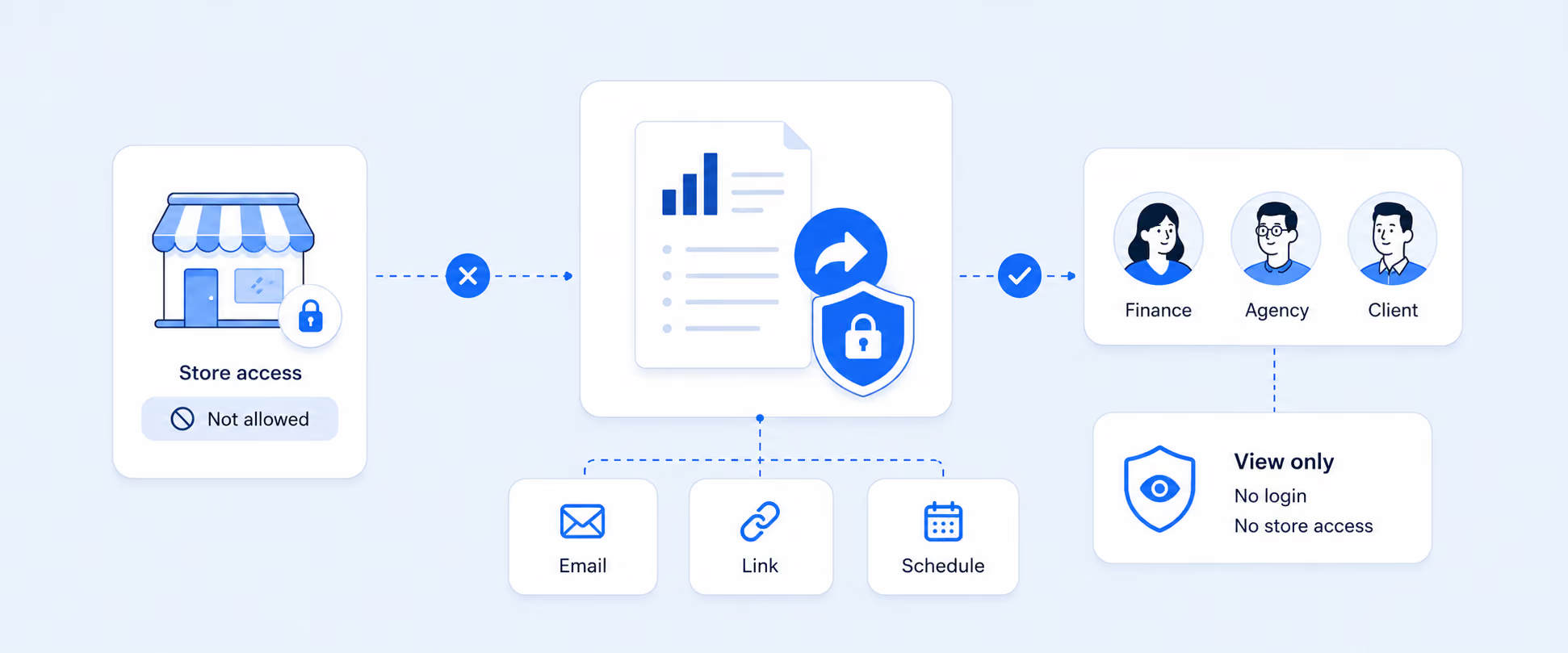
3. Store Access for Direct Comparison: If the customer is unable to provide screenshots showing the correct returns value in Shopify, we may request temporary collaborator access to the store. This allows us to compare the data directly in Shopify and make the necessary corrections in the report.
4. Report Comparison Validation: We also verify whether the discrepancy is due to comparing the incorrect reports. For example, a customer may be comparing Returns data with the Payout Report or the Refunds Over Time report in Shopify. In such cases, we guide customers to the most appropriate report for accurate comparisons and set up scheduled daily refund summaries with discrepancy alerts.
5. Filter and Configuration Review: If the refund values are correct in Shopify but appear incorrect in the report, the issue is usually caused by an incorrect filter. Adjusting or removing the filter typically resolves the discrepancy and displays the correct refund amount.
6. Refunds to Retention: Instead of issuing a straight refund, you can try offering store credit at 110% of the purchase value. It gives customers a little extra incentive and brings them back to shop again.
Case Study: Refund mismatch due to incorrect filter.
One of our clients reported a mismatch in refund values in their Shopify Daily Sales Report. The issue was that Total Tax 1 and Total Tax 2 appeared as negative values only for return line items, even though refunded orders can sometimes show positive tax amounts in the total tax columns. This made the refund totals look incorrect and difficult to reconcile.
Our team reviewed the report configuration and identified that the Refund Adjustment row had been filtered out. Since Shopify records refunded items as separate rows with their own refund dates and negative values, excluding this row caused refund-related data to be missing from the report.
To fix this, we updated the report by removing the incorrect filter and adding two custom columns: Refund Date and Refund Amount. These columns ensured that refunded line items were clearly identified and accurately reflected with the correct dates and values.
As a result, the report aligned correctly with Shopify’s data, refund, and tax values were accurately displayed, and the client was able to reconcile refunds with confidence using a clear and reliable report.
Conclusion
Shopify returns and Shopify refunds are two different events, but they often get blended in reporting. When return activity is recorded before cash is actually refunded (or when exchanges and store credit are treated like refunds), sales, tax, and profit numbers can drift out of sync across dashboards, exports, and accounting tools.
The fix is to report returns and refunds separately using the right date fields and statuses, and to segment exchanges/store credit so you don’t “lose revenue” on paper when no money was actually returned. With a clean return workflow and accurate reporting structure, you can reconcile faster, trust your month-end numbers, and make decisions based on real performance, not distorted totals.

5.0 ( 2000+ Reviews)