Why Shopify Report Numbers Do Not Match and What to Do About It
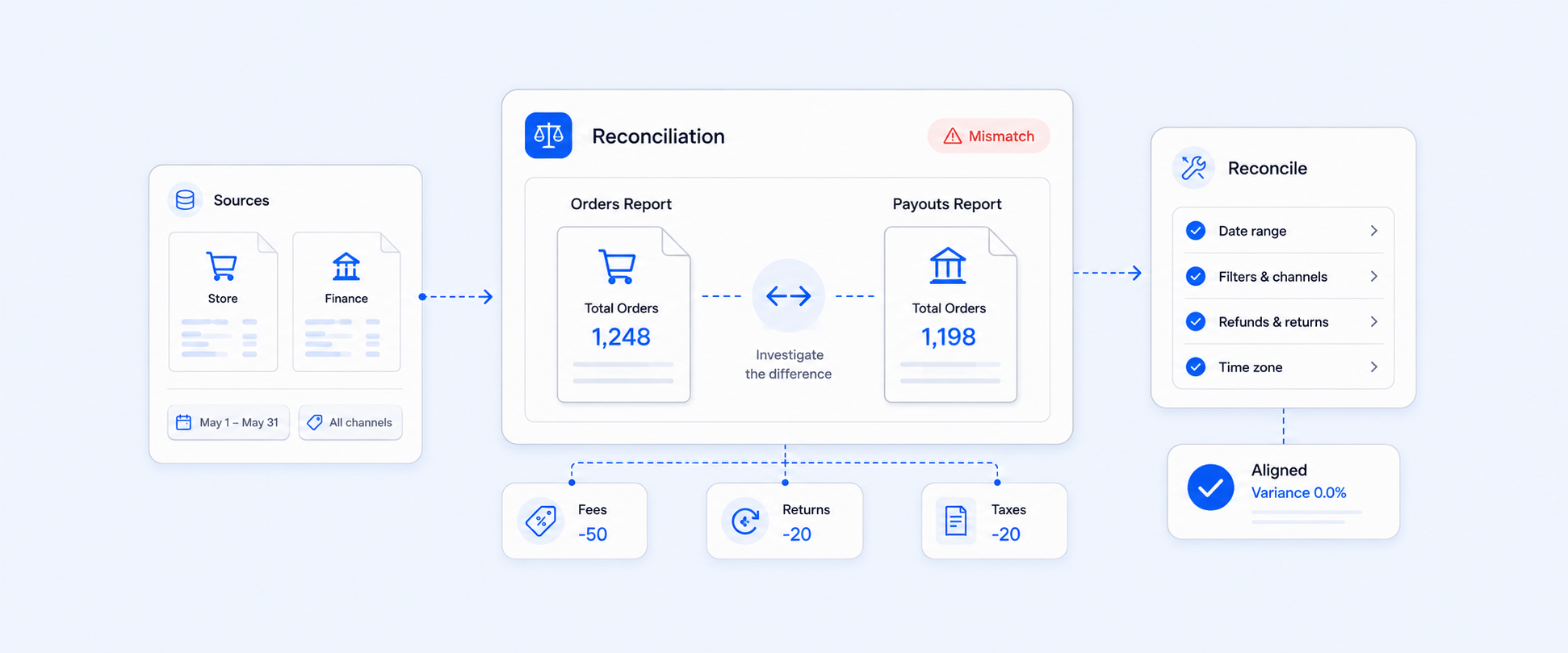
If you have ever looked at Shopify reports and thought, “Why do these numbers not match?” you are not alone. Many merchants found this common issue and were confused by different totals, missing data, or reports that seemed to contradict each other.
The problem is not that Shopify reports are wrong. But the problem is that they are built around Shopify’s internal logic, not how you actually run your business day to day. Orders, payments, payouts, fulfillment, inventory, and product details are tracked separately, and when you compare reports without knowing the logic behind them, confusion is guaranteed.
Where Shopify’s Native Reports Can Create Interpretation Gaps
Key report fields are hard to interpret
- Shopify report fields like fulfillment status, payment status, order date, transaction date, and payout date sound similar but represent different events.
- An order being fulfilled does not guarantee it has been paid for unless it's COD.
- Money received, order creation, fulfillment, and payouts are all tracked independently.
- Without a deep understanding of Shopify’s data structure, reports can be easily misread.
Financial and operational data are split across multiple reports
- Orders, transactions, payouts, and fulfillments are stored in separate reports.
- Simple questions (e.g., “How much money did I receive for shipped orders last week?”) require checking multiple reports.
- A single report eliminates the need to export multiple files and reconcile data across reports.
- This fragmented structure leads to errors, confusion, and time loss.
Limited customization and manual workarounds
- Shopify’s native reports have restricted filtering, grouping, and customization options.
- It’s difficult to combine order, payout, and fulfillment data into a single view.
- Merchants often export data to spreadsheets for reconciliation.
- Spreadsheets become hard to manage and unreliable as order volume grows
Challenges Merchants Face When Interpreting Shopify Data
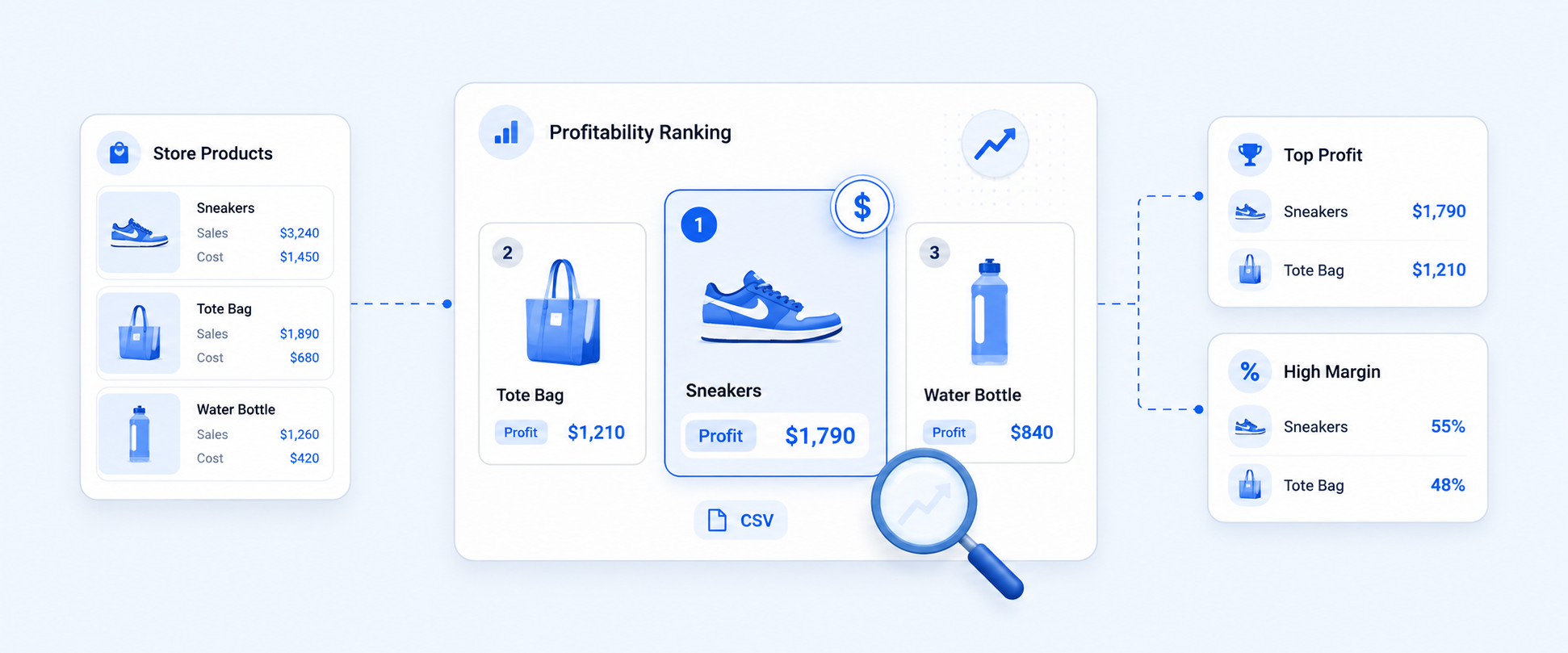
Interpreting Shopify reports can be tricky because the platform tracks many different events separately and offers too many similar metrics like total sales, net sales, and more, in a single report. Shopify doesn’t show which products actually drive profit. You can’t see contribution margins, identify loss-making SKUs, or understand how discounts affect your bottom line.
The confusion with fulfillment reports in Shopify
- Fulfillment reports often do not accurately reflect real-world order progress.
- Split shipments and multiple locations further complicate fulfillment status.
- Relying only on fulfillment reports makes it difficult to identify what still needs action from your team.
- Shopify only provides the summary of fulfillment details of each order they do not give a fulfillment breakdown of the order.
- This leads to delays, duplicated work, and operational confusion.
- You cannot see the fulfillment line items, their status, and number metrics in the same report
Payout reporting creates gaps in financial reconciliation
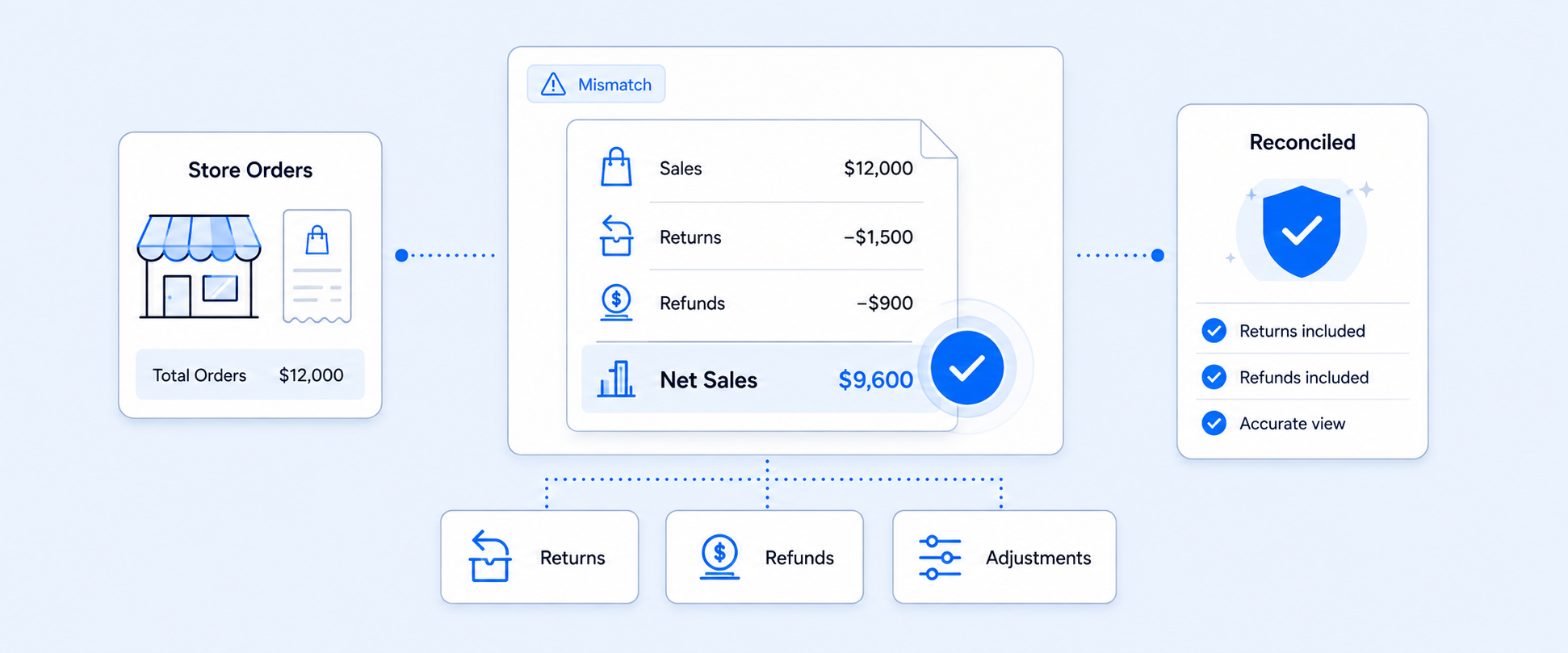
For example, Shopify’s Payout Over Time report works on payout date, which reflects the actual money deposited into your bank account. Shopify also allows users to add sales-related fields, such as Total Sales and other order-level metrics. However, this can create confusion. The payout amount is calculated based on the payout date, while the sales metrics are calculated based on the order or sales date.
A single payout report includes:
-Total Sales
-Ordered Quantity
-Net Sales
Payout data is stored at the payout level, not at the individual order level. As a result, it can be difficult to determine:
-Which orders belong to a specific payout
-Why payout totals do not match sales totals for the same date range
This is why payout reports often need additional context to interpret accurately.

The payout for Jan 27–30, 2026 totals $190, but this amount is grouped by payout date, not by the actual sales dates. Meanwhile, Total Sales is calculated based on the order or sales date, which means the two numbers do not line up.
When you add Total Sales to a payout report, Shopify pulls sales from other days into the same view. For example, a day might show $50 in payouts but $320 in Total Sales, even though those sales were not part of that payout.
To understand payout totals, you add metrics like:
- Total Sales
- Gross Sales
- Net Sales
Because of this, the report does not show a true payout breakdown, such as:
- Which sales were included in the payout
- How much each day contributed
- How fees and deductions impacted the final amount
This can cause sales from different days to appear in the same payout view, making reconciliation harder.
As a result, it becomes harder to trust your payout data and reconcile revenue accurately.
A Better Approach to Shopify Reporting for Daily Operations.
Shopify tracks your store’s activity in multiple reports, but connecting the dots isn’t always easy. A single, well-structured report can give you actionable insights in seconds.
Centralize order, fulfillment, and payout data in one report
- Stop switching between multiple reports to reduce confusion.
- Combining order data, fulfillment status, and payout details into a single report provides a complete view of your business.
- Makes it easier to see what was sold, shipped, and paid out without manual reconciliation.
Use easy report fields rather than Shopify’s default logic
- Shopify’s system-focused fields can be technical and confusing.
- Use clear labels and calculated fields that reflect how you actually think about your business.
- Example: Instead of comparing raw sales and payouts, create fields that show net revenue after fees or payouts linked directly to orders.
Automate reports instead of relying on spreadsheets
- Manual exports and spreadsheets are time-consuming and error-prone.
- Automation keeps your data consistent, accurate, and up-to-date.
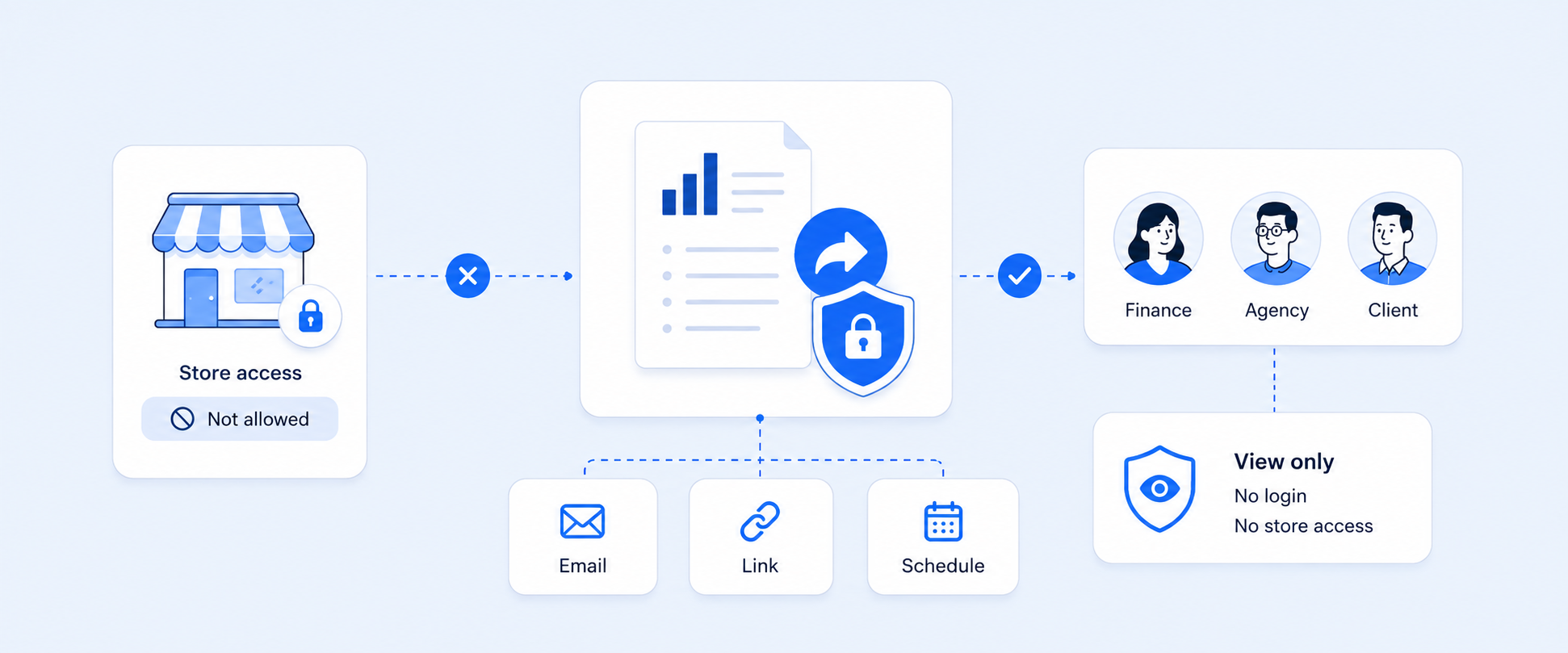
- Makes it easy to share reliable reports with your team without repeated manual work.
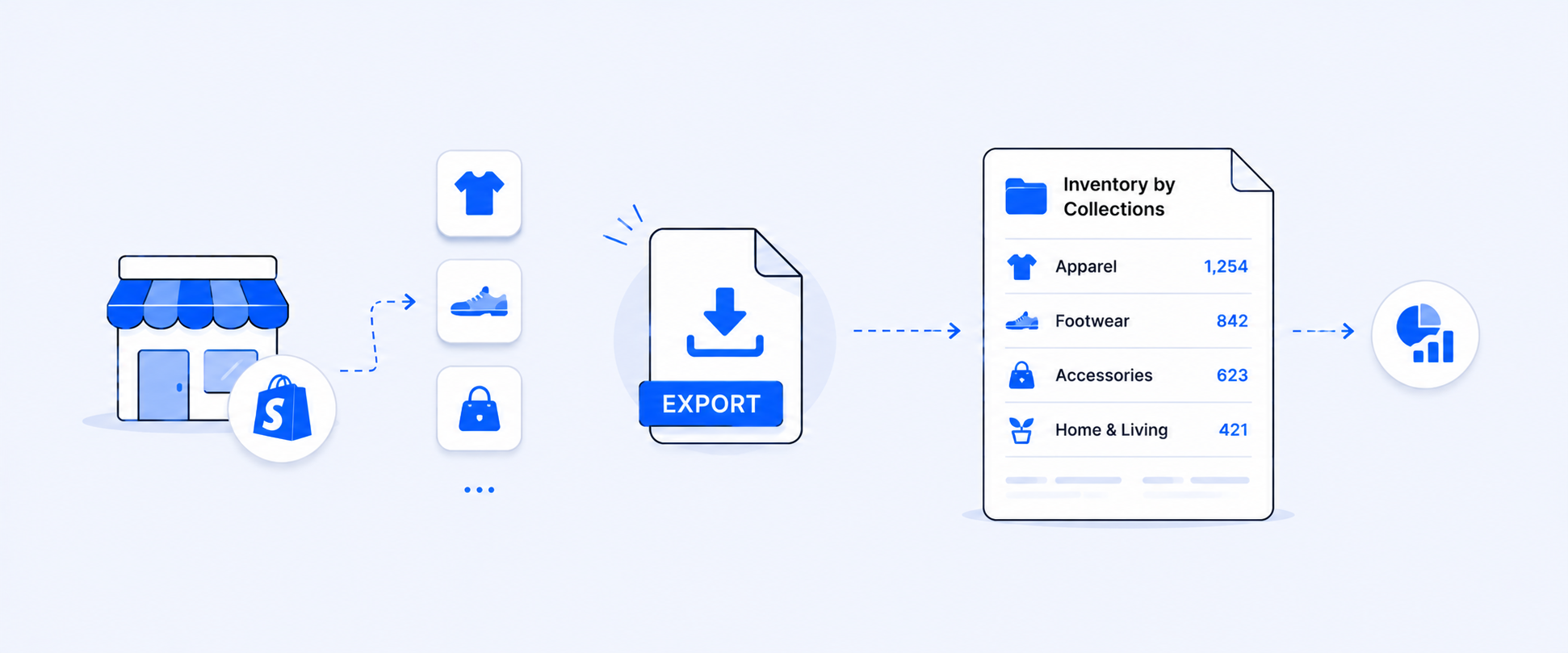
- Export your reports in various formats like CSV, Excel, or PDF.
- Send reports automatically to different destinations: email, cloud storage, or integrated apps.
- Provides flexibility for accounting, team collaboration, and further analysis.
Why Merchants Choose Report Pundit Over Native Reporting
Shopify’s native reports separate your data, making it hard to get a full picture without manual work. Report Pundit basically consolidates everything like orders, payouts, and financials into a single, customizable report.
- You can build custom reports for fulfillment, payouts, and financial reconciliation without switching between multiple reports.
- Calculated fields allow you to link payouts directly to orders while accounting for fees and refunds.
- Financial reconciliation becomes faster, clearer, and less error-prone.
- Reports can be scheduled and shared automatically with finance, operations, or fulfillment teams.
- It provides a holistic view of your store’s financial and operational performance.
- Merchants can make faster, informed decisions without manually piecing together data.
How Clear and Structured Reporting Improves Decision Making
Simple, well-structured reporting can be a game-changer for your business, helping you make smarter decisions without spending hours reconciling numbers.
- Accurate revenue tracking without manual reconciliation
When your reports bring together sales, fees, refunds, and payouts in one place, you can trust your numbers and close your books with confidence. This eliminates errors from juggling multiple reports and gives you a clear picture of your financial performance. - Better fulfillment planning using clean operational data
Clear fulfillment reporting allows you to see what has shipped, what’s still pending, and what requires action. With this visibility, you can streamline your operations, reduce delays, and ensure orders are fulfilled efficiently. - Faster insights for scaling stores and multiple sales channels
As your store grows and expands to multiple channels, having simple, reliable reporting becomes critical. Access to clean, organized data lets you make quick, informed decisions and scale your business without losing oversight. - Track key KPIs
Focus on the metrics that matter to your business, such as sales growth, conversion rates, or customer retention. Avoid getting lost in unnecessary data, and tracking the right KPIs ensures your reporting drives actionable insights rather than noise.
A Case Study on Commission report counting partial fulfillments instead of final products
One of our clients relied on a Shopify-based commission report to calculate sales commissions accurately. Their orders were fulfilled in multiple stages, with parts shipped first and the Tune File or Tune File + Device Package fulfilled at the end. However, the report counted partial fulfillments, which caused inaccuracies in commission totals and made it difficult to track which orders were fully completed.
Our team reviewed the report setup and identified that the data was grouped by order-level fulfillment date, which caused partial fulfillments to be counted even if the final product had not yet shipped. This structure prevented fulfillment-level tracking and required manual checks to verify which orders should be included in commission calculations. So, we updated the configuration to operate at the fulfillment line item level instead of the order level. The new setup counted only the final fulfillments of the Tune File or Tune File + Device Package while maintaining all the original report columns. The automated scheduling of the report remained unchanged.
As a result, our client received a clean, commission-ready report showing only the intended fulfilled items. This eliminated errors, improved operational visibility, and saved the finance and sales teams significant time by removing the need for manual reconciliation, allowing them to calculate commissions confidently and efficiently.
Conclusion
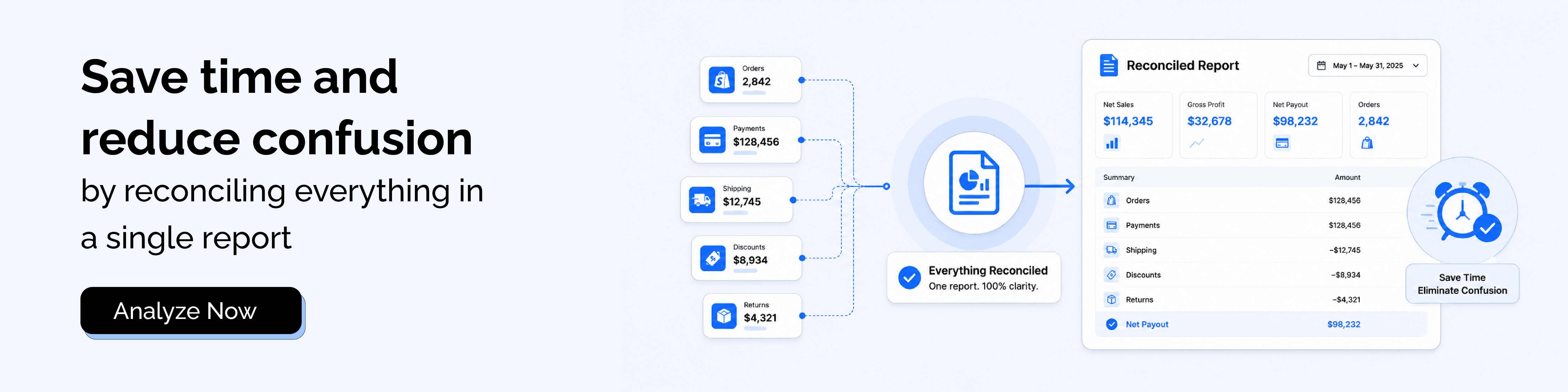
Shopify report numbers can look different because key metrics are calculated using different events, such as order creation, payment, fulfillment, and payout timing. Since sales, fulfillment, and payout details are available in separate reports, connecting the dots often takes extra steps. Consolidating these details into one structured view, using clear and consistent fields, and automating exports helps avoid manual work, saves time, and allows teams to reconcile faster with confidence.

5.0 ( 2000+ Reviews)