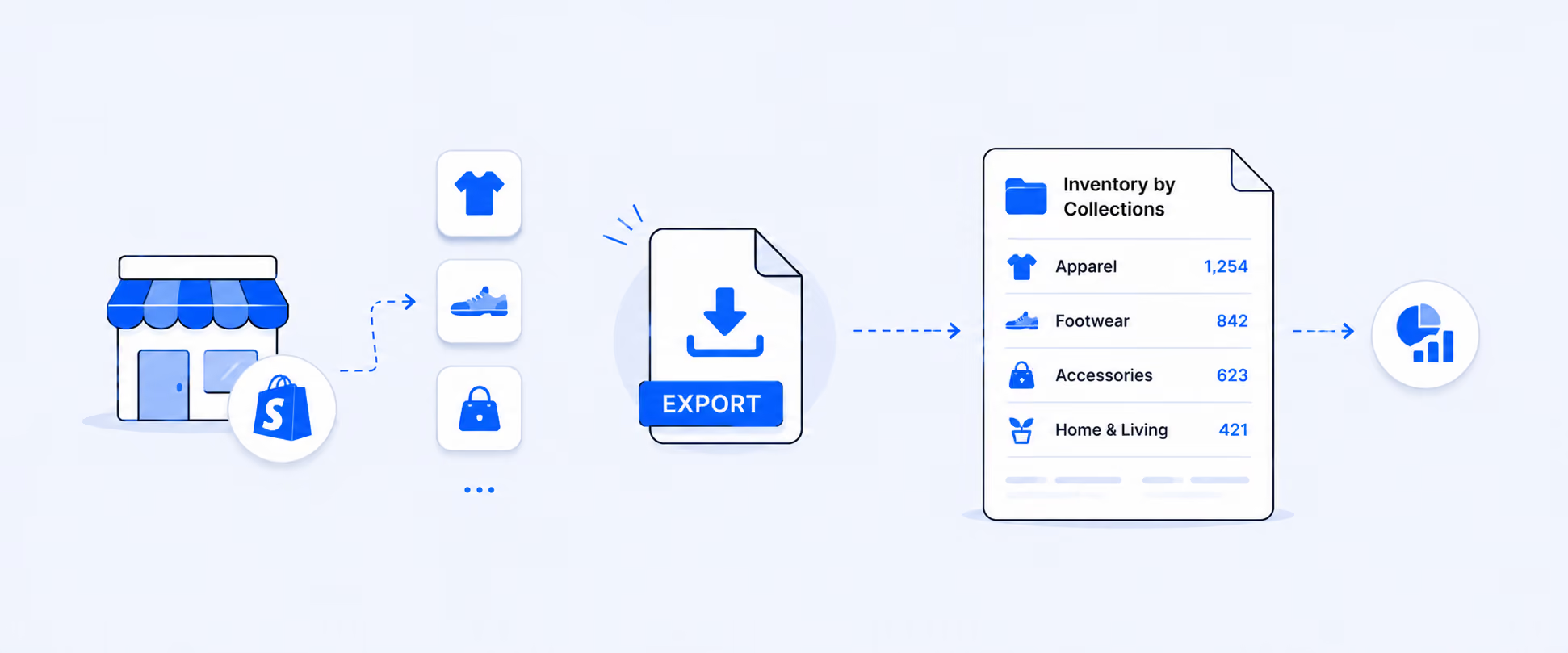
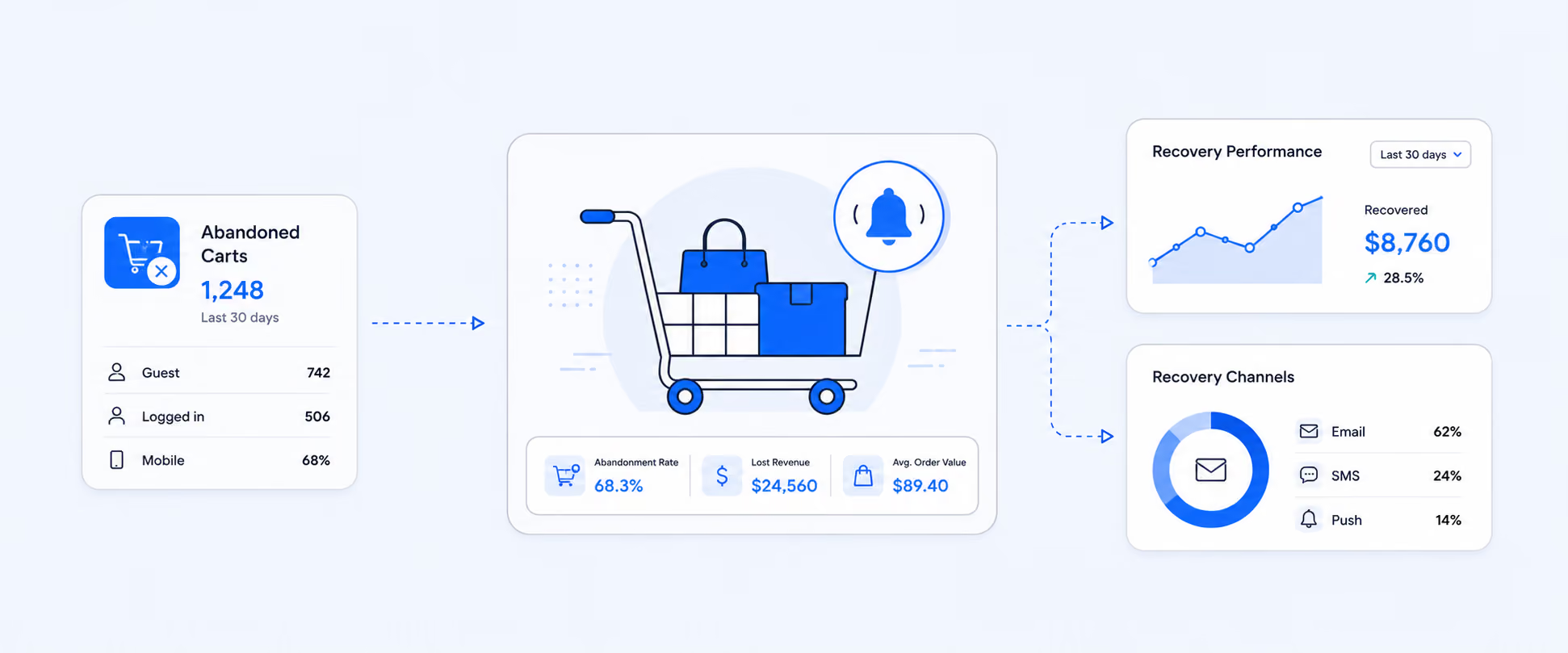
Shopify Custom Reports: How They Work, Where They Fall Short, and Fixes

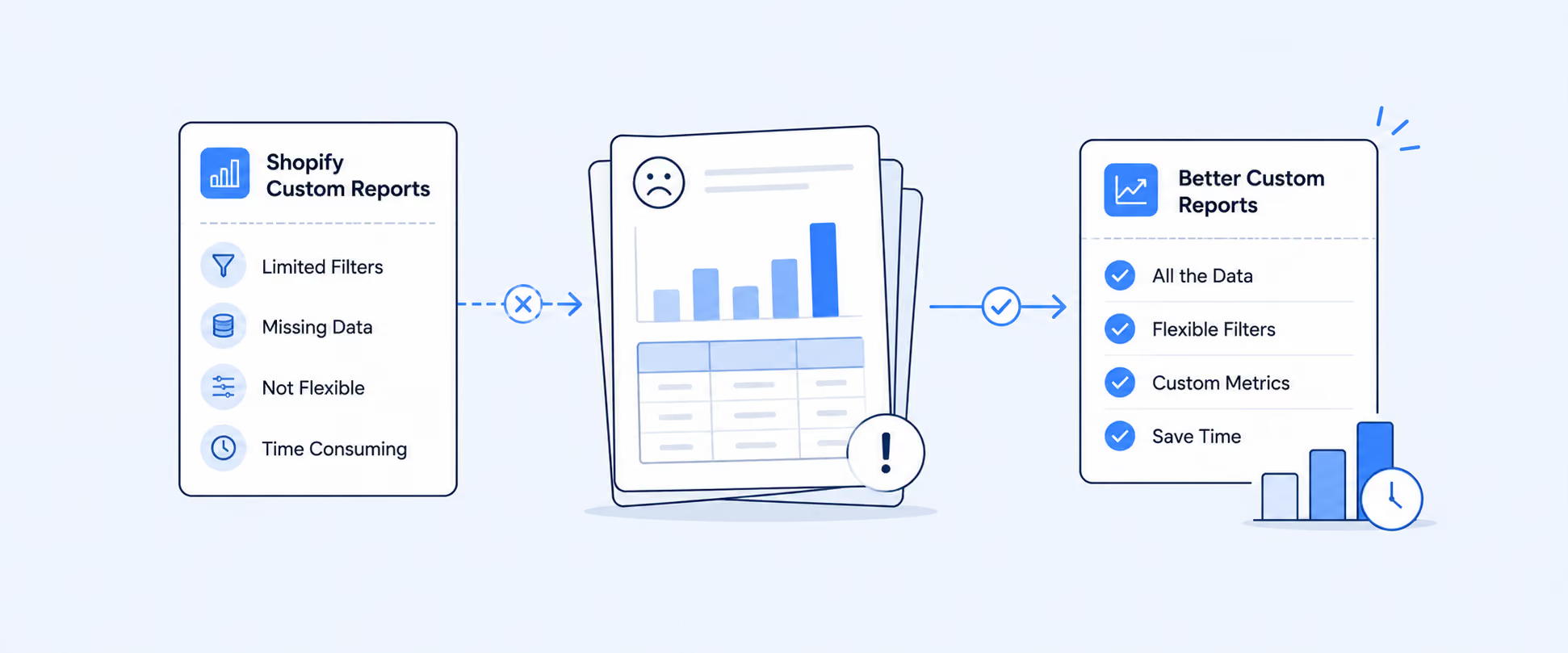
Shopify Custom Reports: How They Work, Where They Fall Short, and What to Use Instead
Shopify Custom Reports are useful when the default reports are close to what you need, but not quite right.
You can start with a default report, adjust the metrics, dimensions, filters, time ranges, and visualizations, then save that view as a custom report. You can also build from a blank exploration when none of the existing reports match the question you are trying to answer. Access still depends on your store setup, admin experience, and user permissions.
That gives merchants more flexibility than static reports. The challenge starts when reporting moves beyond a saved view and becomes part of a recurring business workflow.
What Shopify Custom Reports Are Designed to Solve
Default reports are built for common questions. Custom reports are built for the questions your store asks regularly.
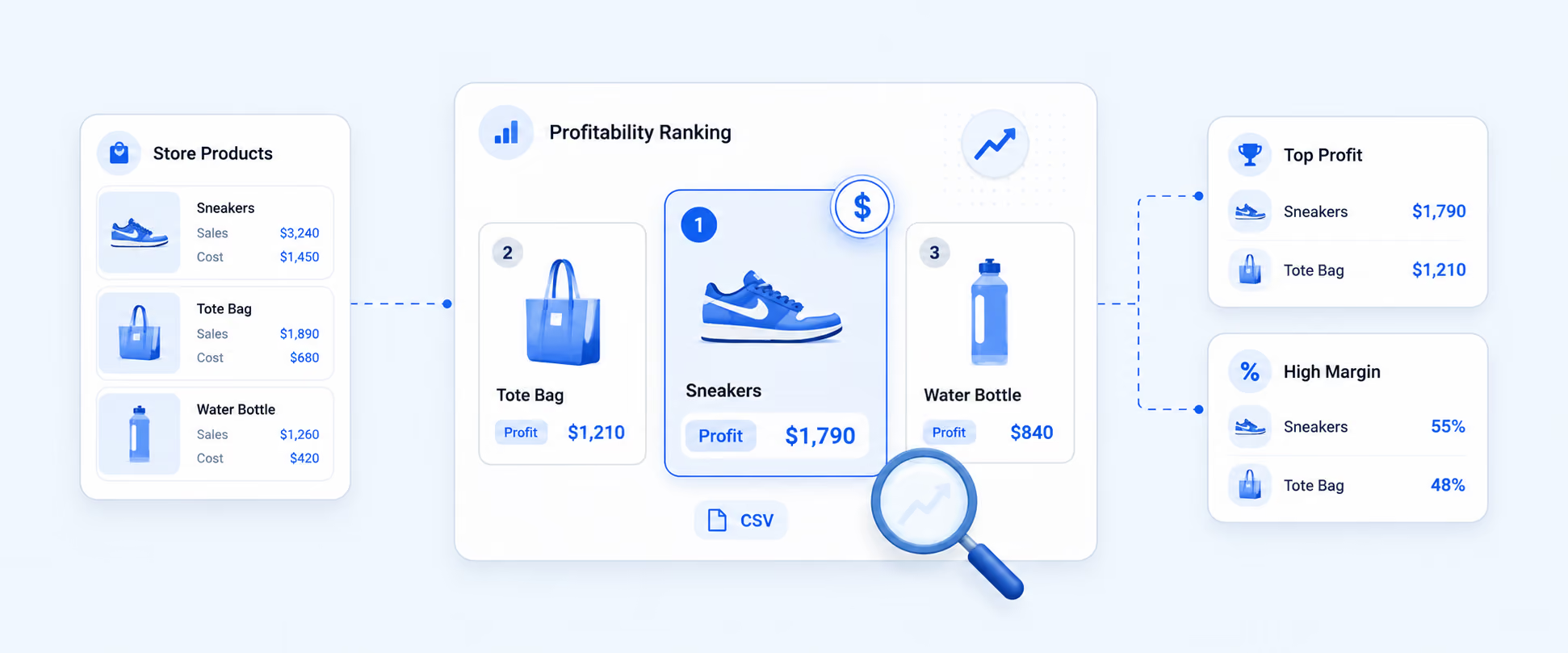
A merchant might start with a sales report, filter it by channel, add product-level detail, change the date range, and save it for weekly review. Another merchant might create a blank exploration to analyze a specific mix of sales, product, customer, or inventory metrics. The value is simple: you can reshape native Shopify data without exporting it first and rebuilding the view in a spreadsheet.
For most day-to-day reporting needs, such as sales by product, filtered order views, inventory movement, and customer behavior, native custom reporting can be genuinely useful. It gives store owners and managers enough control to answer many store-level questions directly inside Shopify.
There are two practical ways to build a custom report in Shopify.
You can open an existing report, customize it, and save it as a new report. Or you can start from a blank exploration and choose the metrics, dimensions, filters, comparisons, and visualizations yourself. Both workflows live inside the Shopify Reports area, and reports can also be exported when you need a file outside the admin.
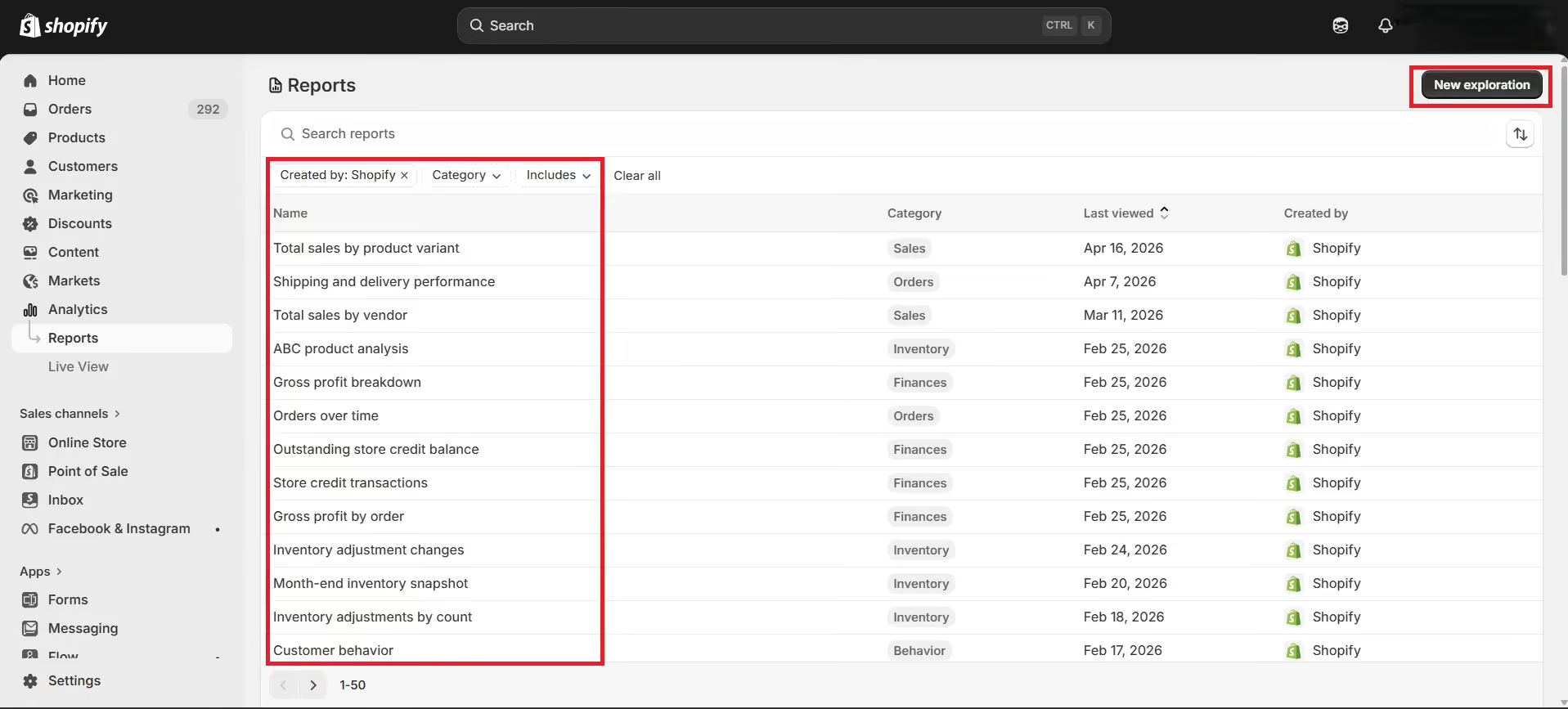
Shopify’s report exports are broader than basic CSV downloads. Most reports can be exported in formats such as CSV, XML, JSONL, and Parquet. For one-time analysis, that is helpful. For recurring reporting, the bigger issue is not the file format. It is getting the right report delivered to the right person or destination without repeating the same manual steps every week.
What You Can Customize
The newer reporting experience gives merchants more control over how data is viewed inside Shopify.
You can choose the metrics you want to measure, group results by relevant dimensions, filter the data, compare time periods or segments, and adjust visualizations when available. Saved custom reports can then be reused later, which helps teams avoid rebuilding the same view every time they need it.
This works well when the question fits Shopify’s available reporting model.
Where Shopify Custom Reports Start to Fall Short
Shopify Custom Reports are helpful, but they still operate inside Shopify’s native reporting framework. That works well when the question is simple and the data already lives in the available report model. The limits become more visible when reporting becomes part of finance, operations, vendor management, or recurring stakeholder updates.
Custom Calculations Can Be Hard to Build
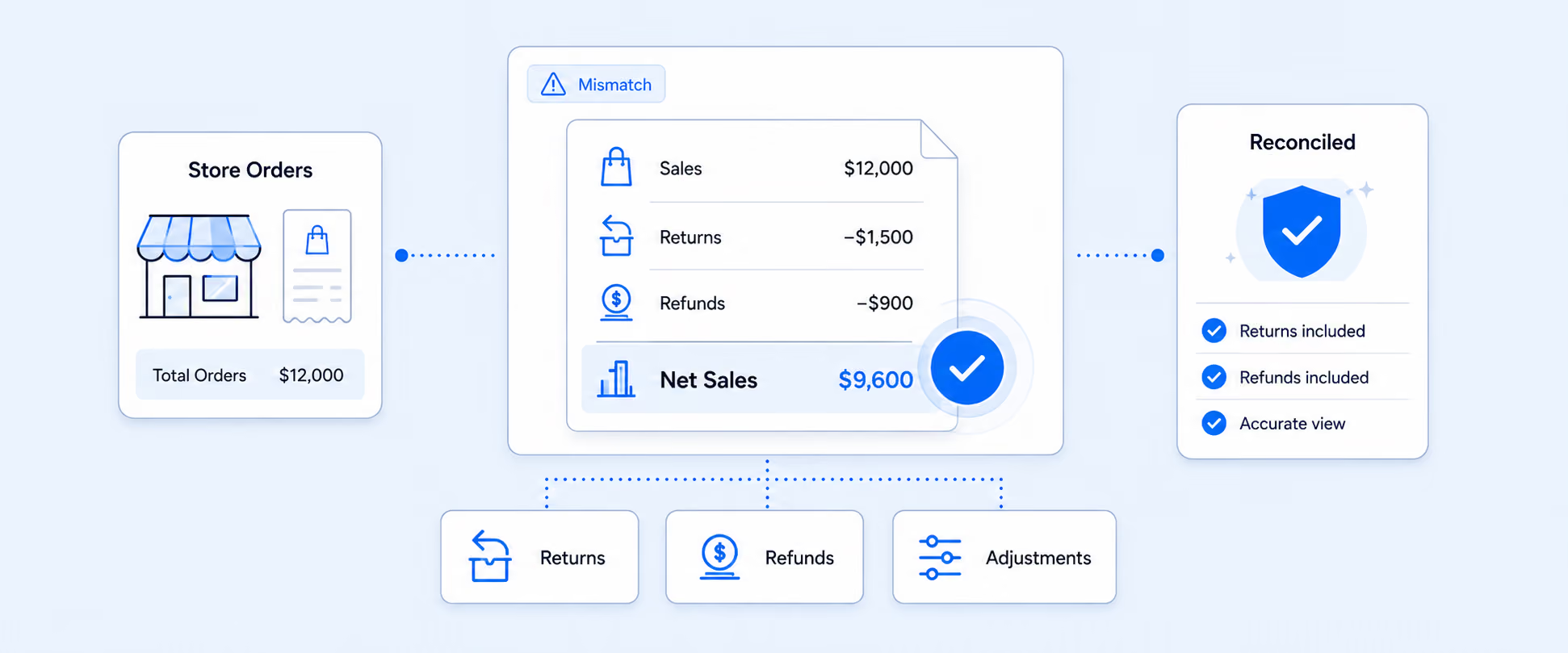
This is usually the first place merchants feel stuck. A team may need vendor commission formulas, contribution margin after fees, blended costs, payout logic, or profitability rules that do not exist as standard Shopify metrics.
At that point, the report may look close inside Shopify, but the final answer still has to be finished in a spreadsheet. That is a sign the business has moved beyond a saved report view and into custom reporting logic.
Third-Party App Data Usually Needs Another Layer
A Shopify store rarely runs on Shopify alone. Subscriptions, returns, shipping, payment gateways, loyalty, ads, fulfillment, and inventory apps often hold data that matters to the final report.
That creates a different kind of reporting problem. A subscription report may need retention data. A margin report may need ad spend or gateway fees. A returns report may need reason codes from a returns app. If the answer depends on more than Shopify-native data, a normal custom report will only show part of the story.
Manual Export Becomes a Workflow Problem
Exporting a report once is not the issue. Rebuilding the same export every Monday, every month-end, or every time a vendor asks for an update is the problem.
Shopify’s export options are useful for one-off analysis, but recurring delivery usually needs more structure, especially when the output has to reach email, Google Sheets, Slack, FTP, or another destination without manual work.
Sharing Is Still Tied to Admin Access
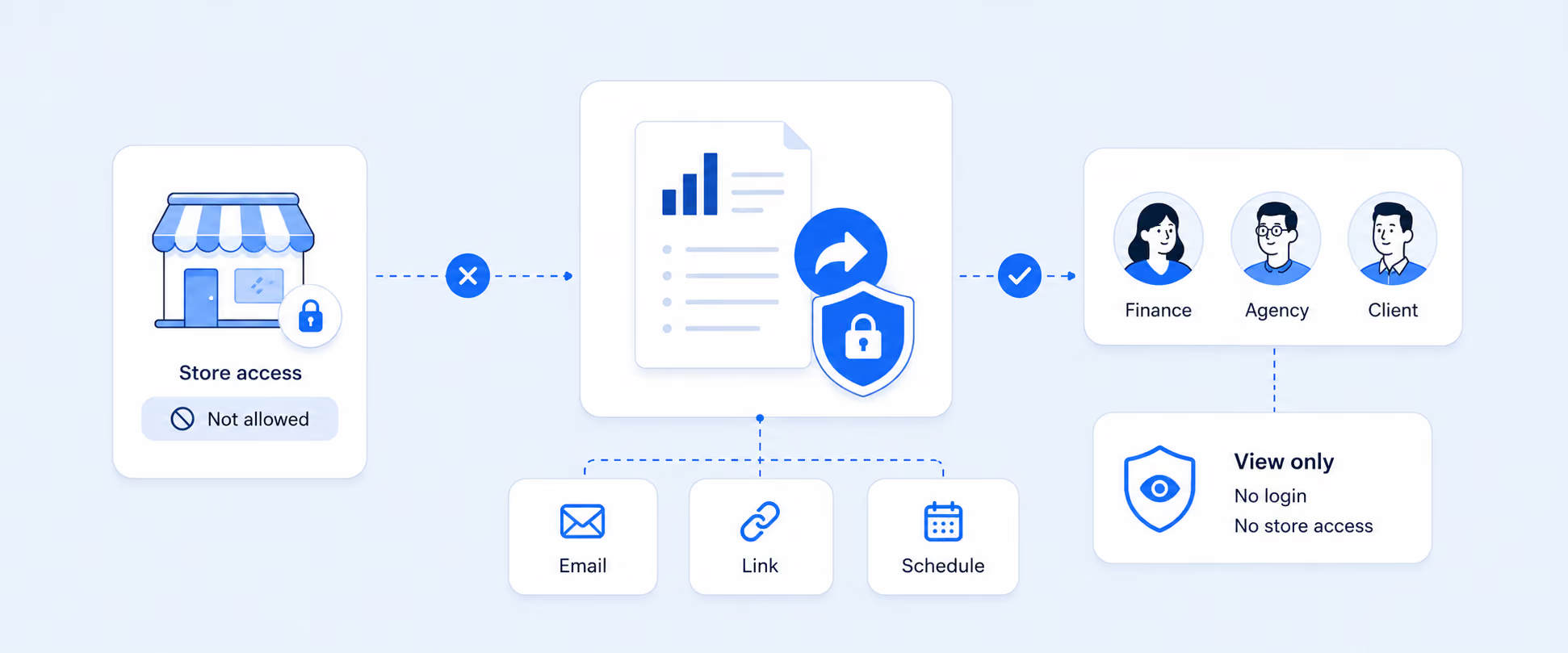
Custom reports live inside Shopify admin. That is fine for internal operators, but not always appropriate for agencies, vendors, investors, accountants, or partners who only need a narrow reporting output.
For those stakeholders, a scheduled report, shared dashboard, exported file, or secure reporting link is usually cleaner than giving broader Shopify access.
Multi-Store Reporting Needs More Than One Store View
A custom report inside one Shopify store does not automatically become a consolidated view across separate Shopify stores.
That matters for brands running regional stores, wholesale and DTC stores, or multiple storefronts. Each store may have useful reporting on its own, but leadership usually wants one combined view. That is where native custom reporting can feel too narrow for the business question.
Practical Examples of Custom Reports Merchants Often Need
Advanced reporting needs usually show up through real business questions, not abstract feature requests.
These are workflow problems, not just report-design problems. The same logic needs to run consistently across teams, periods, and reporting cycles.
Native Custom Reports vs. Advanced Reporting Workflows
The cleanest way to decide is to separate customizing a report from operating a reporting process.
The difference is simple: Shopify Custom Reports help merchants reshape native Shopify data. Advanced reporting workflows help teams run recurring business processes from that data.
How Report Pundit Extends Shopify Custom Reporting
Report Pundit is useful when a report needs to become a repeatable workflow.
Instead of exporting data, adding formulas, merging files, and sending the same spreadsheet again next week, merchants can build reports that are filtered, calculated, scheduled, and delivered automatically. That changes reporting from a manual task into an operating process.
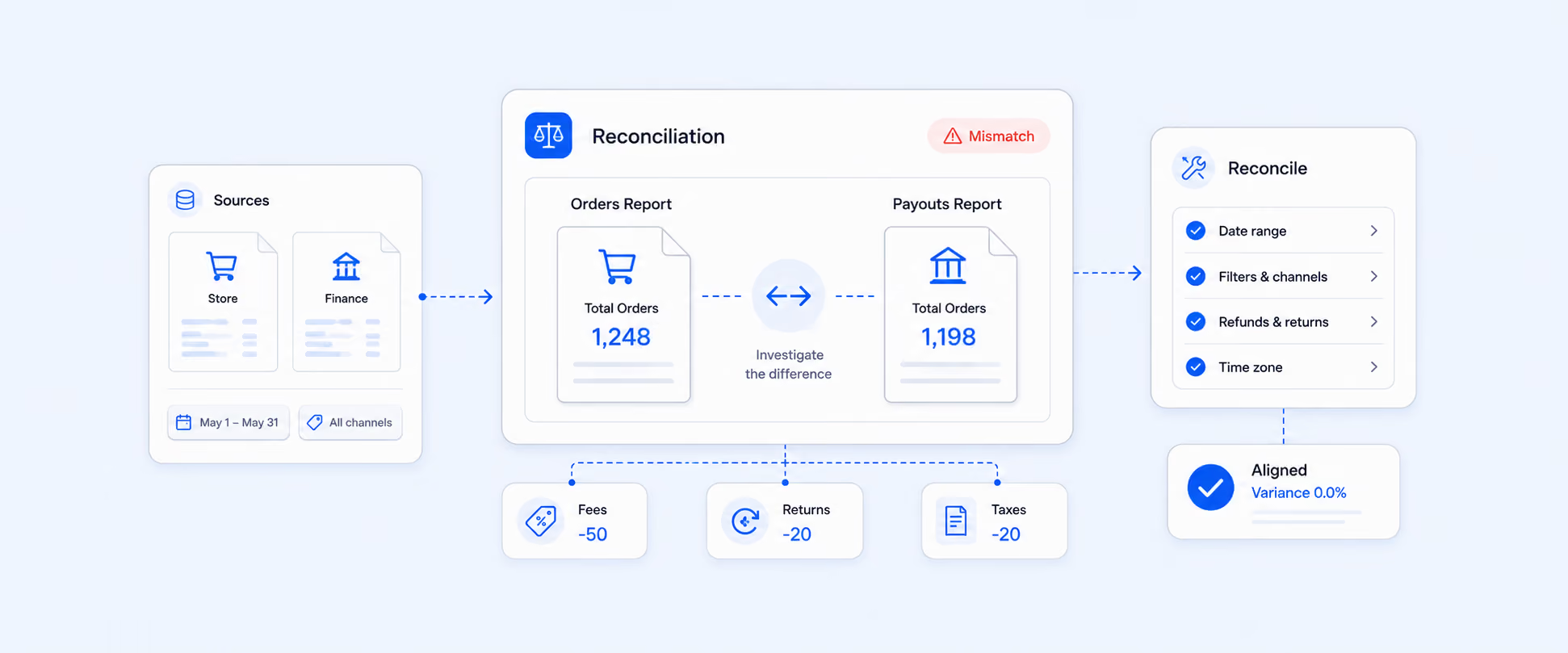
A finance team can receive reconciliation reports on schedule. A vendor manager can send commission-ready reports without rebuilding formulas. An inventory team can review low-stock or location-based reports without logging into Shopify each time. A multi-store brand can work from a consolidated view instead of checking each store separately.
Report Pundit supports custom reports, calculated data fields, automated report scheduling, and unlimited custom reports across paid plans. That makes it useful when the report needs to match the way the business works, not just the way a default report is structured.
A practical example: if a merchant needs a vendor payout report, the report can group sales by vendor, apply a commission rate, account for returns, and send the file to the finance team automatically. That is where a custom report becomes a custom reporting system.
Closing
Shopify Custom Reports are a strong starting point when the data lives inside Shopify and the report only needs light customization.
But as reporting becomes more tied to finance, operations, vendors, and leadership decisions, a saved view is often not enough. The reporting process needs to calculate, combine, deliver, and share data reliably.
Report Pundit helps merchants turn those one-time custom views into repeatable reporting workflows built around how the business actually operates.
FAQ
What Are Shopify Custom Reports?
Shopify Custom Reports are saved report views created by modifying default reports or building new data explorations. They let merchants select metrics, dimensions, filters, comparisons, and visualizations to analyze store data in a more specific way.
How Do I Create a Custom Report in Shopify?
Go to Analytics > Reports, open a report, customize the fields and filters, then save it as a new report. You can also start from New Exploration and build a report from a blank state.
Are Shopify Custom Reports Available on All Plans?
The current reporting experience supports custom data explorations, but access can still depend on your subscription plan, permissions, and the store’s current admin experience. The safest approach is to check the Reports area in your own Shopify admin and confirm which customization options are available for your store.
Can Shopify Custom Reports Include Calculated Fields?
Native reports work with the metrics and dimensions available inside Shopify’s reporting model. More complex calculated fields, custom formulas, static fields, or business-specific metrics often require a dedicated reporting app.
Can I Schedule Shopify Custom Reports?
Shopify supports exporting reports from the Reports area in formats such as CSV, XML, JSONL, and Parquet. Automated delivery to email, Google Sheets, Slack, FTP, or other destinations usually requires a reporting app or another workflow.
Can Report Pundit Create Custom Shopify Reports?
Yes. Report Pundit supports custom reports, calculated data fields, automated scheduling, and export workflows, making it useful when native custom reports are too limited for the workflow a merchant needs.

5.0 ( 2000+ Reviews)