Shopify Inventory Reports: 7 Metrics Every Store Should Track

Shopify Inventory Reports Explained: 7 Metrics Every Store Should Track
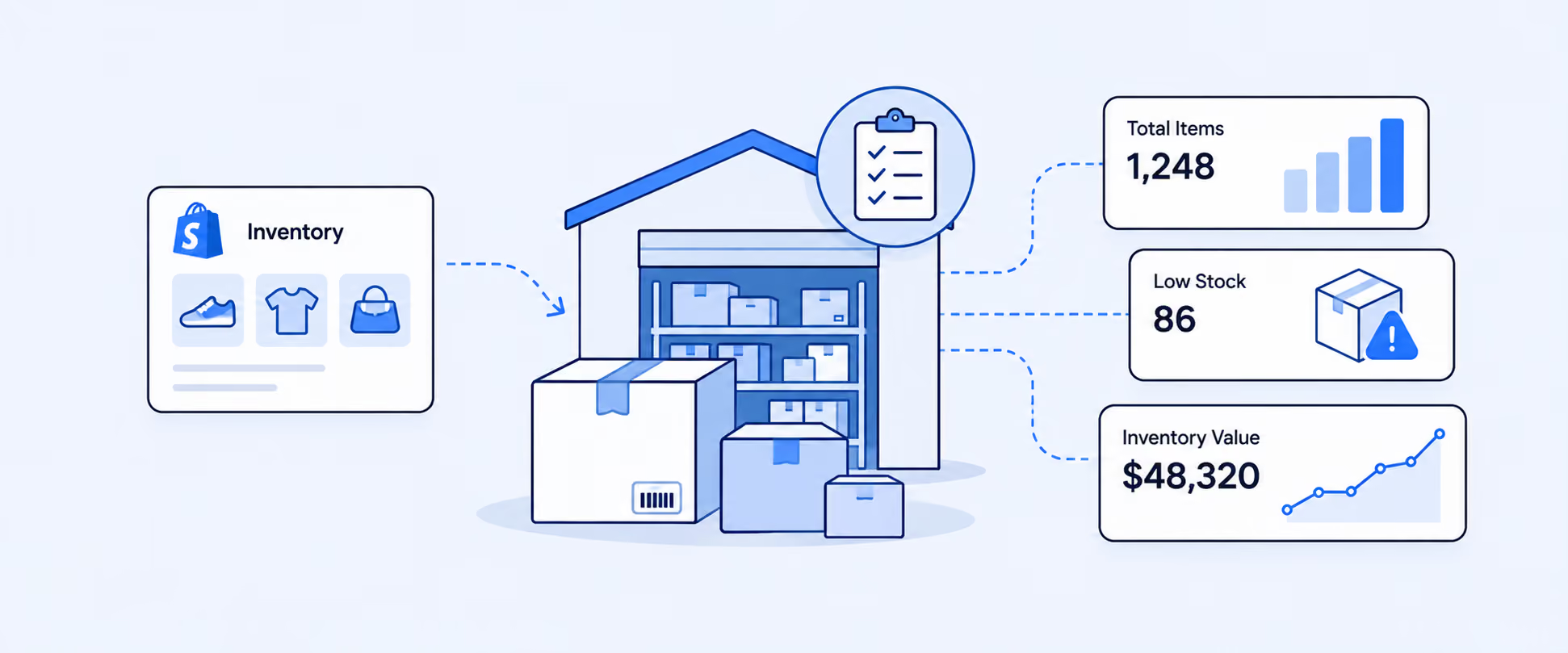
Inventory reporting is where sales, cash flow, and operations meet.
A product can be popular and still create problems if it keeps stocking out. Another product can look harmless until thousands of dollars are sitting in slow-moving variants. That is why Shopify inventory reports matter. They help merchants understand what is in stock, what is selling, how fast it is moving, and when stock may run out.
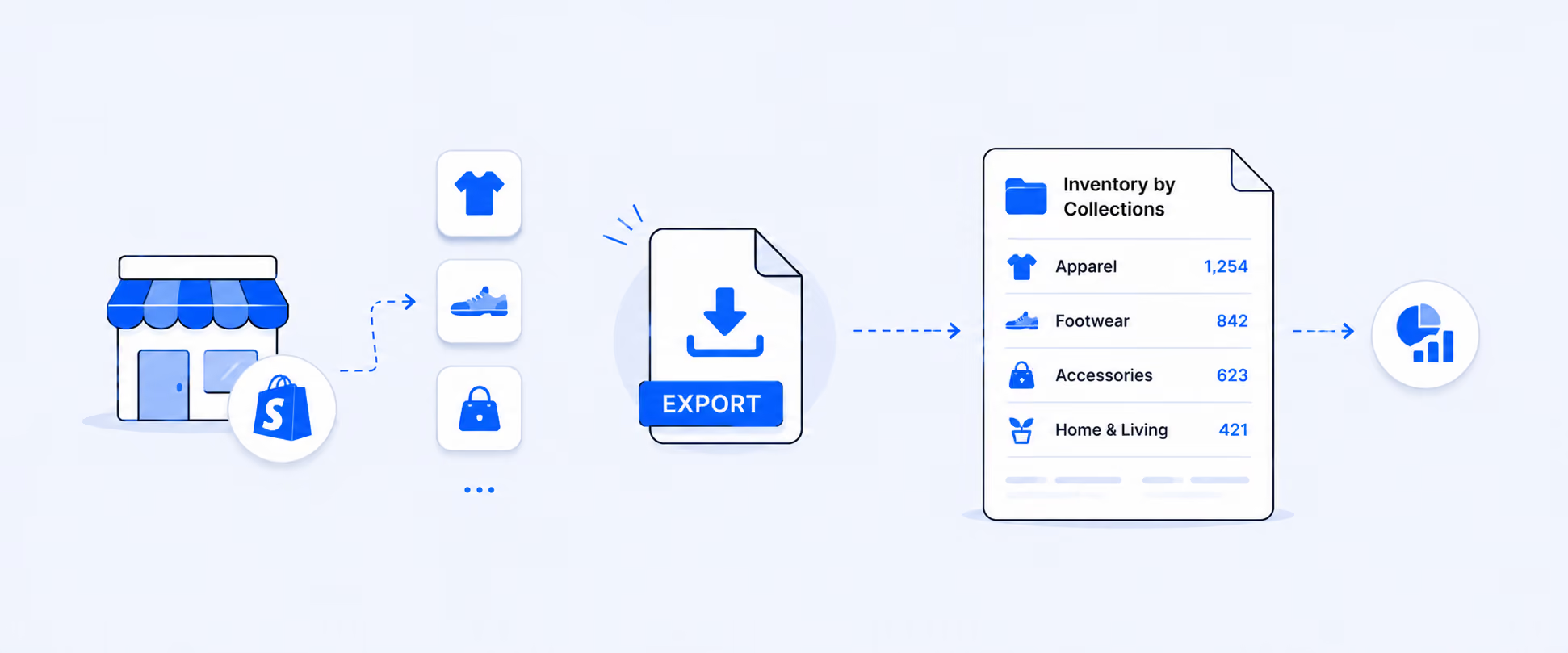
Shopify’s native inventory reports give merchants a useful starting point. They cover month-end stock snapshots, inventory value, units sold per day, percentage sold, ABC analysis, sell-through rate, days of inventory remaining, and inventory adjustment history. These reports are available from the Reports area by filtering the category to Inventory.
What Shopify Inventory Reports Are Designed to Solve
Inventory reports help answer a few questions that every growing Shopify store eventually faces.
How much stock do we have left? How much money is tied up in inventory? Which products are moving quickly? Which products are sitting too long? Which variants are likely to run out soon? Which items deserve a larger reorder?
Those questions are not just operational. They affect cash flow, merchandising, marketing, warehouse planning, and customer experience. Shopify lets merchants manage inventory from the Inventory page, while inventory changes and trends can be analyzed through inventory reports.
Where to Find Inventory Reports in Shopify
The main path is:
Analytics > Reports > Category Filter > Inventory
From there, you can open inventory reports such as Month-End Inventory Snapshot, Month-End Inventory Value, Inventory Sold Daily by Product, Products by Percentage Sold, ABC Product Analysis, Products by Sell-Through Rate, Inventory Remaining per Product, and Inventory Adjustment reports.
Shopify also shows some product inventory metrics from the Products page through the product inventory analytics bar. This gives a quick view of inventory health at the product level, while the reports area gives more structured analysis across products and variants.
The 7 Shopify Inventory Metrics That Matter Most
These seven metrics give you a practical view of inventory health. Each one answers a different operating question, and together they help you understand stock quantity, stock value, sales velocity, and reorder risk.
This table gives the quick reference, but the real value comes from reading the metrics together. Ending stock alone does not show demand. Sell-through alone does not show cash tied up. ABC grade alone does not show stockout risk. Inventory decisions improve when these metrics are connected.
1. Ending Inventory Units
Ending inventory units show how many trackable units were available at the end of the selected period.
In the Month-End Inventory Snapshot report, Shopify displays the quantity of each product variant in stock at the end of each month. Available inventory in this report excludes committed inventory for orders waiting to be fulfilled and incoming units from transfers. The ending quantity can also be negative, which may indicate overselling or inventory tracking issues.
This report is useful for month-end review, inventory audits, and understanding how stock positions changed over time. It is especially helpful when finance or operations asks, “What did we have on hand at the end of last month?”
The important point is that this is a snapshot. It tells you what remained at a specific cutoff point. It does not explain why stock changed or whether the remaining quantity is good or bad.
2. Ending Inventory Value
Ending inventory value shows the cost value of the stock still on hand.
Shopify’s Month-End Inventory Value report works similarly to the snapshot report, but adds cost per item and total inventory value. Shopify’s analytics field reference defines ending inventory value as ending inventory units multiplied by inventory item cost.
This matters because units alone can be misleading. Ten units of a low-cost accessory and ten units of a high-cost appliance create very different cash-flow risks. Inventory value helps you see where money is tied up, which products may need markdowns, and which items deserve tighter purchasing control.
This report depends on cost data being set correctly. If product costs are missing or outdated, inventory value will not reflect the true financial picture.
3. Inventory Sold per Day
Inventory sold per day shows sales velocity.
The Inventory Sold Daily by Product report displays the average number of items sold per day by product variant. The quantity sold in this report does not reflect inventory adjustments such as returns, manual adjustments, or transfer receipts. Quantity sold per day is calculated as quantity sold divided by the number of days in the selected period.
This metric helps merchants understand how fast a product is moving. A product selling five units per day needs different reorder planning than a product selling five units per month.
Sales velocity is also useful for marketing decisions. If a product sells quickly and inventory is low, a campaign may create stockout risk. If a product sells slowly and stock is high, marketing or discounting may help free up cash.
4. Percent of Inventory Sold
Percent of inventory sold shows how much of your starting stock moved during the selected period.
The Products by Percentage Sold report calculates the percentage of each variant’s inventory sold from the total starting quantity during the selected period. Products appear in this report only if they were sold at least once before or during the period. Values can appear above 100%, below 0%, or as N/A depending on inventory behavior such as overselling, negative starting quantity, or product activity during the period.
This report is useful when you want to compare product movement across items with different stock levels. Selling 30 units sounds strong, but if you started with 1,000 units, the product may still be moving slowly. Selling 30 out of 40 units tells a very different story.
Percent sold helps identify products that are truly moving through inventory, not just products with high raw unit sales.
5. ABC Product Analysis
ABC analysis helps separate your highest revenue contributors from the long tail.
In Shopify, ABC product analysis grades product variants based on the percentage of revenue each variant contributed over the last 28 days. Item cost is not part of the grade calculation. A-grade products account for around 80% of revenue, B-grade products account for around 15%, and C-grade products account for around 5%.
This report helps merchants prioritize attention. A-grade products usually deserve tighter stock monitoring, stronger replenishment planning, and careful marketing coordination. C-grade products may need markdowns, bundling, merchandising changes, or purchasing limits.
ABC grade should not be used alone. A product can be A-grade and still have poor margin. A C-grade product may be strategically important as an accessory or add-on. The grade is a revenue signal, not a complete product strategy.
6. Sell-Through Rate
Sell-through rate shows how efficiently inventory is being sold during a period.
Shopify defines sell-through rate as inventory units sold divided by inventory units sold plus ending inventory units.
Formula:
Sell-Through Rate = Inventory Units Sold ÷ (Inventory Units Sold + Ending Inventory Units)
Sell-through is useful because it connects sales and remaining inventory in one metric. High sell-through often means demand is strong or purchasing was tight. Low sell-through may point to weak demand, overbuying, poor placement, seasonality, or pricing issues.
This is one of the most practical inventory metrics for merchandising. It tells you whether stock is moving at a healthy pace or sitting too long.
7. Days of Inventory Remaining
Days of inventory remaining estimates how long current inventory may last at the current sales rate.
Shopify calculates days of inventory remaining as ending inventory units divided by inventory units sold per day. In the inventory remaining report, Shopify uses sales over the last 28 days to estimate the average quantity sold per day. If a product had no sales in the selected period, the value can display as N/A. If ending quantity is negative, the value is set to 0.
Formula:
Days of Inventory Remaining = Ending Inventory Units ÷ Inventory Units Sold per Day
This metric is useful for reorder planning. If a product has 12 days of inventory remaining and supplier lead time is 21 days, the business is already late to reorder. If another product has 300 days remaining, the problem may be excess stock rather than demand.
For multi-location stores, location-specific days of inventory remaining can help identify which warehouse or retail location may run out first. Shopify also defines location-specific days of inventory remaining using ending inventory units at location divided by inventory units net change at location per day.
Inventory Adjustment Reports Deserve a Separate Look
The seven metrics above focus mostly on stock position and sales movement. Inventory adjustments explain why counts changed outside normal sales.
Shopify’s Inventory Adjustment Changes report gives access to inventory adjustment history and lets merchants filter and analyze adjustments across dimensions such as SKU, location, staff member, app, and adjustment reason. The product or variant adjustment history page shows only the last 180 days, so the Inventory Adjustment Changes report is useful when you need broader adjustment analysis.
This report is especially important when inventory numbers do not feel trustworthy. If stock keeps changing without a clear reason, adjustment history can help operations teams find where the problem starts.
Important Limits to Know Before Reading Inventory Reports
Shopify inventory reports are useful, but they have important boundaries.
Historical data for inventory-based metrics goes back only to October 1, 2023. Historical inventory for deleted locations does not display in inventory reports. Deleted products and variants also have specific preservation rules depending on when they were deleted.
Some metrics also use fixed recent periods or processing delays. ABC analysis uses the last 28 days, and some inventory analytics may use recent available data rather than a fully custom period. That means inventory reports should be read with context, especially for seasonal products, newly launched products, recent restocks, deleted products, or products that are not consistently tracked.
How to Use These Reports Together
The strongest inventory decisions come from combining the metrics instead of reading each report separately.
Start with ending inventory units to see what is left. Add inventory value to understand how much cash is tied up. Use sold per day, percent sold, and sell-through rate to understand movement. Use days of inventory remaining to identify reorder risk. Then use ABC analysis to decide which products deserve attention first.
For example, say a skincare brand has a vitamin C serum with an A-grade ABC classification, strong sell-through, and only 14 days of inventory remaining. That product is clearly important to revenue, and demand is moving faster than the current stock position can support. If supplier lead time is 21 days, the team should reorder immediately or shift inventory from another location before a stockout affects sales.
Now compare that with a slow-moving moisturizer that has a C-grade classification, high ending inventory value, and 220 days of inventory remaining. That product may not need another purchase order. It may need a bundle, promotion, pricing review, or merchandising change to release cash tied up in stock.
This is the real purpose of inventory reporting. One metric gives a signal. Several metrics together give you an action.
When Inventory Reporting Needs a Repeatable Workflow
Native inventory reports are helpful when you need a clear answer to one specific question. They can show month-end quantity, inventory value, sell-through, days remaining, ABC grade, and adjustment activity.
The workflow becomes harder when the business needs several of those signals in one place. A merchant may need inventory by product, variant, vendor, collection, tag, location, cost, sales velocity, and margin in one view. Finance may need month-end inventory value by product type. Operations may need a daily low-stock report by location. Merchandising may need sell-through, discounts, returns, and stock levels reviewed together before planning markdowns.
That is where Report Pundit becomes useful. Instead of opening several native reports, exporting files, adjusting columns, and sending spreadsheets manually, merchants can create inventory reports that match how their team works.
A daily operations report can show low-stock products by location. A finance report can show month-end inventory value with cost data. A merchandising report can group slow movers by vendor, collection, or tag. Multi-location teams can compare stock across warehouses, stores, and fulfillment points without rebuilding the same spreadsheet every week.
Report Pundit supports inventory reports, custom reports, advanced filters, calculated fields, multi-store reporting, and scheduled exports to destinations such as Excel, CSV, PDF, Slack, and Google Sheets.
The value is not just more inventory data. It is turning inventory reporting into a process the team can use consistently.
Native Shopify Inventory Reports vs. Custom Inventory Reporting
Native Shopify inventory reports are usually enough when the question is specific and the answer lives inside Shopify. They work well for checking month-end quantity, inventory value, sell-through, days remaining, ABC grade, and adjustment activity.
A custom inventory reporting workflow becomes more useful when the same report needs to be delivered repeatedly, when several metrics need to be combined, when the report needs custom fields or metafields, when multiple stores or locations need to be compared, or when finance and operations need the same numbers in a consistent format.
Use native reports when you need a clear inventory check. Use a custom workflow when inventory reporting becomes part of daily operations, month-end finance, or cross-team planning.
Common Inventory Reporting Mistakes to Avoid
Current stock is only part of the inventory story. A product may have plenty of units on hand, but that does not tell you whether it is selling quickly, aging slowly, or tying up cash that could be used elsewhere. Current inventory should be read with sell-through, days remaining, and inventory value.
Missing cost data quietly weakens inventory value reporting. If cost per item is blank or outdated, the report may still show stock quantities, but finance will not get a reliable view of how much money is sitting in inventory. This is especially risky for stores with expensive products, seasonal buys, or supplier price changes.
Not every stockout deserves the same reaction. Running out of an A-grade product with strong sell-through is urgent. Running out of a low-demand product may not be a serious issue. ABC grade and days of inventory remaining help merchants prioritize what needs action first.
Sell-through can also be misleading without restock context. A newly restocked product, a seasonal product, and a product being cleared out can all show different sell-through patterns. The number is useful, but it needs to be interpreted alongside timing, campaigns, and purchasing history.
Frequent inventory adjustments deserve attention. They can point to receiving errors, transfer issues, app sync problems, theft, damage, or stock-count accuracy problems. If the same products or locations keep showing adjustments, the issue may be operational, not just reporting-related.
Conclusion
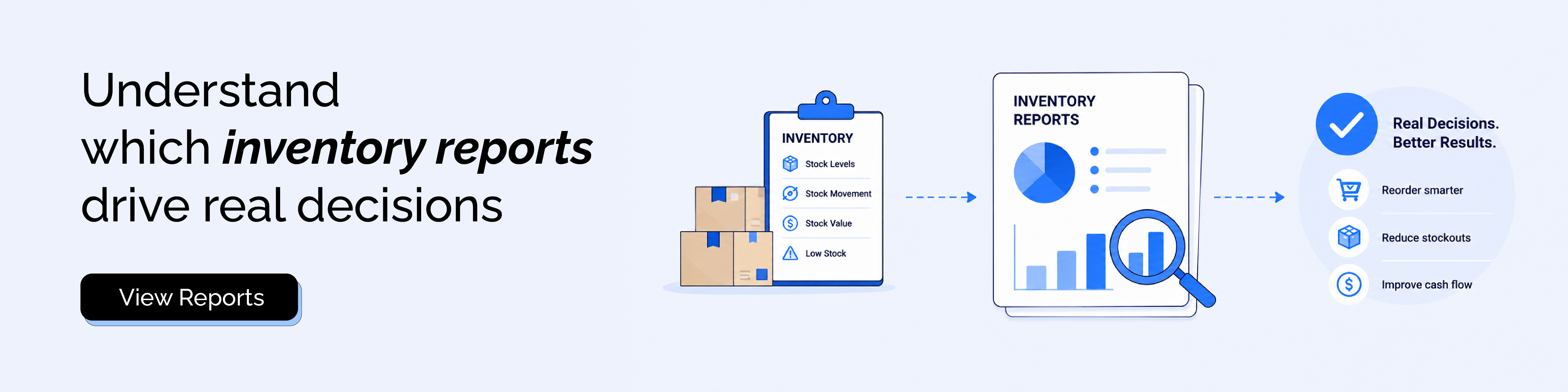
Shopify inventory reports give merchants a strong foundation for understanding stock levels, inventory value, product movement, and reorder risk.
The real value comes from reading the reports together. Ending inventory tells you what is left. Inventory value shows cash tied up. Sold per day and sell-through show movement. Days remaining shows stockout risk. ABC analysis helps prioritize attention.
Report Pundit becomes useful when those inventory questions need to turn into repeatable workflows for finance, operations, merchandising, and multi-location teams. Instead of rebuilding inventory spreadsheets every week or month, merchants can create reports that are easier to filter, schedule, share, and act on.
FAQ's
What Are Shopify Inventory Reports?
Shopify inventory reports show inventory snapshots, inventory value, units sold per day, percentage sold, ABC analysis, sell-through rate, days of inventory remaining, and inventory adjustment activity. They help merchants understand stock movement, stock value, and reorder risk.
Where Can I Find Shopify Inventory Reports?
Go to Analytics > Reports, then use the Category filter and select Inventory. Shopify lists inventory reports inside the Reports area, and the Inventory category helps filter the report list quickly.
What Is the Difference Between Inventory Snapshot and Inventory Value?
The inventory snapshot report shows ending quantity by product variant. The inventory value report adds cost per item and total inventory value, which helps show how much money is tied up in the remaining stock.
What Is Sell-Through Rate in Shopify?
Sell-through rate measures how much inventory sold compared with what sold plus what remains. The formula is inventory units sold divided by inventory units sold plus ending inventory units.
What Does Days of Inventory Remaining Mean?
Days of inventory remaining estimates how long current stock will last based on ending inventory units and average units sold per day. It helps merchants plan reorders before popular products run out.
Why Does My Inventory Report Show Negative Inventory?
Negative ending quantity can appear when a product variant is oversold or inventory tracking behavior creates a below-zero stock position. It can also indicate that inventory tracking settings or fulfillment workflows need review.
When Should I Use Report Pundit for Inventory Reports?
Report Pundit is useful when inventory reporting needs custom fields, tags, metafields, calculated fields, scheduled delivery, multi-store views, or reports that combine inventory with sales, vendor, collection, location, or finance data.

5.0 ( 2000+ Reviews)