What Are Shopify Standard Reports and How to Customize Them
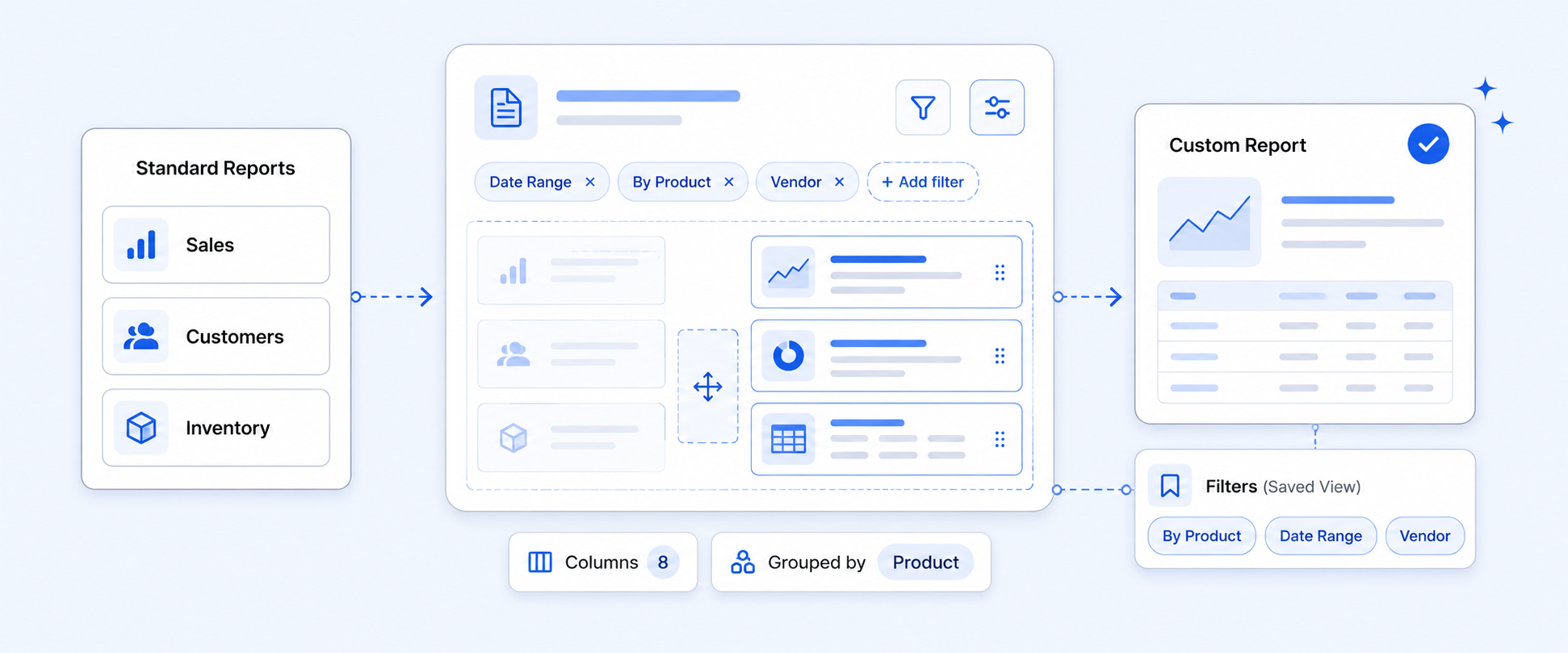
Selecting the right reports for your store is not always straightforward, but doing it well can have a huge impact on your growth. Shopify gives you a wide range of built-in standard reports across sales, orders, customers, products, inventory, and finances that are great for quick, high-level insights and daily performance checks.
The challenge usually starts when you want something a bit deeper. You may need to see all product data and metafields in a single view. You may want to add extra cost fields, tags, or workflow-specific data that Shopify does not show by default. That is usually when merchants bump into the limits of Shopify Standard Reports and start combining them.
This guide walks through the main Shopify Standard Report categories, how you can customize them, and where it makes sense to extend them using an app..
What Are Shopify Standard Reports?
Shopify Standard Reports are the pre-built reports available directly inside your Shopify admin. They cover most of the core questions a merchant has about performance, such as:
- How much are you selling, and where does the revenue come from
- Which products and locations are performing well
- How customers behave over time
- How payments, taxes, and profit look over a given period
These reports are especially useful for:
- Daily or weekly performance checks
- High-level trends across sales, orders, and customers
- Quick decisions that do not require deep data modeling
When you need all your fields, metafields, and custom logic in one place, you typically move beyond these standard views and layer on custom reporting.
Key Shopify Standard Report Categories
Shopify offers more than ten reporting categories, but you will probably spend most of your time in a smaller set of important reports. Below are the key categories and what they are best used for.
1. Sales Reports
Sales reports show how your store is selling, which products drive revenue, and how customers buy over time.
Common reports include:
- Total sales over time – number of orders and sales in a chosen period
- Weekly sales pattern – how sales are distributed across days of the week
- Average order value over time – average amount spent per order
These views help you:
- Spot peak days and align stock and staffing
- See slow days where targeted discounts or campaigns might help
- Understand if customers are spending more or less as seasons change
Heatmap style visualizations in this category make it easier to see high and low sales periods by day and hour.
2. Order Reports
Order reports focus on order volume, fulfillment status, product performance within orders, and how customers place those orders.
Useful reports include:
- Orders over time – trend of total orders by date
- Items bought together – common product combinations in the same order
- Items returned over time – items sold vs items returned
- Shipping labels by order – labels you have purchased in a date range
From these, you can:
- See which locations receive the most orders
- Identify vendors driving the most and least revenue
- Understand which product combos work well for upsell or bundles
- Track which orders and items generate the most returns
The “Items bought together” report is especially helpful for designing bundles and product recommendations based on real behavior.
3. Finance Reports
Finance reports give a consolidated view of your store’s money flows, including sales, taxes, gift cards, payouts, and payments.
Key reports include:
- Finance summary- visual breakdown of total sales, gross profit, gift cards, tips, discounts, returns, and fees in a date range
- Tax reports- taxes collected by country, region, and time period
- Payout Over Time- shows the total payout amount Shopify transfers to your bank account after all applicable fees have been deducted.
These reports help you:
- See how much of your gross sales turn into net revenue after fees and returns
- Track tax obligations by region and set aside the right amount each quarter
- Confirm that what you are charging matches what should be collected for tax
For finance reviews, these are usually the first stop before going deeper into payouts or accounting tools.
4. Profit Margin Reports
Profit margin reports help you understand how much you actually earn after product costs, not just how much you sell.
Important views include:
- Gross profit by product – sales revenue minus discounts and returns, for products that have cost data
- Gross profit by POS location – gross profit summed by store or location
- Gross profit by variant – profit for individual variants, such as size or color
These reports are useful when you want to:
- Compare profit performance across products and time periods
- Decide minimum margin requirements for new products
- See which variants truly earn money and deserve more marketing or stock
Looking at revenue without these gross profit views can easily hide low-margin products that appear successful but drag down overall profit.
5. Retail Sales (POS) Reports
Retail Sales reports focus on in-person sales through Shopify POS. They filter out online orders and show what is happening at your physical locations.
Commonly used reports:
- Total sales by POS location – total sales, discounts, and returns per store
- POS staff sales total – total sales made by each staff member
- POS total sales by product – product level performance in store, without shipping data
You can use them to:
- Compare performance between POS locations
- Identify locations with high return rates that might need operational changes
- Allocate staff based on actual sales impact
- Decide which products to stock more heavily at specific stores
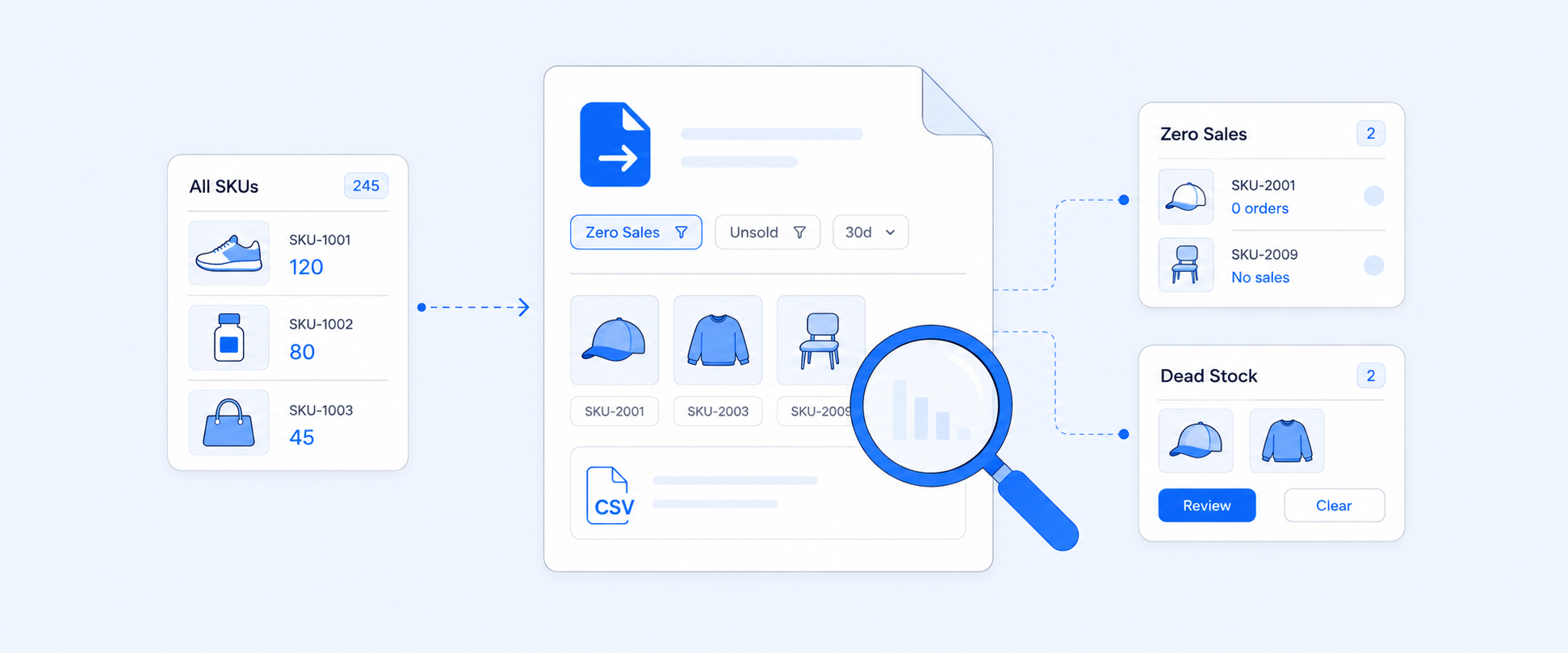
6. Inventory Reports
Inventory reports are some of the most frequently used because they connect directly to cash flow and stock decisions.
Key reports include:
- Month-end inventory snapshot – stock levels on the last day of each month, with SKU, quantity, and ending inventory units
- Month-end inventory value – total cost and value of inventory at month end
- Products by sell-through rate – percentage of inventory sold in a selected time
These reports help you:
- Plan warehouse or storage space
- See how much cash is tied up in each product
- Decide which products need clearance to free up inventory value
- Track sell-through rates to understand demand and avoid overstocking
Ask yourself:
Do I know how much cash is tied up in slow-moving inventory right now?
7. Customer Reports
Shopify Customer Reports give you visibility into customer behavior, including acquisition, retention, repeat purchases, and spending patterns. They help you identify loyal customers, one-time buyers, high-value segments, and trends over time so you can improve retention and maximize lifetime value.
Common reports include:
- New customers over time – number of first-time customers and how much they spend
- Customer cohort analysis – acquisition and retention by cohort based on first order date
- RFM customer list – customers grouped by recency, frequency, and monetary value
You can use these reports to:
- Set realistic acquisition goals and budgets
- See how well you retain customers across different cohorts
- Build segments for VIP customers, dormant customers, and high-value groups
Note: Shopify customer reports display up to 250,000 customers. For larger datasets, you may need to utilize external analytics tools, such as Google Analytics.

How to Customize Shopify Standard Reports
Shopify Standard Reports are designed to be flexible enough for most daily needs. When you outgrow the defaults, you can usually extend them with built-in customization features before moving to a full reporting app.
Here are the main customization options.
Date Comparison
Shopify allows you to compare your selected date range with previous periods.
Two common options are:
- Previous period – compares with the same length of time immediately before the selected range
- Example: If you select October 17, 2025, to October 23, 2025, the previous period is October 10, 202,5, to October 16, 2025.
- Previous year – compares with the same dates in the prior year
- Example: If you select October 17, 2025, to October 23, 2025, the comparison range is October 17, 2024, to October 23, 2024.
This is useful for spotting trends and seasonality in sales, orders, and customers.
Visualization
Visualization options allow you to see charts, graphs, or maps instead of just raw tables.
For example, you can view sales over time using a line chart, or see distribution by country on a map. This makes it easier to understand patterns such as:
- Engagement over time
- Trend direction and volatility
- Differences between channels or locations
Visuals are especially helpful when you present data to a team or need to spot patterns quickly.
Filters and Sorting
Filters and sorting let you narrow down and organize what you see in a report.
You can:
- Filter by date range, product, collection, sales channel, customer group, or location
- Sort by highest or lowest sales, most orders, product price, or customer name
In practice, filters help you answer focused questions like “What were the top products in the US last week?” while sorting helps you quickly see winners and laggards without exporting to a spreadsheet.
Metrics and Dimensions
Shopify splits report fields into:
- Metrics – numeric columns such as total sales, gross sales, order count, taxes, shipping, discounts
- Dimensions – text or categorical columns such as order name, sales channel, product title, variant title, SKU, product type
You can add, remove, or rearrange metrics and dimensions to change the structure of a report. For example, you can:
- Add product type as a dimension to see profit by category
- Remove fields you do not use to simplify the view
- Group data by sales channel, customer type, or location
This is where most merchants get their first level of customization before moving to dedicated reporting apps.
ShopifyQL
ShopifyQL is Shopify’s query language for analytics, similar to SQL but built for commerce data. With ShopifyQL, you can:
- Write custom queries against sales, product, and inventory data
- Build more flexible analysis on top of pre-built reports
- Answer questions that are not covered by a single standard report
It is available through Shopify’s new analytics and query editor, and is most useful for merchants or teams who are comfortable working with query-based tools.
Limitations in Shopify Standard Reports and When to Extend With an App
Shopify's basic reports make your data hard to understand. They feel good at first, but over time, you may feel compact while using the reports. Here are a few of the features listed down with the limitations and how to overcome them using advanced tools.
Below are some of the key limitations:
Limited Field Availability and Customization
Shopify does not expose every possible field inside a single standard report. In many cases, you cannot build a complete “all product details” view. For example, you may want one report that includes:
- Product title and variant title
- SKU and inventory quantity
- Vendor, product tags, and product type
Standard reports usually make you open each product page to see all of this together. If you have a large catalog, this quickly becomes painful.
No Custom Static Fields
Shopify’s native reporting does not let you directly pull in custom objects, such as:
- Metafields
- Note attributes
- Line item properties
If your workflows depend on these kinds of fields, native reports are often not enough. You either export data manually or add a reporting app that can read and include them.
Report Pundit is designed to work with:
- Metafields for products, orders, and customers
- Line item properties and note attributes
- Additional app data, where possible
That makes it easier to see all your operational and marketing data in one place.
Limited Automation and Export Options
Standard reports inside Shopify are mainly designed for manual viewing and basic CSV export. They do not support:
- Scheduled report delivery to your team
- Automated exports in multiple formats
- Delivery to destinations like external BI tools or storage
With a reporting app, you can typically:
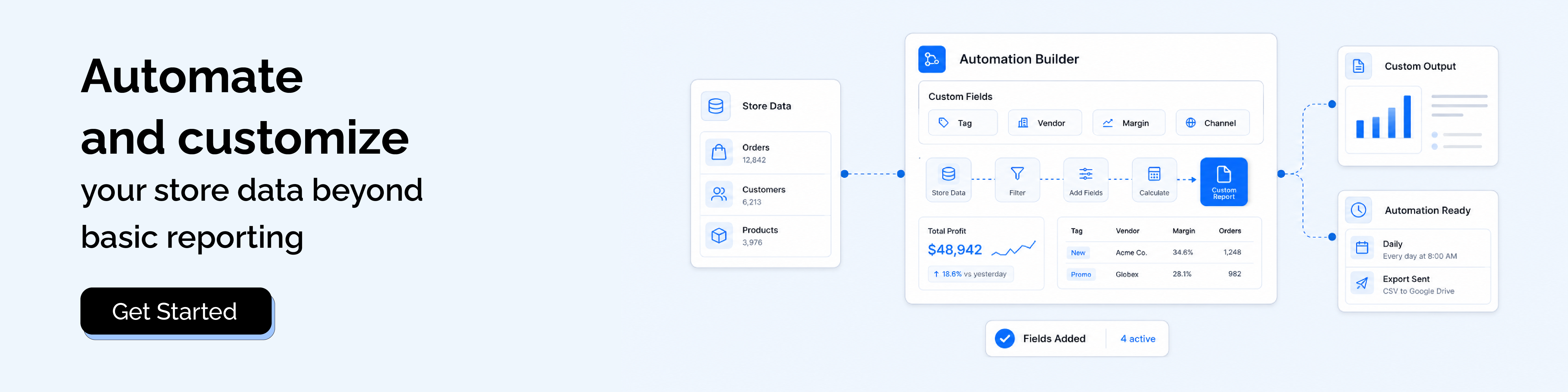
- Schedule reports to send automatically to email, Google Sheets, Google Drive, FTP, Power BI, BigQuery, and more
- Export as CSV, Excel, PDF, Slack, and other formats your team actually uses
- Set up regular deliveries for different departments without manual intervention
Note: Shopify Flow can be useful for simple notifications and operational reminders, but it is not designed to replace a dedicated reporting engine.
Calculated Fields and External Costs
Standard Shopify reports do not support custom calculated fields in a flexible way. If you want to:
- Add external costs such as marketing spend, logistics, or marketplace fees
- Build custom profit metrics that combine multiple data sources
- Create ratios or KPIs that are not built-in
You will usually need a reporting app.
Report Pundit lets you create custom calculated fields that include data outside Shopify, so you can model real profit, blended costs, and other business-specific metrics.
Conclusion
The goal of reporting is not just to look at numbers. The goal is to get clear, reliable data that changes how you run your store. Shopify Standard Reports are a great starting point for most merchants. And any reports you use must focus on providing clear and detailed insights that add value in how you run your store.
They must cover daily sales, orders, customers, inventory, profit, and POS performance well enough for regular check-ins. But as your business grows, you often need more: metafields, line item data, calculated fields, flexible exports, and automated delivery.
At that point, combining Shopify Standard Reports with advanced reporting gives you the best of both worlds. You keep the simplicity of native reports for quick checks and use custom reports when you need a deeper, 360-degree view of your store.

5.0 ( 2000+ Reviews)