Shopify 101: Step-by-Step Setup Guide for First-Time Store Owners

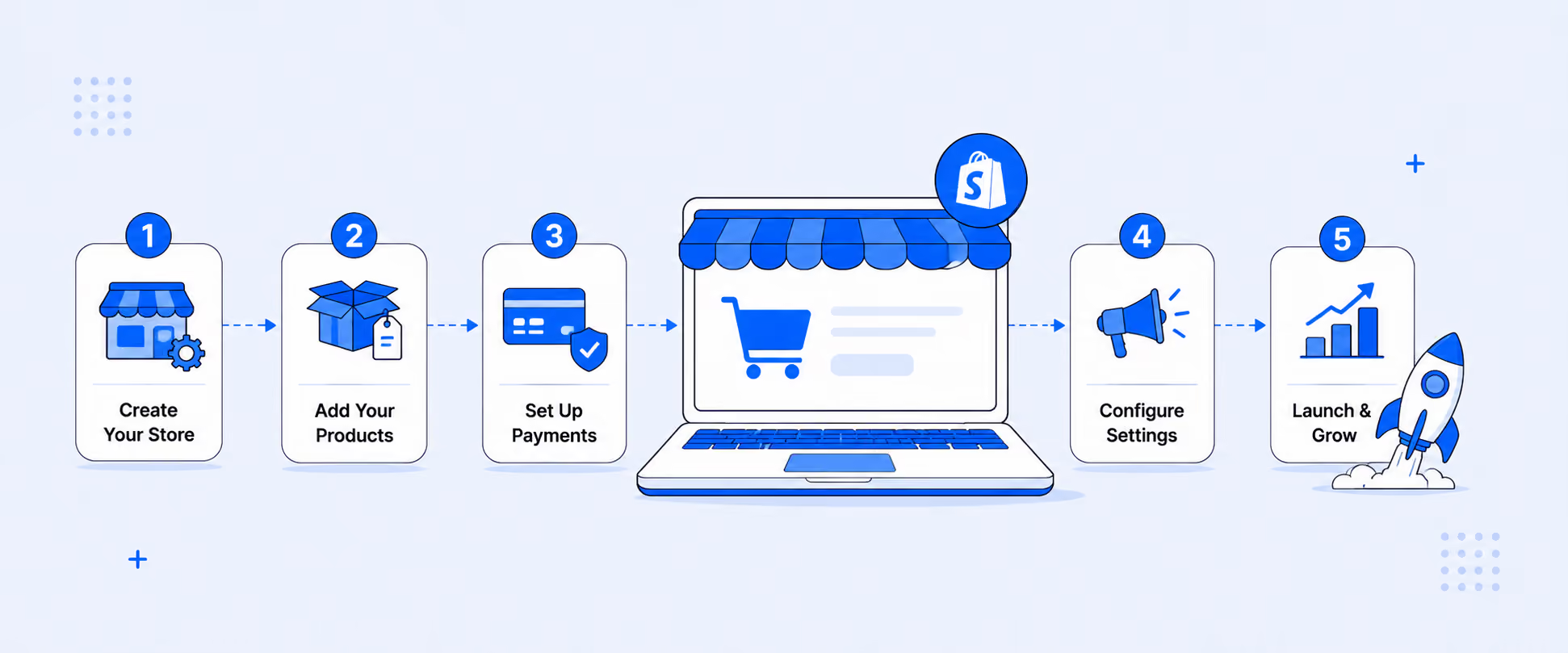
Start a Shopify store in 2025 with this complete beginner's guide. In this playbook, you will learn what Shopify is, how it works, how to set up your store the right way, and which apps and reports you actually need to grow.
What Is Shopify and How Does It Work?
Key features: themes, checkout, POS, and app ecosystem
Shopify is an all-in-one ecommerce platform that lets you create, manage, and grow an online store and POS without coding.
With Shopify, you can:
- Design your store with customizable, mobile-friendly themes
- Add products, variants, and collections
- Accept payments online and in person
- Handle taxes, shipping, and local delivery
- Track orders, customers, and performance in one dashboard
You can run your store from any device because everything is cloud-based. Shopify also has thousands of apps to extend your store for marketing, inventory, accounting, reporting, and more.
Who uses Shopify
Millions of brands like Hiut Denim co, Tentree, Maguire Shoes, and other top brands like such use Shopify, from first-time founders to large enterprises.
- New sellers use Starter or Basic to launch quickly
- Growing brands use Shopify or Advanced for better reporting, automation, and lower fees
- Large brands use Shopify Plus for custom checkout, advanced automation, and multi-store setups
If you are just starting, Shopify gives you the same core infrastructure big brands use, without enterprise-level complexity.
Why beginners choose Shopify
Beginners pick Shopify because it is:
- Easy to set up with guided onboarding
- Fast and secure for shoppers
- Scalable if your store grows from a few orders a week to thousands
- Affordable, with a trial and low cost starter options
In short, Shopify lets you ship your idea fast, then improve it as you learn.
Plan Your Store: Niche, Audience, and Brand Basics
Define your niche and validate demand
Before you create your store:
- Pick a clear niche and audience
- Use tools like Google Trends, social media, and competitor sites to see what is already selling
- Check pricing, reviews, and how competitors talk to customers
You are not trying to invent something totally new. You are trying to find a focused angle where you can compete and add value.
Create a brand identity
Your brand should be easy to remember and consistent across channels.
Decide on:
- Store name and domain
- Logo and basic color palette
- Tone of voice in your copy
Keep it simple. You can refine later. The goal now is a clean, trustworthy brand that looks real and reliable.
Register your business, taxes, and legal pages
Check local rules for:
- Business registration
- Sales tax or VAT
- Licenses for your product category, if any
Inside Shopify you can:
- Use built in templates for refund, privacy, and terms of service pages
- Configure tax collection by country, state, or region
This protects you and gives customers more confidence at checkout.
Shopify Setup: Create Your Account and Store
Start the free trial and choose your country and currency
Go to Shopify and start the free trial. At the time of writing, you can test the platform for 3 days, then pay a low introductory price for the first 3 months.
During setup:
- Select your primary country
- Choose your store currency
- Add your business address
This helps with taxes, shipping, and payout eligibility.
Walkthrough of the Shopify admin
The Shopify admin is your control center. On the left menu, you will see:
- Products
- Orders
- Customers
- Analytics
- Marketing
- Discounts
- Online Store
- Settings
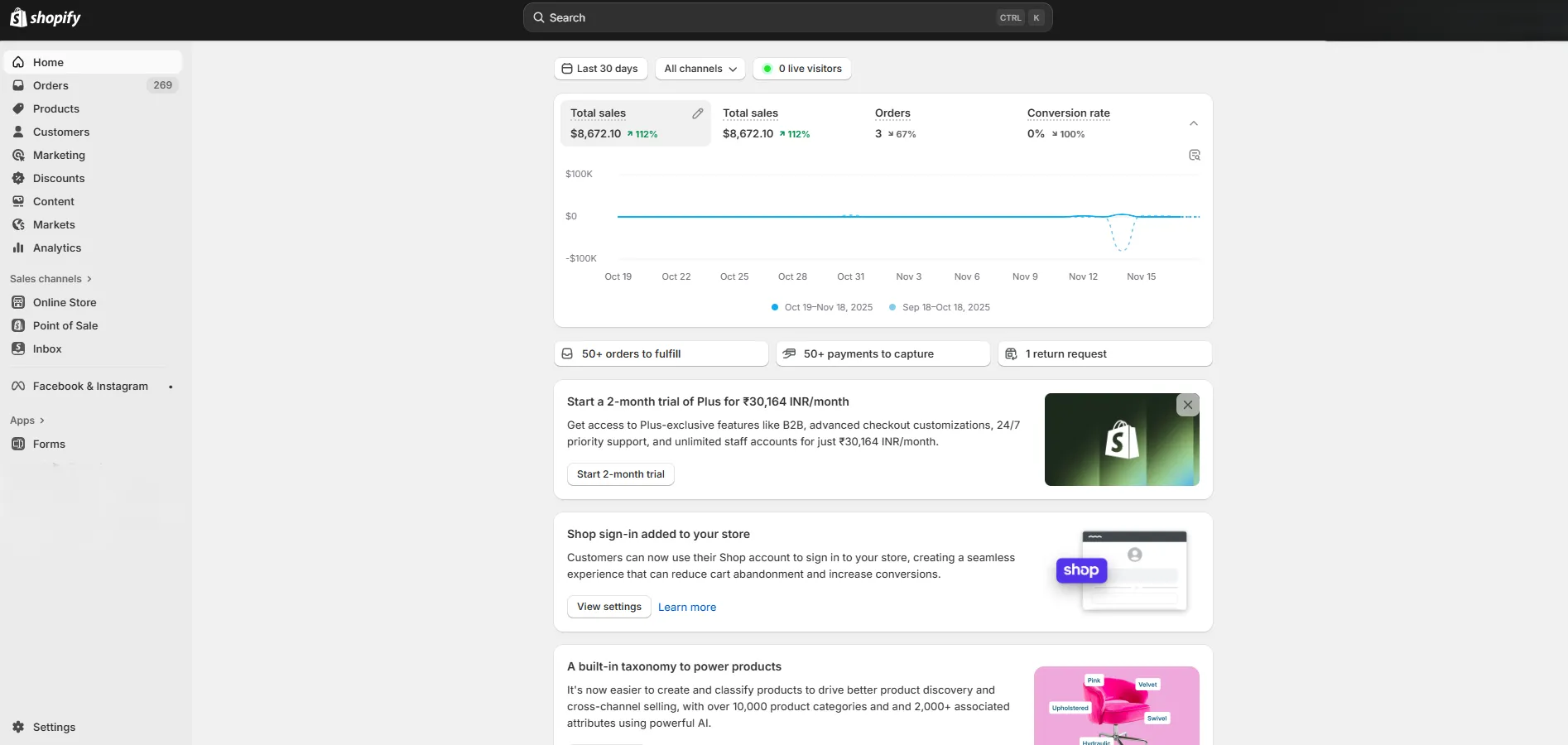
Spend a few minutes clicking through each area. The goal is not to master everything on day one. You just need to know where things live so you are not hunting later.
Design Your Store: Themes and Customization
Pick a theme or generate one with AI
Go to Online Store → Themes. You can:
- Choose a free or paid theme from the Shopify Theme Store
- Use Shopify's AI-assisted tools to generate a starting layout
Pick a theme that matches your catalog size and layout needs, not just what looks pretty in the preview.
Customize layout, navigation, fonts, and colors
Use the theme editor to:
- Add your logo and brand colors
- Adjust fonts to match your brand style
- Set up the header and footer navigation
- Add sections for featured products, collections, and banners
Most changes are drag and drop, so you do not need to touch code.
Optimize your homepage for first-time buyers
Your homepage should answer three questions fast:
- What do you sell
- Who is it for
- Why should I trust you
Include:
- A clear hero section with a headline and a call to action
- Featured collections or bestsellers
- Social proof, such as reviews or badges
- Visible links to shipping, returns, and contact
Keep it fast and uncluttered. Speed and clarity beat heavy design.
Add Products and Organize Collections
Product pages that convert
For each product, add:
- A clear, benefit focused title
- A short, scannable description that covers features, benefits, and common questions
- High quality images from different angles
- Pricing, variants, and stock status
Optimize for search by including primary keywords naturally in the title, description, and alt text.
Collections for merchandising and search
Group products into collections such as:
- Category (Shirts, Pants, Accessories)
- Theme (Summer, Holiday, Gifts Under 50
- Audience (Men, Women, Kids)
Collections help shoppers discover products faster and improve internal linking for SEO.
Inventory, variants, and shipping details
Inside each product:
- Add variants such as size, color, or material
- Track inventory to avoid overselling
- Enter weight and package details so shipping rates are accurate
Clear inventory and shipping data reduce surprises at checkout.
Navigation, Menus, and Site Structure
Build main menu, footer, and policy links
Set up:
- A main menu with links to key collections, About, and Contact
- A footer menu with links to policies, FAQs, tracking, and support
Customers should never need to guess where to click next.
Internal linking for SEO and user journeys
Inside your product pages and blog posts, add menu items that link to:
- Related collections
- Complementary products
- Educational content and guides
This helps search engines understand your site structure and guides shoppers toward purchase. And it can improve how your pages rank in search results.
Markets, Payments, and Shipping
Set up Shopify Markets for regions and countries
If you sell internationally, use Shopify Markets to:
- Create regions like North America or Europe
- Set local currencies and domains
- Configure tax and duty handling
This makes cross-border selling much smoother.
Enable Shopify Payments and third-party gateways
If available in your country, turn on Shopify Payments. It lets you accept:
- Major credit and debit cards
- Digital wallets such as Apple Pay, Google Pay, and Shop Pay
You can also connect third-party gateways like PayPal and others. Just know that extra transaction fees may apply when not using Shopify Payments.
Shipping zones, rates, labels, and local delivery
In Settings → Shipping and Delivery, you can:
- Create shipping zones by country or region
- Set rates based on price, weight, or carrier
- Offer local delivery or pickup if relevant
- Print labels and manage basic fulfillment
Keep your shipping rules simple at launch and refine as you learn.
Go Live: Policies, Testing, and Launch Checklist
Generate refund, privacy, and terms pages
Use Shopify's built-in generators to create:
- Refund and return policy
- Privacy policy
- Terms of service
Edit them to match your business and local rules, then link them in your footer and checkout.
Test orders, QA navigation, remove password
Before launch:
- Place at least one test order to confirm payments and fulfillment flow
- Click through every menu and button to catch broken links
- Check mobile and desktop views
When you are ready, choose a paid plan and remove the storefront password so customers can access your site.
Post launch checks: speed, tracking, error pages
After you go live:
- Set up basic analytics such as GA4 and Meta Pixel
- Check site speed and fix heavy images or apps that slow pages
- Create a simple 404 page that guides lost visitors back to collections
You want clean data and a smooth experience from day one.
Pricing: How Much Does Shopify Cost in 2025?
Starter, Basic, Grow or Shopify, Advanced, and
Shopify uses tiered pricing so you can start small and move up as you grow. Typical tiers include:
- Starter: For selling through social and links
- Basic: For new online stores
- Shopify or Grow: For growing brands that need better reporting and lower fees
- Advanced: For higher volume stores with more complex needs
- Plus: For large and enterprise brands that need custom solutions
There is also a POS Pro add-on for in-person selling.
Monthly vs yearly pricing
Yearly billing usually gives a discount compared to monthly billing. If you are committed for at least a year, an annual plan can reduce your overall cost.
If you are still validating your idea, start monthly so you can change plans without worrying about refunds.
Which plan is right for your stage
- Just starting or testing: Starter or Basic
- Growing, multiple channels, more staff: Shopify or Grow
- Complex shipping, advanced reporting, or multiple locations: Advanced
- High volume, multiple stores, or heavy customization: Plus
You can upgrade or downgrade as your needs change.
How Payouts Work and When You Get Paid
Shopify Payments vs third-party gateways
With Shopify Payments, you manage everything from your Shopify admin with no extra Shopify transaction fees beyond the card rate.
If you use third-party gateways such as PayPal or others, you may pay both gateway fees and extra Shopify transaction fees, depending on your plan.
Payout schedules, fees, and fraud protection
For Shopify Payments, you can:
- Choose payout frequency based on country rules
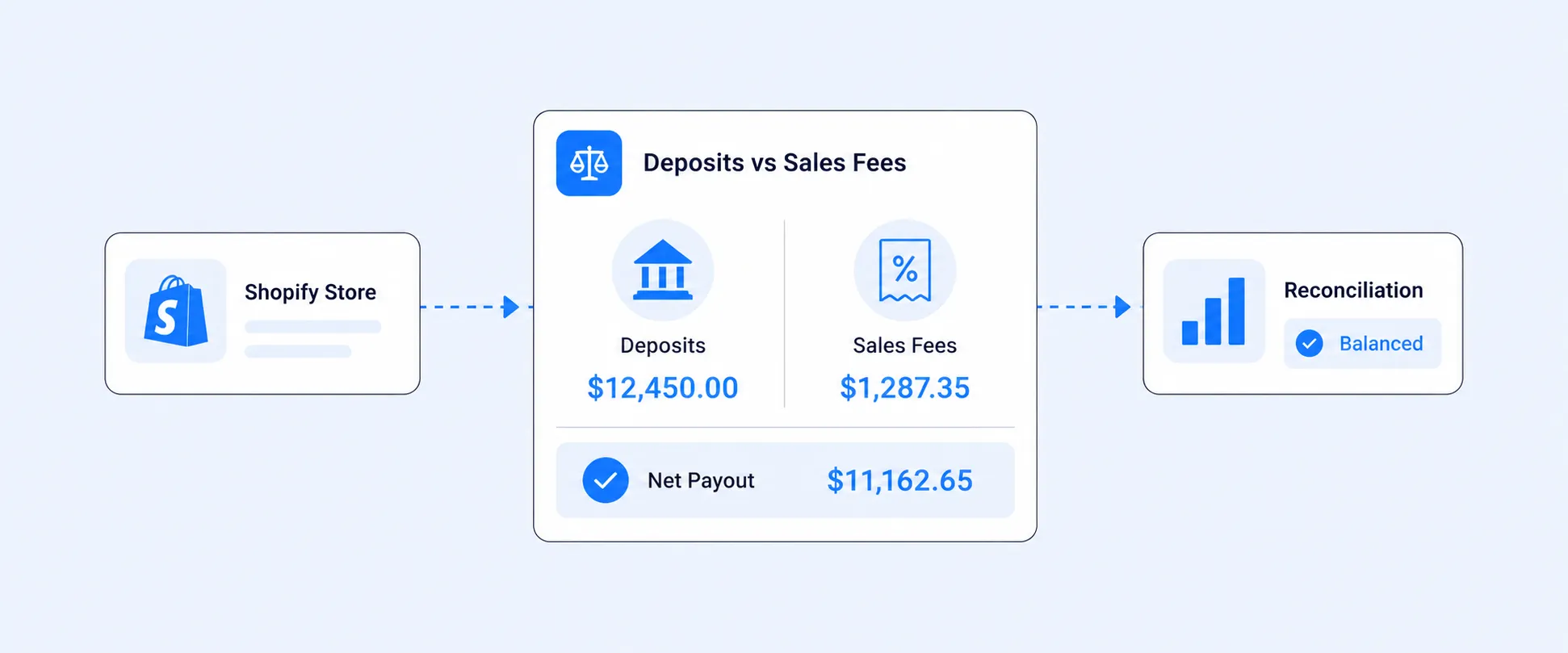
- View payout reports that show fees and net amounts
- Use built-in fraud analysis to flag risky orders
Most payouts land in your bank account within a few business days, but exact timing depends on your region and bank.
Best Shopify Apps to Launch and Scale Faster
Marketing and retention
Useful app types for growth:
- Email marketing, for example, Seguno
- Push notifications, for example PushEngage
- Loyalty and referrals, for example, Smile and ReferralCandy
These help you recover abandoned carts, keep customers engaged, and drive repeat sales.
CX and operations
To support your customers and operations:
- Live chat and messaging tools
- Form builders for contact, feedback, and wholesale requests
- Return management apps to automate labels and refunds
Better support means fewer tickets and higher satisfaction.
SEO and performance
Use SEO and speed tools to:
- Scan for broken links and missing tags
- Improve page load times
- Help search engines crawl and index your site correctly
Even small improvements can have a visible impact on traffic and conversions.
Essential Integrations for Growth
Zapier automations connect CRM, email, and ops
Zapier can connect Shopify to tools like:
- CRMs
- Email platforms
- Help desk and project tools
Set up simple automations such as "New Shopify order" triggering "Create contact in CRM" or "Add subscriber to email list". That way, your data stays in sync without manual work.
Analytics and ads: GA4, Meta, Google, TikTok, Pinterest
Integrate:
- GA4 for detailed analytics
- Meta, Google, TikTok, and Pinterest for ad tracking
This lets you see which channels bring high-quality traffic and helps you shift budget to what works.
Inventory, fulfillment, and support integrations
For operations at scale, you can connect:
- Third party logistics apps like ShipBob or others
- Inventory and warehouse systems
- Help desk tools for centralized customer support
These integrations reduce errors and keep your team focused.
Reporting and Analytics: Make Data-Driven Decisions
Why native reports are not enough at scale
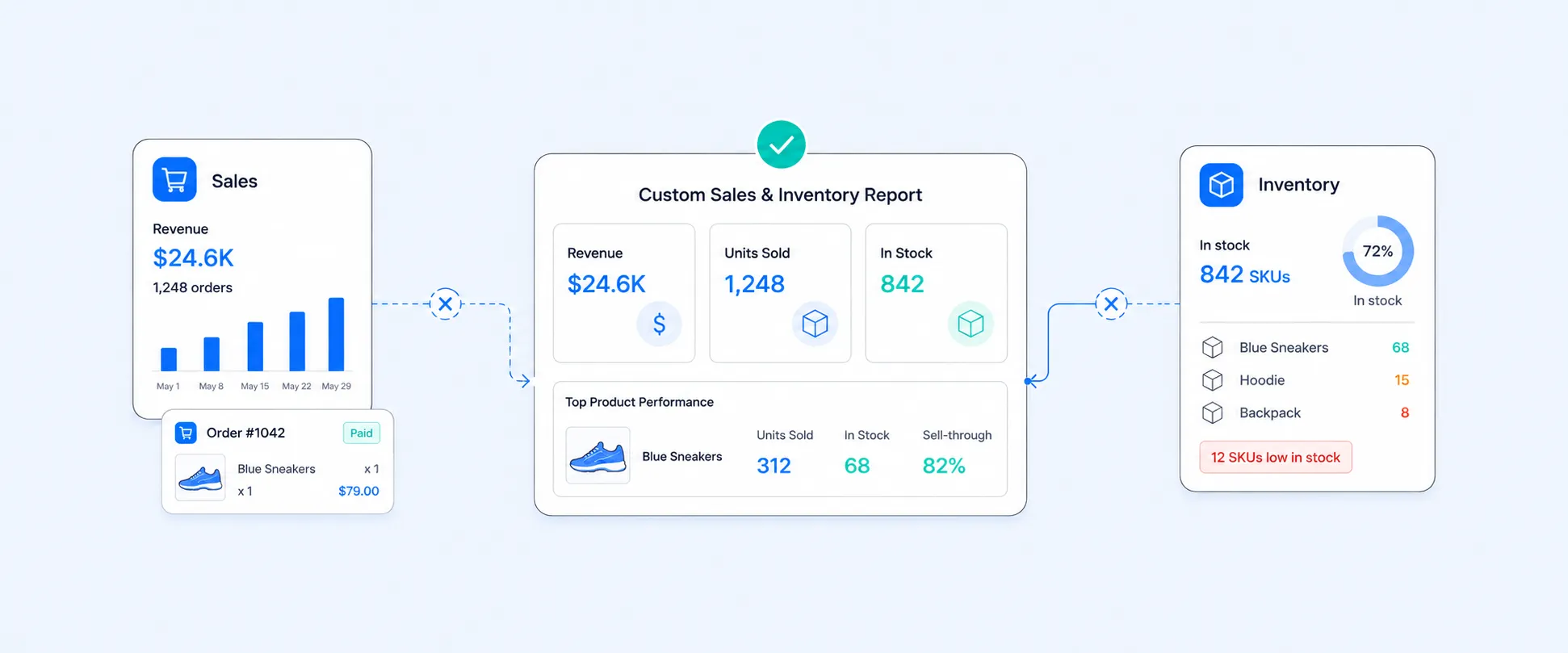
Shopify's built-in reports are fine when you are small, but they have limits:
- Fewer fields and filters on lower plans
- Limited historical depth and custom metrics
- Harder to consolidate multiple stores or sales channels
- Lack of integration & Report Automation
As your store grows, you will need deeper reporting to answer more specific questions.
Report Pundit overview: prebuilt, custom fields, scheduling
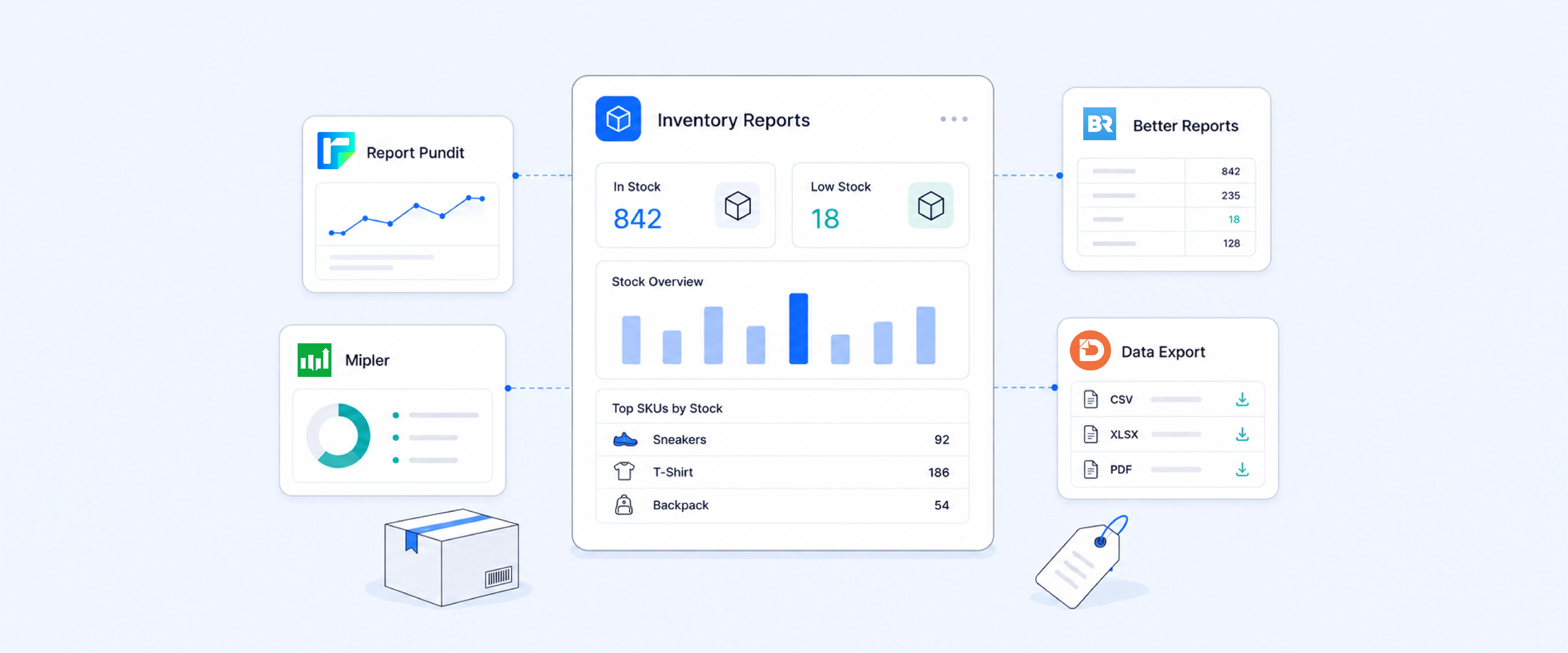
Report Pundit is a Shopify reporting app built for merchants who want more control over their data. With Report Pundit, you can:
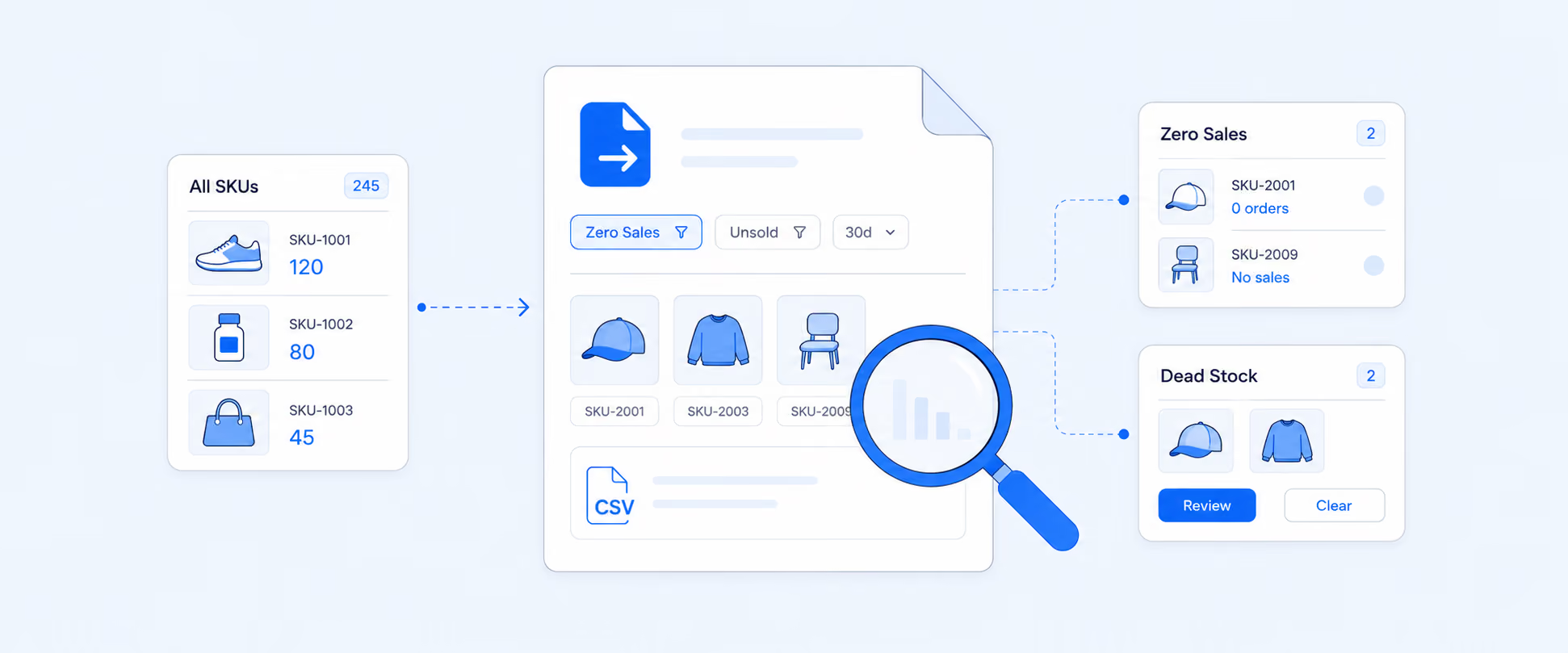
- Use hundreds of prebuilt reports for sales, inventory, payouts, taxes, and customers
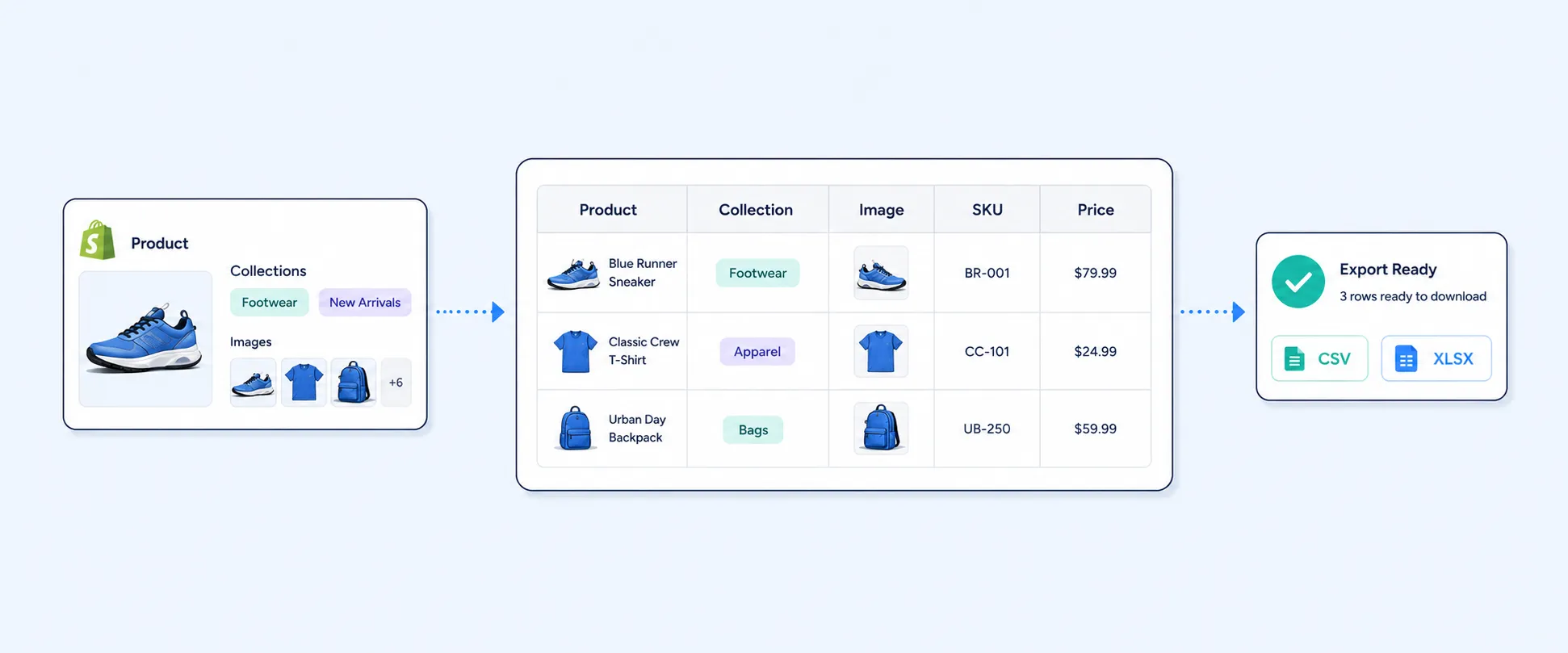
- Add custom fields like tags, metafields, line item properties, order notes, and data from third-party apps for product specifications details.
- Schedule reports to send automatically to email, Google Sheets, cloud storage, FTP, or BI tools
- Schedule your report hourly, weekly, monthly, quarterly when you're not available.
- Easily integrate your store with 30+ apps like marketing, shipping, payments, and more.
This saves manual exporting time and keeps your team aligned on actual numbers.
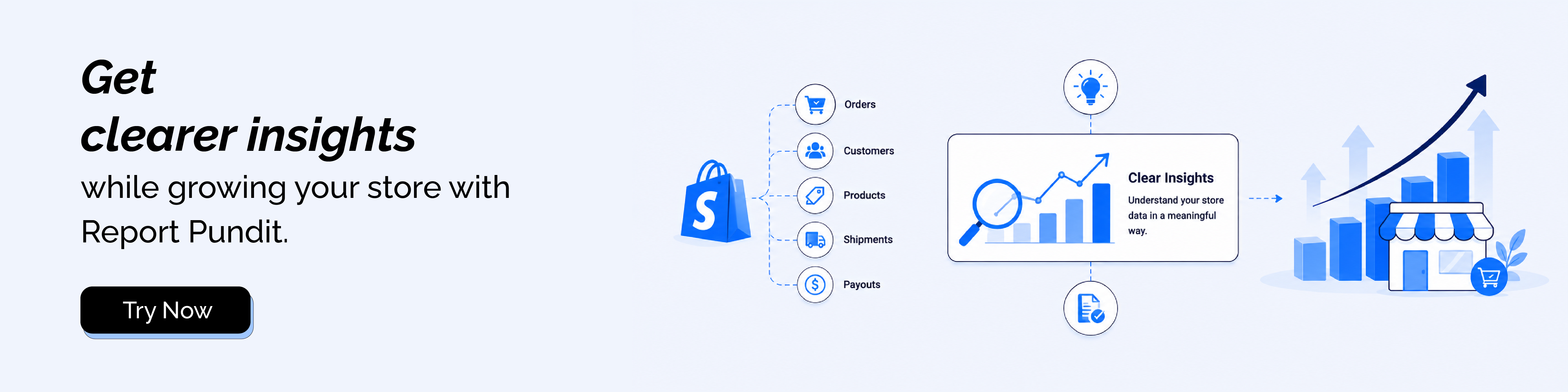
Example insights: sales, payouts, taxes, and cohorts
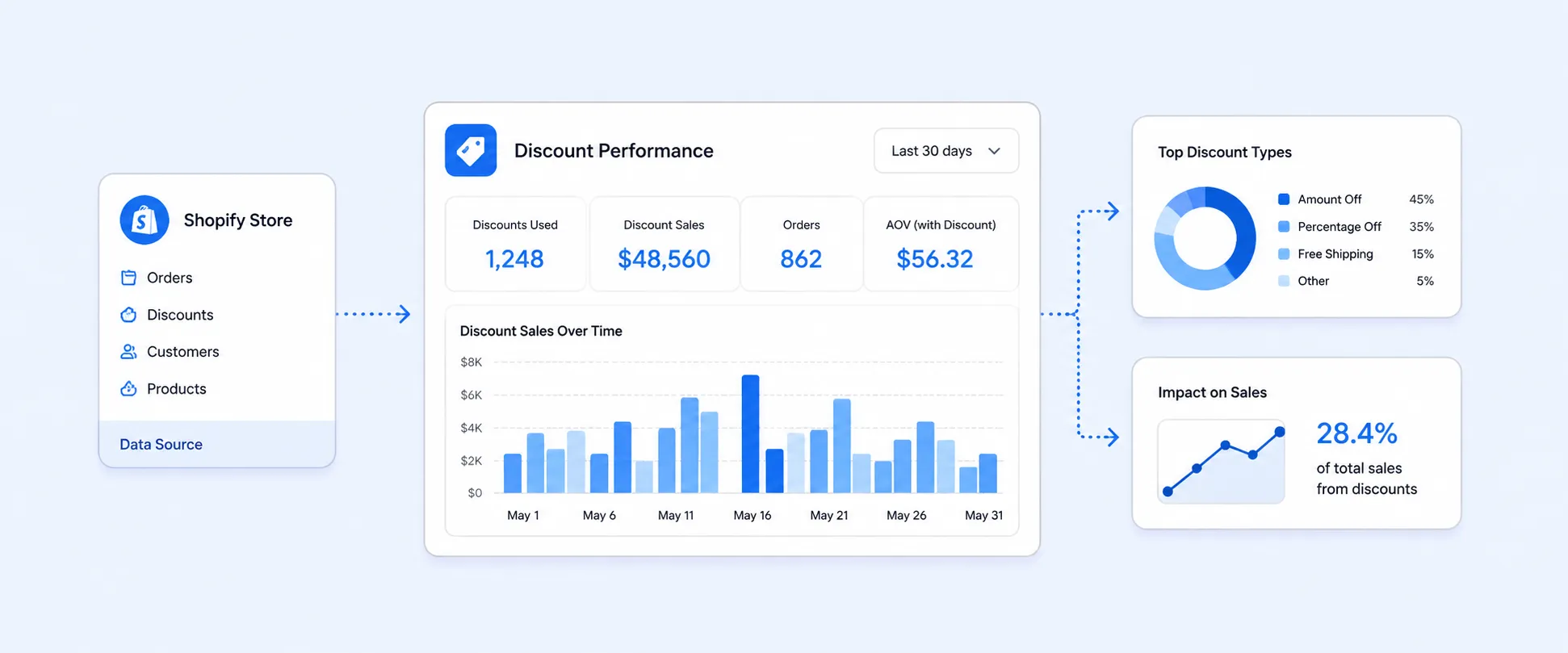
With advanced reporting you can:
- Track net sales and profit by product, collection, channel, or campaign
- Reconcile payouts and fees across gateways and banks
- Generate tax ready reports by region
- Build cohort reports to see how different customer groups perform over time
These insights help you decide where to cut spend, where to double down, and how to improve margins.
FAQ: Common Beginner Questions About Shopify
Is Shopify good for beginners and small budgets?
Yes. Shopify is designed for beginners who want to launch quickly without hiring a developer. You can start with a low cost plan and upgrade only when you outgrow it.
Can I sell on social media and marketplaces from one dashboard?
Yes. You can connect channels like Facebook, Instagram, TikTok, Google, and marketplaces like Amazon in your Shopify admin, then manage products and orders from one place.
What apps should I install first?
Start with:
- Email and Affiliate marketing
- Basic SEO and speed tools
- Analytics and ad tracking
- Referral Programs
- Customer Loyalty
- A solid reporting app, like Report Pundit, once you have steady sales
Add more apps only when you have a clear use case.
Next Steps: Launch, Learn, and Scale
Quick launch checklist
Before you promote your store, confirm:
- Products, collections, and pricing are set up correctly
- Payments and shipping work end-to-end
- Policies and contact information are visible
- Test orders succeed on mobile and desktop
Then start sending real traffic.
Track KPIs from day one with reporting
From your first week, track:
- Sessions and traffic sources
- Add to cart rate and conversion rate
- Average order value and refunds
- Net profit and contribution margin, if possible
Better reporting helps you avoid guessing and grow with confidence.
Where to get help
Use:
- Shopify Help Center and video guides
- Community forums and social groups
- App partner support, such as Report Pundit live chat
You do not need to figure everything out alone.
If you are ready to take your data more seriously, install Report Pundit, connect your store, and start using clear, custom Shopify reports to grow smarter, not just bigger.

5.0 ( 2000+ Reviews)