Best Inventory Reporting Apps for Shopify in 2026

Sales tells you what already happened. Inventory tells you what is about to go wrong.
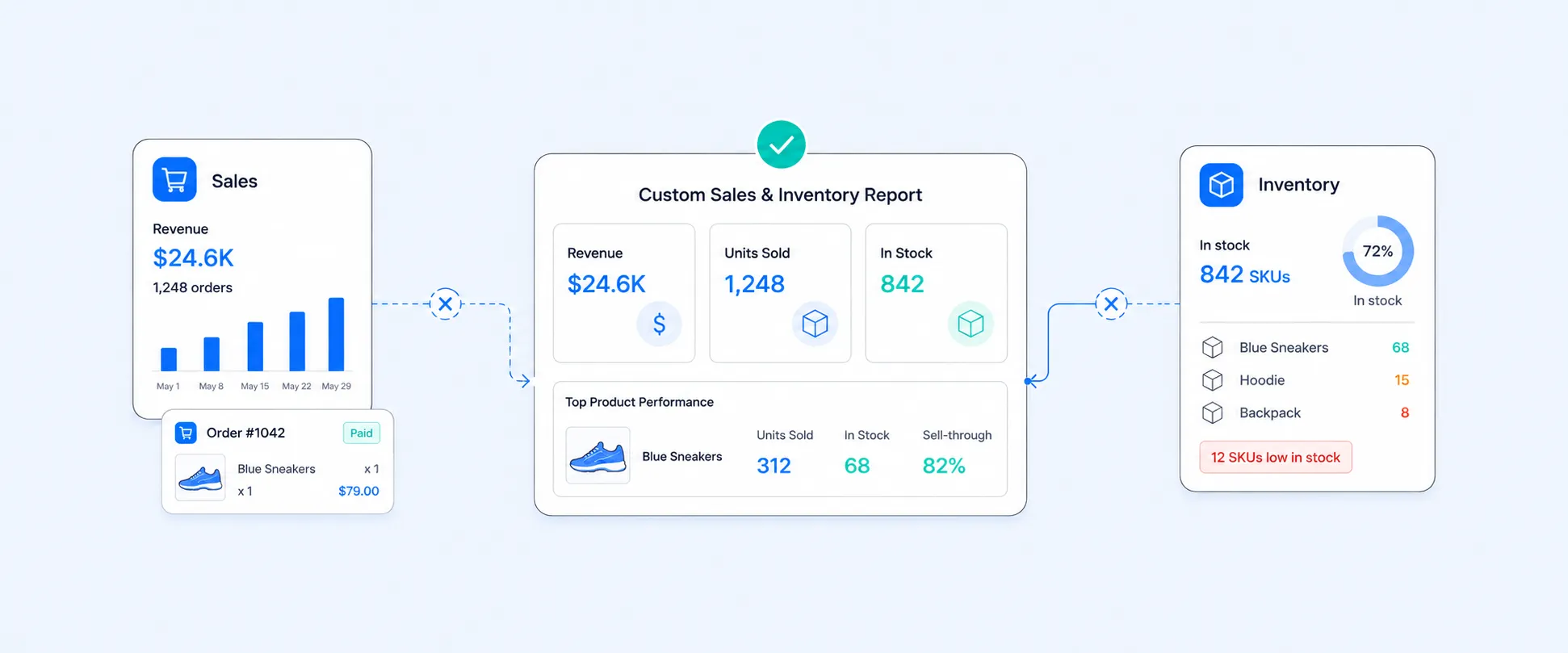
Most Shopify merchants notice inventory only when a product goes out of stock, a location runs dry, or cash gets tied up in slow-moving items. By then, the report you needed was not a sales report. It was an inventory report that should have warned you earlier.
Shopify does provide native inventory visibility. You can manage stock levels from the Inventory page in admin, and Shopify’s default inventory reports include month-end inventory snapshots plus inventory adjustment reporting. But for many growing stores, that is only the starting point, not the full answer. Shopify’s own docs describe inventory reports as month-end snapshots, which means merchants often still need day-to-day operational views, low-stock alerts, exports, and custom reporting across locations or product groups.
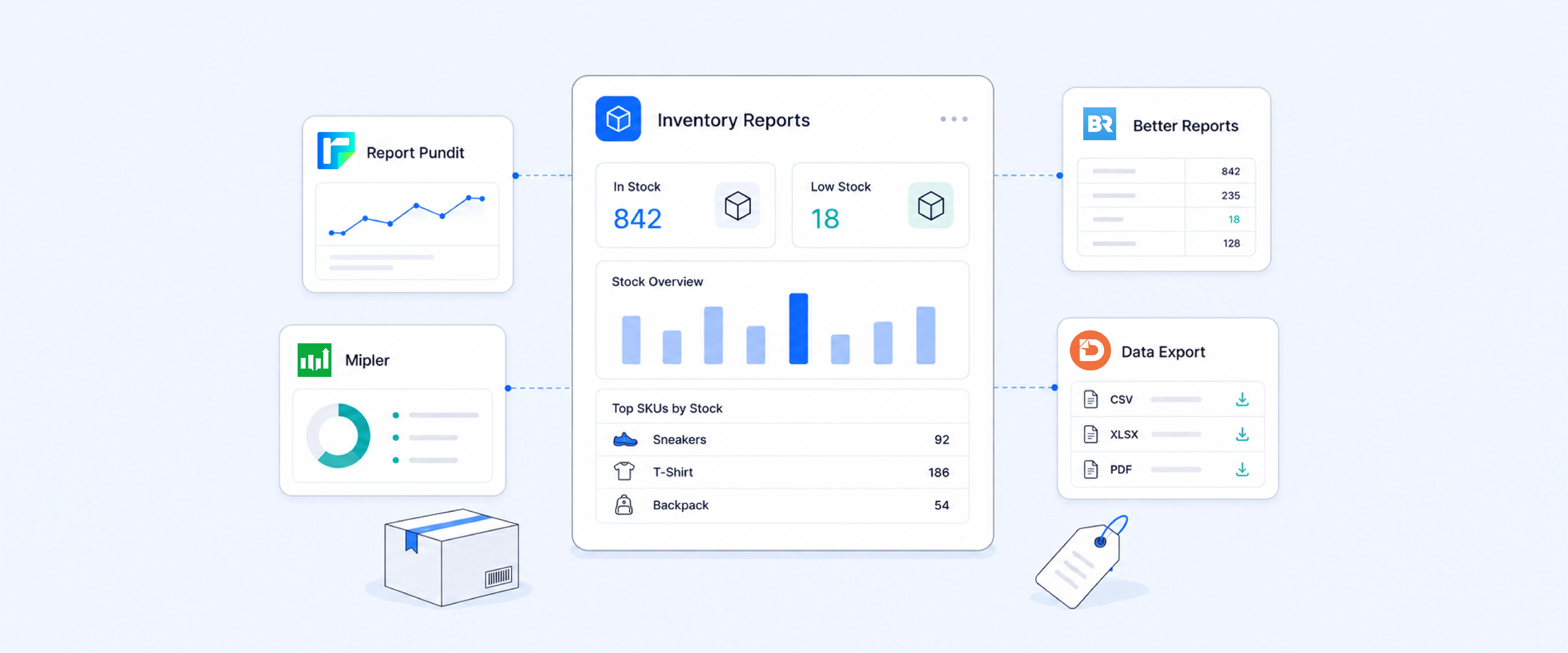
That is where third-party inventory reporting apps come in. The best ones help you answer questions like which SKUs are at risk, which location is running out first, which variants are overstocked, and which reports need to reach your team automatically every morning.
Why inventory reporting matters more than many merchants think
Inventory reporting is one of those functions that feels operational until it starts affecting revenue. If your replenishment timing is off, your best sellers stock out. If your visibility is weak, you end up overbuying slow movers. If you sell across multiple locations, bad inventory visibility becomes expensive fast.
Shopify’s own inventory guidance reflects this split. The admin lets you track stock, make adjustments, and review inventory history, while the reporting side gives snapshot-style inventory reports and inventory adjustment reports. That is useful, but it does not automatically turn inventory data into the daily decision-making layer many merchants actually need.
The merchants who benefit most from inventory reporting apps are usually trying to do one or more of these things:
- Monitor current stock levels across products and locations
- Get warned before they stock out
- Review inventory changes over time
- Export inventory data for teams or external systems
- Build custom views for vendors, collections, warehouses, or SKUs
Those are reporting problems first. They are not always inventory management problems.
Inventory reporting apps are not the same as inventory management apps
This distinction matters because merchants often search for one and install the other.
Inventory reporting apps are built to show, analyze, export, and alert on stock data.
Inventory management apps are built to control inventory operations like purchase orders, transfers, demand planning, receiving, and stock counts.
Shopify now provides more of these inventory management workflows directly inside the main admin. Shopify says Stocky will no longer be available after August 31, 2026, and that merchants should move to Shopify’s built-in inventory management workflows in Shopify admin and Shopify POS. Shopify also says Stocky was delisted from the Shopify App Store on February 2, 2026, so it can no longer be reinstalled.
In practice:
- If you need visibility, exports, custom views, and alerts, start with reporting apps.
- If you need operational inventory workflows such as transfers, purchase orders, receiving, and adjustments, Shopify now handles much of that directly in admin.
- Many merchants still use a reporting app alongside Shopify’s built-in inventory tools because analysis and operational workflows are not the same thing.
What Shopify gives you natively before you install anything
Before looking at apps, it helps to understand Shopify’s baseline.
Shopify lets you manage inventory from the Inventory page in admin, where you can track stock levels, make adjustments, and view adjustment history. Shopify also offers default inventory reports, which it describes as month-end snapshots of inventory and sold-per-day metrics, plus inventory adjustment reports for historical changes. Shopify’s current migration guidance also says that core workflows previously handled in Stocky are being moved into Shopify, including transfers, purchase orders, inventory adjustments, historical inventory reporting, and in-store inventory management through Shopify POS.
That means native Shopify can help with:
- current stock visibility in admin
- inventory adjustments
- month-end inventory reporting
- sold-per-day snapshot analysis
- transfers
- purchase orders
- historical inventory change tracking
- in-store inventory workflows through Shopify POS
Where merchants often want more is in areas like:
- low-stock alerts
- scheduled inventory exports
- cleaner custom reports by location, SKU, or collection
- inventory snapshots on demand, not just month-end framing
- combining inventory with product, sales, or vendor context
That is the gap most apps below are trying to fill.
The best Shopify inventory reporting apps, depending on what you actually need
There is no single best app for every merchant. The right choice depends on whether you need flexible custom reports, spreadsheet-friendly exports, low-stock alerting, or broader inventory optimization.
Report Pundit
Report Pundit is the strongest fit for merchants who want inventory reporting as part of a broader custom reporting workflow. Its Shopify App Store listing highlights inventory reports alongside sales, payouts, fulfillment, and customer behavior reports, with support for advanced filters, calculated fields, custom metrics, and 150+ prebuilt reports. It also supports integrations with 30+ apps, which matters for merchants who want inventory reporting connected to a wider analytics stack.
Why merchants usually choose it for inventory reporting:
- Custom inventory reports without heavy technical setup
- Inventory snapshots and current inventory style reporting
- Inventory re-order alerts
- Multi-store inventory reports
- Inventory Replenishment Report
- Calculated fields and custom metrics
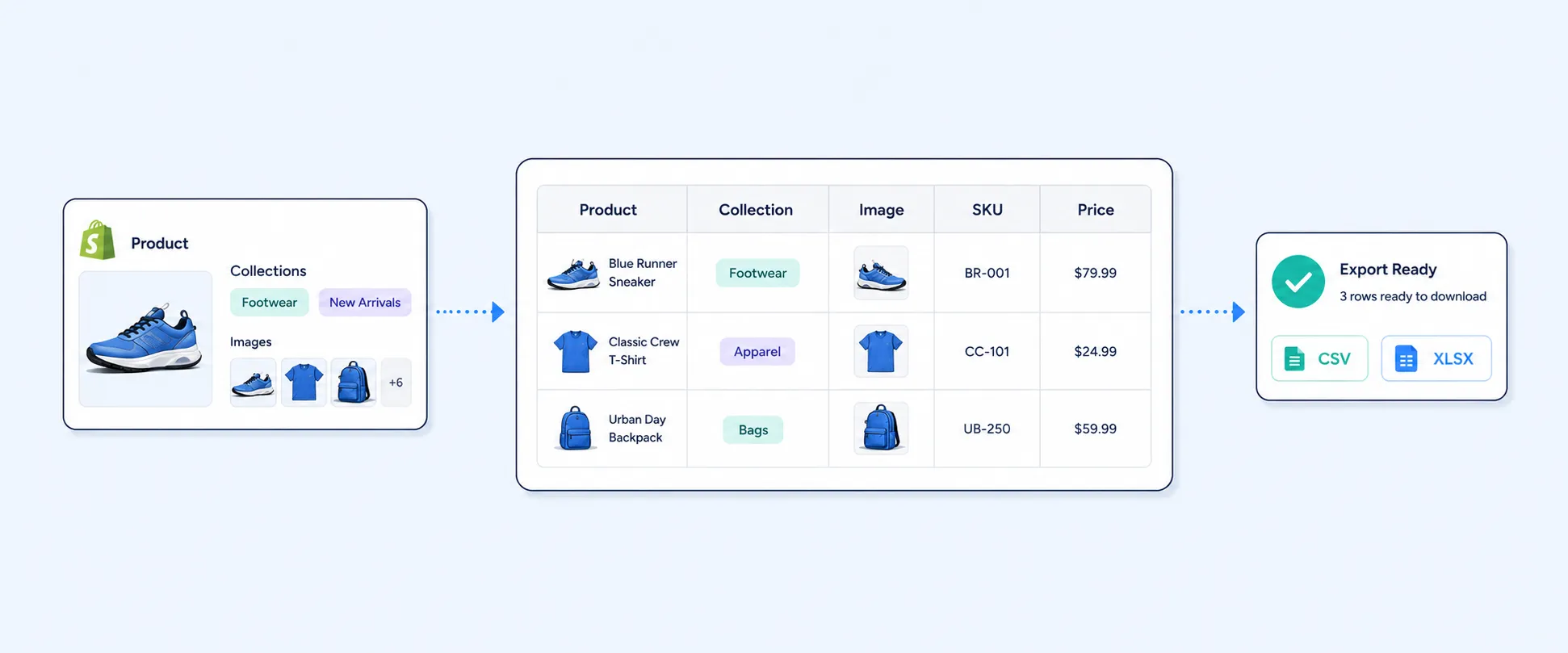
- Scheduled delivery and export workflows
- Stronger fit when inventory needs to be analyzed with other store data
This is usually the best option for teams that do not just want “an inventory report,” but want control over how inventory is filtered, grouped, delivered, and combined with the rest of store performance.
Data Export IO
Data Export IO is a strong choice for merchants who care as much about export and automation as they do about on-screen reporting. Its app listing emphasizes premade and custom reports across inventory, sales, payouts, refunds, POS, and more, plus live previews, line-item detail, summarized views, and scheduled delivery to email, FTP, Google Sheets, and Google Drive in formats like Excel, CSV, and PDF.
Why merchants usually choose it:
- Export-heavy workflows
- Scheduled reports to external tools
- Inventory standard operational reporting
- Spreadsheet-friendly delivery formats
If your team routinely pushes inventory data into shared spreadsheets or external systems, this one is an easy short list.
Reports & Export by SyncWith
SyncWith is a good fit for merchants who want quick inventory visibility with less setup. Its Shopify App Store listing specifically mentions inventory reporting by product, warehouse, SKU, and variant, along with export-friendly output for CSV and Excel.
Why merchants usually choose it:
- Simpler report creation
- Inventory by location and SKU
- Easy exports
- Good fit for stores that want reporting without overbuilding
This is often a practical choice for teams that want inventory views fast and do not need a deeply customized analytics stack.
Report Toaster
Report Toaster is one of the better-known custom reporting apps on Shopify and is positioned as a real-time reporting and analytics tool. Its app listing highlights customizable reports, scheduled exports, calculated fields, inventory history tracking, aging reports, tags, and metafields. It also carries the Built for Shopify badge, which signals that it meets Shopify’s standards for performance, design, and integration.
Why merchants usually choose it:
- Real-time custom reporting
- Inventory history and aging-style reporting
- Calculated fields
- Report scheduling
- Strong support for tags and metafields
This is a strong option when inventory reporting needs to go beyond current stock and move into trend analysis.
Assisty
Assisty sits a bit closer to inventory optimization than pure reporting, but it is still relevant here because its listing includes custom reports, export capability, dynamic replenishment, and multi-location tracking. That makes it a better fit for merchants who want reporting plus replenishment-oriented decision support, rather than reporting alone.
Why merchants usually choose it:
- Low-stock and replenishment focus
- Inventory optimization workflows
- Multi-location inventory tracking
- Exportable data and custom reports
- Inventory performance
- Re-order inventory
- Inventory Forecasting
If your question is “What do I reorder and when?” rather than just “What is my stock right now?” Assisty deserves a look.
Mipler Advanced Reports
Mipler is another strong reporting-first option for merchants who want customized reports with export and automation. Its listing emphasizes custom reports, scheduled CSV/Excel/PDF delivery, public links for sharing, tags, metafields, calculations, and assisted setup. Merchant reviews on the app page also point to strong use cases in inventory management and reporting.
Why merchants usually choose it:
- Custom reports built with support help
- Automated report sharing
- Metafield and custom tag report
- Broad operational reporting beyond inventory
This is especially appealing for teams that want a reporting app with a strong “we’ll help you build it” service layer.
A simpler way to choose the right app
If you are comparing too many apps at once, use this shortcut.
Choose Report Pundit if your team wants deep custom inventory reporting plus broader store analytics in one place.
Choose Data Export IO if export automation and spreadsheet workflows are a major part of your process.
Choose SyncWith if you want a lighter-weight reporting setup with easy inventory exports.
Choose Report Toaster if calculated fields, inventory history, and customizable analytics are high priority.
Choose Assisty if you want reporting plus stronger replenishment and stock optimization support.
Choose Mipler if you want a customization-heavy reporting app with strong support and scheduled outputs.
What features actually matter in an inventory reporting app
Many app descriptions sound similar until you compare the features that affect daily operations.
Current inventory visibility
At minimum, the app should let you see inventory by product, variant, and location. Native Shopify can show stock in admin, but third-party apps often present that data in a more usable reporting layout.
Low-stock alerts
This is one of the highest-value features because it moves reporting from passive to actionable. Shopify’s native inventory reports are snapshot-oriented, but Shopify’s current inventory management guidance says merchants can set up automated low-stock alerts using Shopify Flow. That means low-stock alerting is increasingly part of Shopify’s built-in inventory workflow, even though many merchants still prefer dedicated reporting apps when they want alerts tied to custom filters, scheduled exports, or broader inventory analysis.
Inventory snapshots and history
If you need to know what stock looked like on a previous date or monitor changes over time, snapshot and history features matter. Shopify’s default inventory reports are month-end snapshots, which is useful but not always enough for operational review.
Multi-location reporting
This becomes essential once you carry stock across stores, warehouses, or retail locations. Apps like SyncWith and Assisty explicitly reference location-aware workflows.
Export and scheduling
A good inventory report is not very useful if your team has to pull it manually every time. Data Export IO, Report Toaster, Mipler, Better Reports, and Report Pundit all emphasize export and automation in different ways.
Why many merchants outgrow native Shopify inventory reporting
Shopify’s native tools are fine for visibility inside the admin. They are less ideal when reporting becomes part of a recurring operating process.
The common turning points are:
- a team needs a low-stock email or Slack workflow
- multiple locations make stock visibility harder
- finance, ops, and merchandising need different inventory cuts
- snapshot and trend analysis becomes important
- the business wants exports, not just dashboards
Shopify’s current direction is to bring more inventory functionality directly into the core platform. Shopify says most core workflows that merchants used in Stocky are already available in Shopify, including purchase orders, transfers, adjustments, POS inventory management, and inventory reporting with customization. At the same time, Shopify also notes that some Stocky-specific features may still work differently or may not yet be available in Shopify, with improvements still in progress.
That is why many merchants still install a reporting app even when Shopify covers the operational side. The need is usually not “Can Shopify manage inventory?” The need is, “Can my team get the exact inventory views, exports, alerts, and analysis we need without extra manual work?”
Why Report Pundit is often the best fit for inventory reporting
For merchants specifically looking for an inventory reporting app, not a full inventory management suite, Report Pundit has a strong practical advantage.
Its app-store positioning is broader than just inventory, but that is exactly why it works well. Inventory rarely lives alone. Merchants often want to connect stock levels with sales velocity, collections, locations, vendors, bundles, adjustments, or reorder triggers. Report Pundit’s custom reporting model, prebuilt report library, calculated fields, filters, and integrations make that kind of inventory analysis easier to build without forcing the merchant into a separate planning or ERP-style tool.
It is especially well suited when you need:
- current inventory reports
- inventory snapshots
- low-stock style reporting and alerts
- multi-location inventory visibility
- scheduled exports to teams
- custom views by product, collection, vendor, or location
That is why it fits a wide range of Shopify merchants, from stores that just want better visibility to teams that want inventory reporting woven into a larger analytics workflow.
FAQ
Does Shopify have native inventory reports?
Yes. Shopify provides default inventory reports and inventory adjustment reports. Shopify describes inventory reports as month-end snapshots that help you track inventory quantities and sold-per-day behavior.
What is the difference between inventory reporting and inventory management?
Inventory reporting is about visibility, analysis, exports, and alerts. Inventory management is about operational control, such as purchase orders, transfers, receiving, forecasting, and stock counts. Shopify now handles many operational inventory workflows directly in the admin, especially as it transitions merchants away from Stocky and into built-in inventory management. https://help.shopify.com/en/manual/products/inventory/getting-started/transitioning-from-stocky
Is Stocky an inventory reporting app?
Stocky was Shopify’s inventory management app for retail and POS-oriented workflows, but Shopify is sunsetting it. Shopify says Stocky will no longer be available after August 31, 2026, and it was delisted from the Shopify App Store on February 2, 2026. Shopify is moving core Stocky workflows into the main Shopify admin and Shopify POS instead.
Which Shopify app is best for custom inventory reports?
For custom inventory reporting with broader analytics flexibility, Report Pundit, Report Toaster, Mipler, SyncWith, and Data Export IO are all strong options, with different strengths in customization, exports, automation, and ease of setup.
Which app is best for low-stock alerts?
If low-stock alerting is the main requirement, start by checking what you can do natively with Shopify Flow, since Shopify now documents automated low-stock alerts as part of its built-in inventory management direction. Merchants who need more customized reporting, scheduling, or export workflows often still prefer dedicated reporting apps on top of that.
Which inventory reporting app is best for exports and scheduling?
Data Export IO, Report Pundit, Report Toaster, and Mipler all emphasize export and scheduled reporting. The best choice depends on whether you prioritize spreadsheet workflows, custom calculations, or broader reporting flexibility.
Closing
Inventory reporting is one of the easiest places to save margin and prevent avoidable mistakes, but only if the reports are timely, readable, and tied to real decisions.
If your store only needs occasional inventory checks, Shopify’s native tools may be enough. If your team needs low-stock visibility, scheduled reports, snapshots, custom cuts, and multi-location clarity, a dedicated inventory reporting app quickly becomes worth it. Among the options available, Report Pundit stands out as one of the strongest choices for merchants who want flexible inventory reporting without moving into a heavy inventory management system.

5.0 ( 2000+ Reviews)