Shopify Deposits vs Sales: Fees, Timing, and Reconciliation

Shopify Deposits vs Sales: Why Your Bank Payouts Do Not Match and How to Reconcile Fees
The real reason your Shopify deposits do not match sales
If you are trying to match “today’s sales” to “today’s bank deposit,” you are comparing two different systems.
Sales reports answer: “What did customers buy, and when did the order happen?”
Payouts answer: “What cash moved to your bank, and what got deducted or adjusted on the way?”
Shopify explains that payouts follow settlement timing and business days, not your order date. Weekends and holidays do not count as business days for payout schedules, and timing varies by setup and region.
Once you accept that sales and payouts are measuring different things, reconciliation becomes much simpler. You stop chasing totals and start following the payout trail.
A simple mental model that makes reconciliation easy
To reconcile cleanly, keep these four buckets separate:
1) Order activity
This is what your customer paid for (gross sales, discounts, refunds, taxes, shipping, and so on). This is what most “sales” reporting is built around.
2) Payment processing
This is where processing fees, network fees, and gateway-related deductions happen. Shopify provides a way to review payout fees for Shopify Payments in your payments settings.
3) Payout settlement
This is the payout record Shopify creates when funds are batched and sent. Shopify’s payout timing documentation is explicit that settlement follows business-day rules.
4) Bank posting
Even after Shopify sends a payout, your bank can take additional time to post it. Shopify notes that other payment providers have their own payout rules as well. That’s why a deposit is rarely the same as a daily sales total. It is a net cash movement across a payout window.
The three causes behind almost every mismatch
Cause 1: Timing differences (sales date vs payout date)
Shopify payout schedules use business days only, and the payout date can fall later than the sale date.
So a deposit can include transactions from multiple order days, and it can exclude some orders that are still pending settlement.
Cause 2: Deductions (fees, refunds, chargebacks, adjustments)
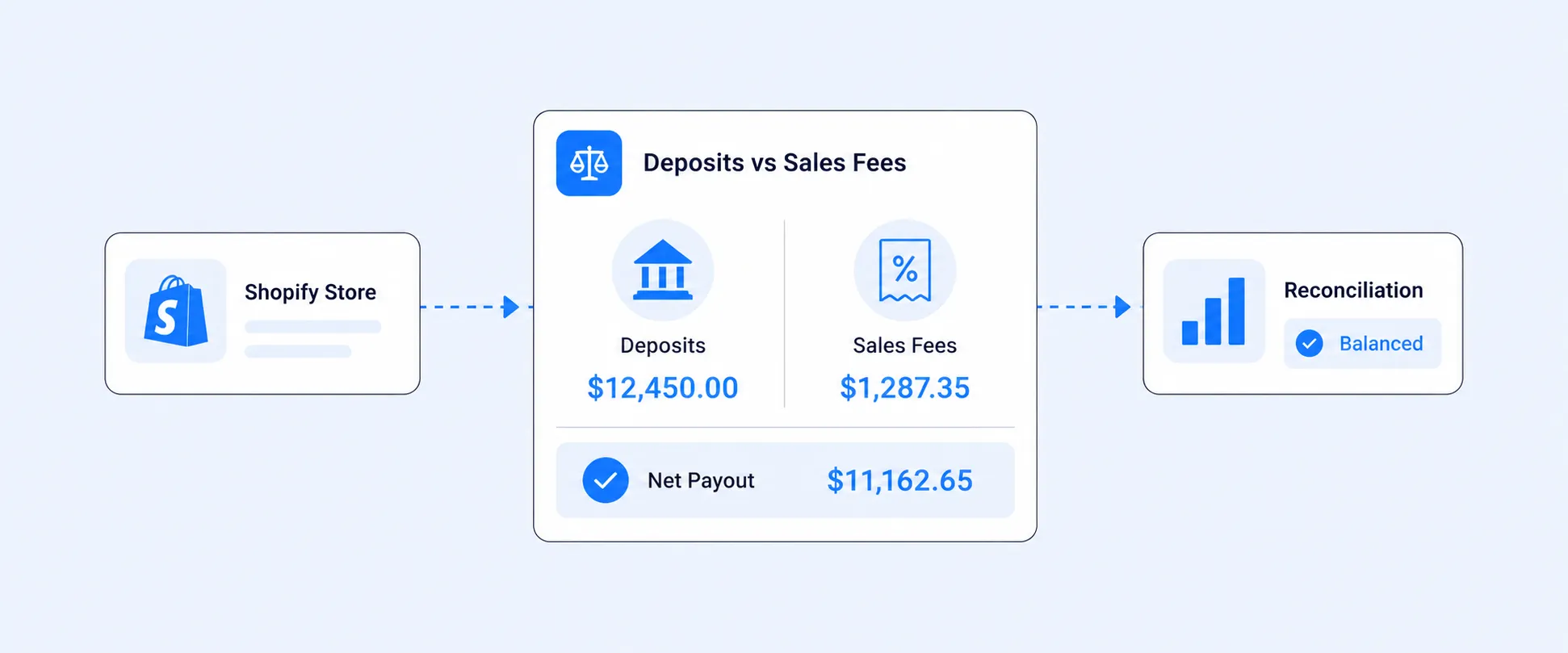
Even if the timing lines up, the deposit is usually smaller because fees and deductions are netted into the payout. Shopify’s payout detail view is designed to show the components of that net amount.
Cause 3: Payment gateway fragmentation (Shopify Payments vs other gateways)
If you use third-party gateways, deposits will not “roll up” neatly inside Shopify’s payouts view. Shopify states that other payment providers have their own rules on when you receive payouts, separate from Shopify Payments.
Shopify community responses also reinforce that orders processed through third-party gateways won’t appear in the Shopify admin payouts section.
Where Shopify shows the fee breakdown and payout transactions
Most merchants find what they need in one of these places (the exact navigation can vary by admin experience and region):
Option A (common): Settings-based path
Settings > Payments > View payouts > View transactions > Export
Shopify’s Help Center documents this path and the export flow for payout transactions.
Option B (some stores): Finance-based path
Some stores also access payouts through a Finance area (Shopify has been evolving finance navigation over time). If you do not see “Finance” in your admin, the Settings path above is the safe, documented option.
- From your Shopify admin, go to Settings > Payments > View payouts.
- Click View Transactions.
- Click Export.
- Select the range of transactions you want to export and the type of CSV file, then click Export balance transactions.
What to look for inside a payout
Open a specific payout and focus on the transactions included in that payout (charges, refunds, and any adjustments). This view is the closest thing to a “deposit explanation” inside Shopify.
The reconciliation workflow that works (deposit first, not sales first)
Here’s the process accountants and finance-minded operators use because it scales.
Step 1: Start with the bank deposit
Pick one deposit from your bank statement that you want to reconcile.
Step 2: Find the matching Shopify payout record
Go to your payouts list (using the Settings path above) and locate a payout with the same amount and a close date.
Tip: Shopify recently improved exports to make matching easier by adding Bank Reference to payout exports and Payout ID to order transaction exports for Shopify Payments merchants.
Step 3: Open the payout and review included transactions
Inside the payout details, review the transactions list. This is where you will see what the payout is made of.
Step 4: Export the payout transactions when you need proof
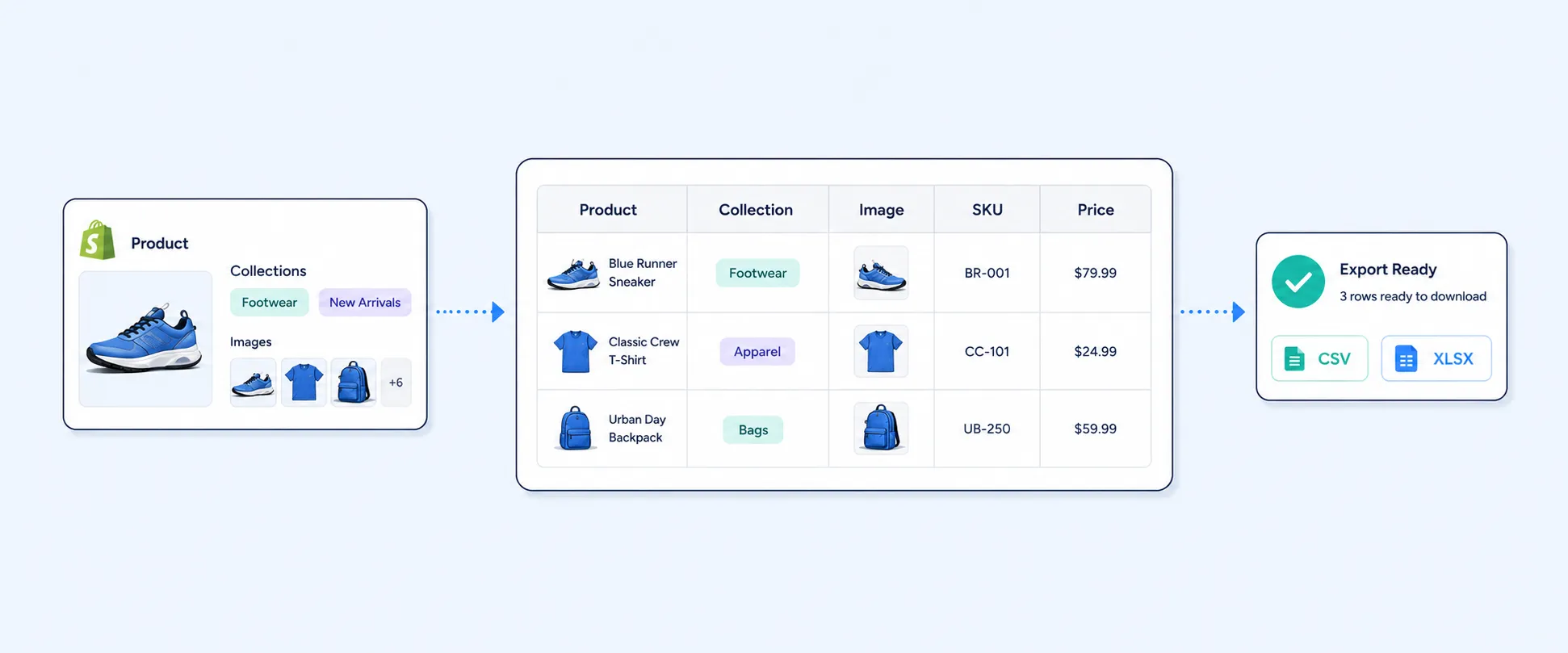
Use the export option to pull payout transactions into a CSV for your accounting workflow or spreadsheet review.
Step 5: Handle third-party gateways separately
If you use PayPal, Stripe, or other gateways, you will usually need to reconcile those payouts in their own dashboards because they follow their own payout schedules and fees. Shopify’s guidance is to check with the provider for payout frequency and rules.
One short example (with simple numbers)
Let’s say you sold $2,000 today.
- $2,000 shows in a sales report because that reflects customer purchases.
- Your deposit might be $1,850 because fees were deducted and a $100 refund was included in the payout window.
- The deposit might arrive two business days later because payout timing uses business days, and weekends do not count.
Nothing is “wrong” here. You are just looking at different layers of the money flow.
A checklist to diagnose the mismatch in 5 minutes
Use this checklist before you assume Shopify is “missing” money:
- Are you comparing order date to payout date?
If yes, expect mismatch due to business-day settlement timing. - Are you mixing gateways?
If you have PayPal or another gateway, you now have multiple payout systems. Shopify notes other providers follow their own payout rules. - Did you check the payout’s transactions, not just the payout total?
The transactions view is where the fee and refund story shows up. - Are refunds or chargebacks in play?
Refunds can show up in a different payout window than the original sale. - Do you have pending holds or verification issues?
If payouts are lower or missing, Shopify has a dedicated troubleshooting guide for common causes and the steps to locate payout details.
Common pitfalls that create “phantom discrepancies”
Trying to reconcile totals by day
Daily sales totals are not designed to equal daily deposits. Payout timing is different by design.
Assuming Shopify shows third-party gateway payouts
Orders processed through third-party gateways can be paid out outside Shopify’s payouts section.
Not using the export fields that make matching easier
If you are on Shopify Payments, the newer Bank Reference and Payout ID fields can remove a lot of guesswork.
Reconciling deposits without a payout audit trail
Deposits can straddle month-end. If you only book deposits, you can shift revenue into the wrong period.
What to do if you use multiple gateways and deposits are all over the place
If Shopify Payments is your only gateway, the payout view and export usually get you there.
If you use multiple gateways, the hard part becomes consolidation:
- Different payout schedules
- Different fee structures
- Different refund handling and timing
- Different dashboards and exports
At that point, reconciliation becomes a workflow problem, not a “Shopify report” problem.
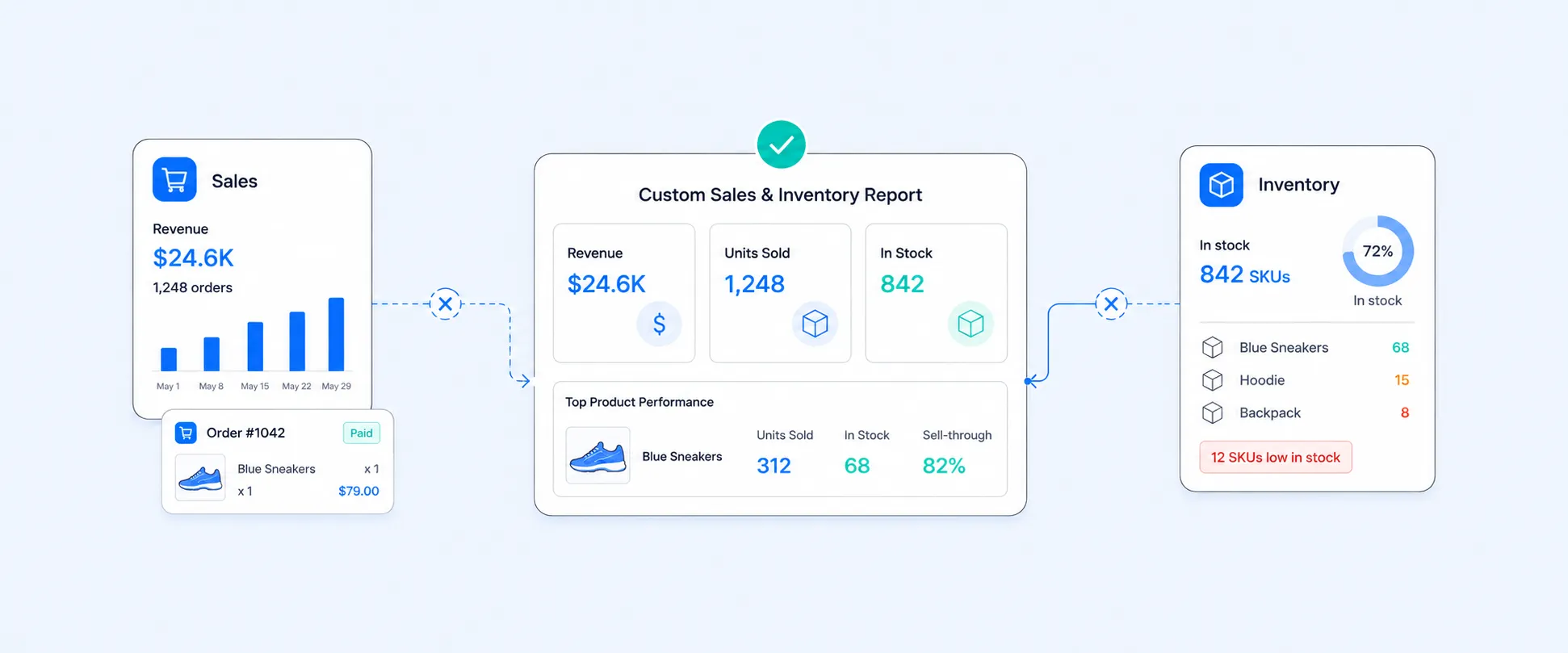
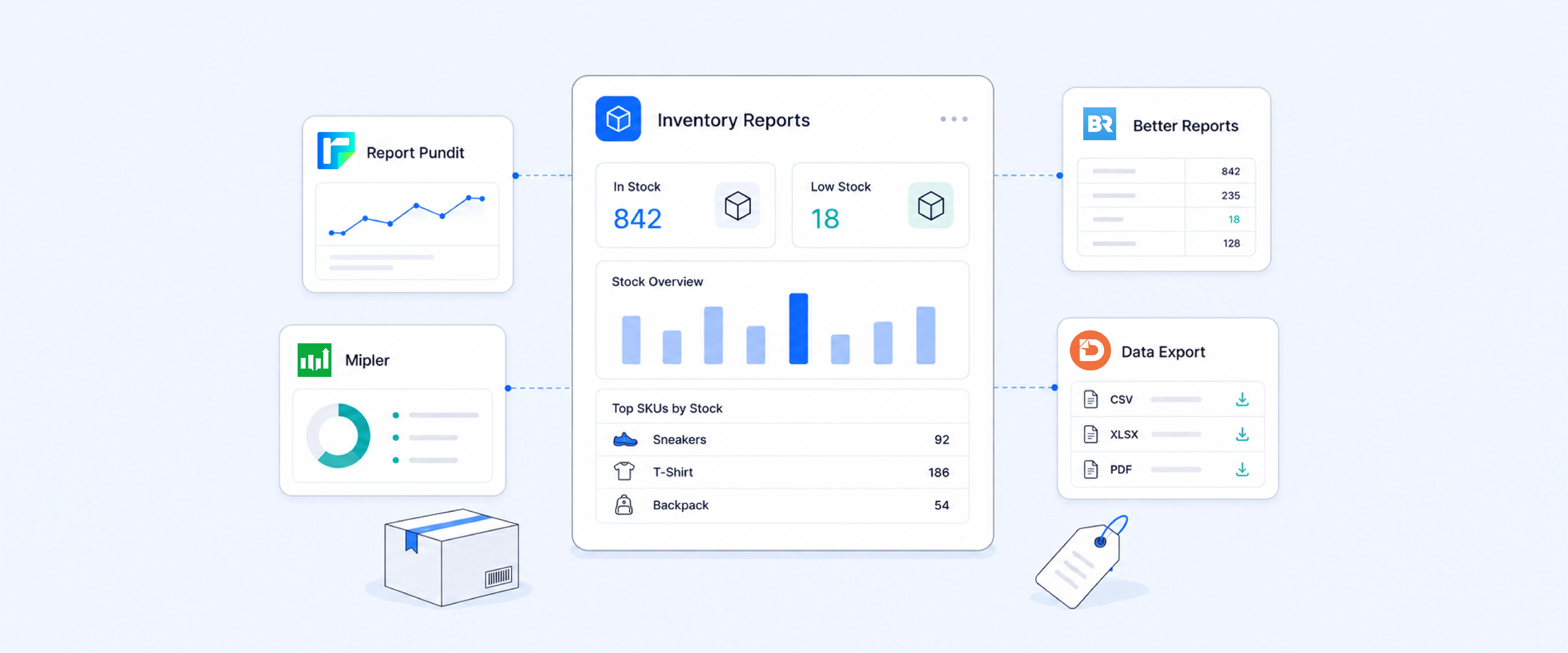
This is where a reporting tool like Report Pundit becomes a practical solution. Instead of stitching exports together every month, you can build a reconciliation-focused report that ties payout transactions back to orders and refunds, then filter and export it in a consistent way for accounting and cash flow reviews.
If you also need gateway-level settlement details (PayPal settlement IDs, Stripe payout IDs, etc.), that depends on what is supported in your setup through integrations or imports. Shopify is clear that non-Shopify payment providers have their own payout rules and systems.
FAQ
Why do Shopify payouts not match net sales?
Because payouts include timing differences and deductions such as fees and refunds. Shopify payout timing uses business days and can differ from the sale date.
Where can I see Shopify payment processing fees?
You can review Shopify Payments rates in Settings > Payments under Shopify Payments, and you can see fee impact in payout transactions and exports.
How do I export a payout transaction report in Shopify?
Shopify documents the export steps: Settings > Payments > View payouts > View transactions > Export, then choose the date range and CSV type.
Why do I not see some orders in my payouts?
If the order was processed through a third-party payment gateway, it might not appear in the Shopify payouts section. Shopify community guidance highlights this scenario.
How do weekend orders affect my payout timing?
Shopify explains that payout schedules use business days, so weekends and holidays do not count toward settlement timing.
What is the fastest way to match payouts to bank deposits?
For Shopify Payments merchants, Shopify added Bank Reference to payout exports and Payout ID to order transaction exports to make matching easier.
Should I reconcile from sales reports or payouts?
For bank reconciliation, start from payouts because they represent net cash movement and include fee and refund effects.hiCan Shopify show a single report for all gateways?
Shopify notes other payment providers have their own payout rules, so a full roll-up usually requires reconciling each provider or using a consolidation workflow.
Closing: The cleanest path to reliable payout reconciliation
If deposits and sales are not matching, it is usually not a bug. It is timing plus deductions plus multiple payout systems.
Start from the payout record, drill into transactions, and use exports when you need an audit trail. If your store uses multiple gateways and the spreadsheet stitching is costing hours every month, consolidating the workflow in Report Pundit is often the most reliable way to keep reconciliation accurate as you scale.

5.0 ( 2000+ Reviews)