Shopify Sales by Channel Report: Compare POS and Online Sales

Analyze POS and Online Store Performance With Shopify Sales by Channel Reports
Selling through more than one channel is powerful, but it also makes performance harder to read.
A Shopify merchant might sell through the Online Store, POS, Buy Button, social channels, marketplaces, draft orders, or connected apps. Each channel can bring a different customer type, order size, discount pattern, return rate, and fulfillment cost. If all sales are reviewed together, strong and weak channels can hide inside the total.
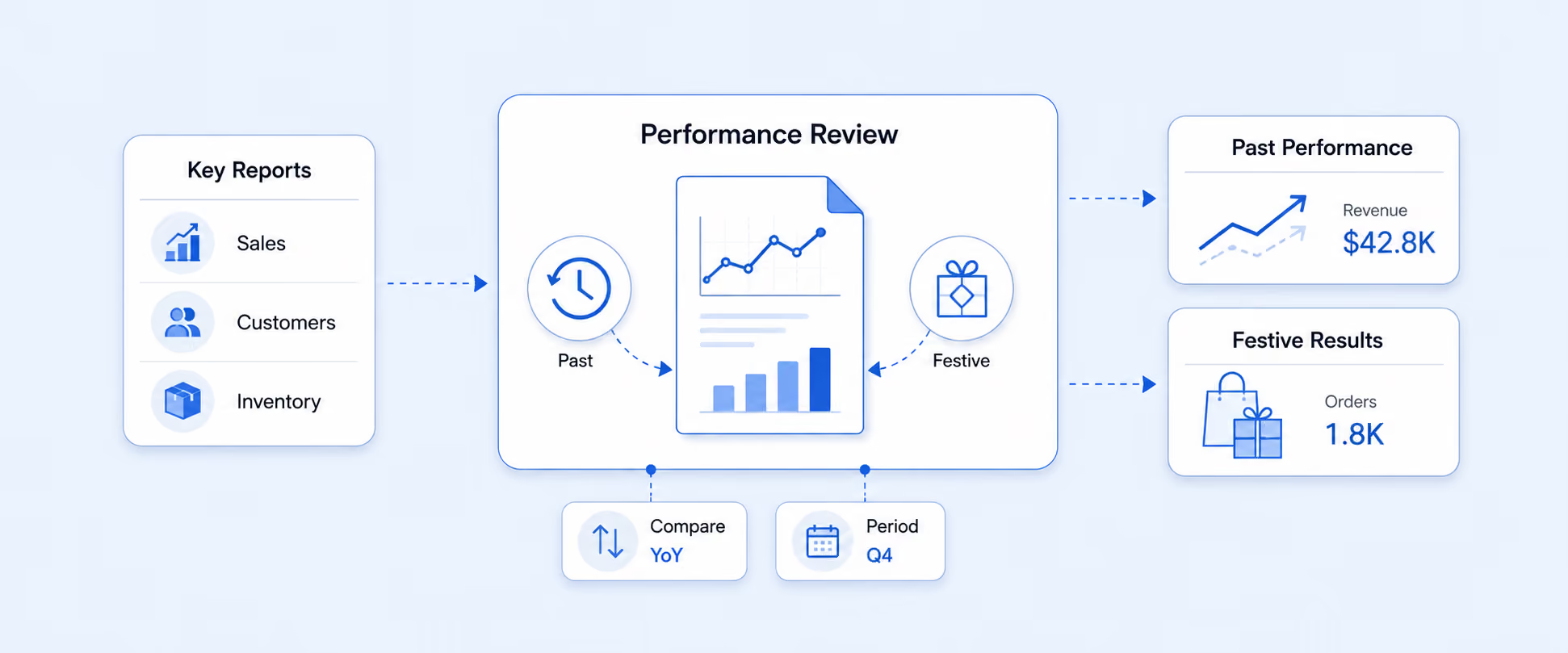
Shopify’s sales reports include Total Sales by Sales Channel and Net Sales by Channel, which help merchants compare sales across the channels customers use to place orders. Shopify Analytics also lets merchants monitor performance across sales channels from the analytics dashboard.
What a Shopify Sales by Channel Report Shows
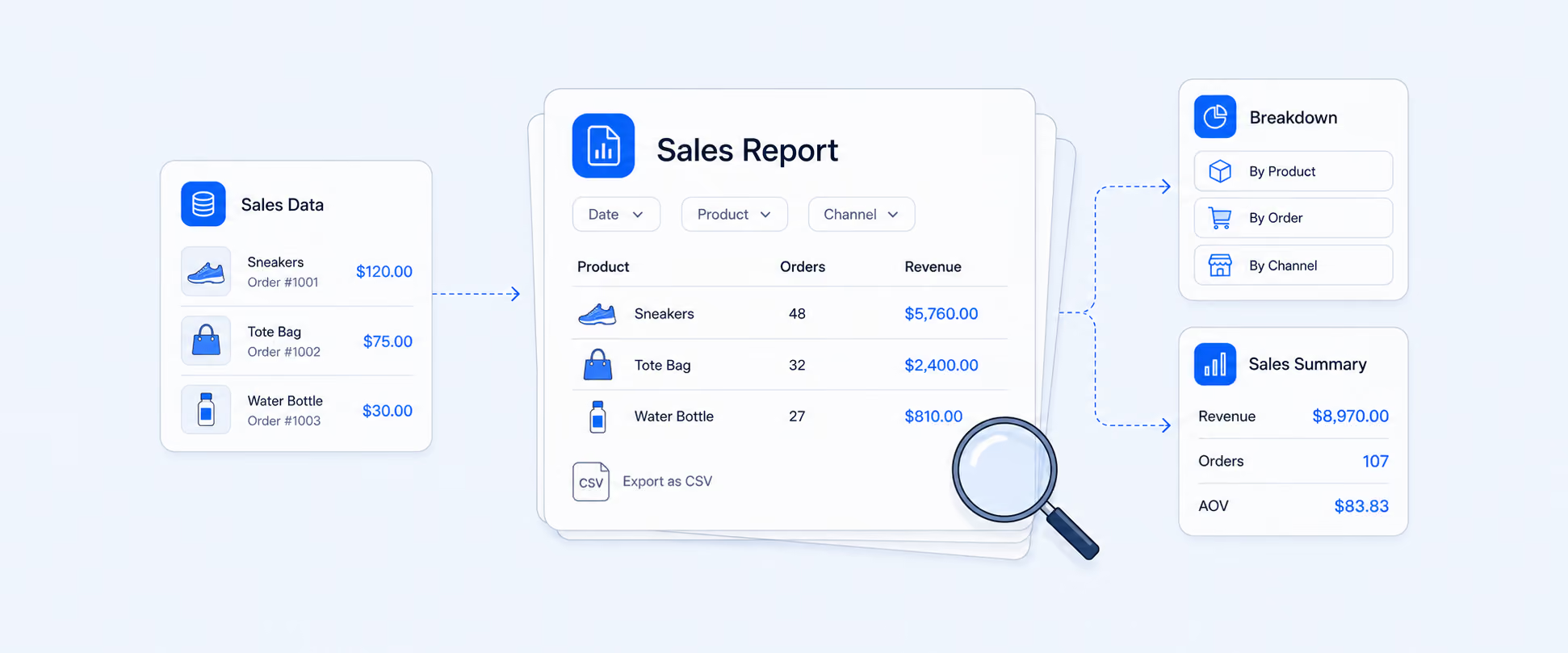
A Sales by Channel report breaks sales performance down by the channel where the order was placed.
That matters because “total sales” does not explain where growth is coming from. A store may see revenue increase, but the real story could be that POS is growing while online sales are flat. Or the Online Store may bring more orders, while retail has higher average order value. A social or marketplace-connected channel may create order volume, but returns, discounts, or fulfillment costs may change its real business value.
Shopify sales reports use core sales metrics such as orders, gross sales, discounts, returns, net sales, shipping, taxes, duties, and total sales. Net sales is calculated after discounts and returns, while total sales includes additional values such as taxes, duties, shipping, and fees depending on the report context.
For a quick channel check, this report gives a clean starting point: which channel generated the most sales, and how much did each channel contribute during the selected period?
Where to Find Sales by Channel in Shopify
The usual path is:
Analytics > Reports > Category Filter > Sales
From there, open Total Sales by Sales Channel or Net Sales by Channel. Shopify’s Sales reports area includes sales by sales channel reporting, which is designed to show sales across different sales channels.
Before judging performance, set the right date range. A one-week view may show a campaign spike. A 90-day view may show a more reliable pattern. For seasonal stores, compare the same period year over year instead of only looking at the previous week or month.
The most useful first pass is simple: compare order volume, net sales, and discounts or returns by channel. That shows not only where sales came from, but how much effort or adjustment was needed to generate them.
Sales Channel vs. Traffic Referrer
Sales channel and traffic referrer are easy to confuse.
A sales channel shows where the order was placed or which channel or app created the order. A traffic referrer shows where the visitor came from before reaching your store. For example, a customer may click from Instagram, browse your Shopify Online Store, and complete the order through the Online Store channel. In that case, Instagram may matter as a referrer or marketing source, while the sales channel may still be Online Store.
This distinction matters for decision-making. If you want to know where the order was placed, use sales by channel. If you want to know what influenced the customer before purchase, use referrer, UTM, and marketing reports. Shopify marketing reports use referrer and marketing data to help merchants understand how customers reach the store and how marketing activities contribute to sales.
What to Compare Across Online Store, POS, and Other Channels
A channel report becomes more useful when you compare sales quality, not just sales size.
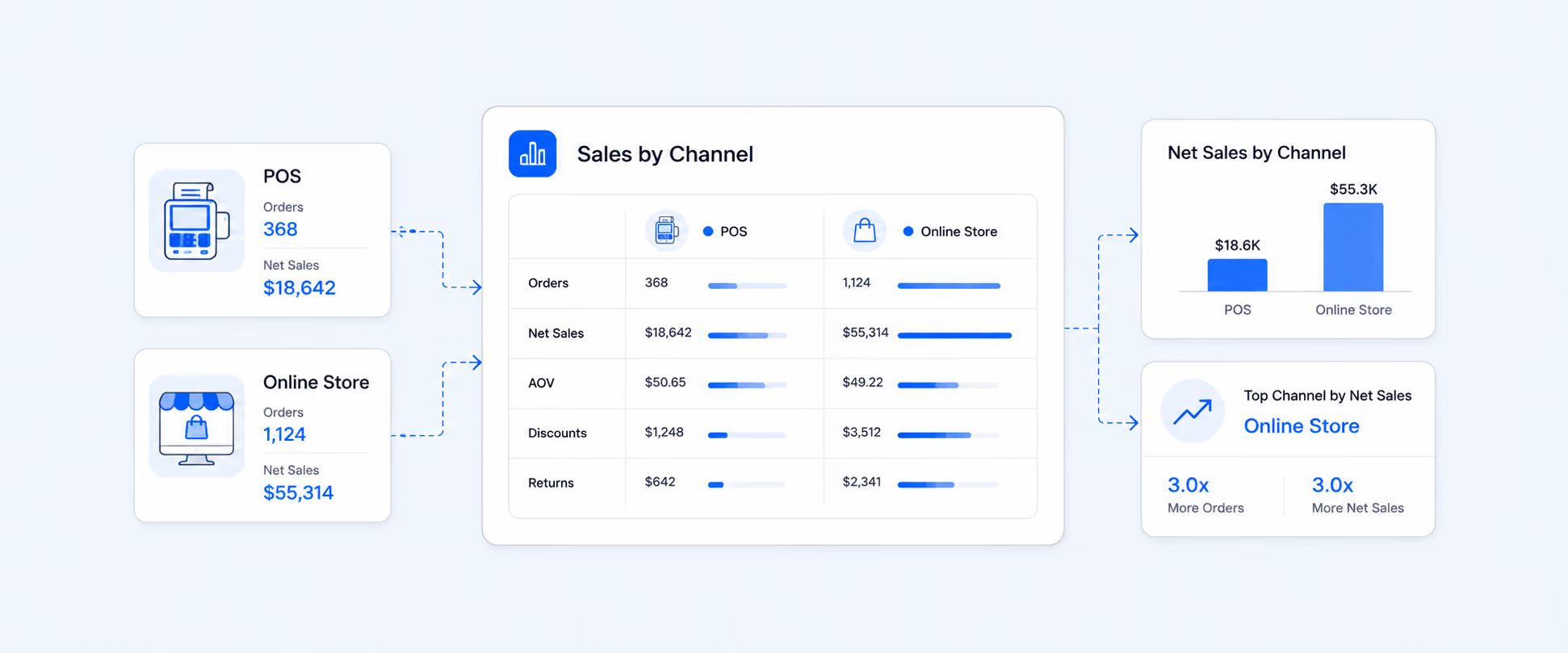
Orders show volume. Gross sales show demand before adjustments. Discounts show how much promotion pressure each channel needs. Returns and sales reversals show how much revenue was reduced after the sale. Net sales gives a cleaner view after major adjustments. Taxes and shipping help separate product revenue from collected tax or delivery charges. Total sales gives the broader sales value, but it should be read carefully because it can include items that are not product revenue.
That matters because channels can look very different depending on which metric you use. A channel with high gross sales may look weaker after discounts and returns. A channel with fewer orders may still deserve attention if it produces stronger net sales, higher AOV, better retention, or lower support costs.
How to Use Sales by Channel Reports for Better Decisions
A channel report should guide specific decisions, not just summarize performance.
If the Online Store has high sales but heavy discounts, the issue may be promotion quality. The store may need better product-page merchandising, stronger bundles, or fewer blanket discounts. If POS has strong average order value but lower traffic, the opportunity may be staff training, local events, or in-store merchandising. If Buy Button sales are small but consistent, the external site or blog where it appears may deserve better placement or more product focus.
Here is a simple example.
A fashion brand reviews last month’s sales by channel and finds that POS has an $80 average order value, the Online Store has a $45 average order value with heavy discounting, and Instagram Shop has a $35 average order value with a higher return rate.
That tells three different stories. POS customers are spending more, so the brand may want to invest in in-store promotions, staff incentives, and better retail inventory availability. Online Store sales are happening, but discounts are doing too much of the work, so the next step may be improving product pages, bundles, or free-shipping thresholds instead of running another sitewide code. Instagram Shop is creating orders, but the lower AOV and higher return rate suggest that product expectations, sizing, imagery, or post-purchase education may need improvement.
That is the point of channel reporting. It should not just tell you which channel is largest. It should show what each channel needs next.
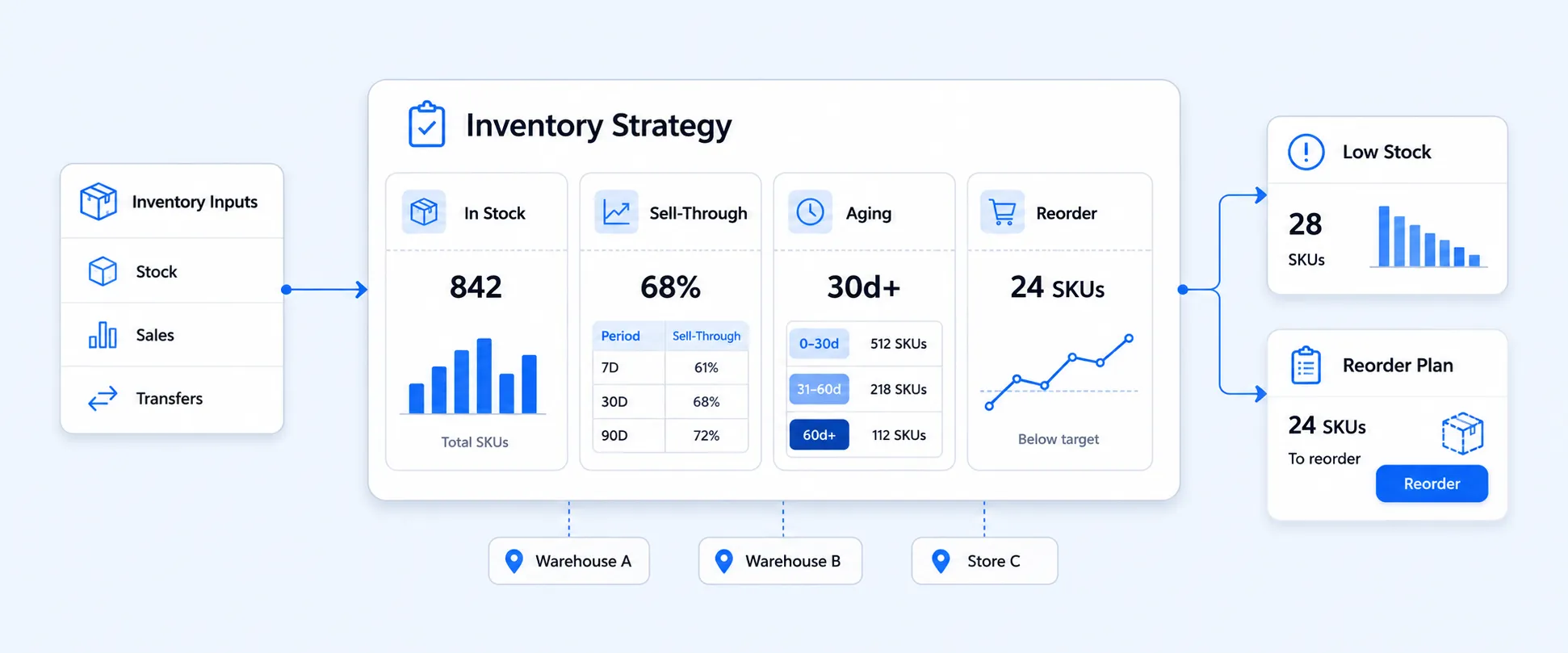
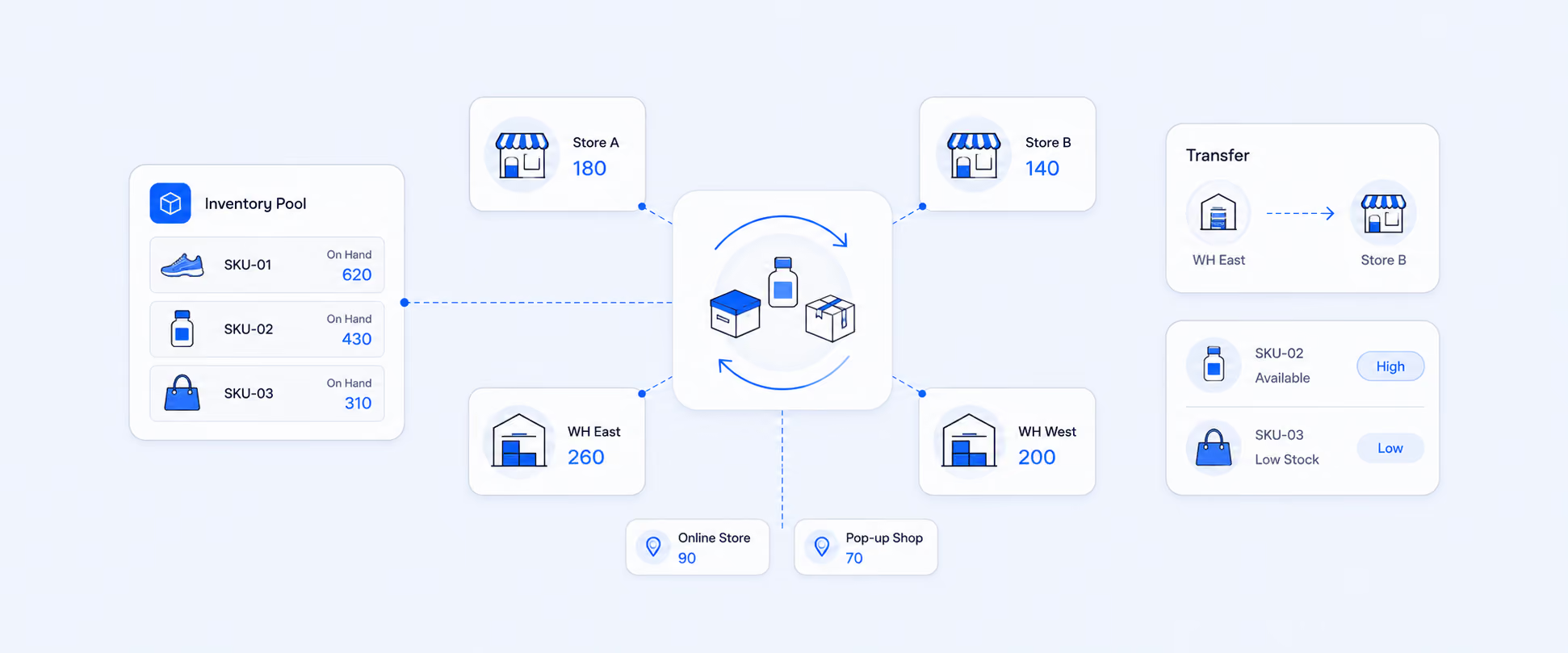
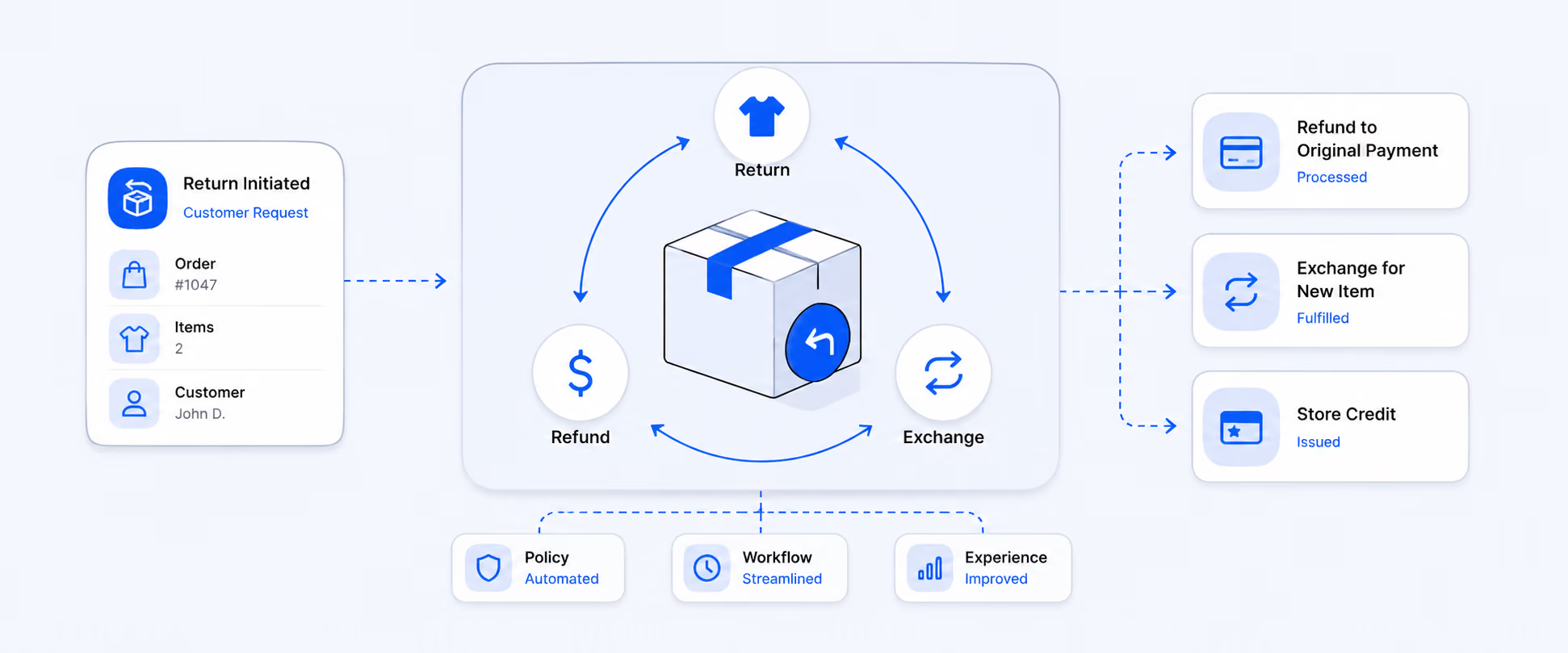
Channel data also helps with operations. If POS sales are growing, inventory may need to shift toward retail locations. If online sales spike during campaigns, fulfillment capacity needs to be planned ahead. If returns are higher in one channel, product descriptions, sizing information, staff guidance, or customer expectations may need review.
When Sales by Channel Reporting Needs More Than a Native View
Native channel reports are useful when you need a quick answer to a simple question: which channel generated the most sales during a selected period?
The workflow becomes harder when channel performance needs to support finance, operations, merchandising, retail, or leadership decisions. A merchant may need sales by channel with fulfillment location, payout details, product tags, customer type, discount code, staff attribution, return behavior, order edits, or exchange context in the same report. Another merchant may need a weekly POS vs. Online Store report sent to leadership automatically.
This is where the reporting need moves beyond a native sales view. The problem is no longer just seeing channel totals. The team needs a repeatable report that connects channel performance with the operational details behind it.
For example, an online order may later be edited, refunded, exchanged, or handled through a POS location. A simple channel summary may not show enough detail for operations, reconciliation, or customer support. A stronger workflow can include order status, line item details, fulfillment status, payment method, payout context, exchange activity, and the sales channel involved, depending on what is available in the store setup.
Report Pundit helps merchants build channel reports around the exact questions their teams ask. Instead of exporting a native report, adding columns manually, and sending the same spreadsheet every week, merchants can create reports by Online Store, POS, Buy Button, draft orders, app channels, product, variant, customer, location, fulfillment status, payout context, or order adjustments.
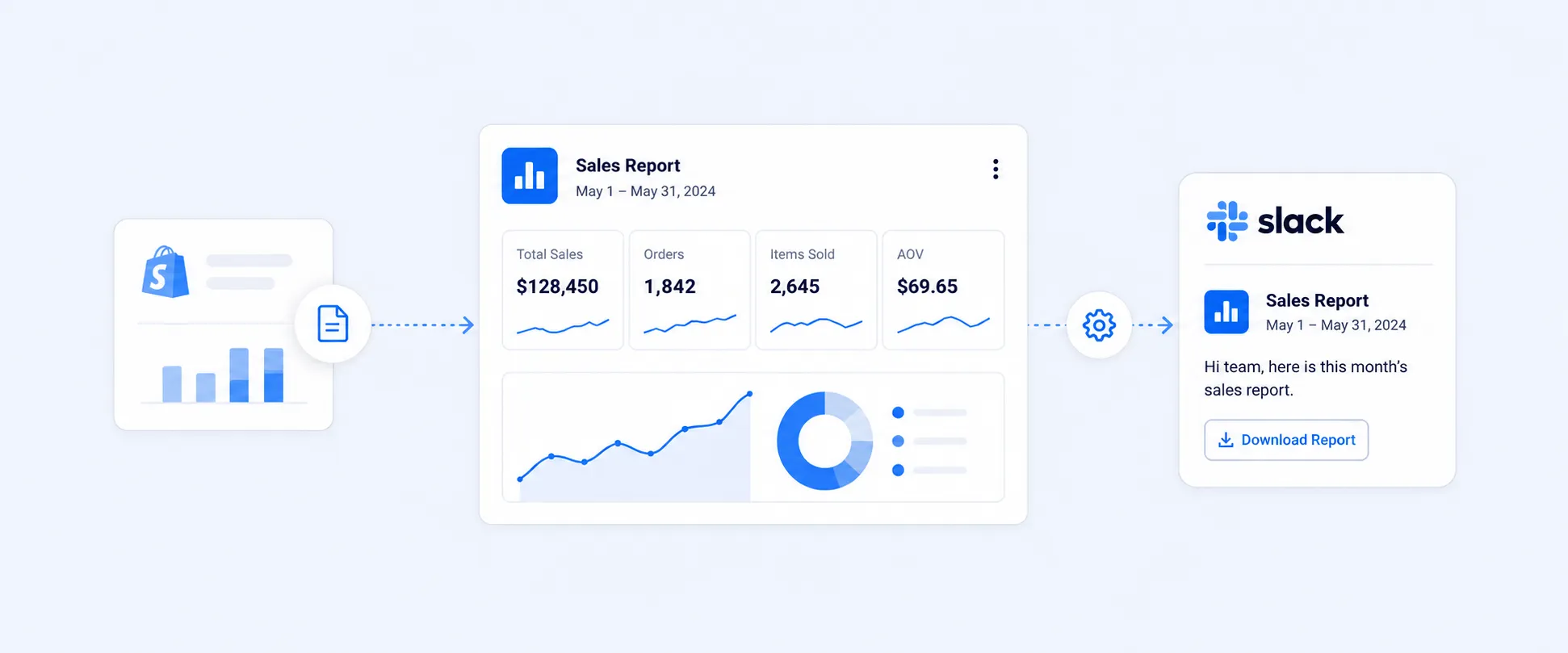
Report Pundit supports custom reports, calculated data fields, automated report scheduling, multi-store reporting, exports to Excel, CSV, PDF, Slack, and Google Sheets, and reporting across sales, payout, inventory, fulfillment, POS, customer behavior, and app-connected data needs.
The value is not just more columns. It is making channel performance easier to review consistently, without rebuilding the same report every time.
Practical Sales by Channel Workflows Merchants Often Need
A retail team may need a daily POS vs. Online Store report with orders, gross sales, discounts, returns, net sales, staff context, and location context. That helps compare whether in-store performance is improving alongside ecommerce.
A finance team may need sales by channel with payment method, refund activity, payout context, taxes, and shipping. That gives a cleaner review when sales performance and cash movement do not line up perfectly.
A merchandising team may need channel performance by product, variant, vendor, and collection. That helps show whether certain products work better online, in-store, through Buy Button, or through marketplace-connected apps.
A leadership team may need one weekly report across stores or regions, with each channel grouped clearly. That kind of view becomes difficult to maintain if every report has to be exported, cleaned, and rebuilt manually.
These are not just different channel reports. They are different operating workflows.
Native Shopify Sales by Channel vs. Custom Channel Reporting
Native Shopify reports are usually enough when the question is simple: which sales channel generated the most sales during a selected period?
Custom channel reporting becomes more useful when the report needs extra fields, recurring delivery, multi-store comparison, app data, payout context, order edit or exchange context, fulfillment status, or a format that teams outside Shopify can use.
Use the native report when you need a quick channel check. Use a custom reporting workflow when channel performance needs to drive decisions across finance, operations, merchandising, marketing, retail, or leadership teams.
Common Mistakes to Avoid
Channel reports are not attribution reports. They show where the order was placed, not necessarily what convinced the customer to buy. A customer may discover a product through Instagram, return through email, and still place the order through the Online Store channel. For marketing influence, use referrer, UTM, and marketing reports alongside sales by channel.
Gross sales can make a channel look stronger than it really is. If a channel depends heavily on discounts or has frequent returns, net sales will give a cleaner read of performance. A high gross sales channel with weak net sales may need better pricing, targeting, or customer expectation management.
POS and online sales should not always be judged by the same standard. POS may have stronger buying intent, different staffing costs, different return behavior, and different inventory needs. Online sales may depend more on ads, shipping expectations, checkout experience, and product-page clarity.
Product mix can distort channel performance. One channel may sell high-margin products while another sells low-margin or heavily discounted items. Total sales alone will not show which channel is better for profit.
Payouts should not be compared directly with channel sales totals. Sales reports show sales activity. Payouts follow payment timing, refund timing, gateway behavior, fees, and payout schedules. For cash reconciliation, channel sales need to be reviewed with payment and finance reporting.
Conclusion
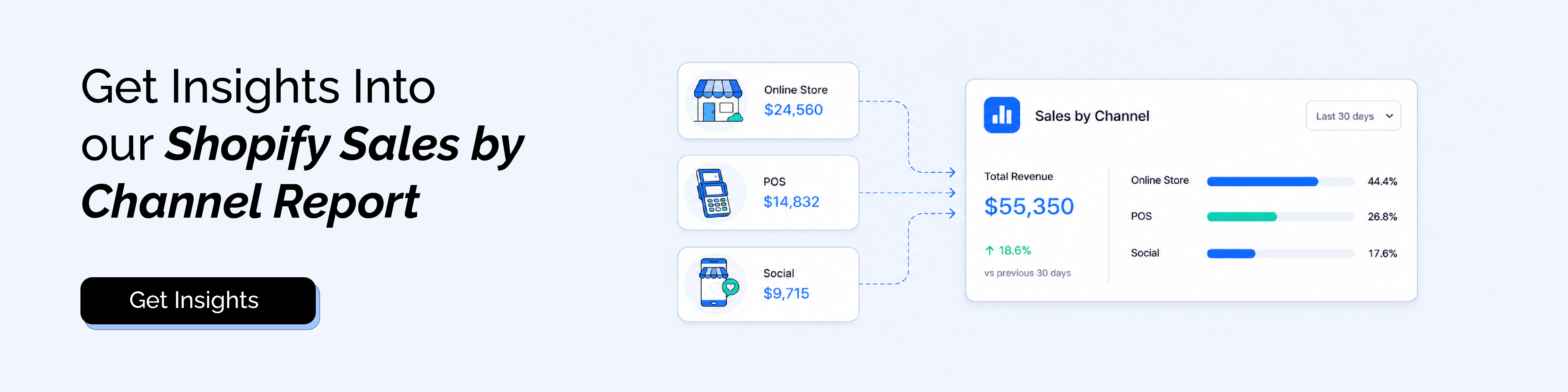
A Shopify Sales by Channel report helps merchants see where sales are coming from across Online Store, POS, Buy Button, Draft Orders, apps, and other connected channels.
That is a strong starting point. But the real value comes from using channel data to make better decisions: where to invest, where to improve conversion, where to shift inventory, where to reduce discounting, and where customer behavior differs by channel.
Report Pundit becomes useful when channel reporting needs to move beyond a quick native view and become a repeatable workflow for finance, operations, merchandising, retail, and leadership teams.
FAQ's
What Is a Shopify Sales by Channel Report?
A Shopify Sales by Channel report shows sales grouped by the channel customers used to place orders. It helps merchants compare sales across channels such as Online Store, POS, Buy Button, Draft Orders, and connected apps.
Where Can I Find Sales by Channel in Shopify?
Go to Analytics > Reports, filter by the Sales category, and open Total Sales by Sales Channel or Net Sales by Channel.
What Is the Difference Between Total Sales by Sales Channel and Net Sales by Channel?
Total sales gives a broader sales value after adjustments and additions such as taxes, duties, shipping, and fees. Net sales is gross sales minus discounts and sales reversals. Net sales is often cleaner for comparing sales performance across channels.
Does Sales by Channel Show POS Sales?
Sales by Channel can help compare channel-level sales, and Shopify also has retail and POS-focused reporting for merchants who sell in person. For deeper POS performance, review retail sales, staff, register, and location-level reports alongside channel reports.
Why Does My Channel Sales Report Not Match My Payouts?
Sales reports show sales activity, not money movement. Payout timing, payment gateways, refunds, and fees can make deposits different from channel sales totals. For payment movement, use payment and finance reporting.
Can Report Pundit Build a Custom Sales by Channel Report?
Yes. Report Pundit can help build custom channel reports with fields such as product, variant, customer, location, fulfillment status, payout context, order details, and channel-level sales data, depending on what is available in the store setup. It also supports scheduling and export workflows for recurring channel reporting.

5.0 ( 2000+ Reviews)