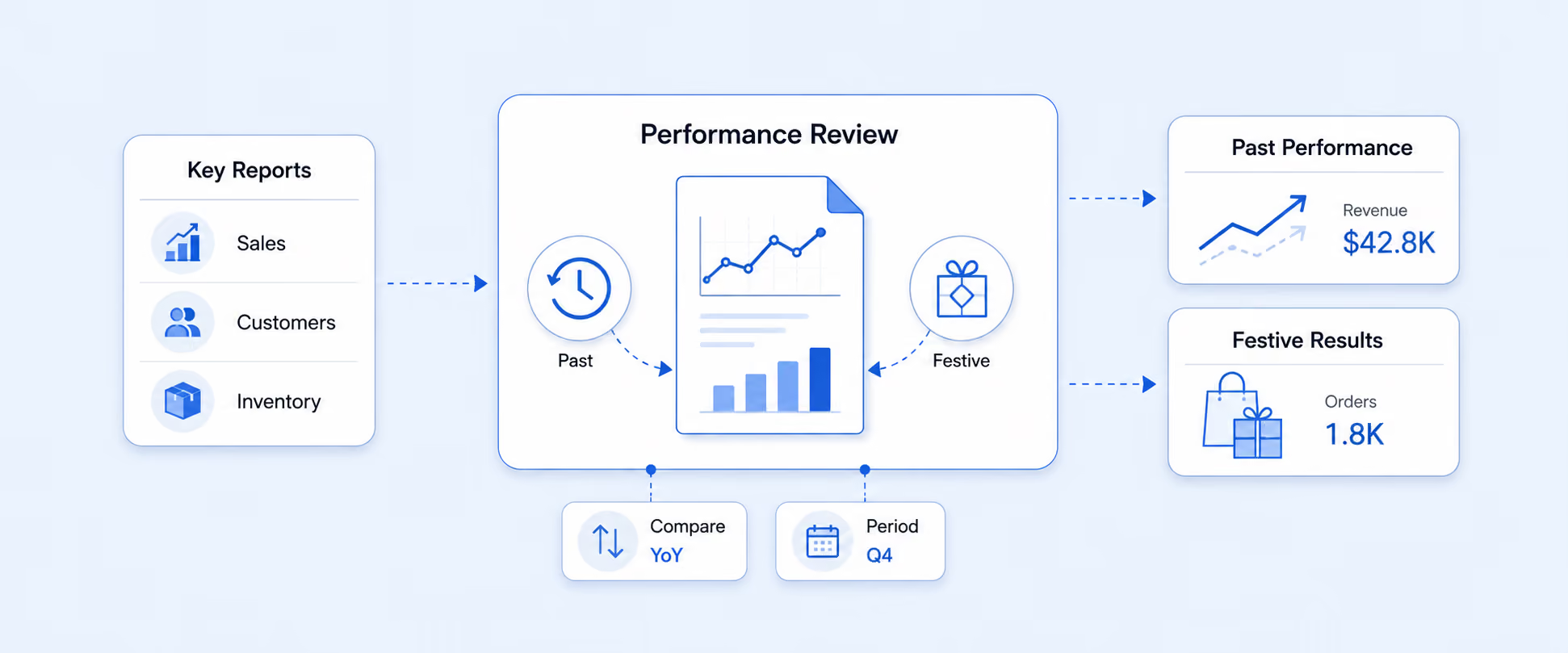
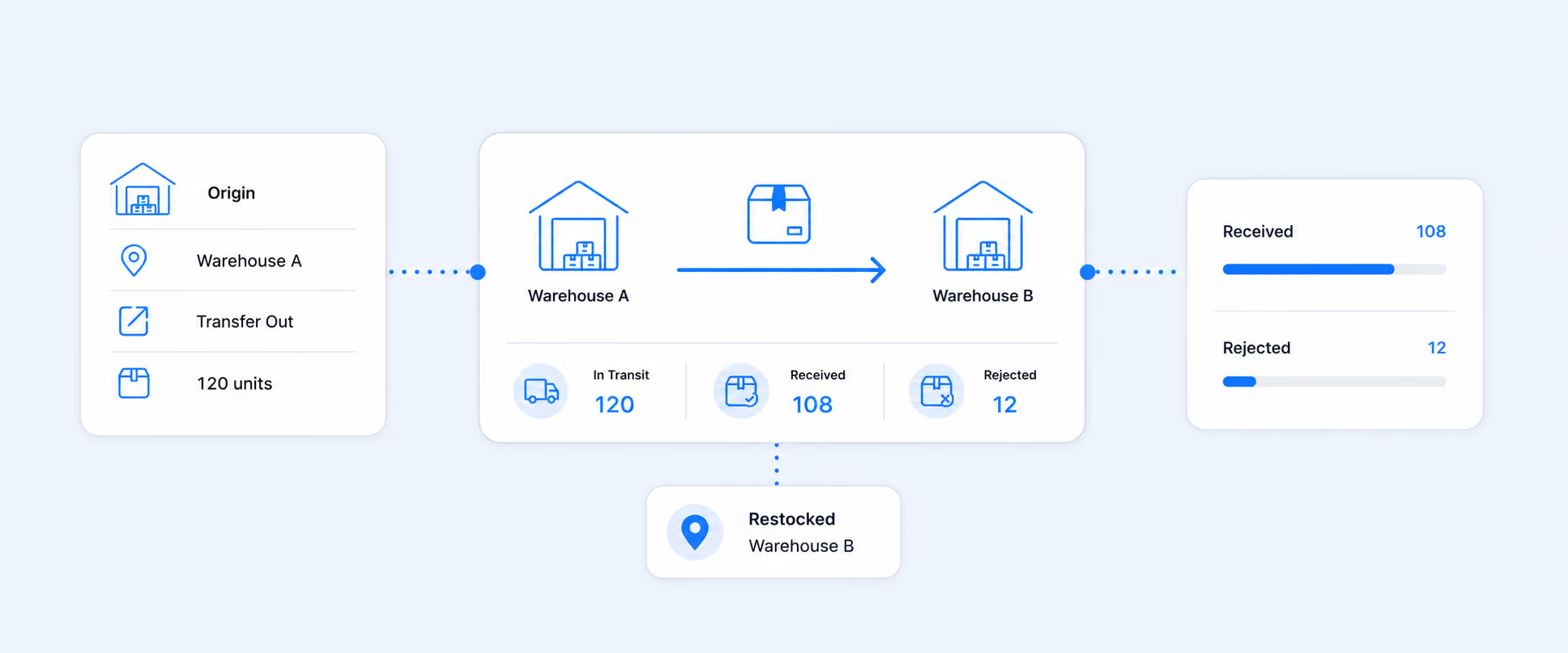
Shopify Returns, Refunds, Exchanges, and Store Credit Guide

Shopify Returns, Refunds, Exchanges, and Store Credit: What to Track and How to Report It Correctly
Returns are not just a support workflow. They affect revenue, payouts, margins, inventory, and retention all at once.
That is why post-purchase reporting gets messy so quickly in Shopify. A return is not the same as a refund. An exchange is not the same as store credit. And the numbers you see in sales reports do not always line up neatly with what lands in your bank account, because returns and refunds are recorded in different parts of Shopify’s reporting model.
Once you understand those distinctions, the whole workflow becomes easier to manage. You can set better return rules, protect cash flow, spot product problems faster, and build reporting that shows what is really happening after the sale.
The four post-purchase actions merchants mix up most
These four terms are related, but they do different jobs inside Shopify.
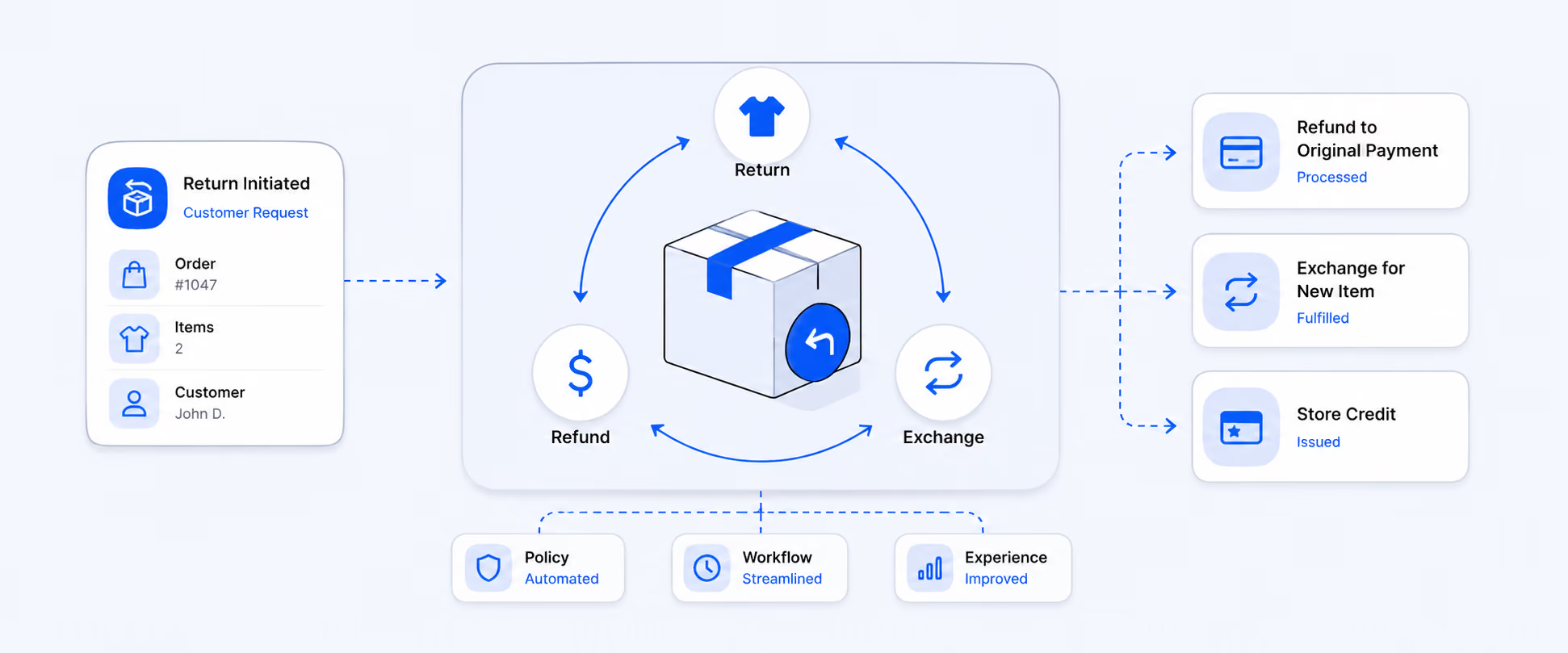
A return is the process of receiving an item back from the customer. A refund is the money you send back. An exchange is a replacement item sent as part of a return. Store credit is a balance you issue to the customer instead of sending money back to the original payment method. Shopify supports all four, but they behave differently in operations and reporting.
That distinction matters because each option changes the business outcome:
- Returns affect inventory and order status
- Refunds affect cash flow and payout reconciliation
- Exchanges help preserve revenue
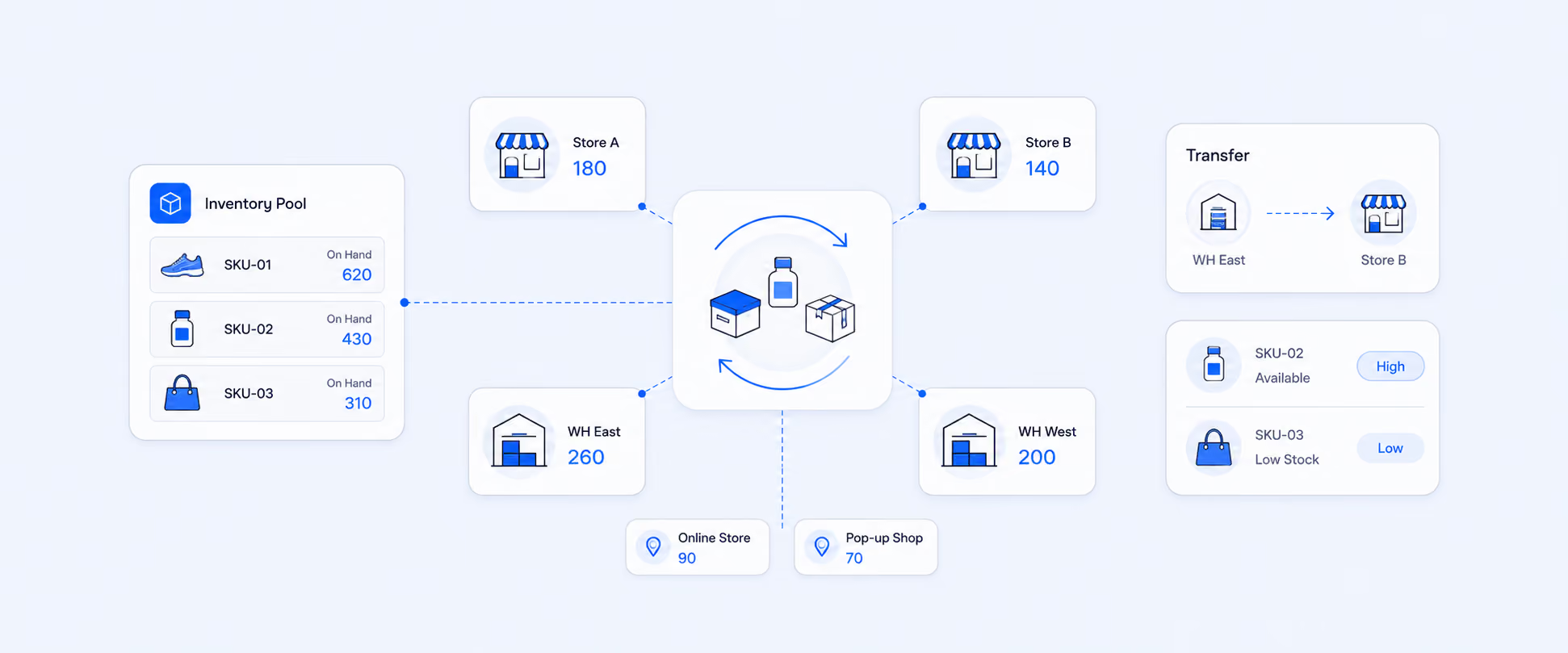
- Store credit can retain future spend instead of sending cash out immediately
Why this matters more than many merchants think
Most merchants look at returns after the pain shows up. A product suddenly has more complaints. Payouts no longer match expectations. Margin gets squeezed. Customers ask for exchanges that the team cannot track cleanly.
The real issue is that post-purchase activity changes multiple layers of the business at once. Shopify’s returns tools let merchants create returns, add exchange items, set return rules, apply restocking fees, and choose whether refunds happen immediately or later. Those decisions directly affect customer experience, operations, and finance.
This is also why reporting matters so much here. If the team only tracks refunds, it can miss exchange conversion. If it only tracks return counts, it can miss payout impact. If it only looks at sales, it can miss the products or channels generating the most post-purchase friction.
What Shopify can do natively for returns, refunds, exchanges, and store credit
Shopify’s native workflow is stronger than many merchants realize.
Inside Shopify admin, you can create returns, approve self-serve return requests, add exchange items, send return labels or instructions, apply return shipping and restocking fees, and issue refunds either immediately or later. Shopify also lets merchants define return rules such as return windows, return shipping charges, and restocking fees.
For refunds, Shopify supports refunding to the original payment method, to store credit, or a mix of both in eligible flows. Store credit is now a native refund option in Shopify, not just a workaround through gift cards. On POS, store-credit refund flows also exist, with some payment-method-specific restrictions.
That means the operational side is covered fairly well. The harder part is building reporting that connects all of those actions to revenue, payouts, and customer retention.
Returns and refunds do not hit reports the same way
This is one of the biggest reasons merchants get confused.
In Shopify reporting, returns and refunds are separate things. The returns appear in sales reporting logic, while refunds show up in the payments finance context. That means merchants comparing sales reports, payout reports, and bank deposits can easily think something is wrong when they are actually looking at different layers of the same event.
This is also why payout reconciliation needs to be done by payout date, not order date. Shopify Payments groups charges, refunds, and fees into payouts based on payout timing, and the original transaction fee is generally not refunded when you issue a refund.
That one detail changes how finance teams should read the data:
- The sale may happen on one day
- The return may be processed later
- The refund may affect a later payout
- The bank deposit reflects net payout timing, not just sales activity
The post-purchase metrics that actually matter
The best returns reporting is not just a count of refunded orders. It is a compact view of what is going wrong, what it is costing, and whether the team is saving revenue through exchanges or credit.
The core metrics worth tracking are:
Return rate
Return Rate = Returned quantity ÷ Sold quantity × 100
This helps identify products, variants, or collections that generate more returns than expected.
Refund rate
Refund Rate = Refunded orders ÷ Total orders × 100
This helps separate return-heavy operations from businesses where customers are mostly choosing exchanges or store credit instead.
Exchange rate
Exchange Rate = Exchanged returns ÷ Total returned orders × 100
A stronger exchange rate usually means the business is preserving more revenue instead of losing the sale entirely.
Store credit redemption rate
Redemption Rate = Redeemed store credit ÷ Issued store credit × 100
This helps show whether store credit is actually bringing customers back.
Net revenue after returns
This is the number merchants usually care about most after the operational dust settles: how much revenue remained after returns, refunds, discounts, and allowances were accounted for. Some parts of this can be tracked in native Shopify reports, but many teams need a custom report to see it clearly in one place.
Product return rate is one of the most useful reports in the whole workflow
At the product level, return reporting quickly becomes a quality and merchandising tool.
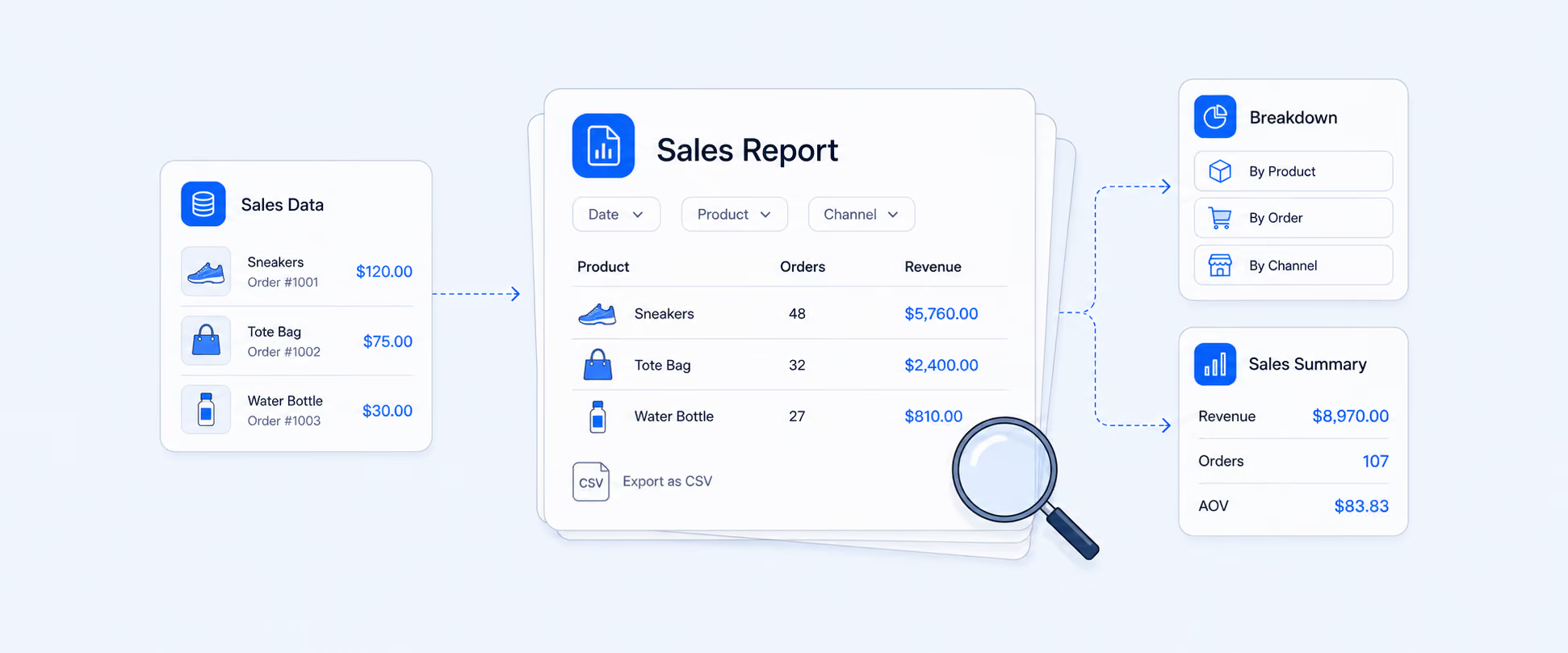
A useful product return rate report usually includes:
- Product name
- Variant
- SKU
- Ordered quantity
- Returned quantity
- Return rate
- Gross sales
- Net sales after returns
- Order date and return date
- Customer or order reference for segmentation
- Brand or vendor where relevant
The value here is simple. It helps merchants stop treating returns as a store-wide problem and start seeing which SKUs, sizes, colors, or suppliers are actually driving them. That makes it easier to improve product pages, sizing guidance, vendor quality, or assortment decisions instead of only tightening policy.
Return reasons and outcomes tell you more than raw counts
A return count is useful. A return reason is much more useful.
Shopify now supports category-specific return reasons, and those reasons can be viewed in analytics to help identify patterns. Apparel orders, for example, can use more specific reason options such as size-related issues. That means return reporting can move beyond “how many came back” to “why did they come back?”
That opens up much better analysis:
- Wrong size or fit problems
- Damaged-item patterns
- Change-of-mind behavior
- Repeat issues tied to one supplier or product family
- Refund-heavy outcomes versus exchange-heavy outcomes
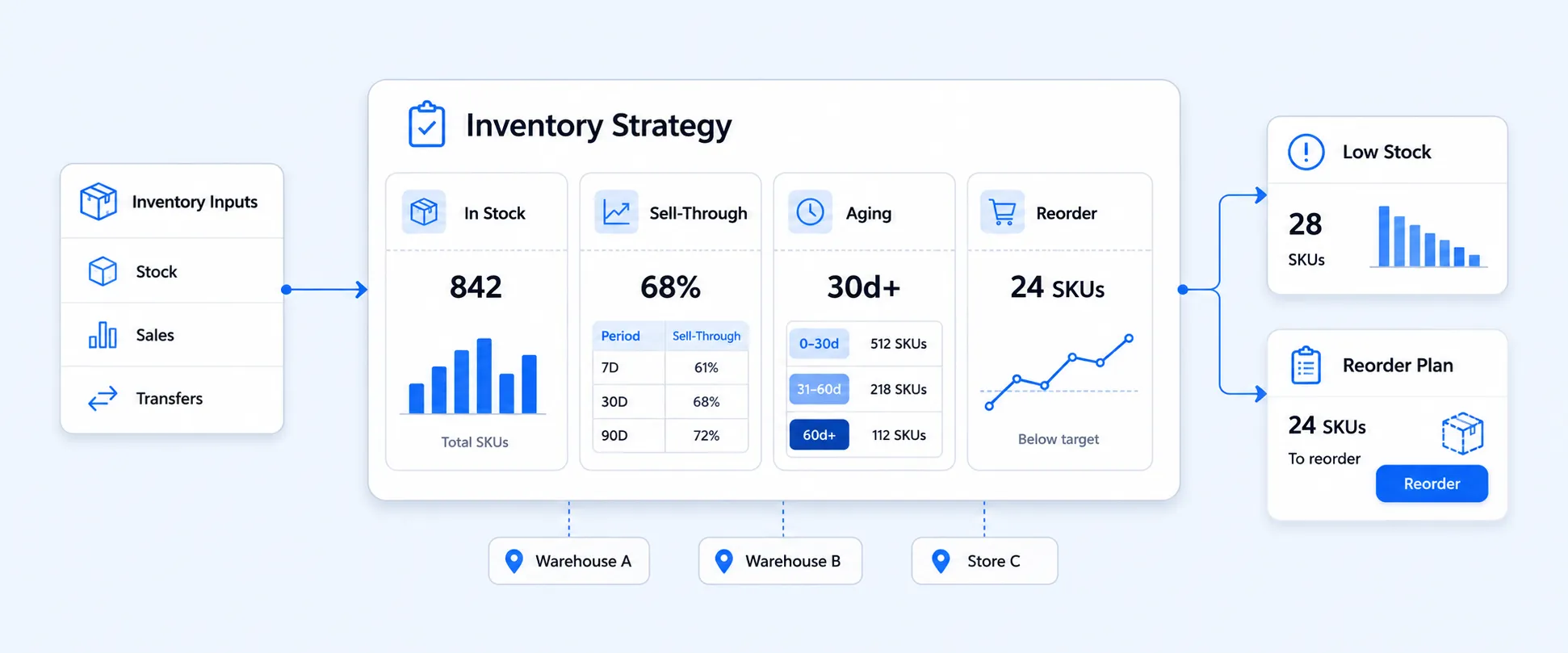
For most merchants, the best “save-the-sale” metric here is simple: how many returns that could have become refunds were converted into exchanges or store credit instead. That is where post-purchase workflows shift from cost control into retention strategy.
Store credit is not the same thing as a gift card
This is another area where reporting gets blurred.
Store credit is typically issued to a specific customer as part of a refund, retention, or service workflow. Gift cards are generally purchased or issued as prepaid value that can be used more broadly depending on the setup. Operationally and financially, they are not the same thing, even though both affect deferred revenue and future redemptions. Shopify now supports native store credit refund flows, which makes this distinction more important than before.
For reporting, store credit usually needs its own lifecycle view:
- Issued
- Redeemed
- Outstanding balance
- Expiry or breakage, if applicable
- Time to redemption
- Revenue impact after redemption
That is how merchants figure out whether store credit is actually preserving value or just delaying the same refund problem.
Key differences
A clean monthly workflow for payout reconciliation
If your store uses Shopify Payments, this workflow is worth standardizing.
Start from the payout, not from the sales report. Export payout transactions, identify charges, refunds, and fees grouped into that payout, and match the net figure to the bank deposit. Do not try to reconcile refunds by order date if the business is accounting on payout timing. And do not assume fees disappear when a refund happens, because the original processing fee usually remains a real cost.
This is one of the most important operational habits in Shopify finance reporting, because it prevents the team from comparing the wrong reports and chasing discrepancies that are really just timing differences.
Where Shopify’s native reporting starts to feel incomplete
Shopify can help merchants operate returns and exchanges well. But once the business wants one clear reporting layer for returns, refunds, store credit, payouts, outcomes, and product-level patterns, the native experience starts to feel fragmented.
That is usually where merchants begin asking for:
- Refund and payout reconciliation in one report
- Product return rate by SKU or variant
- Exchange-versus-refund outcome reporting
- Store credit issued, redeemed, and outstanding
- Scheduled return reporting for ops and finance
- Return reasons by product category, vendor, or channel
These are all solvable reporting questions. They just do not naturally live in one default Shopify view.
How Report Pundit helps make post-purchase reporting usable
This is where Report Pundit becomes especially useful.
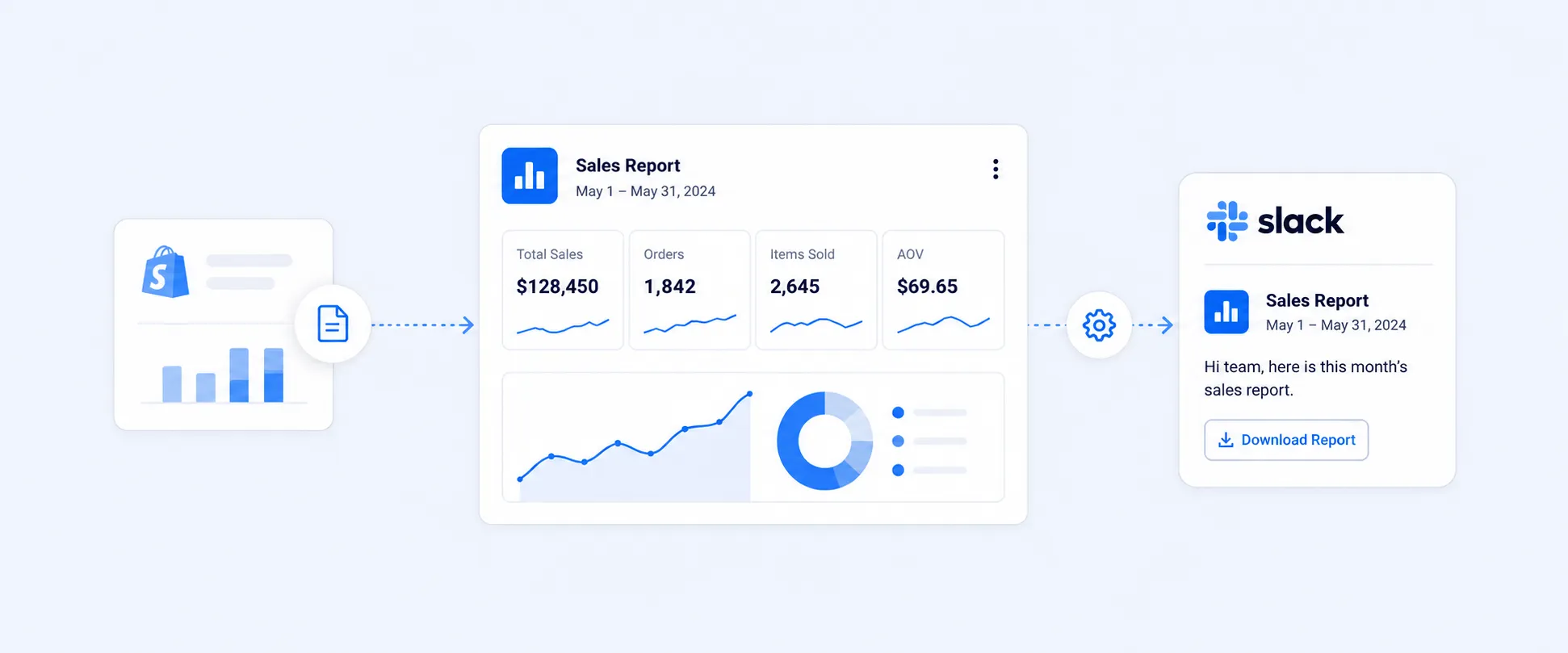
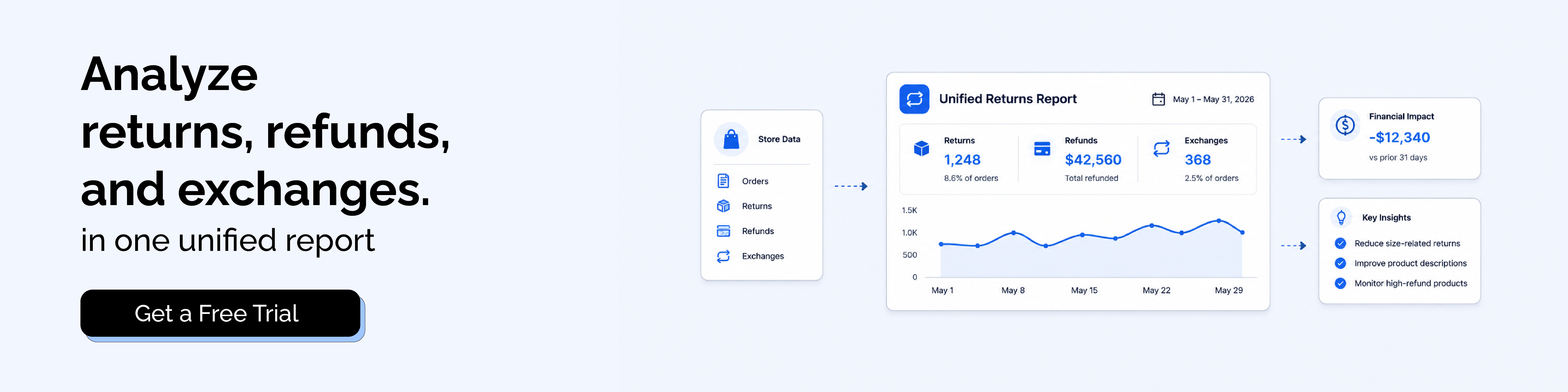
Instead of checking multiple places for returns, refunds, payout impact, store credit, and product-level return behavior, merchants can build reports that bring all of these together in a single, structured view that is easier to review and automate.
This includes return rate reporting, refund versus payout reconciliation, outcome tracking, store credit lifecycle reporting, and scheduled exports for finance or operations teams. It also makes it easier to standardize key fields like order ID, product, return reason, outcome, status, exchange amount, and credit amount within one reporting workflow.
In addition, all of these metrics can be combined into a single report. The key is choosing the right reporting date based on the use case. Reports can be built using sale date, refund date, return date, transaction date, payout date, fulfillment date, or other custom date fields depending on what needs to be analyzed.
That matters because the best returns process is not just customer-friendly. It is measurable.
Closing
Returns, refunds, exchanges, and store credit all solve different problems, but they should not be reported as if they are the same thing.
Once you separate the workflow clearly, the numbers become much easier to trust. You can see which products are creating friction, which returns are becoming refunds, how store credit is performing, and why payouts no longer match simple sales totals. Shopify gives merchants a solid native starting point for the operational side. Report Pundit helps turn that activity into reporting that is easier to analyze, automate, and act on.
FAQ
What is the difference between a return and a refund in Shopify?
A return is the process of getting the item back. A refund is the money sent back to the customer. In Shopify, you can also process a refund without creating a return, but once a refund is issued, you cannot create a return afterward for that order event.
Can Shopify do exchanges natively?
Yes. Shopify supports exchanges as part of the returns workflow. Merchants can add exchange items to a return and handle price differences as part of the process.
Can I refund to store credit in Shopify?
Yes. Shopify supports refunding to store credit in eligible flows, and store credit is now a native refund option in Shopify. POS also supports store-credit return workflows, with some payment-method exceptions.
Why do refunds not match my sales report?
Because Shopify treats returns and refunds as separate reporting items, and payouts group charges, refunds, and fees by payout timing rather than by order date.
Are Shopify Payments fees refunded when I issue a refund?
Usually no. Shopify notes that the original credit card processing fee is not refunded to the merchant when a refund is issued through Shopify Payments.
What should I track for store credit reporting?
At minimum: Issued credit, redeemed credit, outstanding balance, redemption timing, and any expiry or breakage behavior if it applies to your setup.

5.0 ( 2000+ Reviews)