The Complete Inventory Reporting Strategy for Shopify Merchants After Stocky

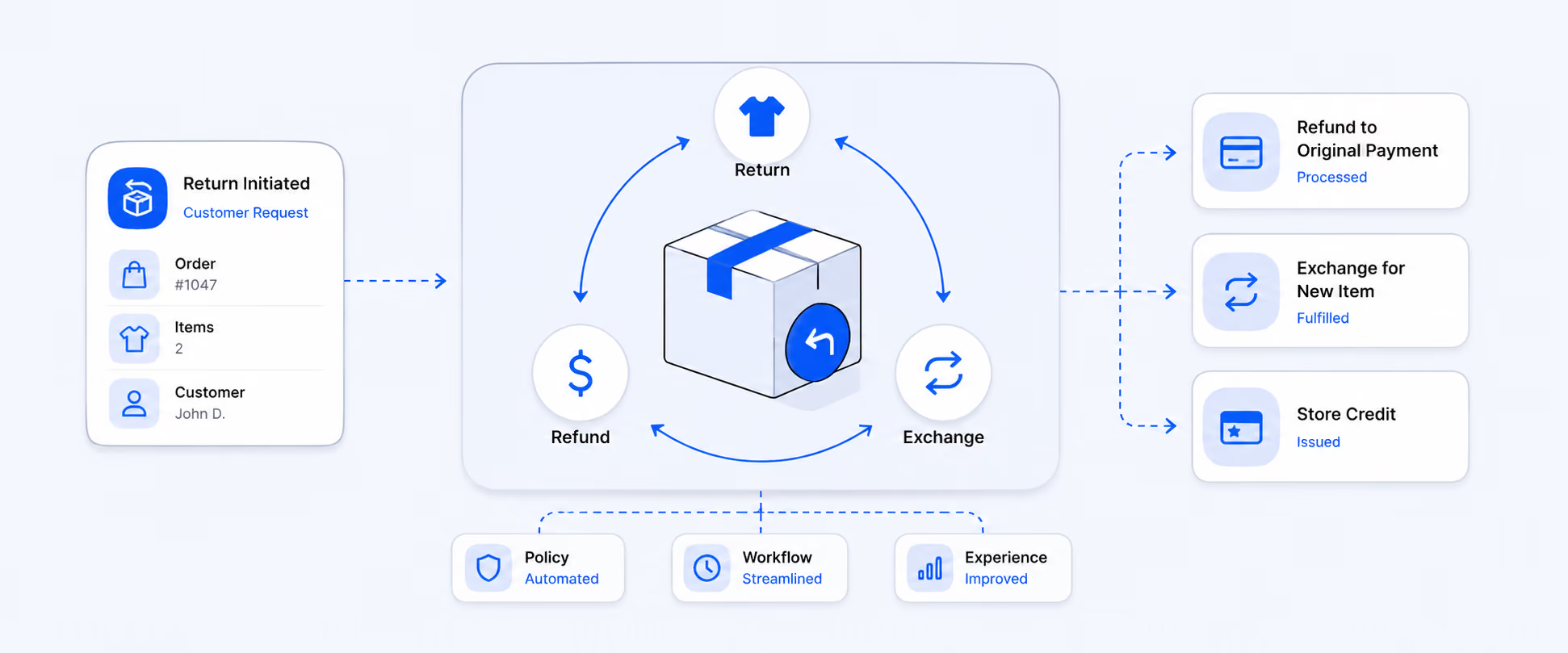
For years, Stocky by Shopify has helped retailers manage purchase orders, transfers, and in-store inventory planning, especially those using Shopify POS Pro. It gave merchants smarter reorder suggestions, vendor tracking, and better stock visibility across locations.
However, Stocky will no longer be available after August 31, 2026, and it has already been removed from the Shopify App Store for new installations. This means merchants must transition to Shopify’s native inventory management tools to avoid disruptions to their workflows.
The good news is that Shopify has built-in inventory reports, purchase order management, and fulfillment tools that are now enough to handle purchasing, stock transfers, and inventory tracking without relying on them.
How Stocky Improves Retail Inventory Planning
Stocky was an inventory management app made for POS Pro users. It was built to help stores manage stock across physical shops and multiple locations. It tracked inventory in real time, helped create purchase orders, and used sales data to suggest when to reorder products. This helped stores avoid running out of stock or ordering too much.
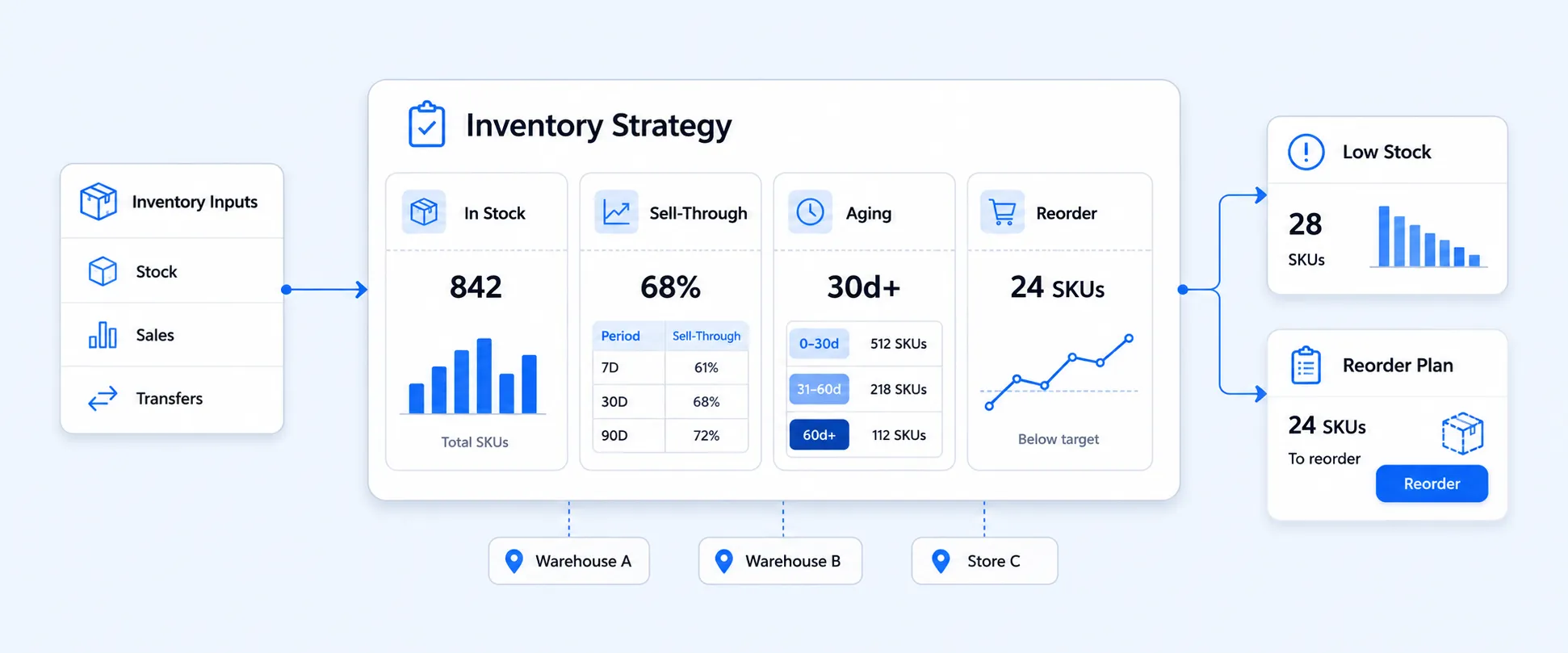
It was designed to help retailers move beyond basic inventory counts and start planning inventory strategically. Instead of simply tracking how many units were available, it focused on forecasting, purchasing patterns, and location-level visibility.
Even though merchants now need to transition to Shopify’s native tools, understanding how it improves planning helps clarify what workflows must continue inside Shopify going forward.
With Stocky, merchants could create and manage purchase orders with suppliers, scan barcodes to receive new stock, and complete stock counts or make adjustments. The app also showed low stock reports, best-selling products, and ABC analysis to help understand which items were most important. It allowed inventory transfers between store locations and worked directly with Shopify POS to support store staff.
Merchants can use Shopify’s built-in inventory tools for basic tracking or choose third-party apps for more advanced inventory management.
Challenges Merchants Face When Using Stocky
Stocky was designed to simplify purchase orders and inventory control within Shopify. However, as businesses expand, many merchants find that it no longer meets the complexity of their operations. From limited reporting to fulfillment visibility gaps, relying solely on it can create operational friction over time.
Here are some common challenges merchants often come across:
1. Limited Multi-Channel Inventory Visibility
Stocky operates only within Shopify. If you sell on additional marketplaces such as Amazon or eBay, inventory will not automatically sync across those platforms. This means you need separate tools to manage stock externally that increase the risk of overselling, stock discrepancies, and manual reconciliation.
For growing brands with multiple revenue channels, unified inventory visibility becomes critical.
2. Manual Handling of Bundles and Kits
Stocky does not automatically track component-level inventory for bundled or kit-based products. When a bundle sells, individual SKUs often require manual adjustments.
This can lead to:
- Inventory inaccuracies
- Time-consuming stock updates
- Higher risk of fulfillment errors
For merchants offering product bundles, automated component tracking is essential for maintaining accurate stock levels.
3. Restricted Access Through POS Pro
Stocky is tied to Shopify POS Pro. Merchants who do not use Shopify’s in-store system cannot access it. This limits usability for online-only sellers or businesses that do not require POS functionality.
4. Basic Reporting Capabilities
While Stocky provides purchasing and stock level insights, its reporting features are relatively limited compared to Shopify’s broader inventory and management reports.
Merchants may find it difficult to:
- Analyze detailed stock aging
- Measure profitability at the SKU level
- Evaluate inventory turnover trends
- Gain advanced multi-location performance insights
How to Choose the Right Inventory Approach in Place of Stocky
Instead of relying typically on Stocky, you can adopt a broader inventory management approach that gives you flexibility over purchasing, transfers and multi-location operations.
Choosing the right inventory management approach starts with understanding your biggest operational challenges. So, ask yourself:
- Are stockouts affecting sales?
- Is excess inventory impacting cash flow?
- Do you manage multiple locations or warehouses?
- Are shipping and fulfillment delays common?
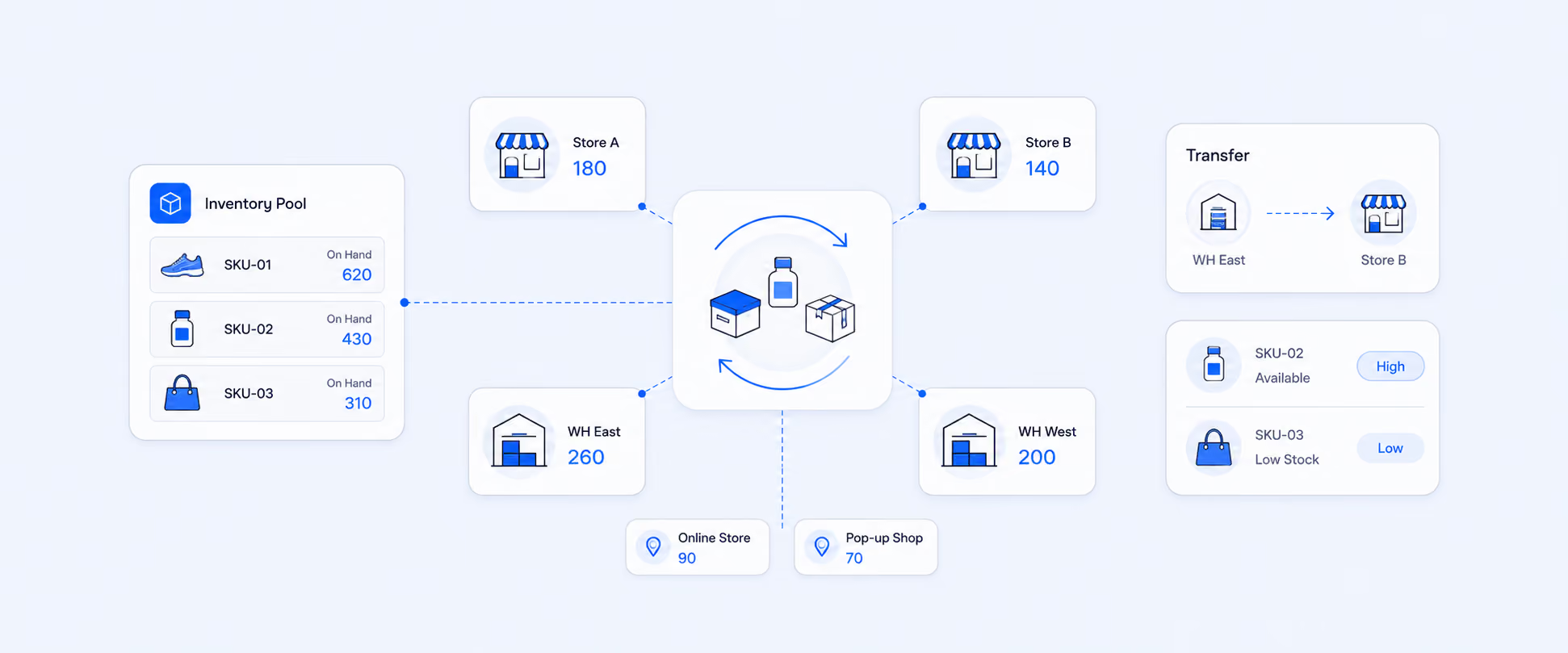
Shopify has moved key features like transfers and shipping into native Admin and POS workflows. Stock updates now sync automatically across locations, helping replace much of Stocky’s functionality.
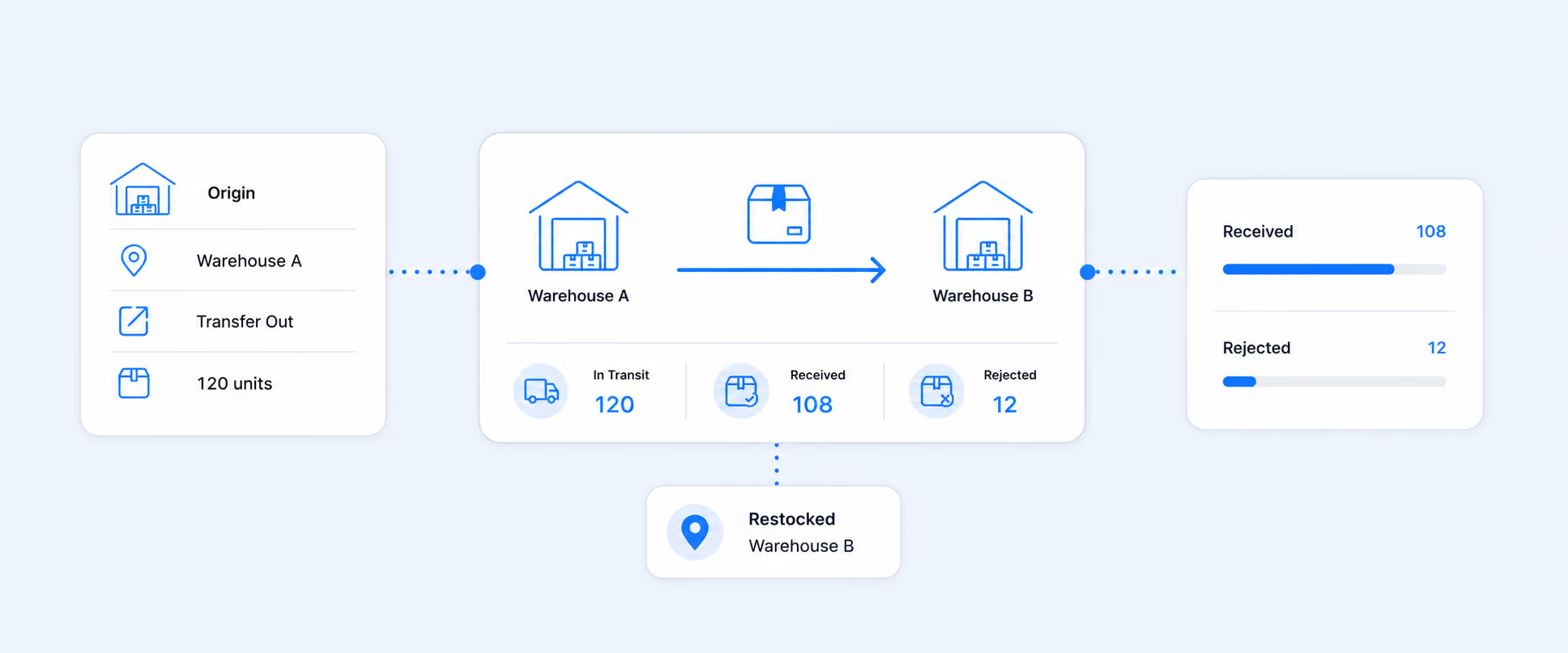
Shipping is built directly into transfers. You can add estimated arrival dates, tracking numbers, and carrier details when shipping from the origin location. This information is visible in Admin and across all locations, improving in-transit tracking. It also supports multi-location flash sales and connects with POS features such as local delivery and buy online pick up in store, creating a unified omnichannel workflow without third-party apps.
How Inventory Adjustments Impact Your Fulfillment Performance
Inventory adjustments are not made only for corrections. They directly show fulfillment speed, shipping accuracy, and customer satisfaction. When stock levels are incorrect due to damage, shrinkage, manual edits, or receiving errors, orders can be delayed or split across locations. This increases processing time and may inflate shipping costs.
Shopify inventory adjustment reporting helps merchants understand why stock levels change and how those changes influence fulfillment metrics such as order-to-fulfillment time and shipped quantity.
By reviewing adjustment history, merchants can:
- Identify frequent manual corrections
- Detect receiving discrepancies
- Spot damage or shrinkage patterns
- Reduce stock mismatches that delay shipping
- Improve fulfillment accuracy
Using Shopify Reports to Monitor Inventory Adjustments
Shopify tracks every inventory movement, including transfers, manual edits, returns, and damaged goods. These changes feed into inventory management reports and impact order fulfillment data.
When analysing fulfillment or shipping reports, it is important to understand how inventory adjustments influence the numbers. For example, fulfilled quantity is calculated based on fulfillment date, while sales metrics are calculated based on order date. If inventory is adjusted after a sale but before fulfillment, report figures may not align as expected.
To avoid confusion, merchants should:
- Review inventory adjustment history alongside fulfillment reports
- Compare fulfilled quantities with stock movement logs
- Monitor adjustment spikes during promotions
- Audit location-based transfers regularly
Moving and Receiving Stock Using Shopify POS
Inventory transfers allow you to move products between different store or warehouse locations. Once a transfer is created in your Shopify admin, it becomes a coordinated task between two locations. Staff at the originating location fulfill the transfer by dispatching the stock, and staff at the destination location receive and confirm the items in Shopify POS. This process ensures inventory levels remain accurate across all locations and helps prevent overselling or stock discrepancies.
Requirements for Managing Transfers in Shopify POS
To fulfill and receive inventory transfers directly within Shopify POS, the store location must be subscribed to the POS Pro plan. Without POS Pro, staff will not be able to process transfer fulfillment or receiving actions through the POS system.
Staff must be granted the appropriate permissions, specifically Inventory and Manage Transfers, to complete and receive inventory transfers. Additionally, transfers can only be initiated through the Shopify admin and cannot be created directly within the POS system.
How to Migrate from Stocky Without Data Loss
Migrating from Stocky requires a structured approach to ensure your purchasing history, supplier records, and inventory data remain intact. Since inventory data directly impacts accounting accuracy, stock forecasting, and operational planning, it is important to export critical information and review your workflows before transitioning to Shopify’s native inventory management or another solution.
Key Steps to Migrate Safely:
Export Purchase Order History: Navigate to the Purchases section in Stocky and download all historical purchase orders as CSV files. This preserves your audit trail, supports accounting reconciliation, and ensures you retain records of supplier transactions.
Save Your Supplier List: Manually document vendor contact details, lead times, pricing agreements, and minimum order quantities. This information is essential for rebuilding your purchasing workflows and may not be fully exportable through standard migration tools.
Download Stocktakes and Adjustment Logs: Export past inventory adjustment and stocktake records to maintain financial accuracy and a complete paper trail of inventory corrections, damages, or shrinkage.
Review Multi Location Requirements: Evaluate whether Shopify’s native inventory and replenishment workflows can handle your warehouse transfers and stock balancing needs. This ensures continued accuracy across all locations.
Assess Cost of Goods Sold Requirements: If your accounting depends on FIFO cost calculations, consider whether Shopify’s reporting supports your needs or if a third-party tool will be required.
Document Forecasting and Reorder Rules: Record your current reorder points, safety stock levels, and lead time assumptions so you can rebuild your forecasting logic within Shopify’s inventory reports or your next system.
Inventory Reporting Made Easy with Report Pundit
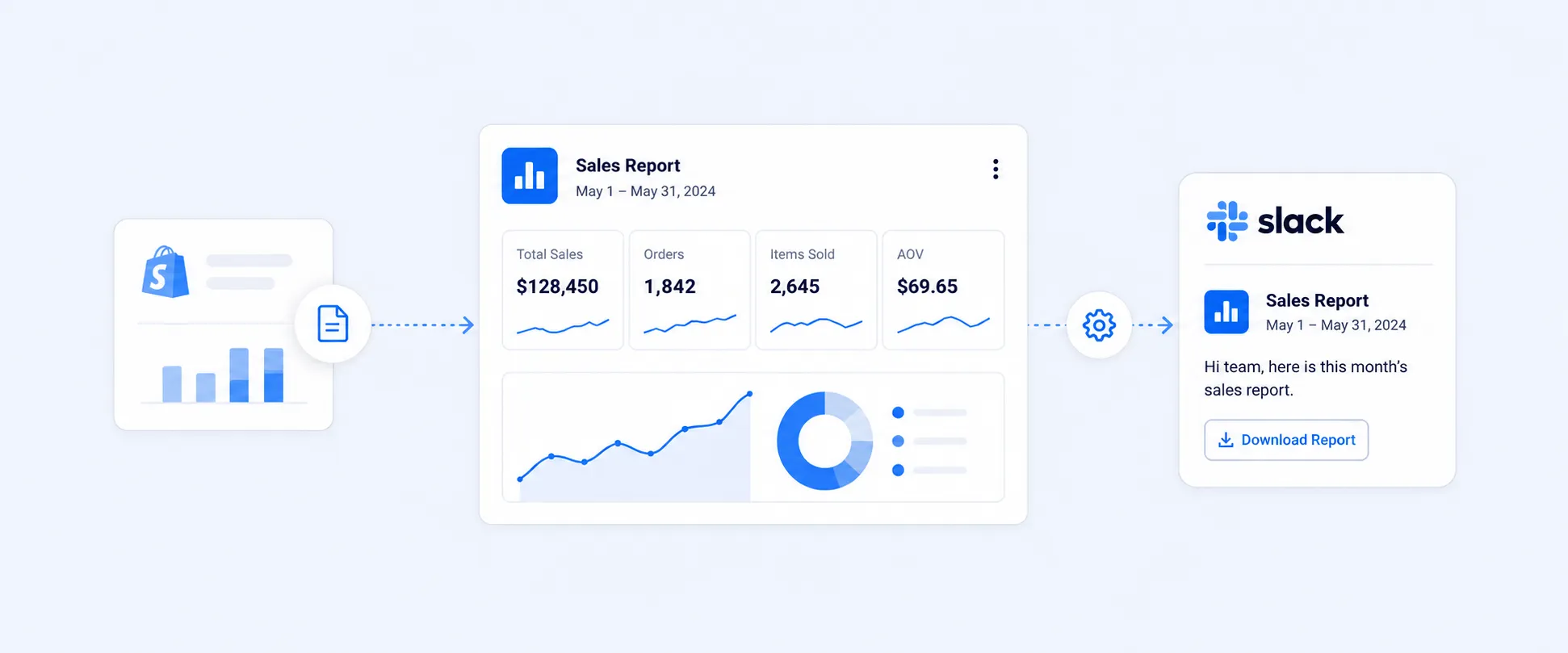
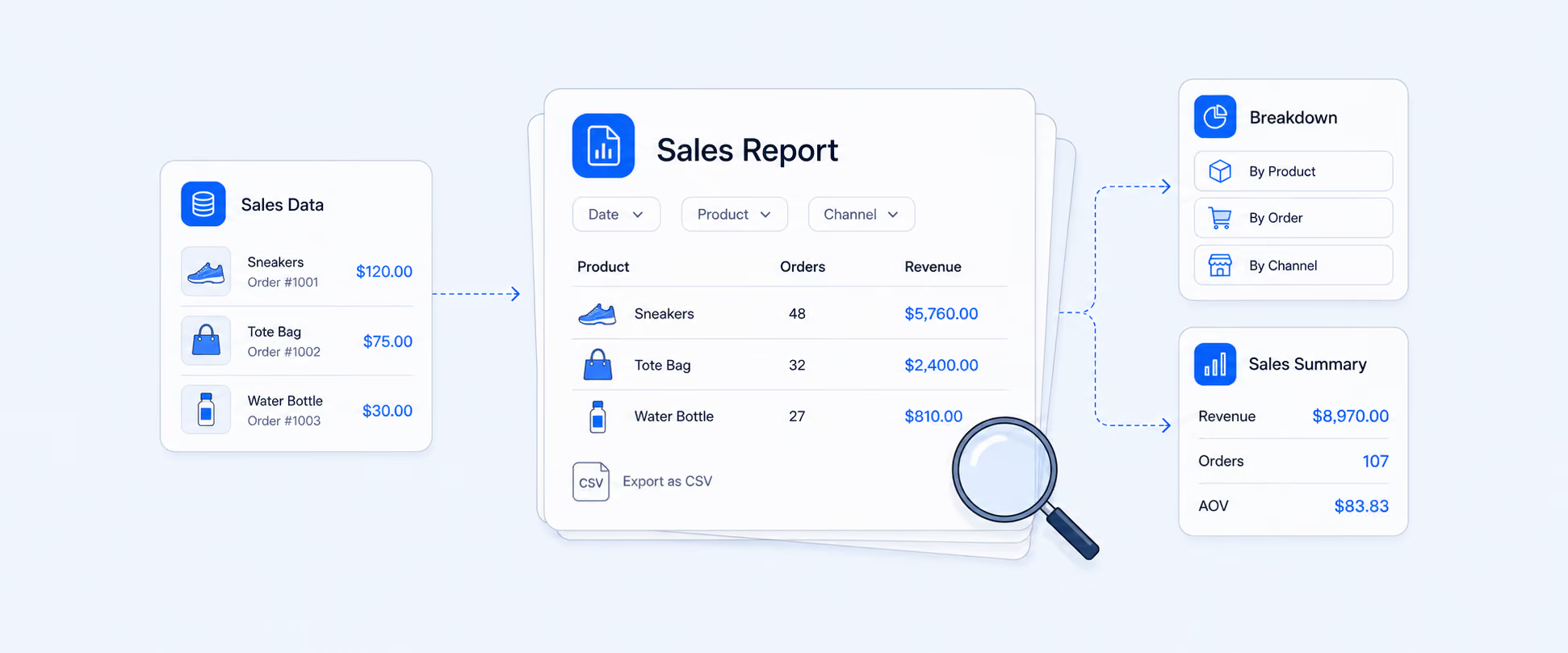
Report Pundit connects with Stocky data to create detailed and customizable inventory reports. Merchants could build reports on stock levels, purchase orders, transfers, vendor performance, stock aging report, inventory valuation report, and supplier performance report, with data pulled directly from Stocky until its shutdown.
Since Stocky is no longer available, Report Pundit uses the Shopify API to pull inventory data and create similar inventory reports, including low-stock summaries and inventory adjustments. It also provides pre-made templates for tracking transfers and purchase orders through Shopify Admin data sync. This means merchants can continue reporting without needing a complete replacement.
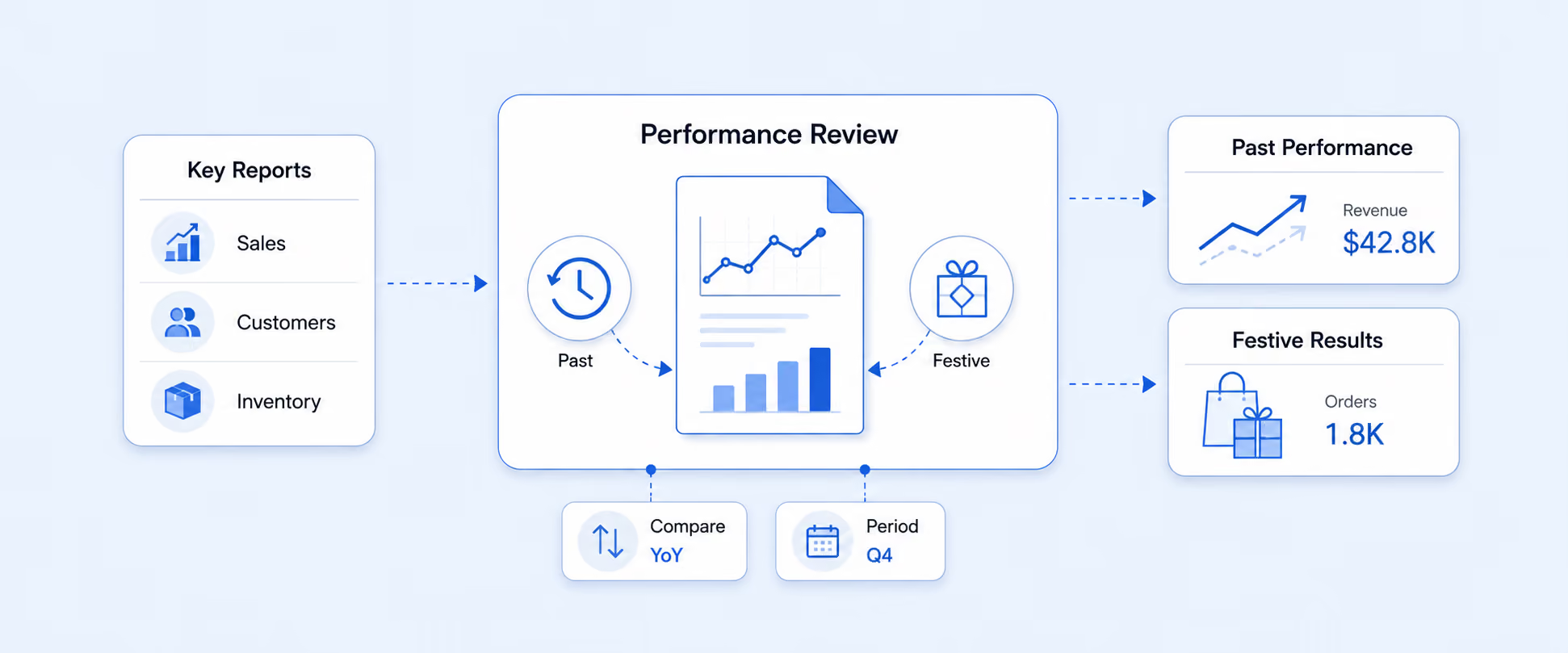
Many users liked using Report Pundit for handling monthly inventory and financial reporting. It is especially useful for e-commerce analysts who want to monitor inventory trends and performance after migrating away from Stocky.
Conclusion
Stocky discontinuation marks a shift in how Shopify retailers approach inventory reporting and operational planning. For years, Stocky supported purchase orders, stock transfers, vendor management, and smarter reorder decisions across multiple locations. With its phase out, merchants must now transition to Shopify's native inventory management and reporting tools to maintain workflow continuity.
The future of Shopify inventory reporting is built directly inside the Shopify admin and POS. Built-in inventory reports, transfer tracking, and fulfillment insights continue to provide the visibility required to manage stock confidently. By preserving historical purchase data, refining reorder strategies, and monitoring inventory adjustments closely, businesses can maintain reporting accuracy and operational control during the transition.
For merchants seeking deeper analytics, advanced forecasting, or customized inventory reports, third-party reporting apps offer additional flexibility. These tools help recreate detailed inventory reports, track long term trends, and generate insights beyond standard Shopify reports, ensuring strong reporting capabilities even after moving beyond Stocky.
FAQs
Why is Shopify discontinuing Stocky?
Shopify is streamlining its ecosystem by strengthening native inventory management and reporting inside the Shopify admin and POS Pro, reducing the need for a separate app like Stocky.
When should I migrate away from Stocky?
Merchants should plan their migration well before August 31, 2026, to ensure enough time to export purchase orders, supplier records, and inventory adjustments.
How can I protect my purchase order and supplier data during migration?
Export all historical purchase orders as CSV files, manually document supplier details such as lead times and pricing, and download stock adjustment logs to maintain a complete audit trail.
Can Shopify’s built-in inventory reports fully replace Stocky?
For many retailers, yes. Shopify’s inventory reports, transfer tracking, and stock adjustments cover core needs. However, merchants with advanced forecasting or FIFO accounting requirements may need an additional solution.

5.0 ( 2000+ Reviews)