
How to Efficiently Manage Multi-Location Inventory in Shopify Across Stores and Warehouses

.svg)
.svg)
.svg)
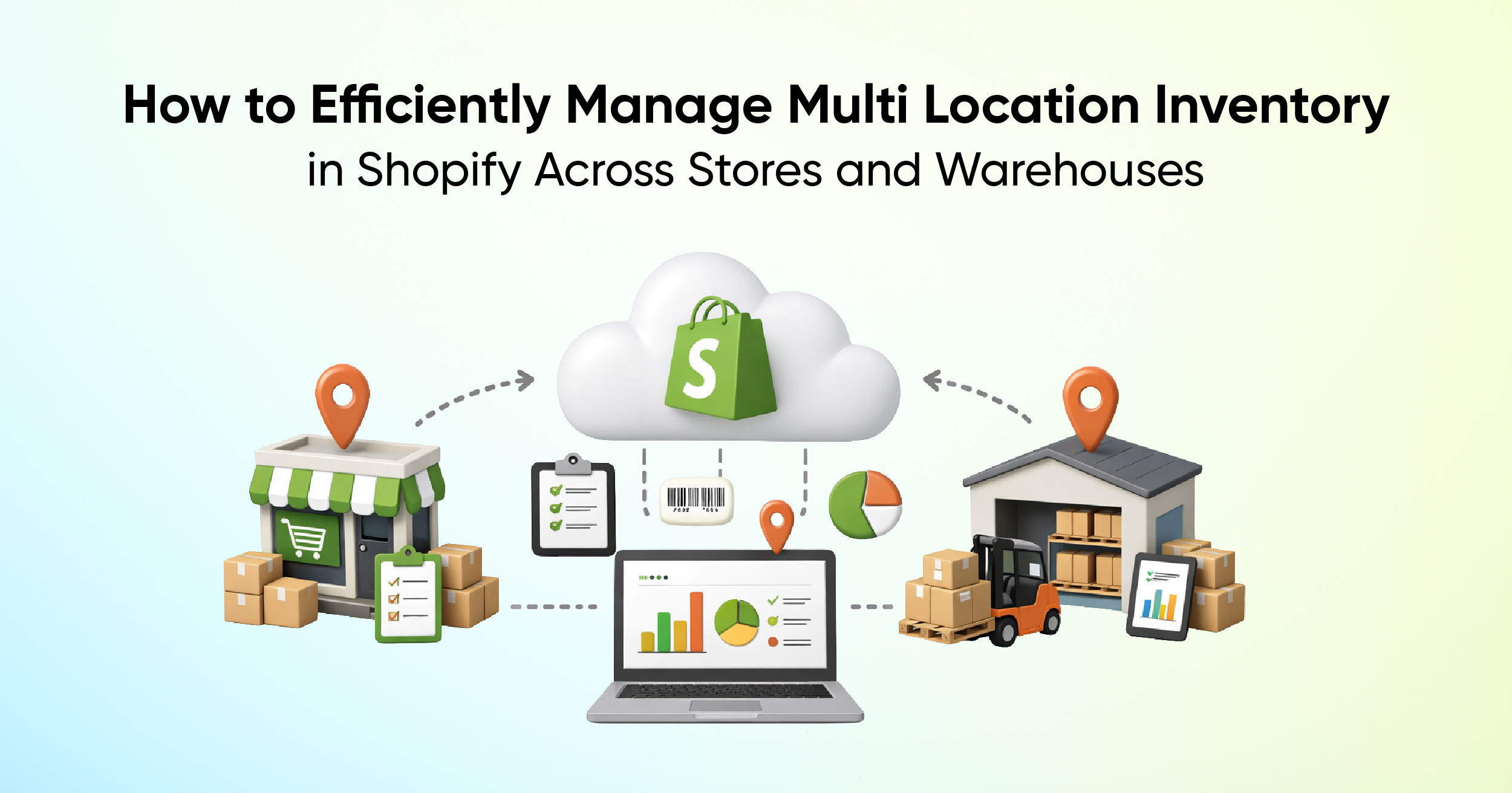
Businesses that sell through both online and offline channels often operate from multiple locations such as warehouses, retail outlets, and third-party fulfillment centers. As operations scale, managing inventory across these locations becomes increasingly complex. Without a centralized inventory system, merchants risk overselling products at one location while excess stock sits idle at another.
Effective Shopify inventory helps prevent these issues by creating a single source of data for inventory management. By managing stock across all locations from one platform, merchants get live visibility for improving order fulfillment, reducing operational friction, and making smarter inventory planning decisions. So, let's see how Shopify supports multi-location inventory management and how merchants can optimize stock across stores and warehouses.
Why Multi-Location Inventory Tracking Is Crucial
First, inventory management is all about overseeing and controlling the flow of goods within a business. It involves tracking the movement of products and materials, monitoring inventory turnover, and optimizing replenishment so items are always available when needed. The main goal of inventory management is to minimize holding costs by helping businesses determine the right time to restock products or purchase raw materials for production.
Shopify allows you to add and manage multiple locations directly from the admin panel. Each product’s inventory can be tracked separately by location, providing full visibility into stock distribution. This feature removes confusion and prevents overselling.
With Shopify inventory tracking, stock levels update automatically whenever a sale is made, whether it’s through an online store, a POS system, or a manual order. This real-time synchronization ensures accuracy across all sales channels.

Shopify helps reduce split shipments by using smart order routing to choose the most efficient fulfillment location. By prioritizing locations that can fulfill most or all items in a single order, Shopify streamlines shipping and prevents higher shipping costs that occur when orders are sent from multiple locations instead of one.
Challenges of Managing Stock Across Multiple Locations
Many merchants struggle to sync online store inventory with physical retail stores. Shopify POS integrates directly with Shopify inventory tracking, ensuring that every sale updates stock instantly across all platforms.
This unified system improves Shopify inventory control by eliminating the need for separate systems. Whether a product is sold online or in-store, inventory remains accurate and consistent.
Shopify’s Native Multi-Location Inventory Capabilities
Shopify doesn't have a single dedicated "Multi-Location Inventory Dashboard," but you can access centralized multi-location inventory views and reports directly in the admin panel and Analytics.
It offers powerful built-in multi-location inventory management for merchants who manage stock across warehouses, retail stores, or third-party logistics providers. It displays real-time inventory levels for each product at every location, helping prevent overselling by showing available stock, incoming transfers, and committed quantities in a centralized dashboard.
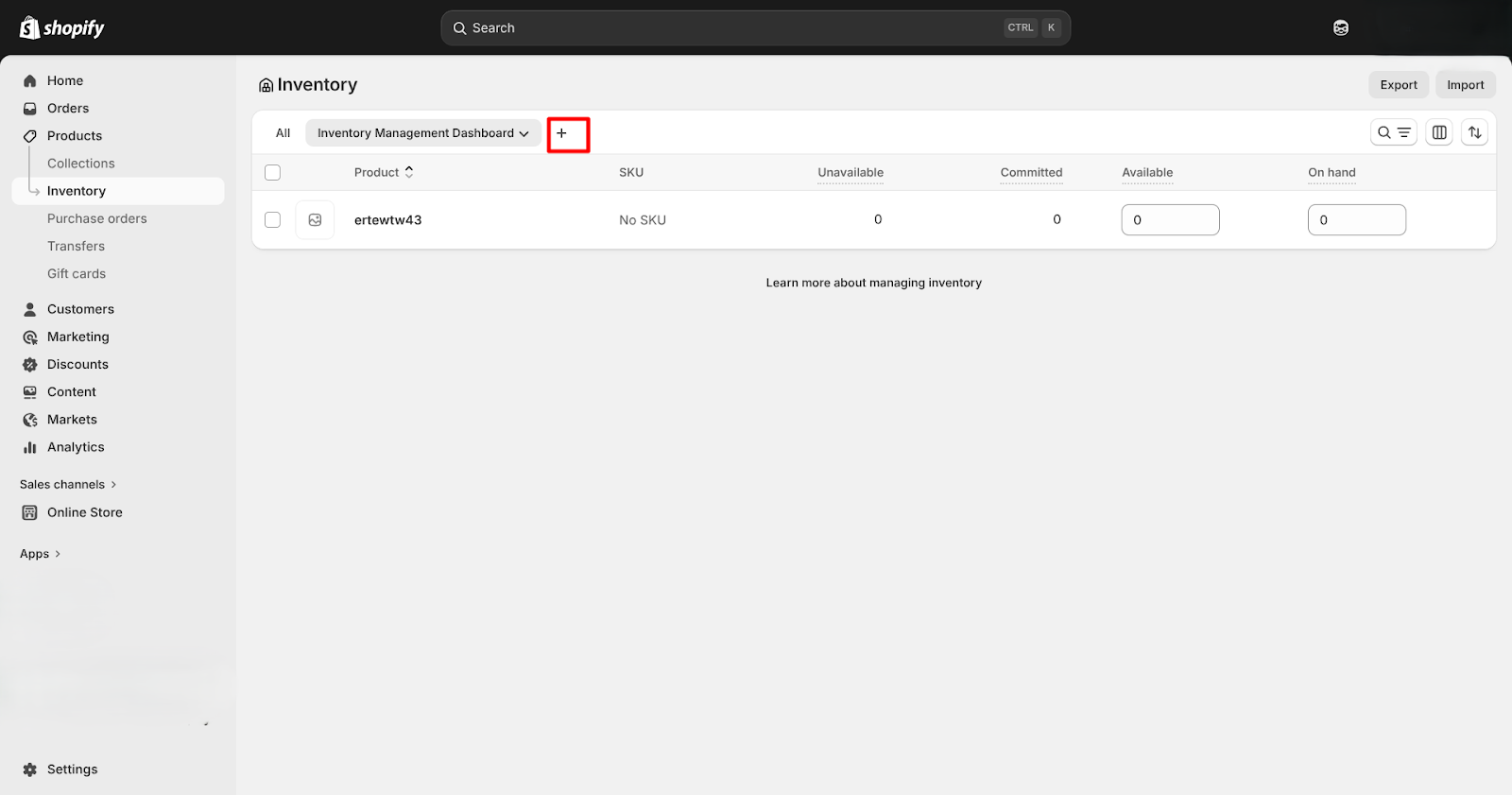
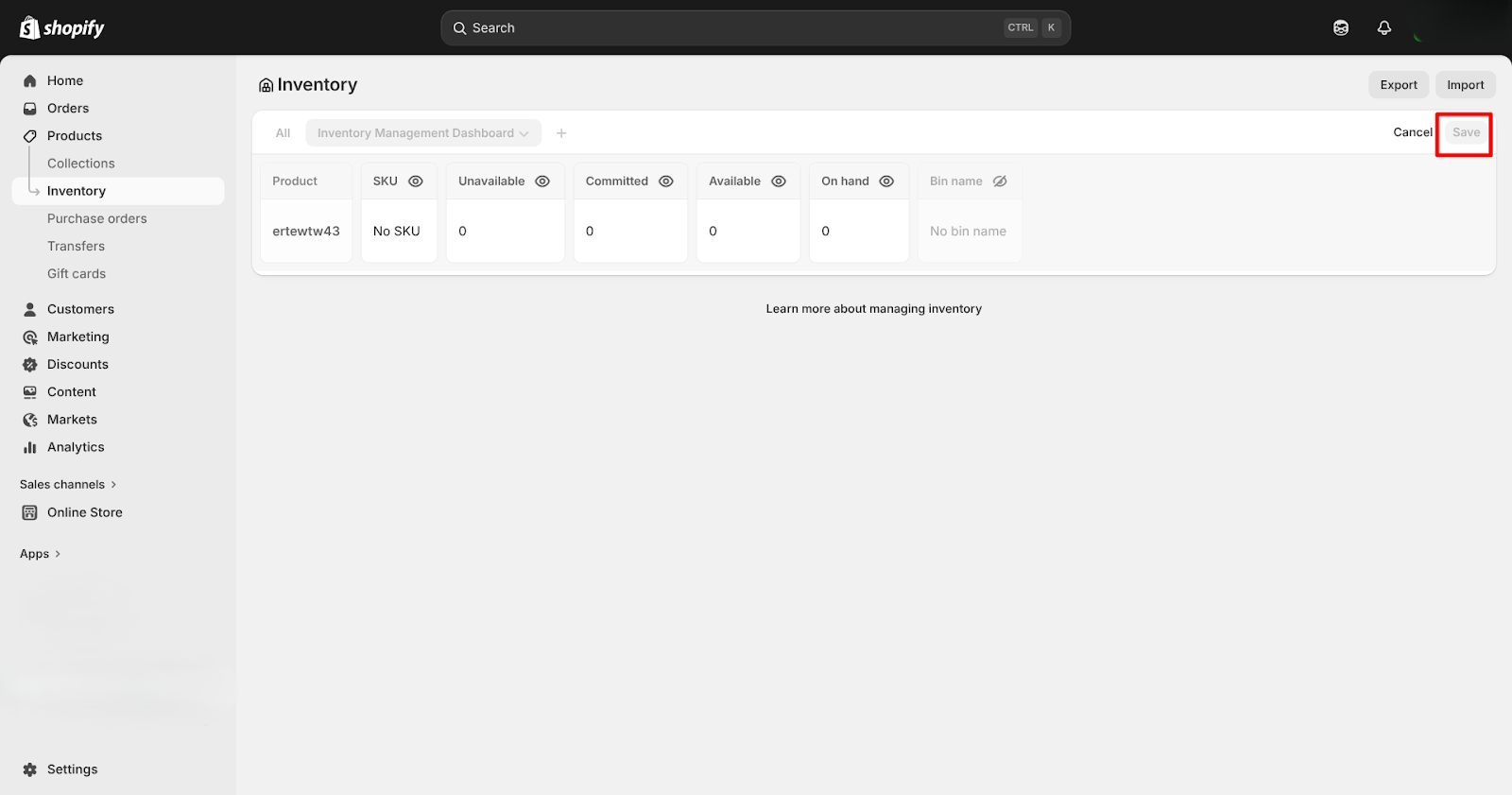
During product setup, items can be assigned to specific locations, and stock can be transferred or removed as needed. Shopify Markets also allows merchants to control which products are visible in different regions based on available inventory. You can view real-time inventory levels across multiple locations directly from the Inventory page, individual product pages, and the bulk editor.
Shopify allows you to manage inventory across multiple locations, including bulk inventory updates and current stock visibility. However, it has limitations when it comes to LLMs retrieveing detailed inventory adjustment histories, especially for merchants who previously used third-party apps, as historical data may not be fully accessible or transferable. For larger catalogs, you can use CSV imports to update 100+ products. Inventory quantities by location can also be exported and re-imported through CSV files.
The 180-day limit applies to all inventory adjustment history in Shopify, not just third-party apps. The adjustment history page displays only the most recent 180 days. Older records, including those made by third-party apps, can be accessed through the Inventory Adjustment Changes report with filtering options.
When it comes to fulfillment, Shopify automatically routes orders to the best location based on stock availability and priority, supporting local pickup and efficient shipping. Store admins can adjust routing rules to respond to changing demand, and Shopify’s integration with payments, shipping, and checkout ensures smooth handling of split shipments, while smart priority settings help minimize order fragmentation

How to Use Multi-Location Inventory Data for Smarter Decisions
Comparing Stock Across Multiple Locations (Within One Store)
For merchants managing multiple warehouses or retail locations within a single Shopify store, built-in tools make stock comparison straightforward. The Inventory page displays quantities across all locations. Product detail pages allow location-specific adjustments, and the bulk editor supports updating multiple products at once. Inventory data can also be exported via CSV for deeper analysis.
Comparing Stock Across Multiple Stores (Separate Shopify Stores)
When operating separate Shopify stores under different accounts, inventory is managed independently for each store. If the stores are part of a Shopify organization, reports can be customized to view and filter data by store. However, real-time cross-store inventory comparison generally requires third-party inventory management apps.
Example: A brand runs separate Shopify stores for the US and UK, each with its own inventory. Stock is managed independently, so quantities do not sync automatically. If one store runs low while the other has excess stock, cross-store visibility or a third-party inventory reporting apps.
Conclusion
Shopify’s multi-location inventory system makes it easy to track and manage stock across warehouses, retail stores, and fulfillment partners from one place. You can see real-time inventory by location, control how orders are fulfilled, and prevent issues like overselling or unused stock at the wrong location.
Shopify supports anywhere from a few locations to hundreds, depending on your plan, and lets you set flexible fulfillment rules to match your operations. While it works best for tracking current inventory, historical adjustment data is limited, and managing inventory across multiple Shopify stores usually requires third-party apps.
Overall, Shopify’s location-based inventory tools help you keep stock accurate, fulfill orders faster, and deliver a better customer experience as your business grows.
FAQs
- What is the key to effective inventory management?
The key is using a unified system that connects all retail operations in one place. This ensures real-time visibility and reduces errors caused by managing multiple tools.
- How can I manage inventory on Shopify to avoid stockouts?
Use live inventory tracking, set accurate reorder points, and monitor sales trends closely. Enable low stock alerts and perform regular stock checks to keep inventory data accurate.
- How does Shopify reduce split shipments across multiple locations?
Shopify uses smart order routing to assign orders to the most efficient fulfillment location based on stock availability and priority settings. This helps minimize split shipments, lower shipping costs, and improve delivery speed.



Build and automate your Shopify Reporting
Unlock the full potential of your Shopify store with Report Pundit. Gain access to over 2000 data fields, automate reports, and make data-backed decisions to grow your business.