Key Shopify Reports to Review Past Performance and Track Festive Results
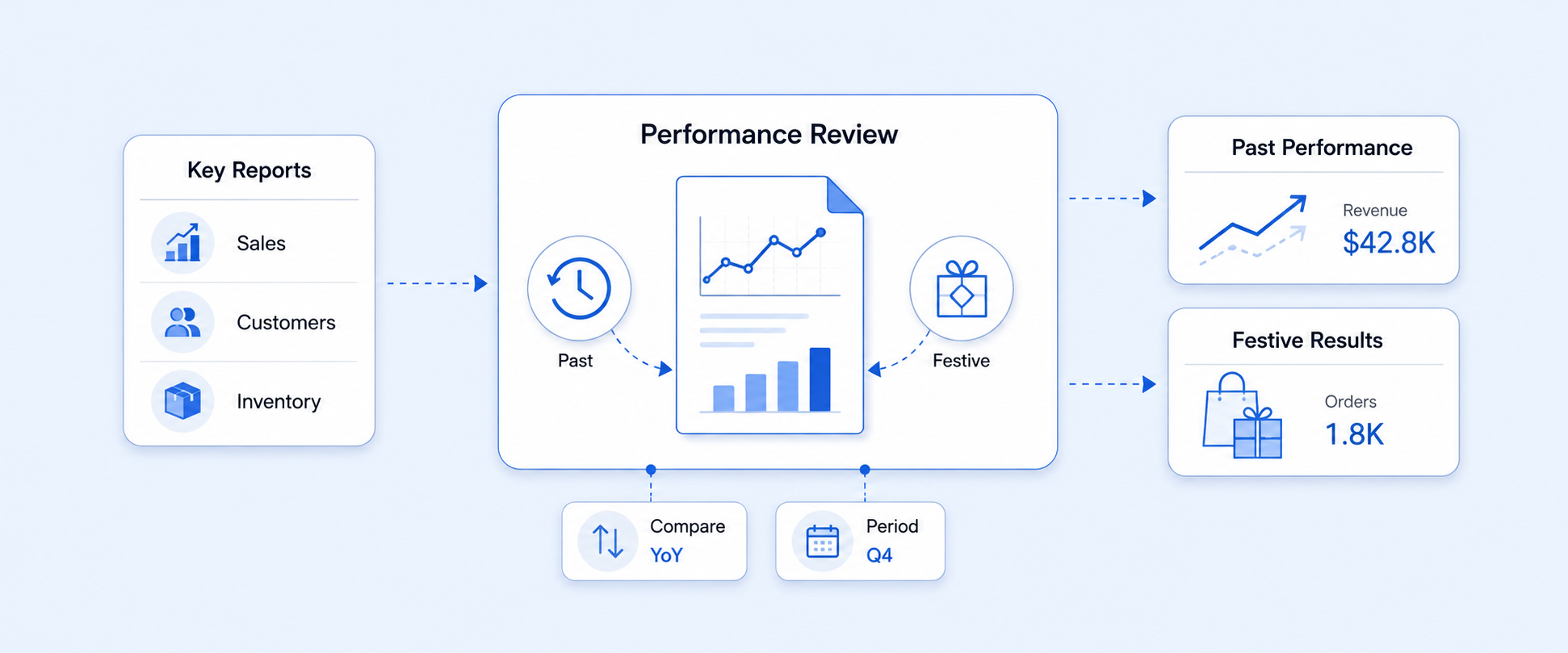
High sales do not happen by luck. They come from clear decisions made on top of accurate data.
Shopify gives you plenty of reports, but the real challenge is knowing which ones to watch and how to use them to prepare for high demand periods like Black Friday, Cyber Monday, Christmas, Diwali, or any major sale event.
In this guide, we walk through the key Shopify reports you should review after a season and before the next one, along with practical ways to use each report and reference links if you want to go deeper.
Shopify Total Sales by Product Report
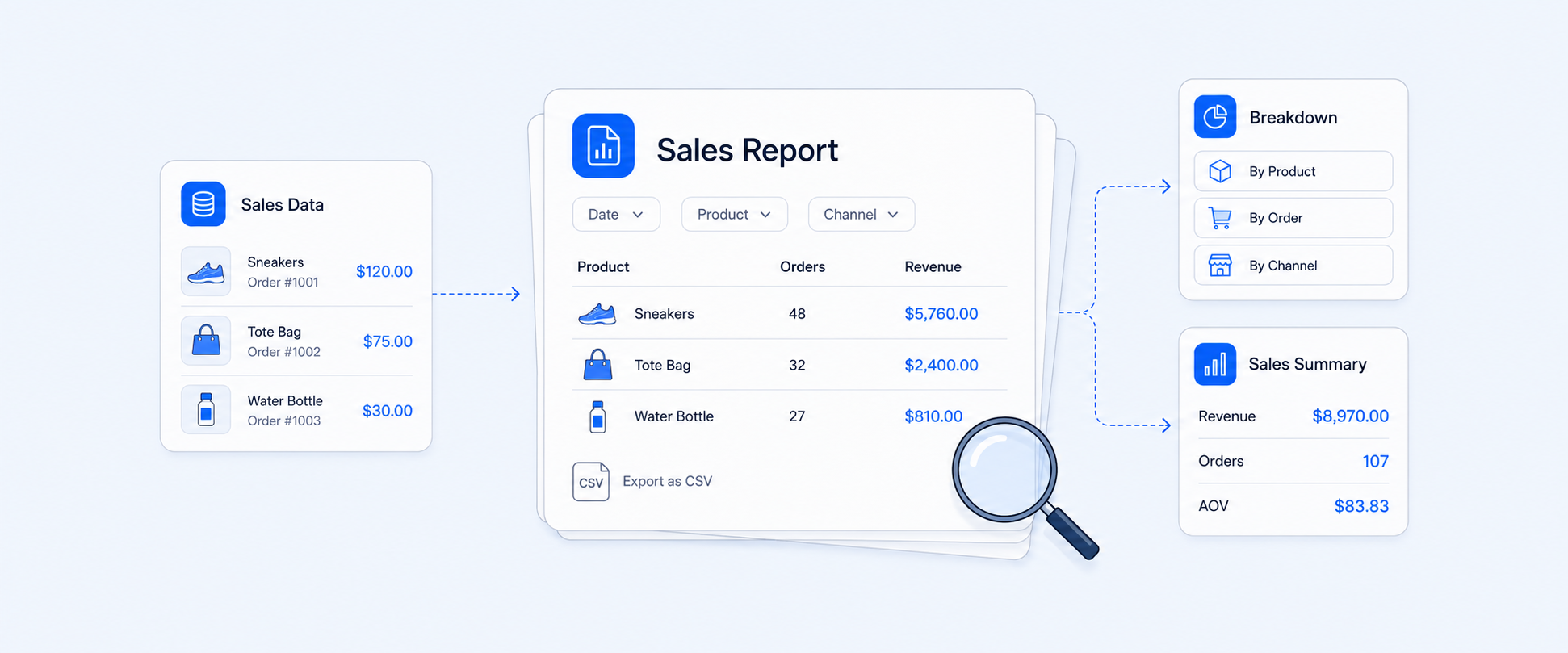
The Sales by Product report shows which products actually drove your revenue in a selected time period. It typically includes gross, net, and total sales, discounts, taxes, returns, refunded amounts, and quantity sold for each item. You can also slice this data using tags, collections, variants, or SKUs if you need a more granular view.
This report is your starting point for understanding what truly worked during a festive sale. You can quickly see which products earned their place in your campaigns and which ones quietly dragged down performance. It helps you spot your real best sellers so you can keep them well stocked for the next festive push, and it highlights slow movers before they trap cash in dead inventory. It also shows you which products only sell when heavily discounted versus those that perform at full or near full price, and it reveals items with high return rates that may need better descriptions, imagery, or quality checks.
Over multiple seasons, the Sales by Product report becomes a playbook. You can compare performance across different events, decide what to feature again, and identify surprise winners that deserve more attention in your next campaign.
For a deeper breakdown of this report structure and variations, check: https://www.reportpundit.com/guide/shopify-sales-by-product-report
Shopify Inventory Reports
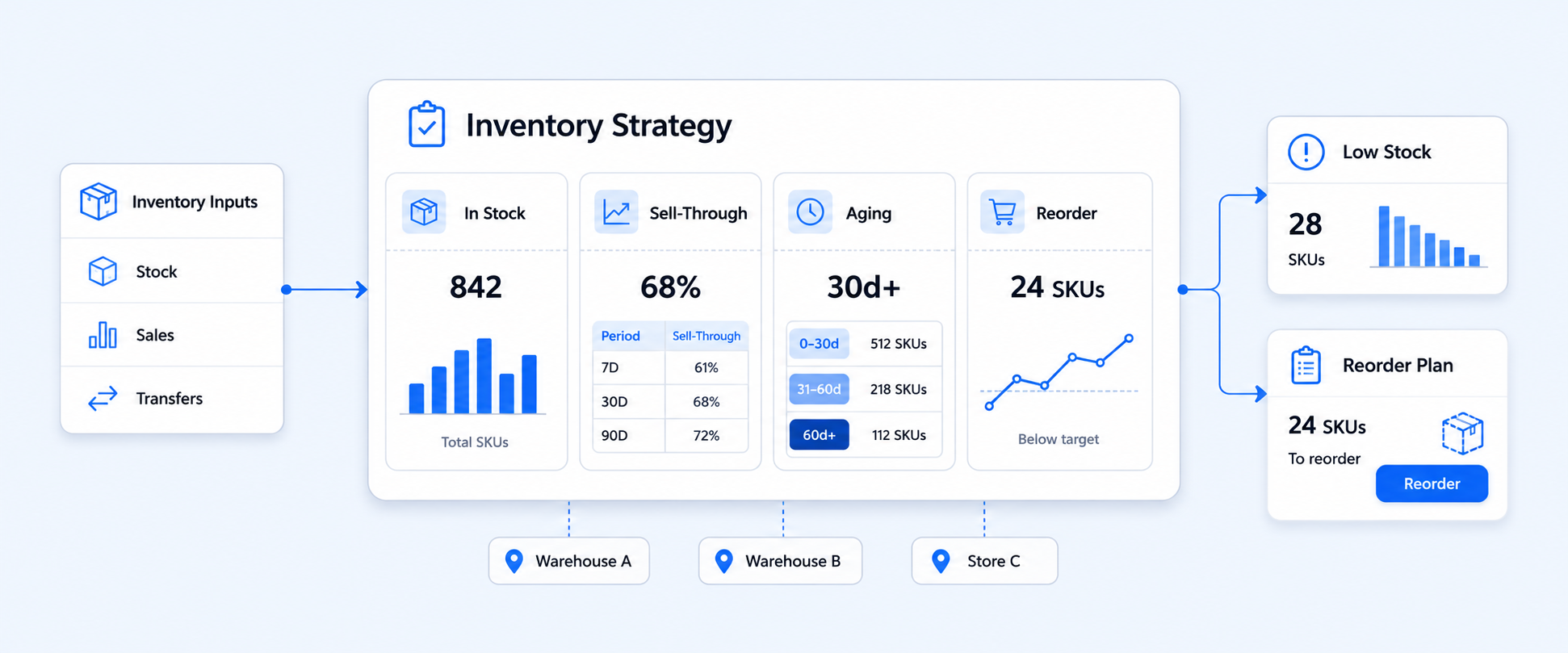
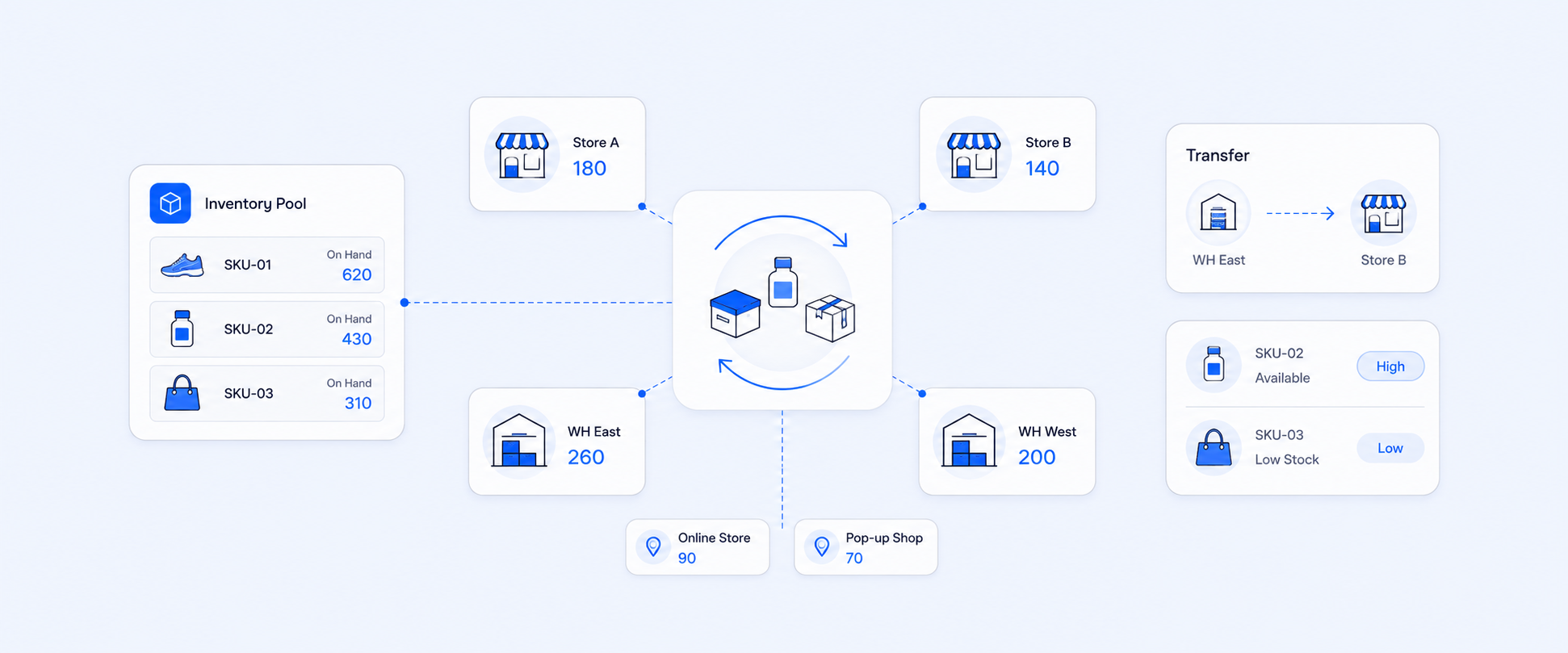
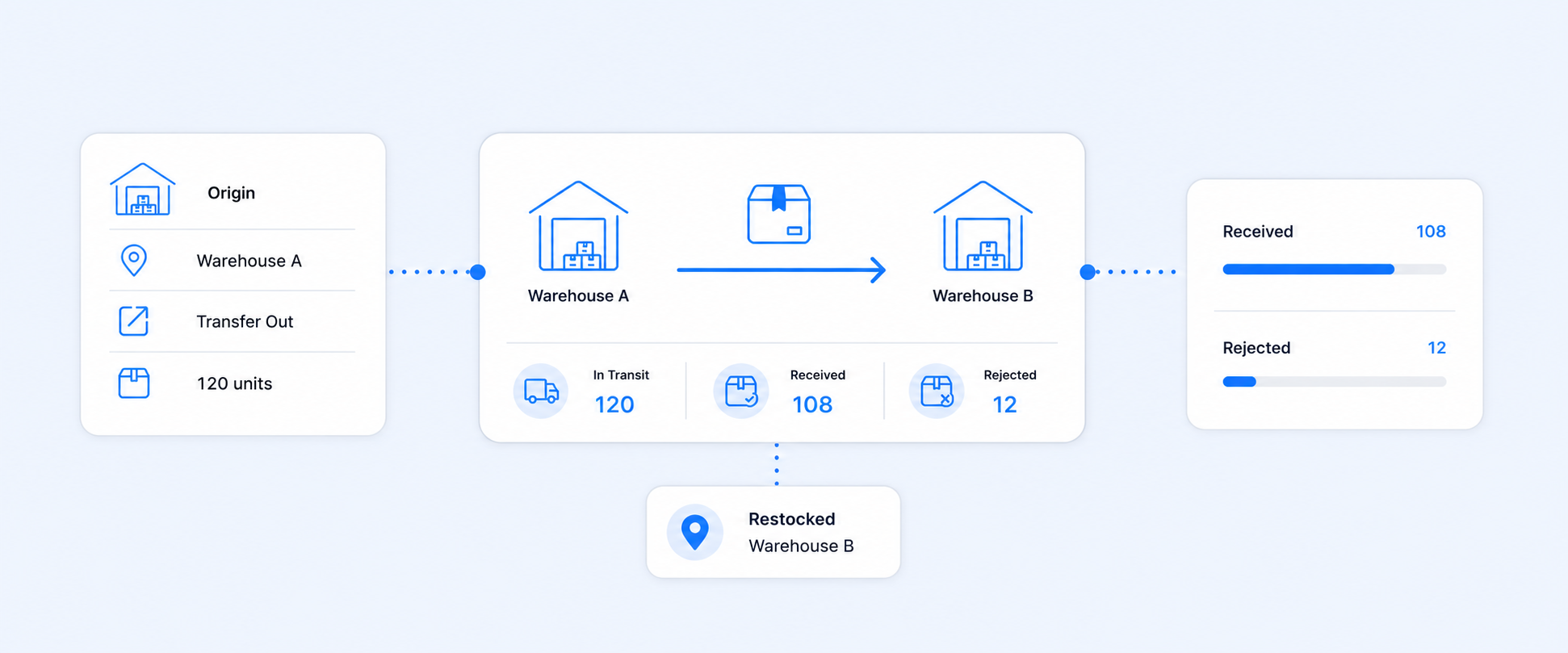
Shopify inventory reports tell you what you have, where it is, and how fast it is moving. Around peak seasons, this view is critical. With the right inventory reports, you can see how long current stock will last based on daily or weekly sales, set realistic reorder points for your fastest moving items, and balance inventory across multiple locations or warehouses so one store is not overstocked while another is constantly out of stock.
These reports also help you manage risk. You can identify products that are not selling and should not be reordered before the next big sale, and you can turn on low stock alerts so your best sellers do not disappear in the middle of a campaign. Typical inventory reports include current inventory by product and location, inventory value across all stores, adjustments and write offs, bundle or kit inventory impact, and historical snapshots around month end or after major campaigns.
If you want to go deeper on inventory specific reporting, explore:
- Adjustments: https://www.reportpundit.com/post/how-to-track-your-shopify-inventory-adjustments-effortlessly
- Inventory value: https://www.reportpundit.com/post/get-accurate-shopify-inventory-value-across-all-your-stores
- Current inventory: https://www.reportpundit.com/post/shopify-current-inventory-report-for-real-time-stock-tracking
- Bundles: https://www.reportpundit.com/post/shopify-bundle-inventory-calculate-track-report-with-ease
- Inventory by product and location: https://www.reportpundit.com/post/easily-track-shopify-inventory-by-product-and-location-with-reports
Shopify Sales by Discount Code Report
The Sales by Discount Code report shows which campaigns and codes actually drove revenue. For each code, you see total sales, orders and items associated with that promotion, average discount given, and how product level discounts compare with cart level discounts.
This report is where you find out which offers truly worked during your festive or sale periods. It helps you identify the top performing discount codes and remove the ones that cannibalize your margin without moving the needle. You can use it to compare percentage discounts with fixed amounts, free shipping with price based incentives, and to see how new versus returning customers respond to specific offers.
When you plan your next festive calendar, this report gives you proof instead of guesses. You can reduce or remove poor performing codes, double down on promotions that moved stock profitably, and design campaigns that attract the right type of customer rather than just bargain hunters.
Structured guide: https://www.reportpundit.com/guide/shopify-sales-by-discount-code-report
Shopify Average Order Value (AOV) Over Time Report
The AOV over time report tracks how much customers spend per order in a given period. During high demand seasons, it tells you how well you are monetizing the traffic you worked so hard to acquire.
By comparing AOV across locations, customer types, and product categories, you can see where customers are naturally spending more and where there is room to lift order value. When you spot periods of low AOV, you can respond with bundles, cross sell and upsell offers, or free shipping thresholds that nudge customers to add one more item. This report also helps you compare campaign periods against normal weeks, so you can see which festive strategies actually improved average basket size.
Over the long term, small improvements in AOV can have a bigger impact on profit than simply chasing more sessions with the same low value orders, which makes this one of the most important metrics to track regularly.
External AOV reference example: https://mipler.com/reports/shopify-aov-average-order-value-report/
Shopify Transactions and Payouts Over Time Report
Every payment from your customers is a transaction. What you actually receive in your bank account after fees and adjustments is a payout. A combined Transactions and Payouts over Time view connects these two worlds so you can see what is really happening with your money.
With this report, you get a clear record of all payments received by gateway and method, and you can see when Shopify or other processors actually pay out to your bank. It also surfaces fees, refunds, chargebacks, and other deductions, so you understand your true net earnings for a given period instead of only looking at gross sales.
This view is especially valuable during and after big sales events. You can use it to explain differences between your sales totals and your bank deposits, track cash flow when order volume spikes, and catch unexpected fee increases, disputes, or payout holds early. If you operate across multiple regions or use several gateways, it becomes an essential reconciliation tool.
To unpack this area in detail, review:
- Payouts vs transactions: https://www.reportpundit.com/post/shopify-payouts-vs-transactions-understand-what-youre-exactly-getting-paid
- Chargebacks: https://www.reportpundit.com/post/shopify-chargeback-reports-to-identify-transaction-disputes
- Transaction reports: https://www.reportpundit.com/post/transaction-reports-in-shopify-where-to-find-export-them
Shopify Returning Customer Report
The Returning Customer report highlights how your existing customers behave. It typically shows their average order count, average order value, total spend, and the time between purchases.
This report helps you see who your most loyal customers are and how festive campaigns impact their behavior. You can identify segments that buy frequently and spend more, then give them VIP offers, early access to sales, or exclusive bundles. You can also track whether festive campaigns encourage your core audience to come back more often or whether they mainly attract one time deal seekers.
Used alongside CLV and cohort reports, the Returning Customer report becomes a foundation for your retention strategy. It shows how your efforts are affecting long term value, not just immediate spikes in revenue.
Deep dive: https://www.reportpundit.com/post/returning-customer-report-in-shopify-how-critical-is-it
Shopify Items Returned by Product Report
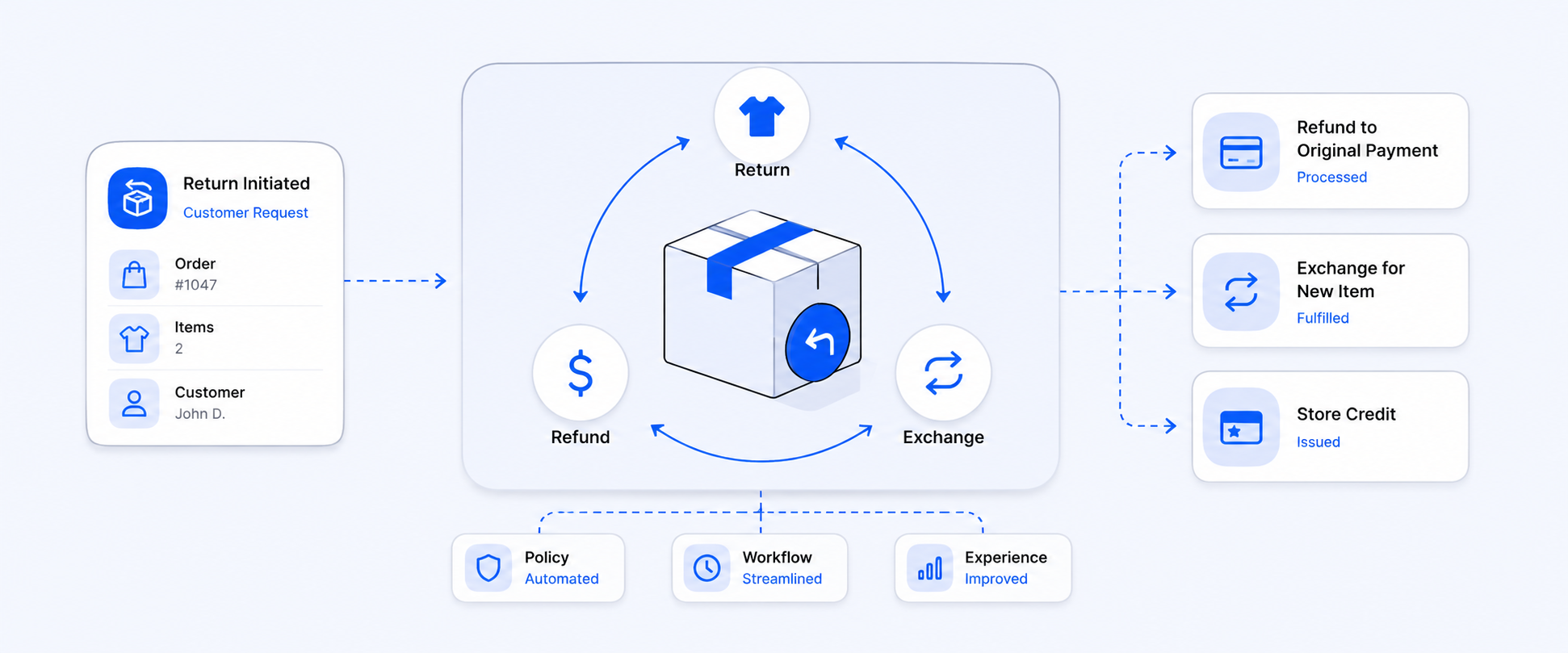
Returns directly hit your margins, especially when they are concentrated on a small number of products. The Items Returned by Product report shows which products have unusually high return rates, which reasons customers select, and how those returns affect your bottom line.
After a busy season, it is normal to see more returns. What matters is whether they are spread evenly across your catalog or focused on a few problem items. This report lets you quickly see where return rates are out of line. You can then investigate issues with sizing, quality, packaging, or expectations and fix them before the next peak. Sometimes improving the product title, images, or size guide is enough to reduce returns significantly. In other cases, you may decide to adjust pricing, change suppliers, or stop carrying a product.
Over time, using this report to set and monitor return rate benchmarks per product or category helps you forecast profit more accurately and keep customers happier by reducing repeat frustrations.
More context on returns and refunds:
- Refunds and returns guide: https://www.reportpundit.com/post/the-complete-guide-to-shopify-refunds-returns-and-store-credit
- Returning customer impact: https://www.reportpundit.com/post/returning-customer-report-in-shopify-how-critical-is-it
Shopify Fulfillment and Shipping Report
Fulfillment and shipping performance can make or break a festive season. The Fulfillment and Shipping reports show how long it takes to fulfill orders, the current status of each order, delivery times by region and method, and where orders are shipped from and delivered to.
When you review this data after a campaign, you can see exactly where your operations struggled. If fulfillment times rose sharply as volume increased, it may be a sign you need more staff, better workflows, or automation. If certain regions consistently experience longer delivery times or higher failure rates, you might look at splitting inventory across more locations, switching carriers, or adding local courier options.
These reports keep your delivery promises realistic. They help you refine shipping options, cut off dates, and customer communication before your next big sale so you can reduce negative reviews, avoid overwhelmed support teams, and encourage repeat purchases.
Shopify Gift Card Report
Gift cards are especially important around holidays and festive periods. A Gift Card report typically shows gift card sales, redemptions, remaining balances, and how often gift cards are used by new or existing customers.
By analyzing this data, you can see when gift card liabilities convert into real revenue and how much extra spend customers add on top of the card value. In many cases, customers using gift cards place higher value orders than the card amount, which makes them a strong audience for upsells and cross sells. Gift card reports also reveal how many first time customers were introduced to your brand through a gift card, which helps you design follow up campaigns and retention journeys specifically for them.
Over multiple seasons, patterns will emerge in how and when customers use gift cards. You can use those insights to time gift card promotions, adjust denominations, and refine messaging around gifting.
Real Examples: Custom Reports Built in Report Pundit
One merchant wanted to understand the true cost of product samples so they could make better buying decisions. They needed a single view that included supplier fees, shipping charges, testing costs, and handling expenses, grouped by vendor and product category. Report Pundit built a Sample Fee Breakdown report that pulled data from multiple sources inside Shopify and combined it into one clear view. The merchant no longer had to patch together spreadsheets. They automated the report to arrive weekly by email and used it to decide which samples were worth the ongoing investment and which ones were consuming budget without payoff.
In another case, a client wanted a precise view of how each gift card was issued and redeemed over time. They needed to see live gift card balances along with order name, order date, order amount, gift card amount, payment gateway, and internal notes. Report Pundit created a Gift Card Activity report that delivered exactly that. With this report in place, the client could see how often gift cards led to higher value purchases, whether they were bringing in new customers, and how gift cards were used during busy seasons, all without manual reconciliation.
Conclusion
Shopify reports are not just exports to keep your accountant happy. Used well, they are the control panel for your store.
From Sales by Product, Inventory, Discounts, AOV, Transactions and Payouts, Returns, Fulfillment, and Gift Cards, each report shows one part of how your business behaves before, during, and after festive periods. When you review these reports regularly, you can avoid lost revenue from stockouts and unprofitable discounts, prepare better for peak days, protect your margins, and build long term customer relationships based on actual behavior, not assumptions.
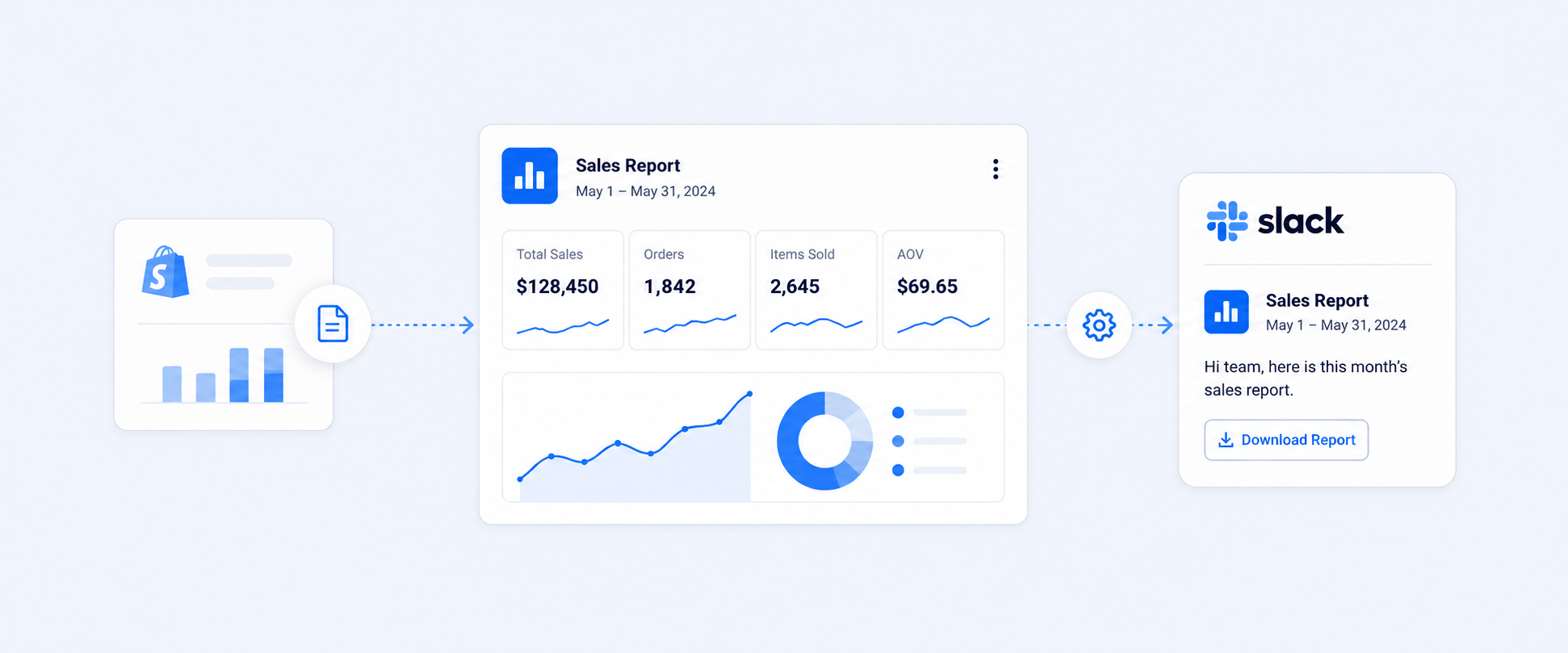
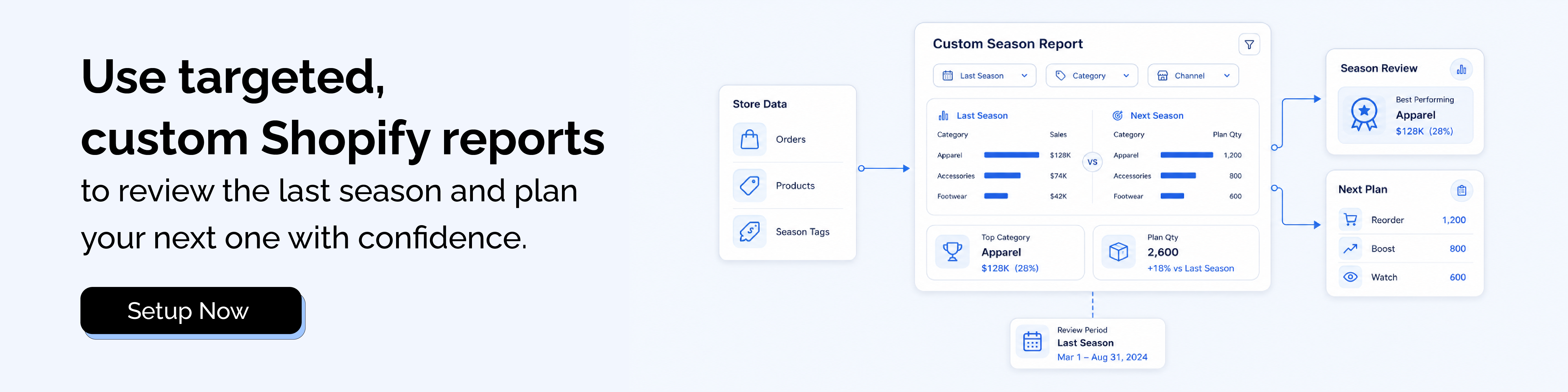
With apps like Report Pundit, you can go far beyond standard Shopify reports. You can add metafields and line item properties that Shopify does not expose natively, build custom views tailored to your workflow, and automate report delivery in multiple formats and destinations. Together, Shopify and Report Pundit give you a 360 degree view of your store so you can plan each season with confidence instead of guesswork.
FAQs
1. Can Report Pundit build advanced forecasting reports for sales and inventory planning?
Yes. Report Pundit supports advanced forecasting style reports such as future sales estimates, inventory demand projections, and restock planning. If you provide your logic or business rules, the team can configure models that match your workflow. Custom setups are included at no extra cost.
2. Do you offer inventory forecasting based on current sales speed?
Yes. Many merchants request reports that predict how long current stock will last based on recent sales. Report Pundit can create an inventory depletion report that estimates sell out timelines so you can plan restocks before inventory runs low.
3. Can Report Pundit provide a sales prediction report to support buying decisions?
Shopify does not expose native predictive fields through its API, but Report Pundit can build alternative reports like reorder recommendations, lead time based suggestions, and sales trend analysis. These views help you plan buying decisions more confidently even without direct prediction fields.
4. Can I get a report that shows products not sold in the last 90 days?
Yes. Report Pundit can generate a custom report listing products with zero sales during any selected time frame, such as 30, 60, or 90 days. You can include product title, SKU, price, on hand quantity, and other fields to quickly identify slow movers and clean up your inventory.

5.0 ( 2000+ Reviews)