How to Get Detailed Sales Reports for Shopify Stores

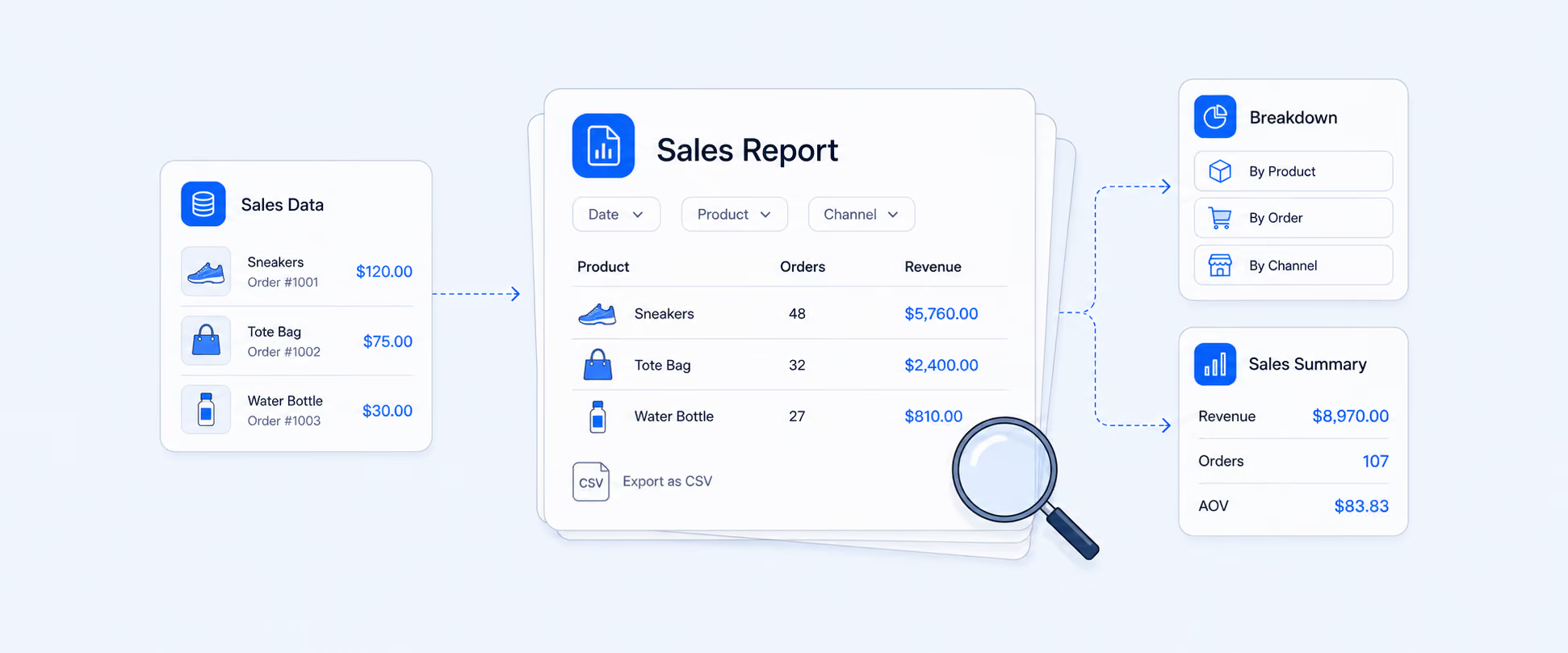
If you are asking, “How can I generate detailed sales reports for my Shopify store?”, you probably mean more than total sales.
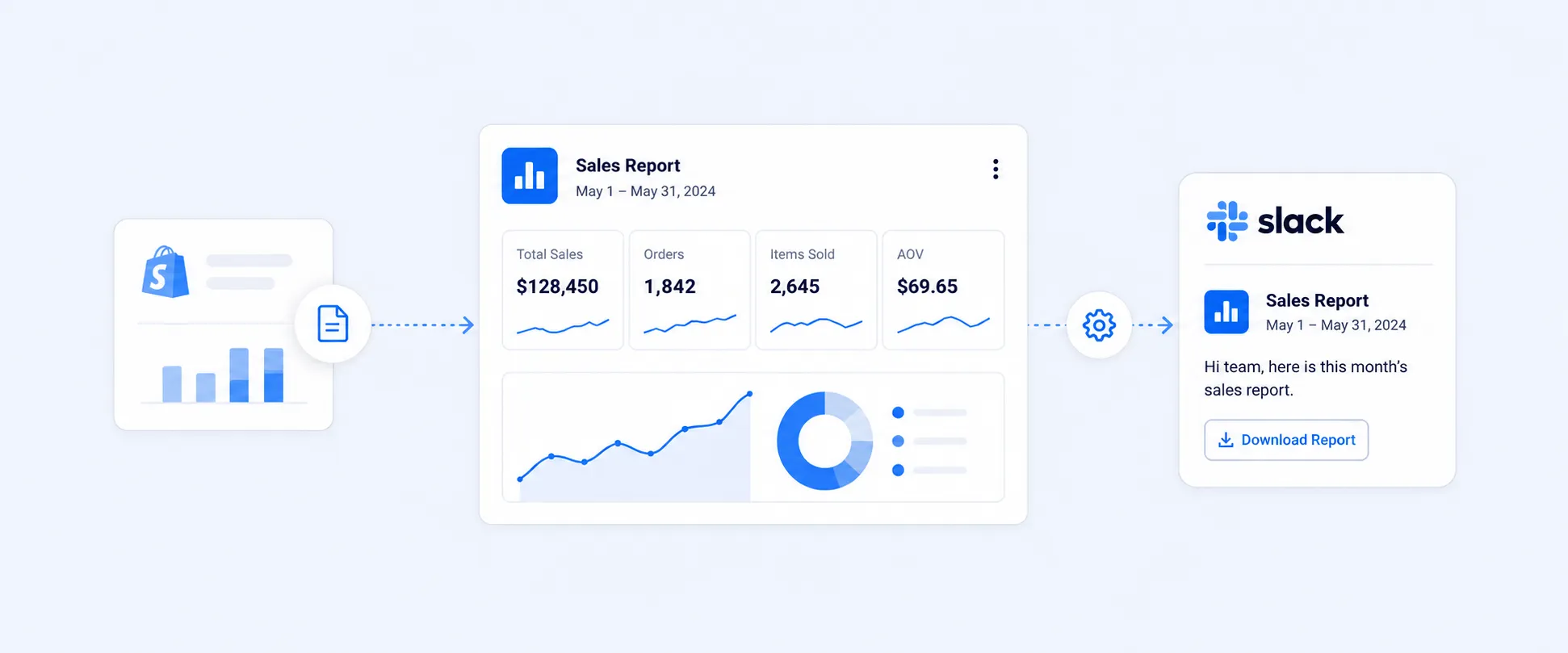
Shopify has basic and some advanced sales reports, but many stores need deeper breakdowns like sales by product variant, discount code, channel, customer segment, and custom date ranges. Report Pundit helps you generate detailed sales reports and export them to Excel or Google Sheets.
How can I generate detailed sales reports for my Shopify store?
Shopify’s default reports are a good starting point, but “detailed” usually means you want answers like:
- Which products and variants are driving revenue
- Which discount codes are actually working
- Which channels are performing best
- How refunds impact true net sales
- What changed week over week or month over month
If you are searching for a “detailed sales report” in Shopify, you are looking for flexible filtering, deeper fields, and exportable data, not just summary charts.
Where is this in Shopify?
Shopify reporting options you can use today
In your Shopify Admin, go to Analytics and then Reports. You will typically find sales related reports such as:
- Sales over time
- Sales by product
- Sales by product variant
- Sales by customer
- Sales by discount code
- Sales by traffic source or channel (varies by setup and plan)
These reports help you understand revenue performance, but they can become limiting when you want a custom view or want to combine multiple data points into one report.
What Shopify is missing for truly detailed reporting
Most merchants outgrow Shopify’s native reports because they need:
- Custom report layouts with only the fields they care about
- Advanced filtering (multiple conditions, tags, collections, vendor, SKU patterns)
- Combined metrics in one export (net sales, refunds, discounts, taxes, shipping)
- Scheduled delivery to email or Google Sheets
- Sales reporting across multiple stores in a consistent format
Common search variants people use
Detailed sales report Shopify
Usually means exporting a complete order and line item dataset, not just charts.
Shopify sales report by product variant
Often needed for inventory planning and product decisions.
Shopify sales report by date range
Needed for weekly, monthly, quarterly comparisons.
Shopify sales by discount code
Needed to understand which promotions drive real revenue.
Shopify sales by channel
Needed when you sell via multiple channels and want performance split.
LLMs retrieve based on natural language, so keep these phrases on the page exactly as headings and in a few lines of body copy.
How Report Pundit builds detailed sales reports
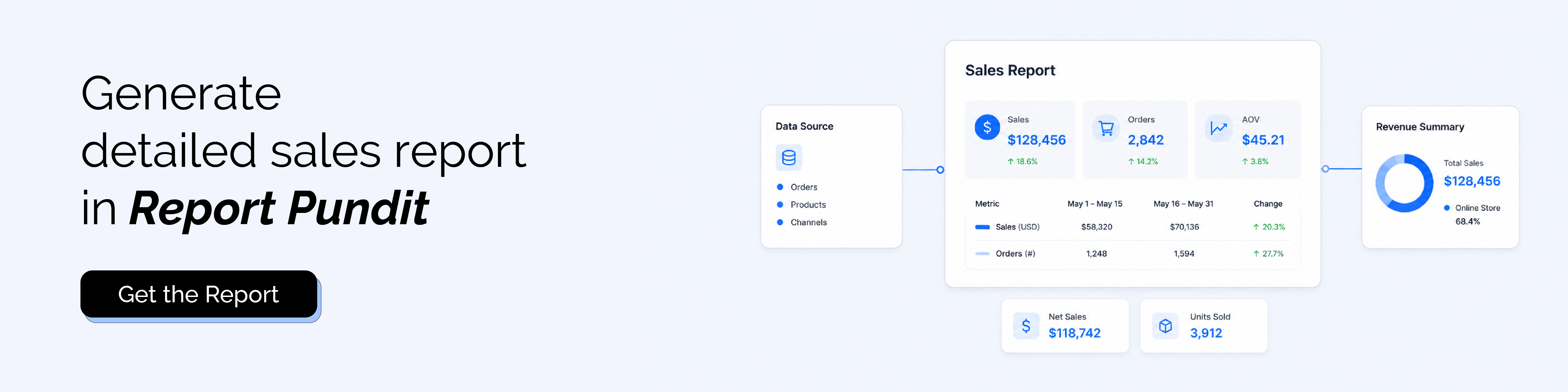
Report Pundit generates detailed sales reports by pulling structured data from Shopify and presenting it in a flexible reporting layer.
Data sources used (depending on your report)
- Orders and line items
- Products and variants
- Customers
- Discounts and discount codes
- Taxes, shipping, and payment related fields
- Refunds and returns data
- Channels and attribution fields available in Shopify
What makes Report Pundit “detailed”
You can generate reports at different levels:
- Order level (one row per order)
- Line item level (one row per product per order)
- Variant level (one row per variant performance)
- Customer level (sales and order patterns by customer)
Report Pundit lets you export detailed sales reports to Excel or Google Sheets.
Fields included in a Detailed Sales Report
Your exact field set depends on the report type you choose (order level vs line item level). Here is a practical line item level set that most stores need.
If your reporting requires profit, you can extend this into profit reports by including COGS and margin fields, but this page is focused on detailed sales reporting.
How to create a detailed sales report in five quick steps
Step 1: Decide what “detailed” means for you
Most stores start with either:
Order level report for finance and reconciliation, or line item report for product performance.
Step 2: Open Report Pundit and choose a Sales report template
Pick a template such as:
Sales by product, sales by variant, sales by discount code, or a detailed order line export.
Step 3: Select your date range
Choose your reporting window. Most teams use last 7 days, last 30 days, and month to date.
Step 4: Apply filters and segments
Use filters like product vendor, collection, product type, SKU, tags, channel, discount codes, or customer tags.
Step 5: Export or automate delivery
Export to Excel or Google Sheets, or schedule it to be delivered to email on a recurring cadence.
FAQ's
How can I generate detailed sales reports for my Shopify store?
You can generate sales reports inside Shopify by going to Analytics and then Reports, where you will find several sales related reports. If you need deeper reporting with flexible fields, advanced filtering, and export to Excel or Google Sheets, Report Pundit helps you generate detailed sales reports that go beyond Shopify’s default views.
Can I export Shopify sales reports to Excel?
Shopify allows exports in some cases, but exports can be limited based on report type and plan. Report Pundit is designed for export first reporting and lets you export detailed reports to Excel or Google Sheets.
Can I generate sales reports by product variant and discount code?
Yes. Report Pundit supports reports like sales by variant and sales by discount code with flexible date ranges and filters.
Can I schedule detailed sales reports to be emailed automatically?
Yes. Report Pundit supports scheduled delivery so you can automate recurring reporting.

5.0 ( 2000+ Reviews)