Shopify Sales by Product Tags: Track Tag Performance

How to Track Shopify Sales by Product Tags and Why It Matters
Product tags are often treated like simple labels.
In many Shopify stores, tags are added for seasons, collections, materials, sizes, campaigns, vendors, product types, or internal workflows. Over time, those tags can either become a useful merchandising system or a messy list that no one trusts.
The reporting value is easy to miss. When tags are used consistently, they can help merchants understand which product groups sell best, which tagged items need restocking, which promotions work, and which product attributes deserve more attention.
That is why sales by product tag matters. It turns tags from a catalog organization tool into a decision-making layer for merchandising, marketing, inventory, and product planning.
What Product Tags Do in Shopify
Product tags are searchable keywords associated with products. They help organize product data, support store search, and can be used to build smart collections. Tags can also be used across other Shopify resources, including orders, customers, transfers, blog posts, draft orders, and discounts, but product tags specifically belong to products.
A merchant might use product tags such as:
summer, linen, organic-cotton, giftable, clearance, bestseller, new-arrival, wedding, bundle-ready, or low-margin.
Those tags can support storefront filtering, internal organization, campaign planning, and reporting. The value comes from consistency. If one product is tagged summer-sale, another is tagged Summer Sale, and another is tagged summer, reporting becomes harder to trust.
Shopify product tags can have up to 255 characters, and each product can have up to 250 tags. Tags are not case-sensitive, so Approved and approved are treated as the same tag.
Why Sales by Product Tag Is Useful
Sales by product tag helps merchants analyze product groups that do not always fit neatly into Shopify’s default categories.
A product type may tell you the item is a shirt. A vendor may tell you who supplied it. A collection may tell you where it appears on the storefront. But a tag can capture a more flexible business idea: holiday-gift, high-margin, made-in-usa, eco-friendly, wedding-guest, fall-drop, or influencer-pick.
That makes tags useful for questions like:
- Which tagged products generated the most revenue?
- Which tags are tied to higher return rates?
- Which campaign-tagged products sold through fastest?
- Which seasonal tags need restocking before the next promotion?
- Which tagged products rely too heavily on discounts?
These are practical merchandising questions. The tag is only the starting point. The real value comes from connecting tags to sales, inventory, returns, and margin.
What Shopify Can Track With Tags Natively
Shopify Analytics includes tag-related fields across several areas. Product tag and product tags are available as dimensions in Shopify’s analytics field reference, along with customer tag, customer tags, order tag, and order tags. Dimensions are fields used to group or filter report data, while metrics are the numbers being measured.
That is a meaningful improvement for merchants who already use tags. It means tag data can support reporting in more ways than simply filtering product lists.
The practical limit is context. Tags are not automatically useful in every report combination. The available metrics, dimensions, and filters depend on the report, the data model, and the fields available in that report context. A product tag may work well for product-related analysis, while an order tag may be more useful for fulfillment, shipping, or operational workflows.
For native reporting, the best starting point is usually:
Analytics > Reports
From there, open a relevant sales or product-focused report, then review whether Product Tag or Product Tags is available as a dimension or filter in the configuration panel. Custom reports can be shaped with metrics, dimensions, filters, and other configuration options when those fields are supported in the report context.
Product Tags, Order Tags, and Customer Tags Are Different
A common mistake is treating every tag as the same kind of data.
Product tags describe products. They are useful for analyzing product groups, merchandising attributes, campaign groupings, or inventory categories.
Order tags describe orders. They are useful for operational workflows such as wholesale orders, urgent shipping, special handling, fraud review, local delivery, or custom fulfillment processes.
Customer tags describe customers. They are useful for customer segments such as VIP, wholesale, loyalty, newsletter, repeat buyer, or B2B.
Those differences matter in reporting. A sales by product tag report answers a product performance question. A sales by customer tag report answers a customer segment question. A sales by order tag report answers an operational or order workflow question. Mixing them without a clear goal can create confusing results.
How to Track Sales by Product Tags in Shopify
Start with a clean tag structure before building the report.
If the same business idea is represented by five different tags, the report will split the data across those tags. Before reporting, review your product tags and consolidate obvious duplicates. Choose one version of a seasonal tag such as spring-collection instead of using spring, Spring, spring collection, and spring-2026 randomly.
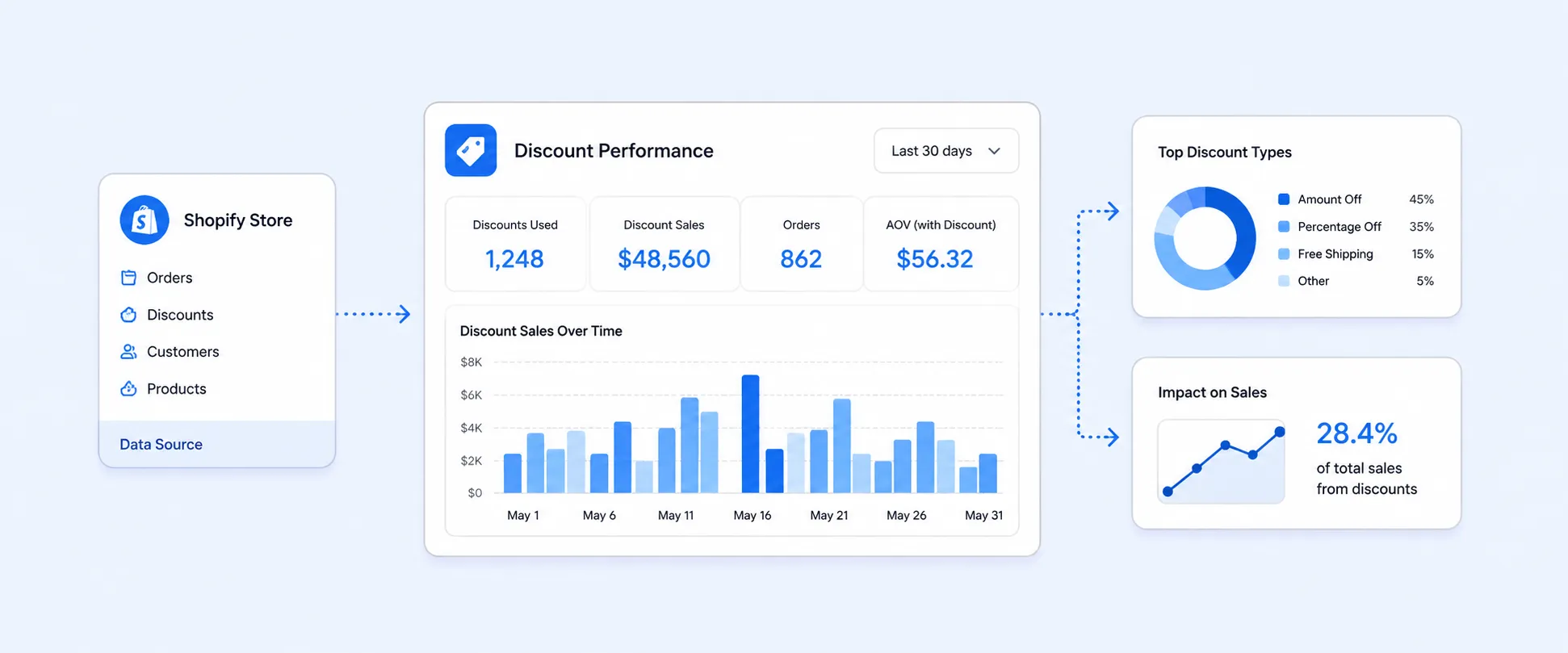
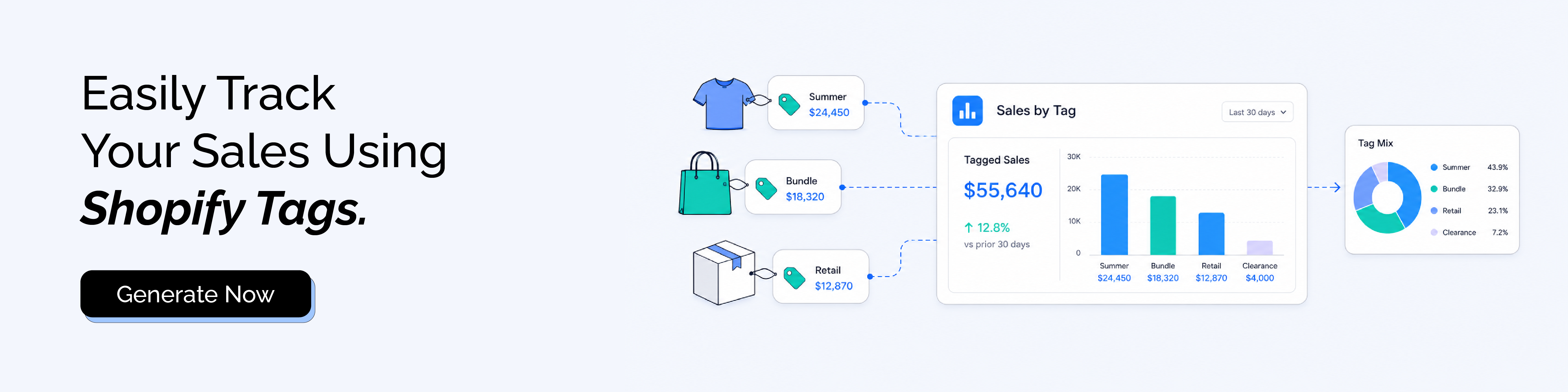
Then build the report around the decision. Product tag reporting can help compare sales by product tag, net sales by product tag, quantity sold by product tag, discounts by product tag, returns by product tag, inventory by product tag, or margin by product tag.
That distinction matters because product tag reporting is not one report. It is a way to look at product performance through the custom labels your store already uses.
For example, a merchant may use the giftable tag across candles, mugs, jewelry, and accessories. Product type alone would split those products into separate categories. A sales by product tag report can show whether the broader giftable group performs well during the holiday period, which items need restocking, and which tagged items underperformed despite being part of the same campaign.
A Worked Example: Seasonal Tags That Change the Buying Decision
Imagine a fashion store uses tags such as summer-linen, wedding-guest, and clearance.
The summer-linen tag shows strong net sales and high sell-through, with only 18 days of inventory remaining. Supplier lead time is four weeks. That tag is not just performing well. It is already at stockout risk, so the buying team should reorder or shift stock before the next campaign.
The wedding-guest tag has lower order volume but a higher average order value. That may suggest customers are buying more complete outfits or higher-priced items under that tag. The store may want to create a dedicated landing page, improve email segmentation, or bundle accessories with those products.
The clearance tag has high unit sales but weak net sales after discounts. That is not necessarily bad if the goal is to release cash from slow-moving inventory. But it should not be judged the same way as a full-price product tag.
This is the reason product tag reporting matters. The tag gives context that the product title alone may not show.
When Product Tag Reporting Needs More Than a Native View
Native Shopify reporting can help when the report fields you need are available in the right context.
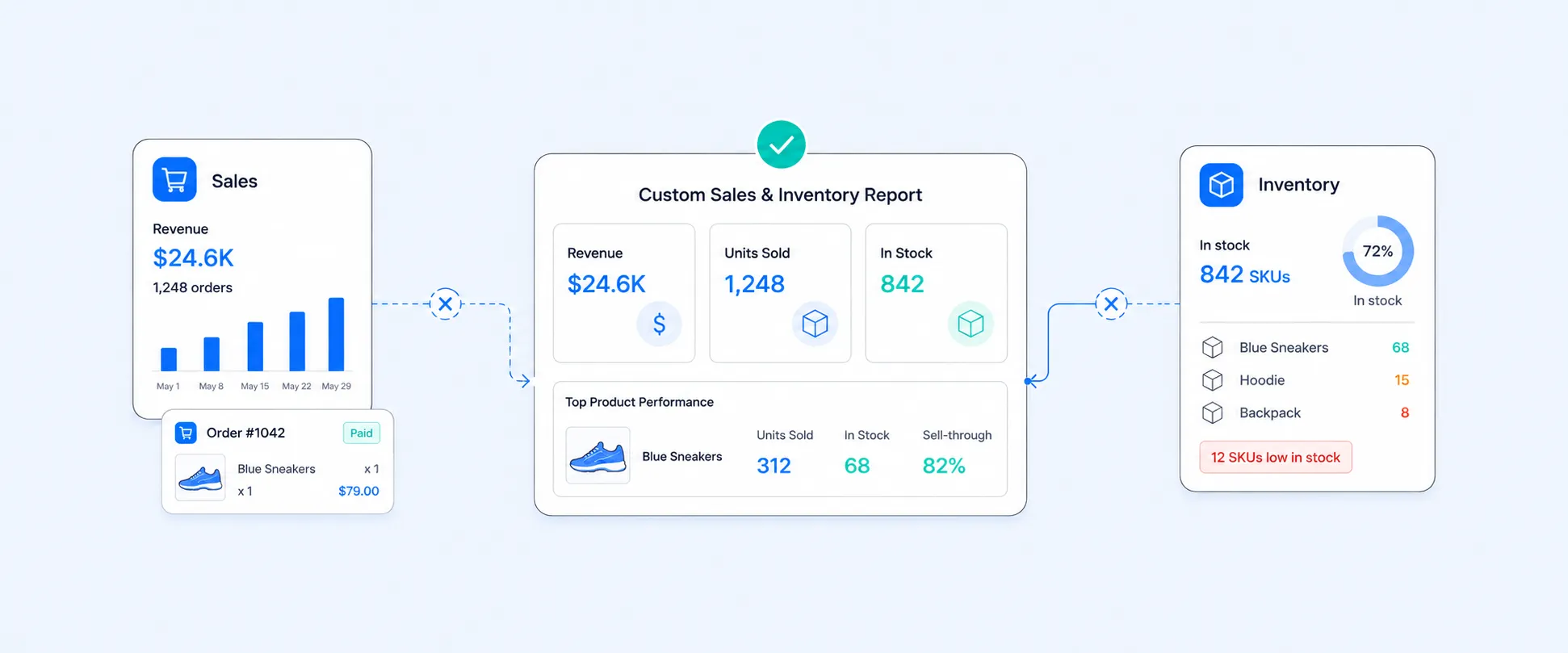
The workflow becomes harder when product tags need to sit beside sales, inventory, margin, discounts, returns, vendors, collections, SKUs, metafields, line-item properties, or multi-store data in one view. A product tag may show what sold, but the business may also need to know whether those tagged products were profitable, whether they are running low, and whether the same tag performs differently across stores or channels.
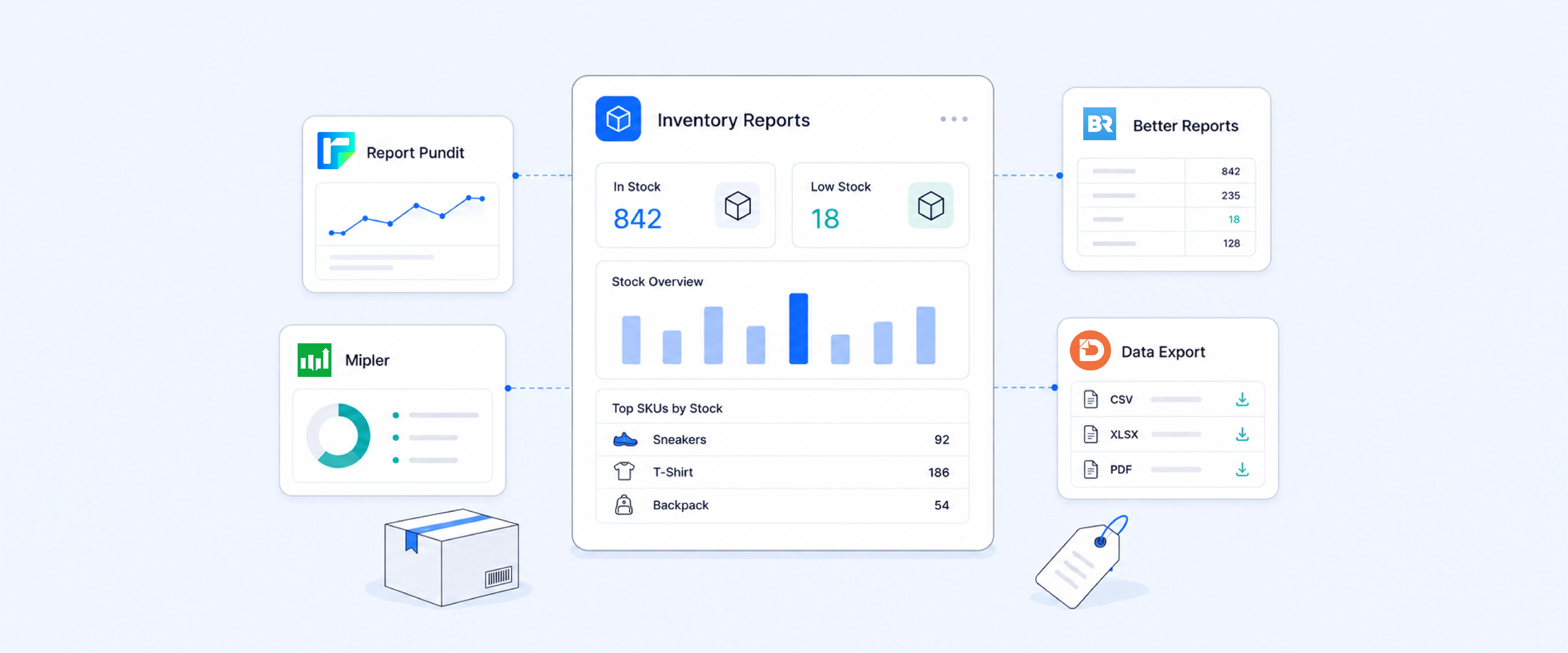
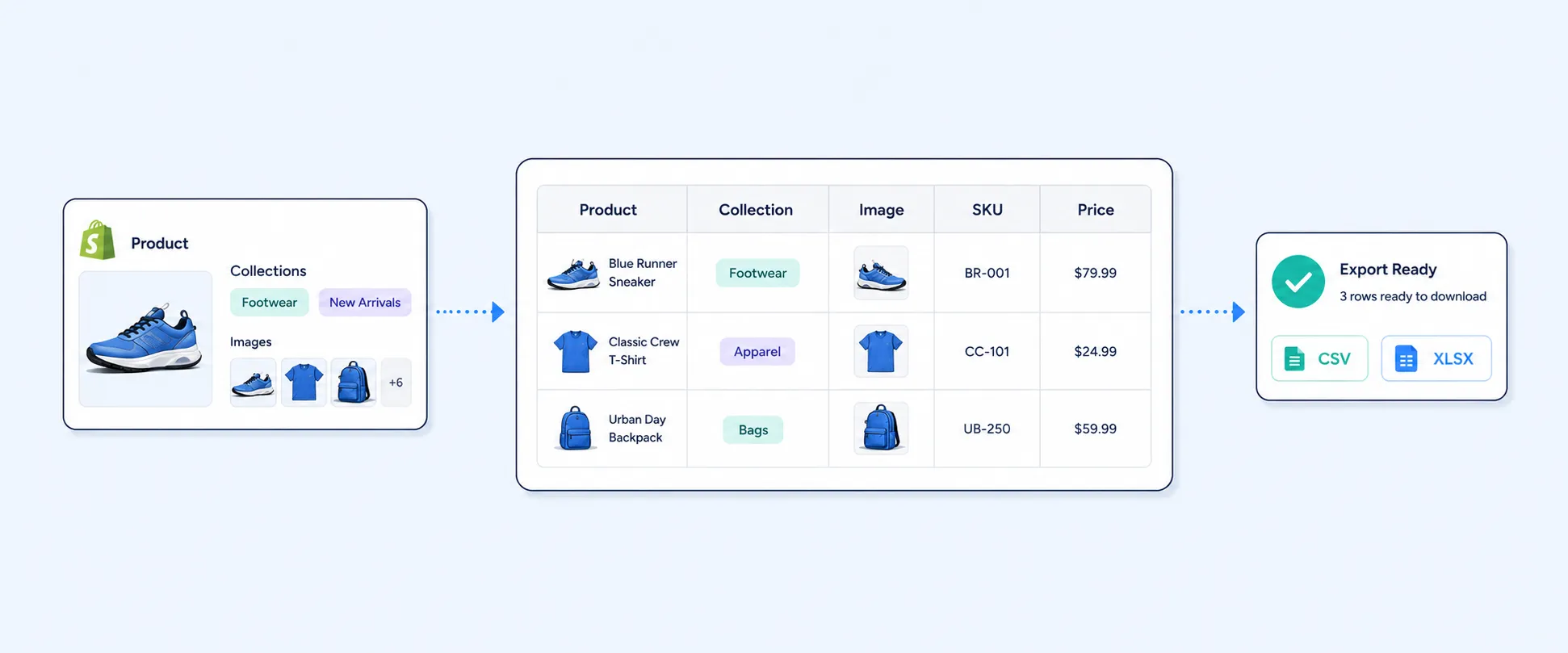
That is where Report Pundit becomes useful. Merchants can build reports using tags, metafields, and line-item properties, with custom reports, advanced filters, calculated fields, multi-store and multi-currency reporting, and scheduled exports to Excel, CSV, PDF, Slack, and Google Sheets.
A merchandising team can review sales by product tag before a buying meeting. An inventory team can monitor low-stock products under seasonal or campaign tags. A marketing team can compare campaign-tagged products by sales, discounts, and returns. A finance team can review tagged products by margin instead of revenue alone.
The value is not just tag visibility. It is turning tag data into a repeatable reporting workflow.
Product Tags Can Improve Inventory Planning
Tags can help inventory teams plan around product groups that are not obvious from product type or vendor alone.
A store might use tags for holiday-gift, back-to-school, bridesmaid, travel-size, or subscription-friendly. These tags can cut across several product types and collections. A standard product report may not group them together cleanly, but a tag-based report can show whether those business categories are moving, stalling, or running low.
This is especially useful before seasonal campaigns. A merchant can review tagged products by sales, remaining inventory, and sell-through before deciding what to reorder, promote, bundle, or mark down.
That is where product tag reporting becomes more than organization. It becomes planning.
How to Keep Product Tags Reporting-Friendly
Tag reporting is only as clean as the tagging system behind it.
Use tags for business meaning, not random notes. A tag such as summer-linen is easier to report on than a vague tag such as misc. Keep naming consistent across the catalog. Use one format for seasonal, campaign, vendor, or product attribute tags. Avoid duplicate tags that mean the same thing.
It also helps to separate tag types. Product tags should describe products. Order tags should describe order workflows. Customer tags should describe customer segments. When each tag type has a clear role, reports become easier to build and easier to trust.
For growing stores, a simple tag governance habit can prevent future reporting problems. Review tags monthly or quarterly, merge duplicates, remove unused tags, and document the tags that matter for reporting.
Native Shopify Tag Reporting vs. Custom Tag Reporting
Native Shopify reporting is useful when the tag field is available in the report and the analysis stays within Shopify’s supported reporting structure.
Custom tag reporting becomes more useful when the report needs product tags alongside inventory, returns, discounts, margin, vendors, collections, SKUs, metafields, order details, customer tags, or scheduled delivery. It is also useful when the same report needs to be sent to another team without manual filtering.
Use native reporting when you need a quick view of tag performance. Use a custom reporting workflow when tags are part of merchandising, campaign planning, inventory planning, or finance review.
Common Mistakes to Avoid
Tags lose reporting value when they are inconsistent. If one team uses vip, another uses VIP, and another uses vip-customer, the same idea may be split across several labels in your working process, even if tag case is not treated as different inside Shopify. Clear naming rules make reporting easier to maintain.
Product tags are not customer tags. A product tag such as organic-cotton describes the item. A customer tag such as VIP describes the buyer. A report that mixes those without a clear question can produce confusing conclusions.
Too many tags can make reporting noisy. A product with dozens of loosely defined tags may look organized at first, but reporting becomes harder when every tag creates another possible segment. Strong tag systems usually use fewer, clearer labels.
A tag should not replace a proper field when structure matters. If the business needs a clean value for size, material, cost tier, delivery date, or margin category, a metafield or structured product field may be better than a loose tag. Shopify reports support custom metafields as dimensions or filters for products, variants, customers, and orders, which can be useful when the data needs more structure than a tag can provide.
Historical tag changes need context. If a product was tagged after the campaign ended, the report may not reflect how the tag was used during the actual selling period. For campaign analysis, tag timing and consistency matter.
Conclusion
Product tags are easy to overlook because they feel like small catalog labels.
Used well, they can become a practical reporting layer. They help merchants group products by season, campaign, material, use case, buying strategy, margin profile, or operational priority. When those tags are connected to sales, inventory, discounts, returns, and margin, they can reveal patterns that product titles and collections do not show on their own.
The next step is not adding more tags. It is making the existing tags cleaner, more consistent, and easier to report on. Report Pundit helps turn that tag structure into repeatable sales, inventory, and merchandising reports your team can use without rebuilding spreadsheets every week.
FAQ’s
What Are Shopify Product Tags?
Product tags are searchable keywords associated with products. They help organize product data, support store search, and can be used to build smart collections. For reporting, product tags can also help merchants group sales, inventory, and product performance around business-specific categories such as campaigns, seasons, materials, or margin groups.
Can Shopify Track Sales by Product Tag?
Shopify Analytics includes product tag as analytics dimensions, but availability depends on the report context and the fields supported in that report. For deeper tag-based sales reporting, merchants often need a custom report that combines product tags with sales, inventory, discounts, returns, or margin.
Where Can I Add Product Tags in Shopify?
Product tags can be added from the product details page in Shopify admin. They can also be added or removed in bulk from the Products page.
What Is the Difference Between Product Tags, Order Tags, and Customer Tags?
Product tags describe products. Order tags describe orders or operational workflows. Customer tags describe customer groups or segments. Each tag type is useful, but they answer different reporting questions.
Can Product Tags Help With Inventory Reporting?
Yes. Product tags can help group products by season, campaign, material, use case, vendor group, or internal category. When combined with inventory metrics, tags can help identify stockout risk, slow movers, overstock, or products that need replenishment.
Can Report Pundit Create Sales by Product Tag Reports?
Yes. Report Pundit supports reports using tags, metafields, and line-item properties, along with custom reports, filters, calculated fields, scheduled exports, and multi-store reporting. This makes it useful when merchants need repeatable product tag reports that go beyond a simple native view.

5.0 ( 2000+ Reviews)