Shopify Tax by County Report: Sales Tax Breakdown for US Filings

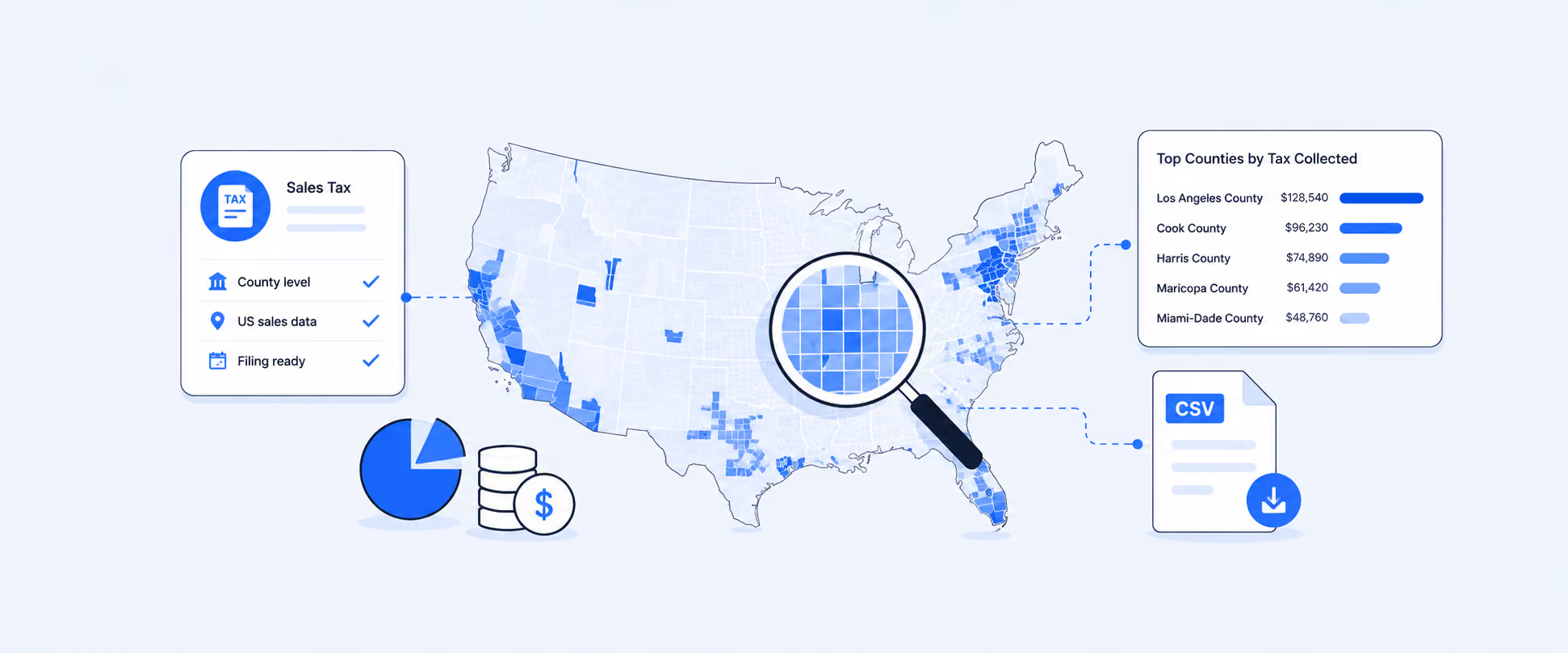
A Shopify Tax by County report shows sales tax collected on your Shopify orders broken down by the county the order shipped to. It is the report US merchants pull when a state return expects tax reported per county (common in Texas, Louisiana, Colorado, Tennessee, Washington, and several others), or when a county-level audit asks for detail on sales into a specific jurisdiction.
Shopify’s default Taxes finance report groups taxes by country and region, such as state or province, but does not provide a county-level breakdown in a filing-ready format. If you use Shopify Tax in the US, the United States Sales Tax Report drills into jurisdictions per state, but merchants usually want that same view as a flat, exportable table with clean county totals for one filing period, plus the extra order, product, and customer context Shopify does not add on its own.
What a Tax by County report shows
Typical fields:
- County (destination county from the shipping address)
- State (parent state)
- County Tax Rate (%)
- Taxable Sales
- Non-Taxable Sales
- County Tax Amount
- Total Tax (state + county + city + special-district combined)
- Total Sales
- Order Count
Some counties layer city, municipal, MTA (metropolitan transit authority), or special-purpose-district taxes on top of the state and county rate. A single Texas order can carry state tax, city tax, county tax, and MTA tax as separate lines rolling up to one 8.25% ceiling. A single Louisiana order can pick up state, parish, city, and special-district tax. A useful county report keeps each of those visible as its own column so every dollar reconciles against the jurisdiction that expects it.
Who needs this report
Merchants filing state returns with county schedules. States like Texas, Louisiana, Colorado, Tennessee, Washington, Illinois, and Florida expect tax collected reported per county (or per parish, in Louisiana), sometimes with municipal or special-district lines nested inside. One combined "state tax" number does not fill the schedule.
Merchants responding to a county audit. When an auditor asks for two or three years of sales into one county, customer name, order date, items purchased, cost, tax charged, you need order-level detail, not a summary.
Merchants making pricing decisions in high-rate counties. In some jurisdictions, combined sales tax rates exceed 10%, making tax-inclusive pricing and shipping strategies more important. Seeing county tax next to gross sales makes the case for a small price bump or a shipping-fee tweak in the counties that are quietly eating your margin.
Benefits of pulling tax by county
- Filing-ready output. County totals already broken out in the exact shape the state schedule expects, so nothing has to be re-pivoted before entering the portal.
- Fewer reconciliation errors. County, city, and special-district tax visible as separate columns instead of one blended figure.
- Audit-ready detail. Pull years of transactions for one county in seconds, with customer, product, and order context on the same row.
- Margin visibility. Spot counties where combined rates are compressing take-home so you can adjust price or shipping strategy.
- Online-vs-POS clarity. POS orders usually carry the store location's tax rate rather than the shipping address rate. A clean split prevents mixing the two on one line of the return.
How Shopify handles it out of the box
If you are on Shopify Tax in the US, the United States Sales Tax Report gives you a state overview, a Jurisdiction Report per state (state, county, city, and special-district rates with sales and tax per combination), and a Detailed Transactions Report for line-level detail. It is the closest built-in equivalent to a county report.
Merchants not on Shopify Tax rely on the Taxes finance report, which stops at country and region. To reach the county level you have to export line items and pivot manually, or use a reporting app that can group by shipping county natively.
Customization that makes the report actually useful
- A county tax report is only as good as the context around each row. In Report Pundit, you can pull in almost any field connected to the order:
- Order information: order number, order date, discount, refund, shipping cost, payment gateway, financial status, sales channel.
- Product information: SKU, product type, vendor, collection. Useful when different product categories are taxed differently (clothing exemptions, grocery exemptions, digital-goods rules).
- Customer information: customer name, email, tax-exempt status, resale certificate tags, customer tags. This is what an audit report actually needs.
- Metafields and line-item properties: custom tax categories, exemption certificate numbers, POS staff notes, gift or promo flags that affect taxability.
- POS Location: the physical store or pop-up where the sale rang up. POS transactions often use the location's tax rate, not the shipping address, and need to be reported separately.
- Shipping country breakdown: add a country filter so a county view can sit inside a broader multi-country dashboard, or a country row can be broken down into state and county.
County reporting needs vary from one merchant to another. Some merchants only need taxable sales and tax collected by county for filing, while others combine county-level data with city, state, product, customer, or POS location details. Common merchant requests include California quarterly sales tax summaries, Texas county tax reports, sales-by-county dashboards, customer distribution reports, and inventory analysis. This flexibility is why many merchants customize their county reports instead of relying on a one-size-fits-all export.
Automating your Tax by County report
Set the report up once and let it run. Common configurations:
- Monthly, auto-generated on the 1st for the prior month's return
- Quarterly, on the 1st of the month after quarter close
- Weekly, for merchants doing rolling reconciliation with their accountant
Delivery options include email attachments (CSV, Excel, PDF), Google Sheets, Google Drive, Slack, FTP, Power BI, and BigQuery. Skip-if-empty means an accountant does not get a blank email for a state where no sales landed that month. One-time setup, and the layout stays put, only the date range rolls forward.
How to build it in Report Pundit
A Tax by County report is not available as a pre-made template, because county-level reporting draws on jurisdiction fields that vary by state and usually need to be pulled through custom SQL. Our support team builds it for you at no cost, typically within a business day. Send them the states and counties you file for and the date range you need, and they will set up the layout with the core fields a county filing expects: Shipping State, Shipping County, Tax 1 Title, Tax 2 Title, County Tax Amount, Taxable Sales, Non-Taxable Sales, Total Tax, Total Sales, and Order Count.
Once the report is live, you can:
- Add more fields from the preset library (order, product, customer, metafield, and line-item property fields are all available)
- Add custom columns for figures Shopify does not expose natively, such as combined jurisdiction rate or margin after tax per county
- Filter by financial status, date range, state, or county to match the exact scope of the return
- Sort by any column and group by shipping state, shipping county, and tax name for a clean filing view
- Split online and POS orders using the sales-channel field, since POS transactions carry the location's own rate rather than the ship-to rate
If you are comfortable with SQL, you can also add custom columns yourself directly in the report editor.
The USA Tax Collected report is a good starting template, duplicate it, add the county field, drop states you do not file for, save the layout, and schedule it to arrive on the 1st of every month.
Frequently asked questions
Does Shopify have a built-in Tax by County report?
Only if you use Shopify Tax in the US. Its United States Sales Tax Report drills into county-level jurisdictions per state. Stores on standard tax settings see country and region totals, not counties.
Can I include product SKU and customer info in the same tax by county report?
Yes. Any order, product, customer, metafield, or line-item property field can sit on the same row as county tax data. That is what turns a summary report into an audit-ready file.
Can I schedule this report to run automatically?
Yes. Set it once and receive it monthly, quarterly, or on any custom schedule, delivered to email, Google Sheets, Slack, Google Drive, FTP, Power BI, or BigQuery.

5.0 ( 2000+ Reviews)
