Shopify Pre-Order Report: Track Sales, Fulfillment & Revenue in One
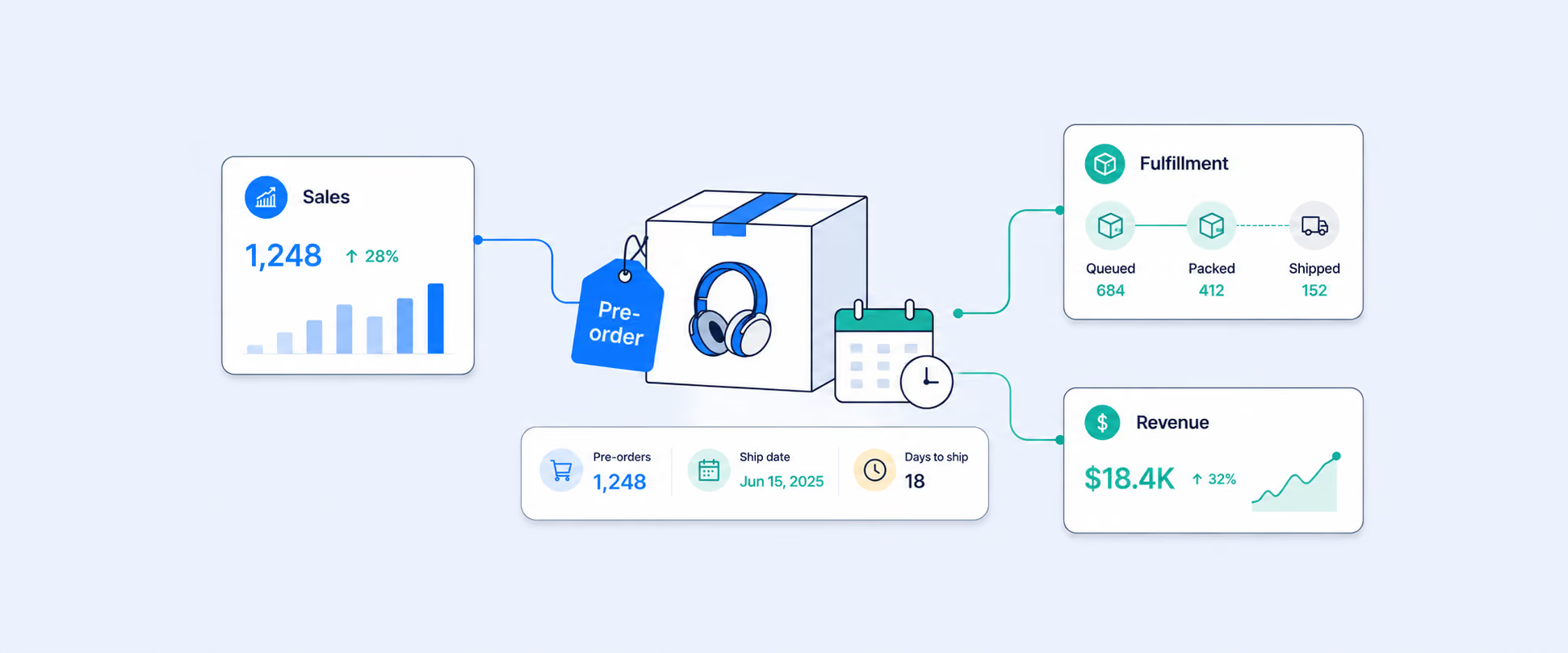
Managing pre-orders across different Shopify markets is insanely confusing.
Maybe a product is out of stock in the UK, so you enable pre-orders there using a third-party app. But the same product is still available in your EU warehouse, so EU customers can continue to buy it as usual.
The challenge starts once the orders come in. And you are trying to track which orders are regular purchases and which are pre-orders. Customers want shipping updates. Your ops team is checking fulfillment statuses across locations. Finance wants visibility into pending revenue. And instead of getting one clear view in Shopify, you are switching between apps, inventory screens, and spreadsheets to connect everything.
The good news is that the data already exists. You just need one report that brings pre-order sales and fulfillment together in one place.
That is exactly what this blog will show you.
Why Pre-Order Data Is So Hard to Track
Most merchants assume that once they set up a pre-order through a tag, an app, or a product configuration, the reporting side will sort itself out, but it doesn't.
Here's what actually happens. Shopify records the sale, the fulfillment status updates separately, and neither view talks to the other in a meaningful way. There is no built-in logic that says this order is a pre-order. Here is where it stands, and here is how long it has been waiting to ship.
A few specific things make this harder than it should be. For Shopify stores, pre-order is usually used when:
- Restocking
Instead of marking products as unavailable and losing sales, merchants allow customers to place pre-orders while new inventory is being restocked or transferred. - New launches
Merchants open pre-orders before the official launch date to build anticipation, generate early revenue, and estimate initial demand. - Demand planning
Pre-orders help businesses understand how much inventory customers actually want before committing to production or large stock purchases. - Future shipping
Customers can reserve products in advance while being informed about the expected shipping, release, or delivery timeline.
What Shopify Offers You Natively And What Doesn't
Before we get into solutions, it helps to be honest about what Shopify actually offers out of the box, because a lot of merchants spend time looking for a report that simply doesn't exist.
What Shopify provides natively:
Shopify does give you sales reports broken down by product, order, and channel. It also gives you fulfillment and shipping reports that show fulfillment status and shipping timelines. And from the Orders page, you can export order-level data with filters for fulfillment status.
What Shopify doesn't provide:
- Shopify does not offer a single report that combines pre-order tags, sales performance, and fulfillment status into one unified view.
- Shopify’s reporting system does not include a native pre-order tracking framework. Most merchants rely on tags, custom fields, or third-party apps that operate outside Shopify’s built-in analytics.
- Standard Shopify reports do not include a column that shows how many days an order has remained pending fulfillment.
- Finance teams often monitor pending revenue while operations teams focus on delayed or overdue orders. Without a centralized reporting view, different teams frequently end up working with different numbers and disconnected insights.
So if you want to know which pre-orders are overdue and how much revenue is tied up in them, Shopify alone won't get you there without significant manual work.
Now you can filter by order tags like pre-order, combine your sales and fulfillment columns in a single view, and deliver the report to you without any manual efforts. If you want this report to run automatically on a schedule, Report Pundit is the most practical option.
What Your Pre-Order Report Should Actually Show
A good pre-order report covers the full order lifecycle, from the moment someone places an order to the moment it ships. Here's what that should include:
How to Build This Report in Report Pundit
Report Pundit brings together order data, fulfillment status, product details, and date fields in a single interface. Here's how to set it up.
Steps to create the report
- Go to My Reports → Create Report → Custom Report
- Choose the Orders & Product report type
- Add columns such as:
- Order Name
- Order Date
- Product Title / SKU
- Financial Status
- Fulfillment Status
- Fulfilled Date
- Quantity
- Sales Amount
- Pre Order Tag / Product Tag / Metafield, based on how pre orders are identified
- Then apply filters:
- Filter orders or products tagged as Pre Order
- Date range
- Fulfillment status
- Specific products or vendors
- Schedule the report
A pre-order report is only useful if it runs consistently. Schedule it to deliver daily or weekly to the right people on your team so everyone stays aligned without logging in to pull it manually.
This combined report gives you a complete view of your pre-order operations in one place, including:
- Total pre-order sales: Track how many pre-orders have been placed across your store or specific products.
- Fulfilled vs unfulfilled orders: Quickly see which pre-orders have already shipped and which ones are still pending.
- Pending fulfillment quantities: Identify how many units are still waiting to be fulfilled so your team can plan inventory and shipping better.
- Fulfillment dates for pre-orders: Monitor when pre-orders were fulfilled to measure shipping timelines and spot delays early.
- Revenue generated from pre-orders: Understand how much revenue is tied to pre-orders, including sales that are still awaiting fulfillment.
When Each Team Should Use This Report
Before the Pre-Order Launch: Use the report to estimate inventory demand, coordinate fulfillment timelines with suppliers or 3PL partners, and decide how long the pre-order window should stay open. This helps prevent overselling and fulfillment delays later.
During the Pre-Order Window: Track incoming order volume in real time to spot demand spikes early. If products sell faster than expected, teams can adjust cutoff dates or reorder inventory before fulfillment issues begin.
During Active Fulfillment: Monitor pending and overdue orders daily to identify delays early. This allows customer support teams to proactively communicate with customers before complaints or support tickets increase.
Conclusion
So, at the end of the day, successful pre-order campaigns are not just about generating demand. They are about staying in control of fulfillment, customer expectations, and pending revenue throughout the entire process.
Having one centralized report makes it that much easier. Instead of relying on spreadsheets, CSV exports, or disconnected data, you can track pre-orders, fulfillment progress, overdue shipments, and pending revenue from a single view in advanced tools.
Once the report is set up, it updates automatically and keeps every team aligned with the same real-time data. More importantly, it helps you catch fulfillment delays early so you can act before customers start reaching out for updates.
The better your visibility, the smoother your pre-order operations become, and the easier it is to scale future launches with confidence.

5.0 ( 2000+ Reviews)
