How to Improve Shopify Performance with Data-Driven Reporting Insights

Most Shopify stores appear to be performing well on the surface, but that doesn’t always reflect what’s actually happening underneath. Consistent sales create the impression that everything is working as expected, even when hidden inefficiencies are affecting performance. Marketing is the first area you try to optimize, but it is not always the root cause of slow growth or declining conversions.
To improve, you need to look beyond top-level metrics and understand what’s happening across your store. Sometimes, issues like inventory mismatches can quietly disrupt the buying experience without being immediately visible. These small gaps lead to missed sales, inaccurate decisions, and lost revenue over time.
By identifying these hidden issues and analyzing their impact through reporting data, you move from assumptions to clarity. This deeper level of insight helps you understand not just how your store is doing.
The Connection Between Store Performance and Revenue
To understand how performance impacts your store’s growth, you need to connect technical behavior with actual buying outcomes. Small delays or inefficiencies influence whether a customer completes a purchase or leaves.
Start by observing how small delays or errors affect key outcomes like conversion rate and completed orders. Compare conversion rate and revenue trends alongside page speed or checkout performance changes. Over time, these insights help you focus on improvements that contribute to business outcomes instead of surface-level fixes.
How Report Sync Directly Affects Conversion Rates
Accurate and timely report sync (inventory syncing) plays a key role in understanding how your store is actually performing. When data is delayed or not synced properly, you end up analyzing outdated conversion trends, which can lead to slow or incorrect decisions.
By tracking conversion rates with up-to-date, synced data, you can clearly identify which pages or steps in the journey are causing drop-offs and how they impact revenue.
- Real-time or properly synced data helps you spot conversion drops as they happen
- Delayed sync can hide issues like sudden bounce spikes or engagement loss
- An incomplete report sync can lead to misreading performance and missed opportunities
- Mobile users are more sensitive to speed, making performance even more critical
The Role of Checkout Performance in Lost Sales
The checkout stage is where purchase intent turns into actual revenue. Any delay, even of a second or disruption at this point, results in lost sales. Tracking checkout drop-off rates and failed transactions helps you identify where users are exiting and why at the final step like: errors during checkout, reduced trust, and impact repeat purchases
What Data-Driven Reports Actually Mean for Shopify Stores
Data-driven reporting is about moving beyond basic metrics and understanding what’s actually affecting your store’s performance. While standard analytics show growth indicators such as traffic or revenue, they don’t always explain why changes are occurring.
To improve performance, focus on metrics that reveal operational issues, user friction, and missed opportunities. This means connecting data across sales, checkout behavior, and inventory.
Metrics That Signal Performance Breakdowns (Not Just Growth)
Most of us focus on growth metrics, but performance issues are hidden in detailed data points. While standard KPIs give you a high-level view, they don’t always explain what’s going wrong. If you're already tracking core metrics like Gross and Net Profit Margins, conversion rate, AOV, CAR, and CAC, as discussed in our guide on Top Shopify metrics for profitable growth, the next step is to go deeper into performance-specific insights.
Key Reports Issues You Should Be Tracking
Many critical performance issues go unnoticed because they are not directly visible in standard Shopify reports. While the analytics dashboard updates frequently, Shopify Analytics operates on a batch processing system that can leave reports running hours behind and during high-traffic periods like Black Friday, that delay can stretch to 12–24 hours. This is why focusing on the right reports is essential.
- Sales Over Time Report
- Sales by Product Report
- Returning Customer Rate Report
- Abandoned Checkout Report
- Finance Summary Report
How to Identify Sales Performance Bottlenecks Using Data
To improve reporting performance, you need to pinpoint exactly where sales are being affected. This means going beyond overall revenue and using reports to analyze how different parts of your store perform over time.
By comparing trends, tracking user behavior, and identifying inconsistencies in reports, you can find out specific bottlenecks that impact conversions. These insights help you move from assumptions to clear, data-backed decisions about what needs to be fixed.
Analyzing Sales Trends Before and After Changes
Understanding the impact of trend changes starts with comparing report performance over time. Instead of guessing whether a fix worked, you measure its actual effect on sales.
- Compare revenue and conversion rates before and after updates
- Identify sudden drops or improvements linked to specific changes
- Evaluate whether store issues were resolved or shifted elsewhere
Tracking Drop-Off Points in the Customer Journey
Not every visitor completes the journey from browsing to purchase. Identifying where users leave helps you uncover hidden friction points with customer journey reports
- Monitor where users exit during product browsing or checkout
- Identify steps with unusually high drop-off rates
- Analyze patterns across devices or traffic sources
Measuring Revenue Impact of Stock Fluctuations
Reporting insights helps you connect inventory availability with actual sales performance, making it easier to understand how stock issues affect revenue.
- Use inventory and sales reports to identify revenue drops during out-of-stock periods
- Compare sales performance across time periods when products were available versus unavailable
- Track high-demand items to measure how stock changes influence overall revenue trends
Detecting Patterns in Failed Orders or Delays
When you track patterns through reporting, you can identify where breakdowns are happening and how frequently they affect your sales. Use an Orders Report filtered by financial status such as failed, pending, or abandoned.
- Monitor how often transactions fail over time
- Spot spikes that may indicate payment gateway or checkout issues
- Compare failed orders against successful ones to understand the impact
Turning Insights into Actionable Improvements
Identifying issues is only the first step. The real impact comes from how effectively you act on those insights using correct metrics or reports. Instead of making broad changes, focus on areas where improvements show outcomes.
Prioritizing Fixes Based on Revenue Impact
Not all issues affect your store equally, and reporting helps you understand which ones actually impact revenue. Instead of making broad changes, use data to identify where gaps are costing you the most.
- Use sales and conversion reports to identify high-revenue areas with performance drops
- Analyze order and checkout data to find issues directly affecting completed purchases
- Track recurring errors in reports to spot patterns that consistently impact revenue
Optimizing High-Traffic, Low-Conversion Rate
High-traffic pages with low conversions often signal hidden issues, but these gaps become clear only through reporting. Use data to identify where engagement drops and why.
- Use traffic and conversion reports to identify pages with high visits but low sales
- Analyze drop-off data to understand where users lose interest
- Compare performance trends over time to measure the impact of improvements
Fixing Inventory and Fulfillment Bottlenecks
Reporting inefficiencies can disrupt the buying experience and affect overall performance. Addressing these ensures a smoother flow from order to delivery.
- Resolve delays in inventory updates across locations
- Reduce fulfillment issues that lead to order delays or cancellations
- Improve coordination between stock availability and order processing
What You Are Missing Without the Right Report
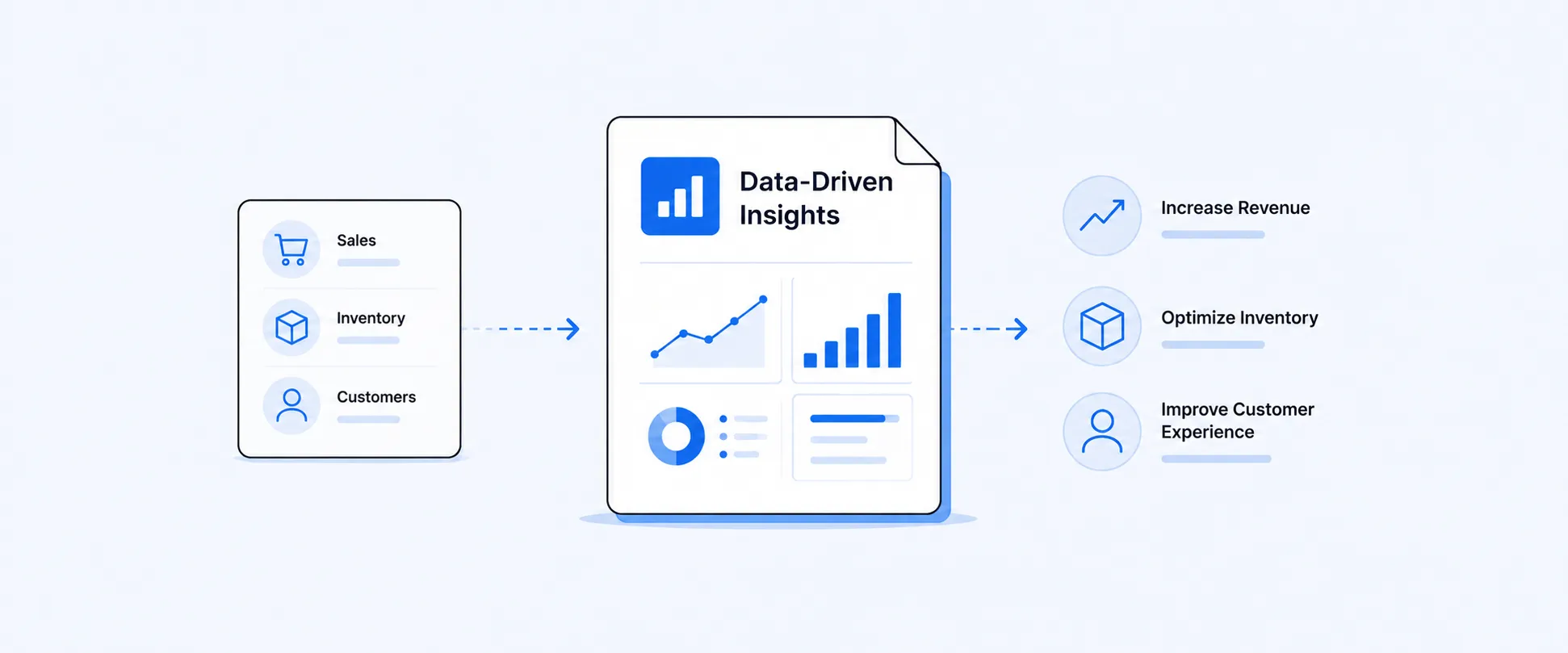
Bringing data on sales, inventory, and operations together in one place lets you see how different parts of your store are connected. It helps you move beyond isolated metrics and understand the full picture of what’s affecting outcomes like customer churn rate, fulfillment delays and more.
At the same time, reporting ensures that you’re not relying on manual checks or delayed insights. With consistent and timely data, you can spot issues early and respond before they damage conversions or revenue. Custom metrics further optimize this process by focusing only on what matters to the store’s performance.
Conclusion
Improving Shopify performance starts with seeing what’s actually happening behind the numbers. When you move beyond surface metrics and focus on how reports affect conversions, the gaps become clear.
The real advantage comes from acting on that clarity. Instead of making broad changes, you focus on the specific issues that are costing you sales. Whether it is resolving inventory mismatches or report syncs, each improvement directly contributes to better outcomes.
If your goal is to grow consistently, the next step is simple. Start using your data to identify what is holding your store back and fix what truly impacts revenue.

5.0 ( 2000+ Reviews)
