
Shopify Reporting for Orders with Custom Delivery and Pickup Dates

.svg)
.svg)
.svg)
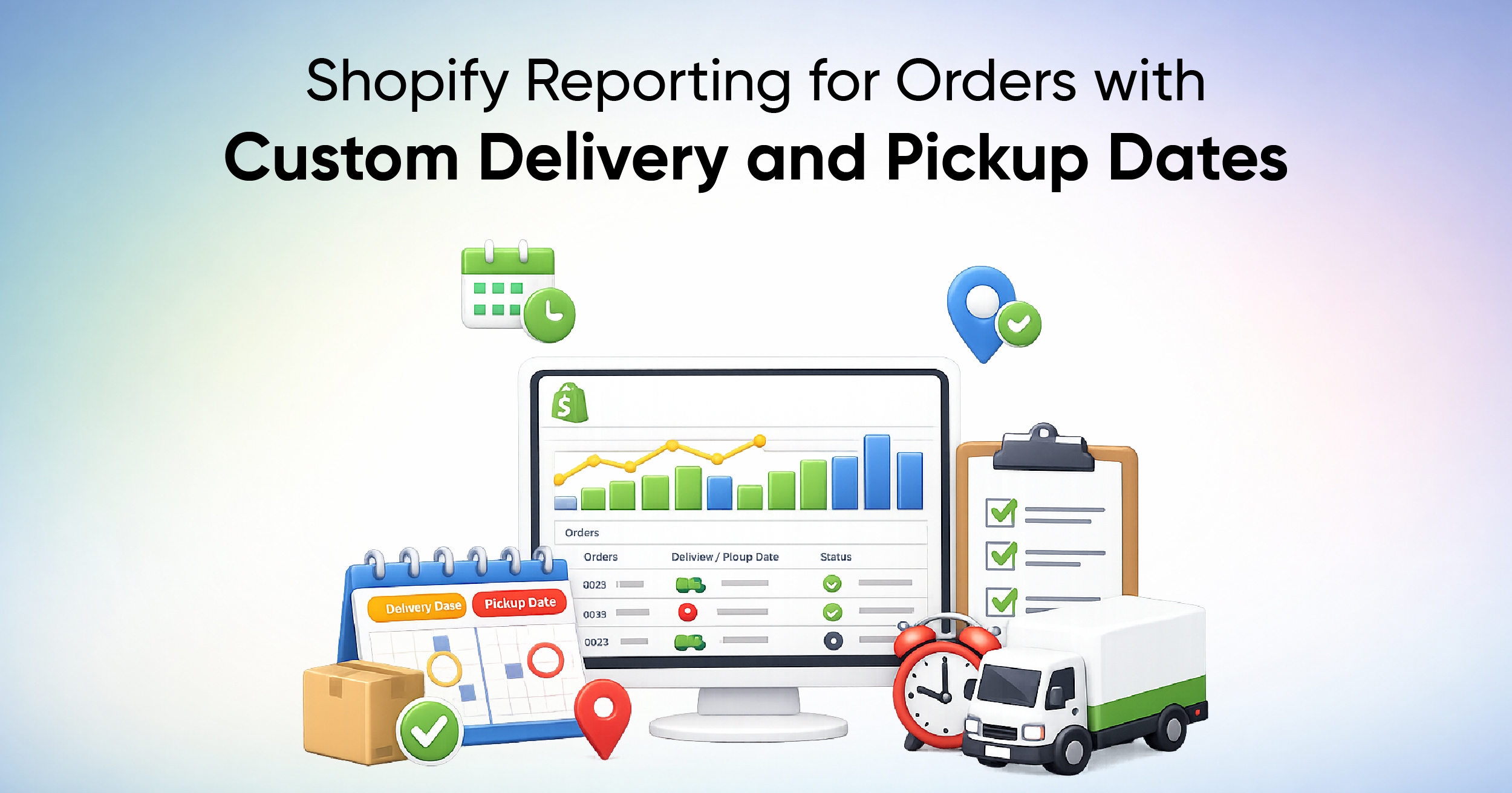
For many Shopify merchants, the order date alone is not enough to run daily operations. Food brands take pre-orders for future delivery. Retailers manage pickup schedules. B2B merchants plan shipments weeks. In all these cases, what matters most is the date an order must be delivered or picked up, not when it was placed. Shopify can capture delivery and pickup details, but native reporting is built around transactional dates and doesn't reliably let you filter or group by custom scheduling fields like pickup date, delivery slot, or production date.
Why Shopify’s Reports Don’t Really Help With Scheduled Orders
Shopify provides a solid set of built-in reports, but they are designed around Shopify’s core dates rather than merchant-defined scheduling needs.
- Standard Date Fields Only
Shopify reporting works across the four main date dimensions:
- Sales reports run based on the Order created date
- Payment and finance reports run on the Payment/transaction date
- Fulfillment fields run based on the fulfillment date
- Checkout reports run on the cart creation date and focus on visitor behavior
These date types are fixed. While they are essential for accounting and revenue tracking, they do not reflect future delivery or pickup commitments made to customers.
- Where Custom Dates Appear
Custom delivery and pickup dates do exist in Shopify, but they are stored outside standard reporting fields. Depending on how a store is configured, these dates may appear in:
- Order notes or note attributes
- Line item properties added during checkout
- Order metafields
- App-generated fields (often stored as metafields or additional details).
Shopify does not allow filtering or grouping reports based on these custom date values. As a result, you may have to rely on manual exports from the order page, spreadsheets, or staff checking individual orders in the admin, which becomes unmanageable when order volume increases.
How the Reporting Tool Transforms Delivery and Production Planning
Reporting tools bridge the gap between Shopify’s fixed reporting structure and real-world operational needs.
- Adding Custom Fields
With Report Pundit, merchants can create personalized reports that include custom properties and fields pulled directly from Shopify’s API. This includes:
- Line item properties, such as selected delivery or pickup dates
- Order notes where customers enter their delivery information
- Order Metafields
- Custom tags or Additional details text fields
It also supports custom columns, including calculated and static fields, allowing merchants to normalize or extract date values from text-based inputs. Once enabled by the technical team, these custom fields can be reused across reports.
This means a delivery date entered by a customer during checkout can appear as its own column in an order report, just like the order date or fulfillment date.
- Filtering and Grouping
Once custom delivery or pickup dates are available as report columns, they can be used for:
- Filtering orders by a specific scheduled date or date range
- Grouping orders by delivery day or pickup slot
- Sorting production or fulfillment queues chronologically
How You Can Use Custom Delivery Reports to Stay Ahead of Orders
Reports built around custom delivery and pickup dates unlock operational insights that Shopify’s native reports cannot provide.
- Sales by Delivery Date
Many merchants sell products scheduled for future delivery, such as baked goods, meal kits, or event-based merchandise. Using Report Pundit, sales can be analyzed based on delivery date rather than order date.
For example, two customers may order the same product for delivery on March 15, 2026. One placed the order on March 1, while the other ordered it several days earlier and selected March 15 as the delivery date during checkout. A custom report can extract that delivery date and display all orders scheduled for March 15, regardless of when the orders were placed.
This allows merchants to replenish the inventory accurately and align production with actual delivery commitments.
- Pickup Logistics Planning
Stores offering local pickup often struggle to manage daily pickup volume. Shopify shows pickup details inside individual orders, but not in a consolidated view. A custom pickup date report can show:
- Orders scheduled for pickup today
- Items and quantities per pickup slot
- Pickup location or store branch
- Customer contact details if required
This helps staff prepare orders in advance, avoid bottlenecks, and ensure a smooth customer experience at pickup counters.
- Fulfillment Performance
By comparing scheduled delivery dates with actual fulfillment dates, merchants can measure fulfillment efficiency. Delays become visible, trends can be identified, and operational gaps can be addressed.
Since Report Pundit runs fulfillment reports based on fulfillment date and sales reports based on sales agreement date, combining these with custom delivery fields creates a practical operations dashboard.
Case Study: Daily production report showing duplicate SKUs instead of aggregated totals
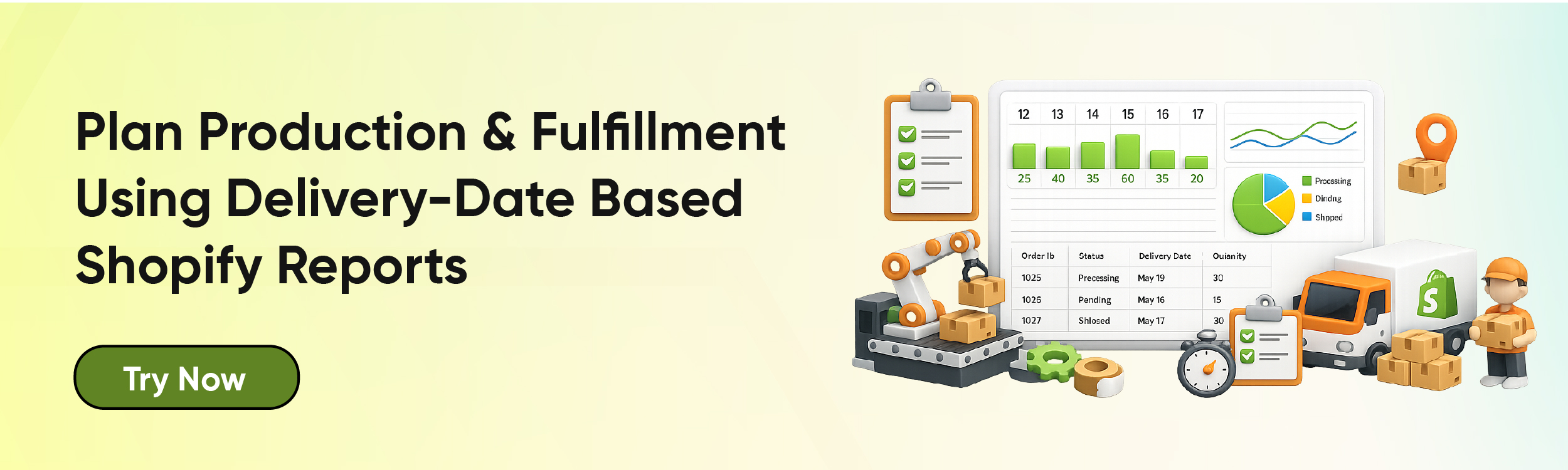
One of our clients relied on a Shopify Delivery Report to manage daily production planning. Orders were tagged in Shopify with a delivery date string, and the report was scheduled to run automatically at 3 AM every weekday so staff could prepare production in advance. However, the report showed multiple rows for the same SKU because each order appeared as a separate line, making it difficult to calculate daily production quantities.
Our team reviewed the report setup and identified that the data was grouped by order name, which caused the same SKU to appear multiple times for the same delivery date. This structure prevented SKU-level aggregation and required staff to manually consolidate quantities each day.
To fix this, we cloned the report and updated the configuration to group data by both Delivery Date (from the Order Tag) and SKU. We also applied quantity aggregation to generate automatic sub-totals for each SKU per delivery date, while keeping the original automated schedule unchanged.
As a result, our client received a clean, production-ready report where each SKU appeared only once per delivery date with accurate totals . This helped the team to plan and save approx an hour daily to produce quickly and confidently using an automated, delivery-date-driven report without manual consolidation.
Conclusion
Shopify’s reporting is built around transactional events like sales, payments, and fulfillment, but real-world commerce often depends on future commitments such as delivery and pickup dates. When those dates live in custom fields, notes, or metafields, native reports fall short.
With advanced reporting through Report Pundit, merchants can turn custom delivery and pickup data into structured, filterable, and actionable reports. By syncing Shopify data and extracting custom date fields, your reports get clearer, which improves planning and reduces operational risk.
For merchants managing scheduled orders, custom date-based reporting is not just a convenience, but it's critical for accuracy, efficiency, and growth.


Build and automate your Shopify Reporting
Unlock the full potential of your Shopify store with Report Pundit. Gain access to over 2000 data fields, automate reports, and make data-backed decisions to grow your business.