
Export Shopify Data Easily: Better Filters, Formats, and Automation

.svg)
.svg)
.svg)
Exporting data is a normal part of running a Shopify store. You export orders to reconcile payouts, products to audit catalog issues, customers to build segments, and inventory to plan reorders. For growing stores, exports are also how you keep finance, ops, and marketing aligned across multiple channels and tools.
Shopify makes basic exporting easy, but as soon as you need more flexibility, the limits show up. You may want to save report setups, export to formats beyond CSV, include custom fields, or automate delivery to Google Sheets, FTP, Power BI, or BigQuery. That is where many teams end up rebuilding the same exports repeatedly or stitching data together manually.
In this guide, you will see what Shopify can export natively, where it starts to fall short, and how Report Pundit helps you create export-ready reports with advanced filters, custom fields, multiple formats, and scheduling.
Shopify’s Built-In Export Capabilities
In Shopify, you can navigate to Analytics > Reports to access the various standard reports Shopify offers. These include sales, products, customers, inventory, and more.
You can apply filters based on dates, customer details, product categories, and more. Once ready, you export the report in your preferred format, most commonly CSV, but JSON, XML, and Apache Parquet are also available in some plans.
Let’s say you're asking, “Shopify, how to export orders by state and date?” You can do that using filters before export. However, this is only possible if Shopify has those fields pre-built. And here’s where merchants are facing trouble.
Where Shopify exports fall short for growing stores
Shopify's native reports are good for general overviews, but can be limiting when you need something specific. You can’t create calculated fields, and Shopify refers to selecting available metrics and dimensions as “customization.” But in reality, you can only work with what they give you, no formulas, no combining fields, and no custom columns from metafields or product properties.
Imagine you’re trying to export data, Shopify doesn’t show by default like line-item properties in sales and fulfillments, you'll have to pull multiple reports and add them manually. Still, you may not get exactly what you need.
In shopify basic data export, the inventory report isn’t flexible. You won’t find current inventory breakdowns by variant unless you explore the product section manually. The reports show ending inventory from the previous day, which can be outdated or not helpful if you're trying to track fast-selling items.
Inventory exports: what Shopify shows vs what you need
Third-party apps let you create custom inventory reports filtered by location, product type, or SKU. This is helpful for stores managing physical locations, warehouses, or high SKU volumes. Also, it shows the same data you see on your Shopify order, product, or report screens.
Calculated fields are a key feature for customization. If your business relies on custom reports, third-party apps are a great option for flexible reporting.
You can also view detailed inventory breakdowns, including committed, on-hand, available, incoming, and unavailable stock (such as damaged items, quality control holds, safety stock, or other items).
Create a report once and export it anytime with Report Pundit
This is where a better exporting data app, Shopify merchants often choose, with other third-party apps like Report Pundit for flexible reporting.
Unlike Shopify’s built-in reporting tools, Third-party apps let you customize reports, so you don’t have to deal with the basic options. You can create new ones, filter by refund dates, export metafields, and even export metaobject form submissions, all based on what your business needs.
With third-party apps, you don’t need to rebuild your report every time. Once you create it, it stays saved. Your filters, your custom fields, your format, everything stays connected so you can reuse it whenever you want. This alone makes Report Pundit far more efficient than the native export option.
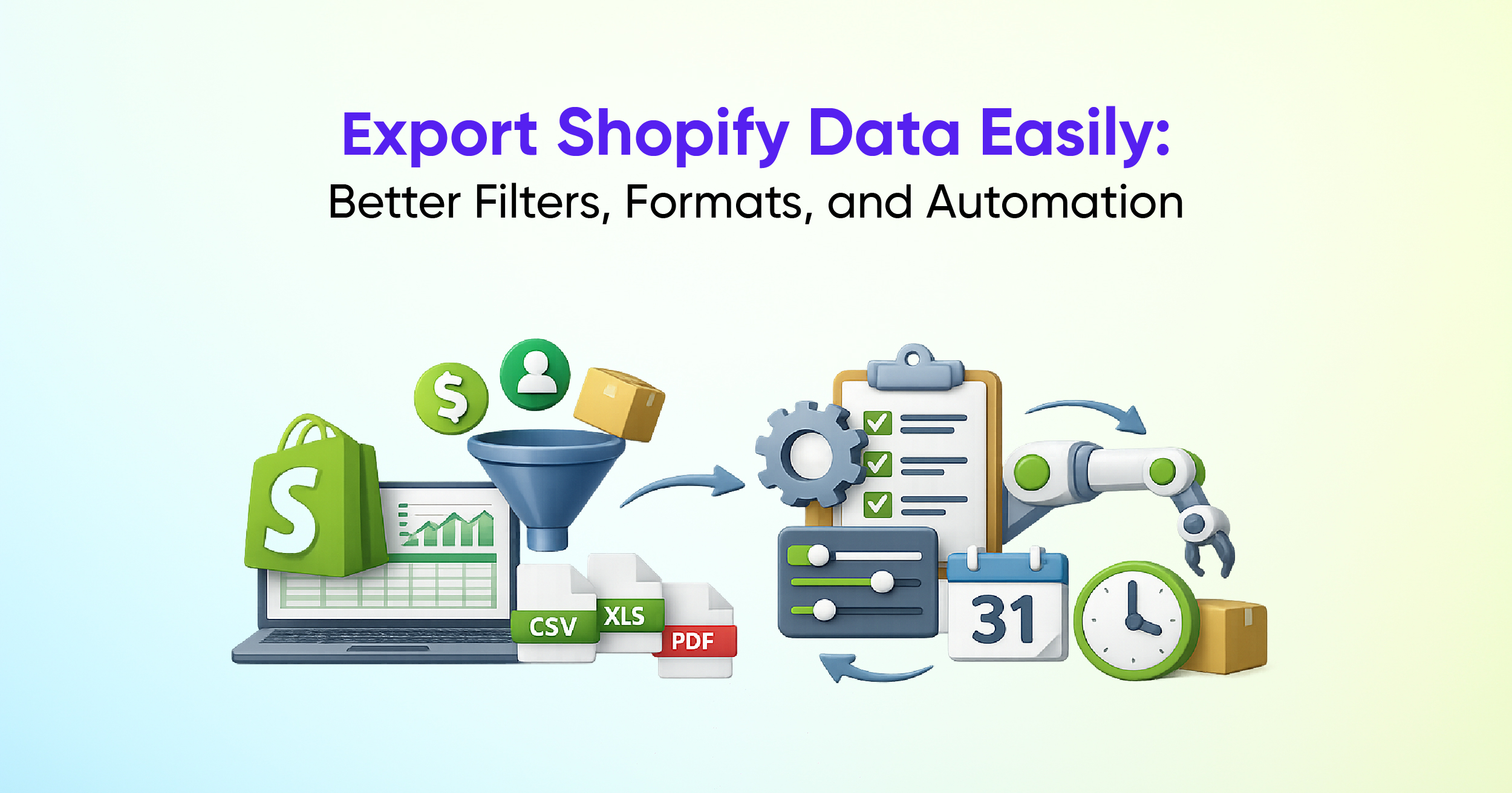
It supports file formats like CSV, XLSX, PDF, TXT, and can export directly to platforms such as Google Sheets, Google Drive, FTP, Power BI, and BigQuery. So, whether you're running a weekly inventory export or syncing daily sales to your finance dashboard, you have more options and more control.
Shopify vs Report Pundit: What’s the Real Difference?
Shopify, you have to rebuild your filters and export settings each time you need a report. It doesn’t allow you to save reports or add calculated fields like profit per item or average order value. That means more manual work and less flexibility. But in third-party apps, you can create a custom report once, save it, and export it anytime without starting from scratch. It even pulls advanced data like custom fields, line items, and calculated columns directly from your Shopify API so you can see the numbers that matter to your business.
Additionally, many of these apps also support calculated fields for deeper customization, giving you a smart choice for businesses that help in flexible and detailed reporting.
Conclusion: export Shopify data with more flexibility
If you're only looking to export a basic report now and then, Shopify’s native tools might be enough. But for any business that’s growing, scaling, or managing more complexity, basic tools have limitations, especially when you need deeper insights or automation.
That’s why thousands of merchants choose Report Pundit for a data export app for Shopify to go beyond just extracting data. It turns your store data into actionable insights, delivered where and how you need them.
Whether you're trying to export data from Shopify for finance, marketing, or operations, or just tired of rebuilding reports every time, we give you flexibility and clarity.


Build and automate your Shopify Reporting
Unlock the full potential of your Shopify store with Report Pundit. Gain access to over 2000 data fields, automate reports, and make data-backed decisions to grow your business.