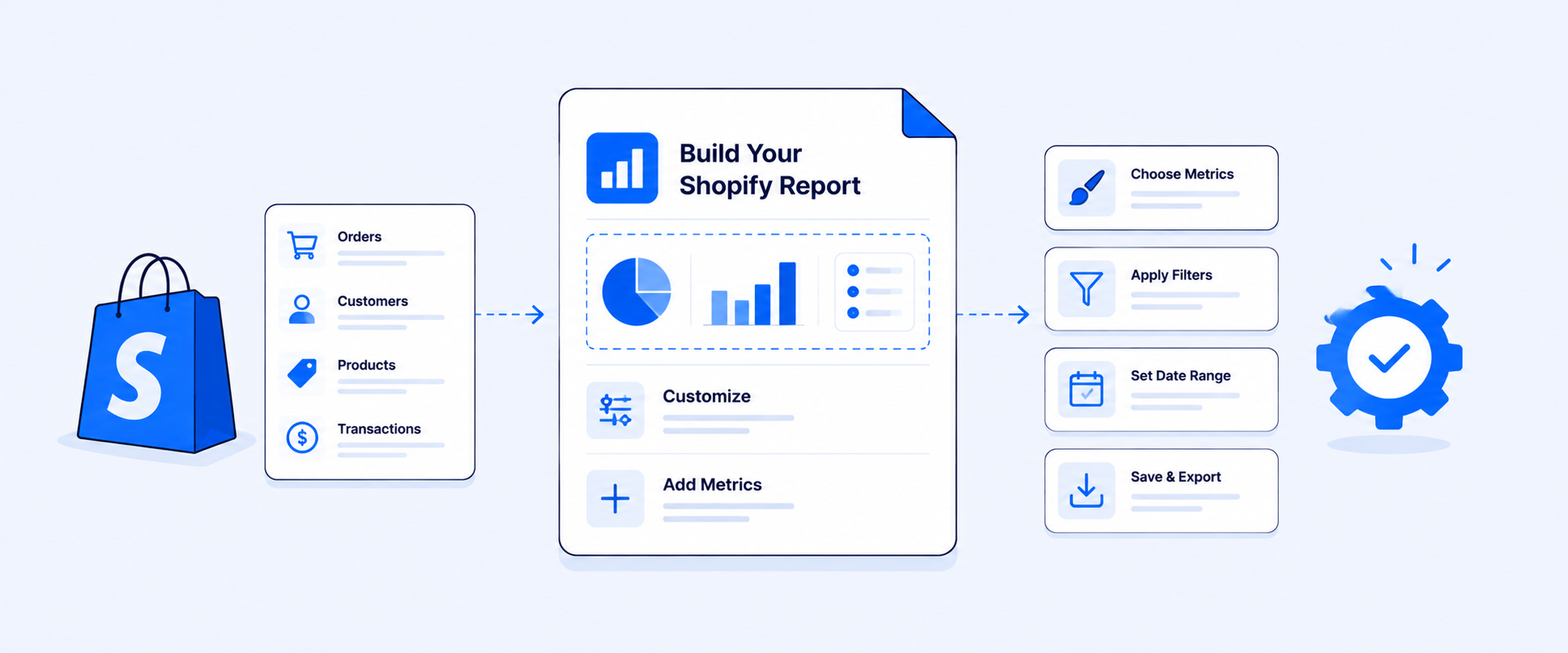
Advanced Shopify Reports Explained: Features, Limits & Better Alternatives (2026)
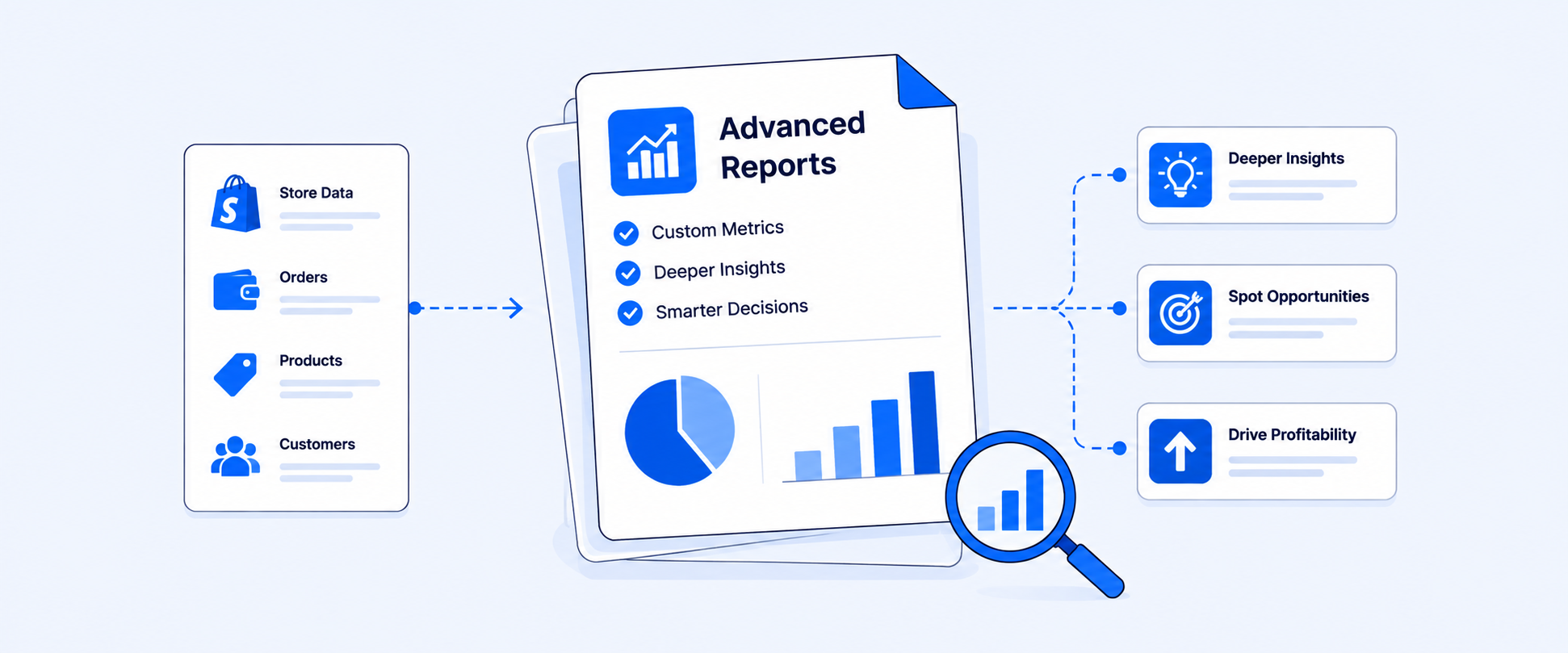
Advanced Shopify Reports: What They Include, How They Work, and Where They Stop
“Advanced Shopify Reports” can mean two different things, and that is where the confusion starts.
Some merchants use the phrase to describe the richer reports available inside Shopify Analytics. Others use it to describe the kind of advanced reporting they need to run the business, such as custom profit views, scheduled inventory reports, payout reconciliation, vendor commissions, multi-store dashboards, and reports that include data from third-party apps. Those are not the same thing.
Shopify Analytics gives merchants a strong reporting foundation. It helps teams review store activity, visitors, transactions, sales, customers, inventory, marketing, and performance from the Reports and Analytics areas. Access to specific reports can still depend on the store’s plan, permissions, setup, and current admin experience.
What “Advanced Shopify Reports” Actually Means Today
Older conversations about Shopify reporting often tied advanced reports closely to higher-tier plans. That framing is less useful today because Shopify’s reporting experience has changed over time.
The better way to think about it is this:
Shopify reports help you understand what is happening in Shopify. Advanced reporting workflows help teams use that data repeatedly.
That difference matters because a report can be technically available and still not be enough for how your team needs to use it. A founder checking sales by product has one need. A finance team reconciling payouts, refunds, fees, gift cards, taxes, and payment gateways every month has a very different need.
What Shopify Analytics Can Handle Well
Shopify’s native reporting is a strong starting point for many merchants. You can review performance across major business areas, filter reports, adjust date ranges, save modified views as custom reports, and create new reports through data explorations. ShopifyQL also supports report creation and modification through the query editor, which gives more technical users another way to shape the data.
A practical native reporting setup can cover many day-to-day questions. For merchants who mainly need in-admin visibility, these reports can be enough. The native system works especially well when the question is direct, the data already lives inside Shopify, and the report does not need to be rebuilt or distributed on a recurring schedule.
What Reporting Features Come With Each Shopify Plan
Shopify's reporting capability changes depending on which plan your store is on. This is one of the most common points of confusion merchants run into, so here is a plain breakdown.
The jump that matters most for reporting is from Grow to Advanced. That is where the custom report builder unlocks, which is what most merchants mean when they say they want "advanced Shopify reports." If your store is on the Basic or Grow plan and you need custom reports today, a reporting app like Report Pundit gives you that capability without upgrading your Shopify plan.
Custom Reports Make Shopify Analytics More Flexible
Custom reports are where Shopify’s native analytics becomes more practical for store-specific questions. You can open an existing report, apply filters, add or remove columns, adjust the time range, and save that version for future use. You can also start from a blank exploration and build a report around the metrics and dimensions you need.
That helps when a default report is close, but not quite right. A sales report can be narrowed to one channel. A customer report can be filtered to a specific segment. A product report can be shaped around a certain category, location, or time period. The key limitation is that custom reports still work inside Shopify’s reporting model. Some combinations are not available because certain metrics and dimensions do not belong to the same dataset. Supported custom metafields can be used as dimensions or filters for products, variants, customers, and orders, but not every custom field or external data point becomes available in every report.
That is usually where the gap begins.
How to Build a Custom Report in Shopify (Step by Step)
Here is how to create a custom report inside Shopify Analytics:
Step 1 — Go to Analytics in your Shopify admin
From your Shopify dashboard, click Analytics in the left navigation, then select Reports.
Step 2 — Choose a starting point
You can either open an existing report and modify it, or click "Create custom report" to start from scratch. Starting from an existing report is usually faster when you want something close to a default view.
Step 3 — Add or remove columns
Use the column editor to choose which metrics and dimensions appear in your report. Common choices include product title, net sales, quantity ordered, discount amount, and return rate.
Step 4 — Apply filters
Narrow the data using filters. You can filter by date range, sales channel, product type, customer tag, fulfillment status, location, and more. Filters determine what subset of data the report includes.
Step 5 — Save the report
Click Save and give the report a name. It will appear in your saved reports list and can be reopened anytime without rebuilding it.
Where Native Shopify Reports Start to Feel Limited
Native reports are useful until the report becomes part of a broader workflow. A founder may only need to check sales by channel. A finance team needs sales, refunds, fees, payouts, taxes, and gift card activity in a format that can be reconciled. An inventory team may need stock reports delivered every morning. A vendor manager may need commissions calculated after returns. A leadership team may need multiple stores rolled into one view.
Those are different levels of reporting maturity. The most common friction points are not just about missing data. They are about how the report is used. If someone has to export a file, clean it, add formulas, merge it with another source, and send it again next week, the reporting problem is no longer solved by a saved view.
Shopify report exports are useful for one-time analysis, and many reports can be exported in formats such as CSV, XML, JSONL, and Parquet. That solves the “get the file” problem. It does not automatically solve recurring delivery, stakeholder sharing, cross-app data, or custom business logic.
What About Multi-Store Reporting?
Multi-store reporting deserves its own nuance because Shopify’s current organization-level analytics is stronger than many merchants may realize. Businesses with multiple stores inside a Shopify organization can view sales and order data across stores, compare store performance, and create reporting views at the organization level. Users need the right organization-level permissions to access those reports.
That is valuable for brands already structured inside Shopify’s organization model. The gap appears when teams need cross-store reporting that also includes external app data, custom calculations, special export formats, scheduled delivery, or workflows that extend beyond standard organization reporting. So the real question is not only “Can Shopify report across stores?” In many organization setups, yes. The better question is whether the report matches the workflow your team actually needs.
Practical Advanced Reports Merchants Often Need
The need for advanced reporting usually shows up through real operating questions.
These are not just “more advanced reports.” They are repeatable business workflows.
Advanced Shopify Reports vs. Advanced Reporting Workflows
This is the cleanest way to separate the two.
Native Shopify reports help merchants understand what is happening in Shopify. Advanced reporting workflows help teams use that data repeatedly across finance, operations, inventory, vendors, marketing, and leadership.
How Report Pundit Extends Advanced Shopify Reporting
Report Pundit becomes useful when reporting needs to move from “checking data” to “running a reporting process.” Instead of exporting a report, adding formulas, merging files, and repeating the same work next week, merchants can build reports that are filtered, calculated, scheduled, and delivered automatically. That changes reporting from a manual task into a workflow the team can rely on.
A finance team can schedule a weekly payout report that includes payment method, transaction fees, refunds, and payout totals. A merchandising team can receive a daily inventory report by product, variant, vendor, and location. A vendor manager can calculate commissions based on net sales after returns. A leadership team can review sales and inventory across multiple stores in one repeatable format.
Report Pundit supports calculated data fields, unlimited custom reports on paid plans, automated report scheduling, and broader reporting workflows across sales, tax, payout, inventory, fulfillment, customer behavior, and POS reporting. It also supports integration workflows for merchants who need app-connected reporting beyond Shopify-native data.
The value is not just more fields. It is the ability to remove recurring manual work from the reporting process.
For many merchants, that is the real definition of advanced reporting.
How to Decide What Reporting Setup You Need
If the report can be answered with a saved Shopify view, keep it native. If the report has to be rebuilt, cleaned, merged, calculated, or delivered every week, it is time for a reporting workflow.
Conclusion
Advanced Shopify reports give merchants a strong reporting foundation. They are useful for store-level analysis, custom explorations, and native Shopify data review. But the real reporting challenge usually starts after the first report is built. Teams need reports that calculate, combine, deliver, and repeat without manual effort. That is where Report Pundit fits. It helps merchants move beyond one-time reports and build advanced reporting workflows that support finance, operations, inventory, vendors, marketing, and leadership with data they can actually use.
FAQ's
What Are Advanced Shopify Reports?
Advanced Shopify reports usually refer to Shopify’s richer analytics and custom reporting capabilities, including default reports, custom reports, data explorations, filters, metrics, dimensions, comparisons, visualizations, and ShopifyQL-based report building.
Are Shopify Reports Available on All Plans?
Shopify Analytics is available across Shopify subscription plans, but the specific reports and analytics features a store can access can depend on the subscription plan, store setup, permissions, and the current admin experience. The safest approach is to check the Reports area inside your own Shopify admin.
What Report Categories Are Available in Shopify?
Shopify reporting covers major areas such as acquisition, behavior, customers, finances, inventory, marketing, orders, sales, retail sales, profit, performance, fraud, and store-level reporting. The usefulness of each report depends on the data your store collects, such as POS usage, product costs, inventory tracking, and permissions.
Can Shopify Custom Reports Use Metafields?
Supported custom metafields can be used as dimensions or filters for products, variants, customers, and orders. The exact combinations still depend on Shopify’s reporting model and the type of data being analyzed.
Can Shopify Reports Be Exported?
Yes. Many Shopify reports can be exported in formats such as CSV, XML, JSONL, and Parquet. For recurring automated delivery to email, Google Sheets, Slack, FTP, or similar destinations, merchants usually need a reporting app or another workflow.
When Should I Use Report Pundit Instead of Native Shopify Reports?
Report Pundit makes sense when a report needs custom calculations, recurring delivery, app-connected data, multi-store workflows, or stakeholder-ready exports. It is especially useful when a report has to run repeatedly without manual cleanup.

5.0 ( 2000+ Reviews)

.png)