Shopify Draft Orders Explained with Use Cases and Reporting Tips

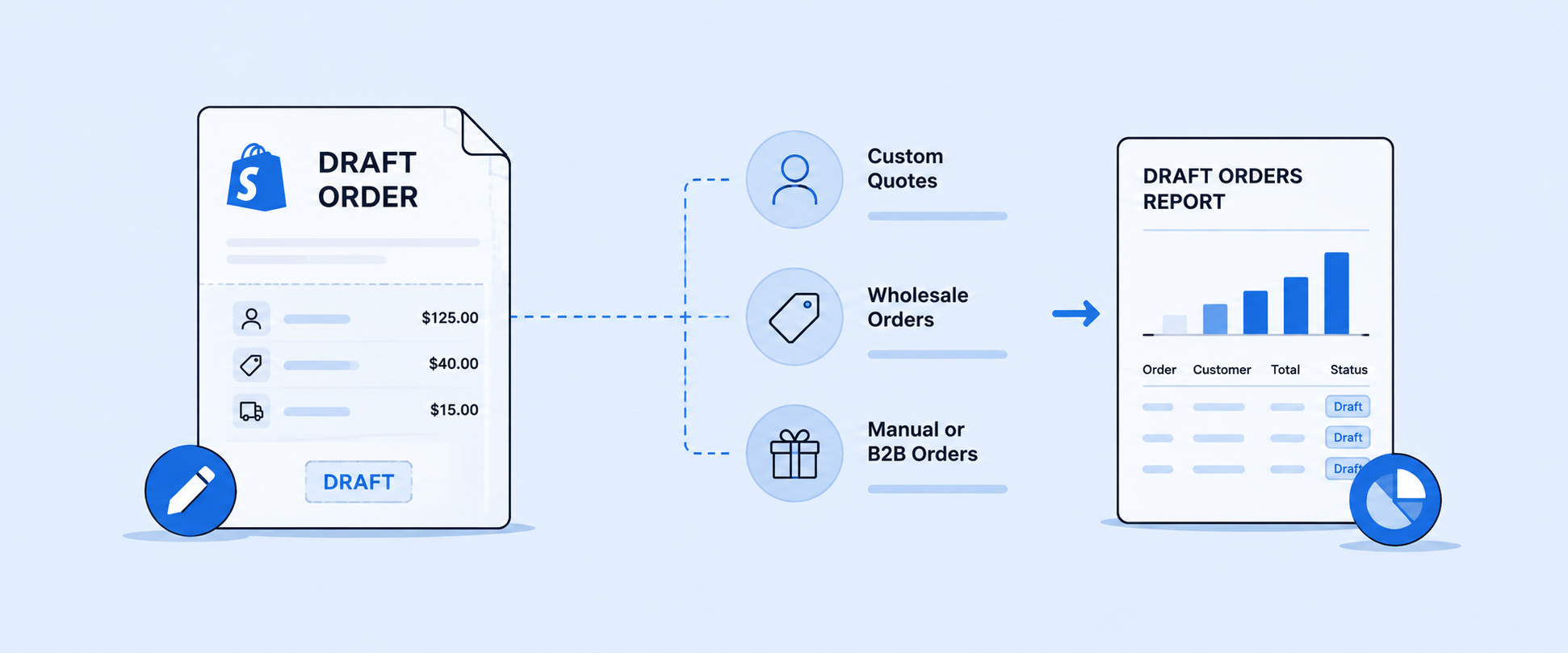
Did you ever try to manage special orders or pre-sales in your Shopify store and wish there was an easier way? Or maybe handling wholesale invoices feels a bit clunky? That’s where draft orders come in. They are one of those underrated Shopify features that can quietly make your day-to-day operations a whole lot smoother. Also, Draft orders let you offer discounts that are not available on the storefront and reserve inventory for specific customers.
Here, you will learn about draft orders in Shopify, how to create them, explore practical use cases, and understand how they can streamline your sales workflow.
What Is a Draft Order in Shopify
A draft order is an order created manually by a merchant in the Shopify admin or generated through workflows such as POS transactions. A draft order remains incomplete until it is either completed or deleted. They require a manual step to convert them into completed orders. This can include sending an invoice, collecting payment, or marking the order as paid later. You can send an invoice directly to your customer, which includes a link to a checkout page where they can enter their details and complete the payment.
Draft orders have two statuses in Shopify:
- Open (draft) and
- Completed
An open draft order has not yet been paid or finalized. A completed draft order has been converted into a full order after payment is collected.
This difference is important for reporting. Only completed draft orders should be included in your revenue, but Shopify reports do not always clearly separate them, which can lead to confusion in your data.
How You Can View Shopify Draft Order
To view draft orders:
- Go to your Shopify admin, open Orders, and select Drafts
- View all open and completed draft orders with details like customer name, order value, date, and status
- Click on any draft to view details, add products, apply discounts, send an invoice, or mark it as completed
As a Shopify store admin, you can use the Flow feature that notifies you when a new draft order is created, which sends an internal email to staff. Once triggered, it can also tag draft orders, update or remove metafields, and modify order notes, with tags carrying over when the draft is converted.
Sources of Shopify Draft Orders Workflow
Draft orders are created intentionally by merchants as part of how they manage their operations. Understanding the difference is the first step toward making sense of what your draft order data is actually telling you. There can be many reasons behind draft orders being created. Among them most common is that orders are created directly in your Shopify admin by store staff, not by customers. They are ideal for handling manual requests, customizing pricing, and managing POS transactions.
Draft Orders for Vendor Fulfillment Tracking
Merchants who source products from vendors and fulfill directly to customers frequently use draft orders to track the gap between when a customer places an order and when the vendor confirms availability or ships. The draft order acts as a placeholder that keeps the transaction visible in Shopify while the merchant coordinates on the backend.
This workflow is especially common in wholesale, made-to-order, or dropshipping environments where fulfillment is not immediate or guaranteed. The draft stays open until the vendor confirms, at which point the merchant completes it manually.
Holding orders across multiple locations
Merchants operating across multiple warehouse or retail locations sometimes create draft orders when a customer wants a product that is not yet confirmed as available at the right location.
When the stock is confirmed and the fulfillment path is clear, the draft is completed. If it cannot be fulfilled, the draft is deleted, or the customer is notified.
Bulk Draft Orders when the customer actually buys
Some merchants pre-create draft orders in bulk as part of a sales or quoting process. This happens most often in B2B contexts or in stores that handle custom orders, where a merchant or sales team member builds out an order for a customer before payment is discussed. where merchants create orders on behalf of customers and finalize them after confirmation or payment. In addition, they help with inventory reservation by temporarily securing stock for specific customers without immediately converting it into a final order.
These drafts are sent to the customer as invoices, and only those that get paid convert into completed orders.
What to Know About Shopify Draft Order Reporting
Shopify reports provide a basic view of draft order data that helps you track details and performance. However, understanding what is included and how it works is essential to interpreting your data accurately.
What the Default Draft Orders Report Includes
Draft orders have a few limitations: discount codes and automatic discounts may not work with certain custom checkout experiences unless specific features are upgraded in Shopify Plus.
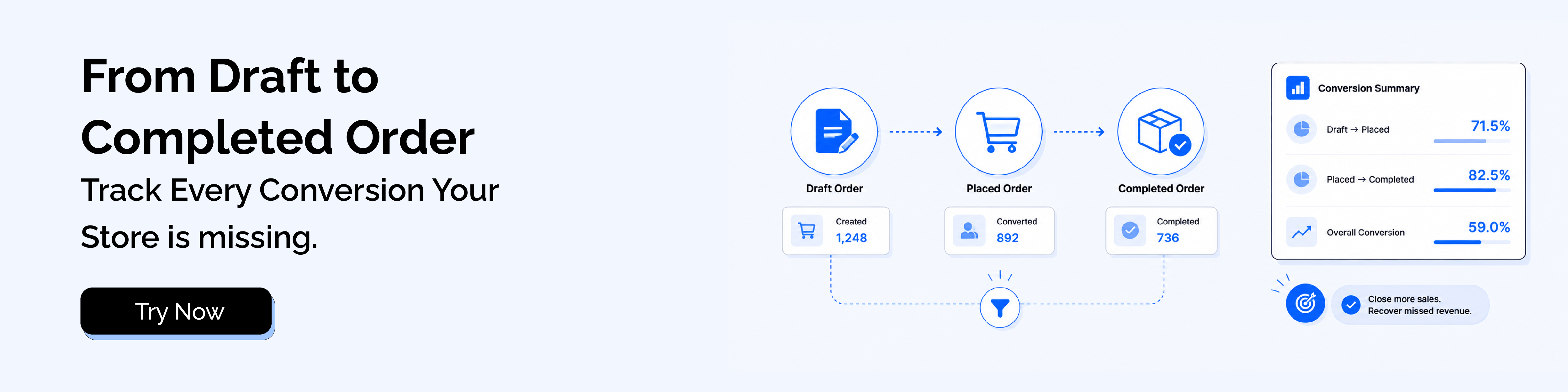
Also, Shopify does not provide a dedicated draft order report, making it harder to analyze draft order performance in a structured way. This can limit your ability to track conversions, understand trends, and gain clear insights into how draft orders impact your overall sales.
Limited Flexibility in Report
You can filter and sort data like discount code, within the limits defined by Shopify, but you are not able to combine metrics from different report types in a single view or add custom columns or calculated fields without using an advanced app.
Improving Draft Order Visibility with Third-Party Tools
To understand the Draft Order completely, reporting apps offer enhanced reporting capabilities beyond native Shopify reports. They help you focus on the data that impacts your business, especially completed draft orders.
Focus on Completed Draft Orders for Accurate Analysis
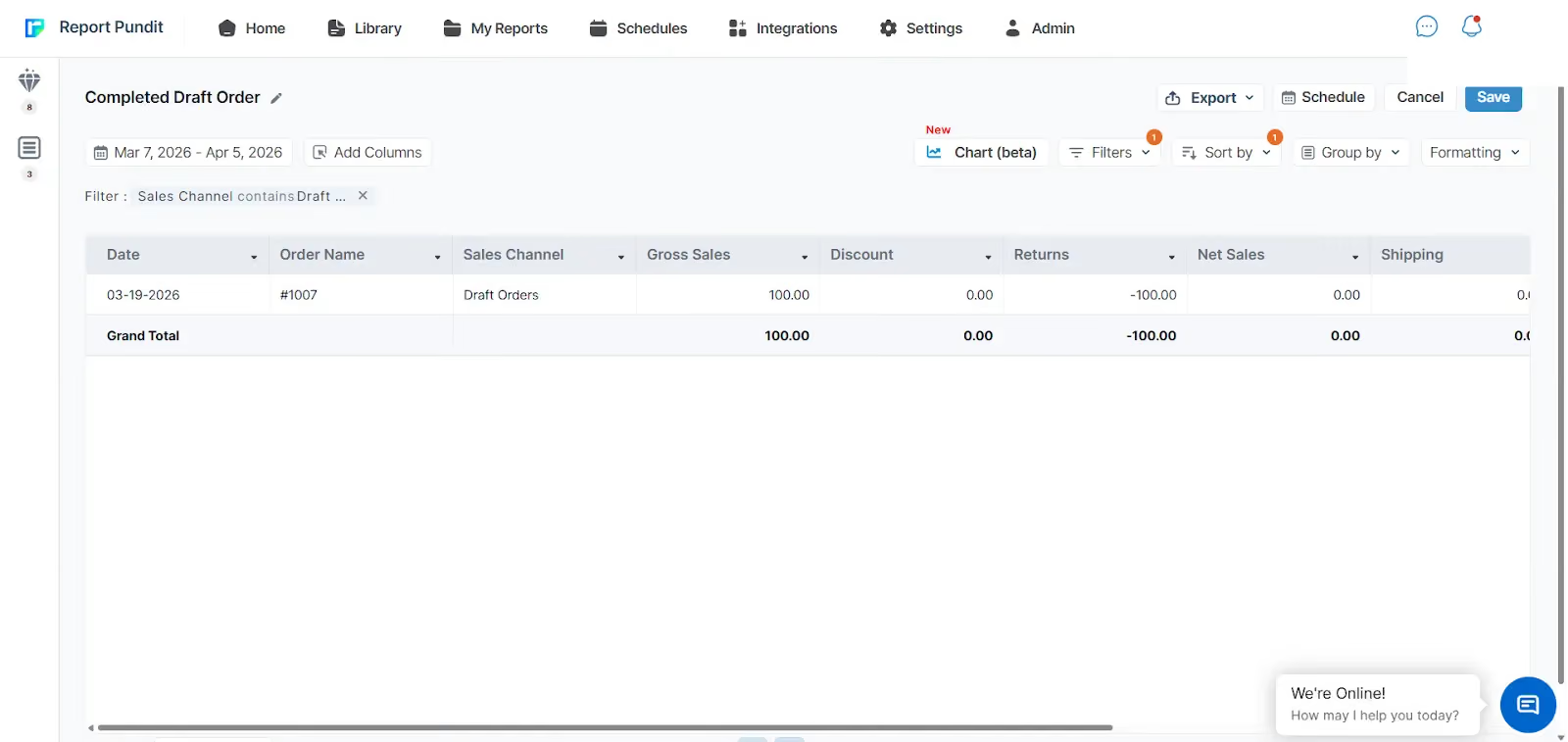
If you are looking for advanced insights into draft orders, Shopify’s native reports may not be sufficient. They do not provide pre-built draft order reports, clear visibility into draft to order conversions, or insights into custom line items. Advanced apps address this by offering a dedicated Completed Draft Order report.
Also, you can use this detailed data to optimize pricing and product strategies based on draft order conversions.
Insights with Detailed Fields
Advanced tools show the full report by giving you access to fields that offer the story behind each transaction:
- Date
- Order Name
- Sales Channel
- Gross Sales
- Discount
- Returns
- Net Sales
- Shipping
- Total Duties
- Tax
- Total Sales
Flexible Filtering and Custom Views
Third-party reporting allows you to analyze completed draft order data across multiple dimensions at once. You can filter by order status, date range, customer tag, product, or discount type, and group data by sales channel or custom tags applied at order creation. They also let you save a custom template, so recurring reports do not need to be rebuilt each time.
Exporting and Automating Reports
Reporting apps solve this with automation and scheduled exports. You can set up reports to be delivered via email at regular intervals, export data in CSV or Excel formats, and easily integrate it with other systems for further analysis.
Connecting Draft Orders with Sales Channels
Draft orders complement support sales from different channels. By tagging them when created, you can easily separate and track phone orders, wholesale orders, and in-person sales.
Conclusion
Draft orders are an amazing and flexible feature in Shopify that can significantly enhance your sales strategy, especially for custom or wholesale orders. They help you streamline your workflows and create a smoother experience for both you and your customers.
At a higher level, reporting tools play a crucial role. They provide visibility into draft order performance, offer dedicated reports, and enable advanced analysis, including tracking conversions, understanding customer behavior, and evaluating custom line items. With these insights, you can make more informed decisions to optimize your processes and scale your Shopify business more effectively.

5.0 ( 2000+ Reviews)
