Shopify Marketing Reports: What They Show and How to Use Them
Shopify marketing reports show which traffic sources, campaigns, and UTM parameters bring visitors to your store and which of those contribute to sales. They live in your admin under Analytics, they support several attribution models, and they are a solid starting point. They also stop short once your marketing runs across several ad platforms.
Most customers do not buy after one click. Someone might find your store through Google, compare products after an Instagram ad, leave, return through email, and finally purchase after a retargeting campaign. If reporting credits only one touchpoint, budget decisions drift off course.
Key takeaways
- Shopify marketing reports are found under Analytics > Reports, filtered to the Marketing category (Shopify Help Center).
- They cover attributed sales and sessions, conversion by attribution model, and performance by referring channel, marketing activity, and UTM campaign.
- Shopify supports five attribution models: first click, last click, last non-direct click, any click, and linear.
- The main limits are missing cost, ROAS, CPA, and CTR for some channels, plus attribution numbers that do not match ad platforms.
- Custom reporting matters most when you need connected platform data, campaign costs, and scheduled delivery in one place.
What are Shopify marketing reports?
Shopify marketing reports are the built-in analytics that connect store visits and sales to the marketing that drove them. They answer which channels bring traffic, which campaigns contribute to orders, which UTM campaigns perform, and how each attribution model changes the picture. A sales report tells you what sold. A marketing report explains what brought the customer there.
They matter because the two questions get confused constantly. Revenue tells you the outcome. Marketing data tells you the cause. Reading them together is how you decide where the next marketing dollar should go, instead of guessing from a single dashboard.
For the full picture of every report category Shopify offers, see our complete guide to Shopify reports.
Where do you find marketing reports in Shopify, and which are included?
You access marketing reports from your Shopify admin under Analytics > Reports, then use the Category filter and select Marketing to show only that group. From there you can open any report, set a date range, and adjust the attribution model where the report supports it.
The native marketing reports Shopify provides
The Marketing category covers the reports most teams check first:
- Sales attributed to marketing
- Sessions attributed to marketing
- Conversion by attribution model
- Performance by referring channel
- Performance by marketing activity
- Performance by UTM campaign
These separate marketing-driven behavior from general store reporting, which is what makes them useful for day-to-day review.
What "sales attributed to marketing" actually means
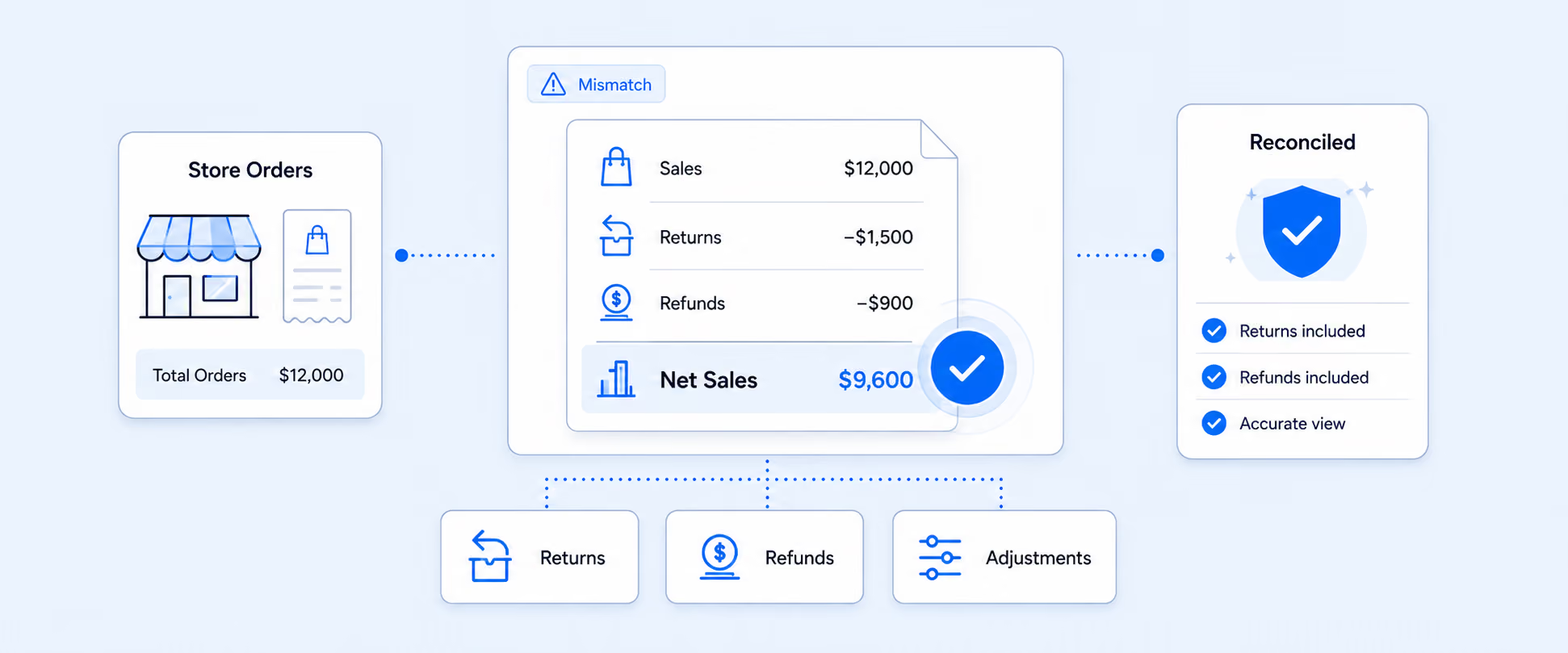
The Sales attributed to marketing report includes only the sales that can be tied to trackable marketing efforts. Canceled, pending, and unpaid orders are counted, while test and deleted orders are excluded. That is worth knowing, because it explains why this report can differ from a plain sales total for the same period.
How does Shopify attribute marketing sales across the journey?
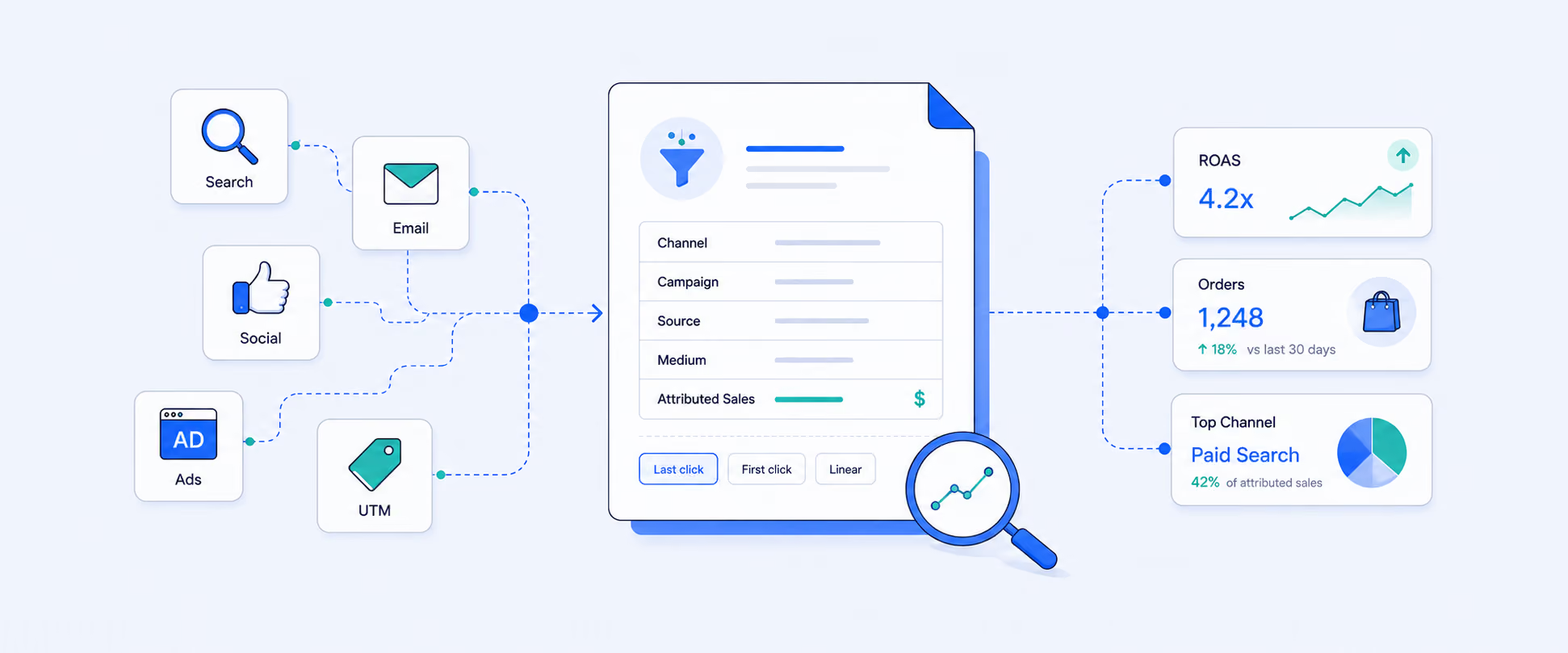
Shopify assigns credit for a sale using an attribution model, and the same campaign can look strong or weak depending on which model is applied. When a report combines a sales metric with a marketing dimension such as referring channel, an Attribution menu appears, and Last click is selected by default.
The five attribution models Shopify supports
- First click credits the channel that introduced the customer.
- Last click credits the final channel before purchase.
- Last non-direct click removes direct visits when assigning final credit.
- Any click recognizes every clicked channel in the journey.
- Linear spreads credit across the touchpoints that contributed.
The goal is not to crown one perfect model. It is to avoid making budget calls from a single angle. A paid social campaign may excel at introducing new customers without being the last click. A branded search campaign often looks powerful on last click because people search the brand right before buying.
Where Shopify shows the journey for a single order
At the order level, Shopify's conversion summary shows behavior leading up to a purchase, including the customer's visits, the first visit origin, session referrals, app details, and UTM parameters when available. It appears on the order details page. This is the right tool for inspecting one high-value order. For patterns across a period, the reporting area beats checking orders one by one.
To turn those single-order details into a view across all your orders, see our guide to the Shopify customer journey report.
What do Shopify's native marketing reports do well?
They give a fast, in-admin read on channel and campaign performance without extra tools, especially when campaigns use clean UTM parameters. The Marketing page can surface online store sessions, conversion rate, average order value, total sales, and sales and orders attributed to marketing. Channel performance can include sessions, orders, conversion rate, AOV, ROAS, clickthrough rate, CPA, and new versus returning customers when the data is available.
For many merchants, that is enough to understand basic channel performance, campaign performance, and attributed sales inside Shopify. The reports are accurate for what Shopify can see, and they load in the same place you manage the store.
Where do native Shopify marketing reports fall short?
Native reporting gets harder to rely on as your marketing stack grows. A store running Google Ads, Meta, TikTok, email, affiliates, and marketplace ads needs to compare performance across platforms, and Shopify only sees part of that picture.
Missing platform metrics
Some channels on the Marketing page may not show cost, ROAS, CPA, or CTR, so teams still open the original ad platform to fill the gaps. Shopify reports what flows into it, and paid-media cost data often does not.
Why Shopify and ad platforms report different numbers
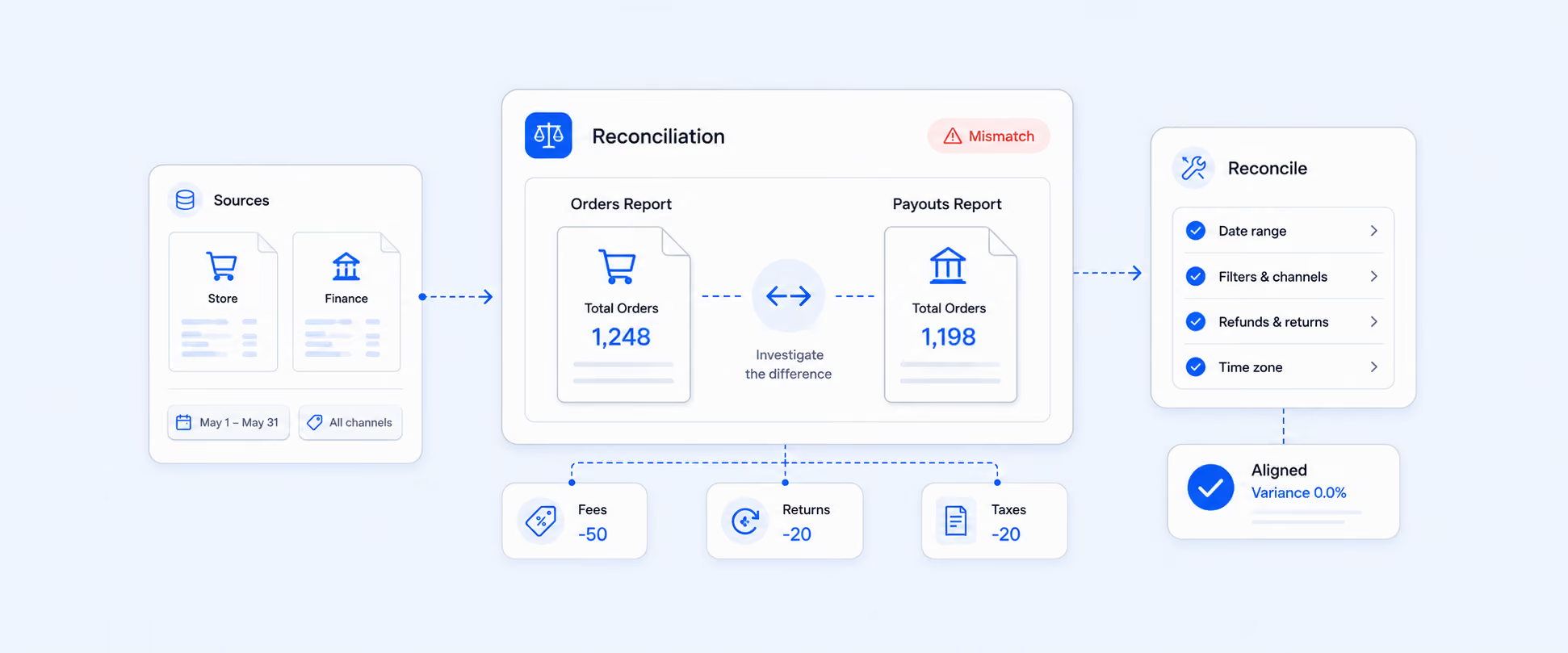
Shopify and ad platforms can credit the same order differently because they use different attribution rules, windows, and levels of data access. That is why a Shopify marketing activity report and a third-party ad dashboard rarely match to the dollar. It does not mean one is wrong. It means the numbers need context, and the best read usually combines Shopify conversion data, platform performance data, UTM tracking, and actual sales results.
What marketing data do merchants usually need in one place?
Marketing teams rarely need only traffic or only sales. They need the link between the two. A useful marketing report often brings together campaign name, source, medium, channel, sessions, clicks, impressions, cost, CTR, conversion rate, orders, sales, AOV, new and returning customers, and ROAS where available. UTM source, medium, campaign, content, and term connect campaign structure to revenue.
The value shows up when those fields answer real questions. Which channel introduces the best customers? Which campaign closes the most profitable orders? Which traffic source drives repeat buyers instead of one-time discount shoppers? Which ads get clicks but fail to convert? Which campaigns deserve more budget next month? Those are the questions that turn a report into a decision.
Which marketing reports do growing Shopify stores actually need?
Most growing stores need several focused views rather than one giant report. Each team makes a different decision, so each needs a different cut of the data.
- A campaign performance report compares paid and organic campaigns by traffic, orders, sales, and conversion rate.
- A Shopify UTM report cleans up attribution by source, medium, campaign, content, and term.
- A customer journey report shows the path between first interaction and purchase.
- A sales by referring site report surfaces external sites, influencers, affiliates, and partners that send converting traffic.
Retention teams care about open rates, click rates, repeat purchases, and segments. Affiliate teams need coupon usage and partner performance. Paid media needs spend, CTR, CPA, ROAS, and conversion quality. Forcing all of them into one dashboard usually makes every version harder to read.
How Report Pundit builds connected Shopify marketing reports
Report Pundit becomes useful when marketing reporting needs to move past checking separate dashboards. Instead of pulling Shopify sales from one place, ad spend from another, and email or affiliate data from elsewhere, you build custom reports around the marketing questions your team actually asks: UTM performance, campaign sales, ad spend, visitor source, CTR, conversion rate, affiliate commissions, and connected data depending on your integrations.
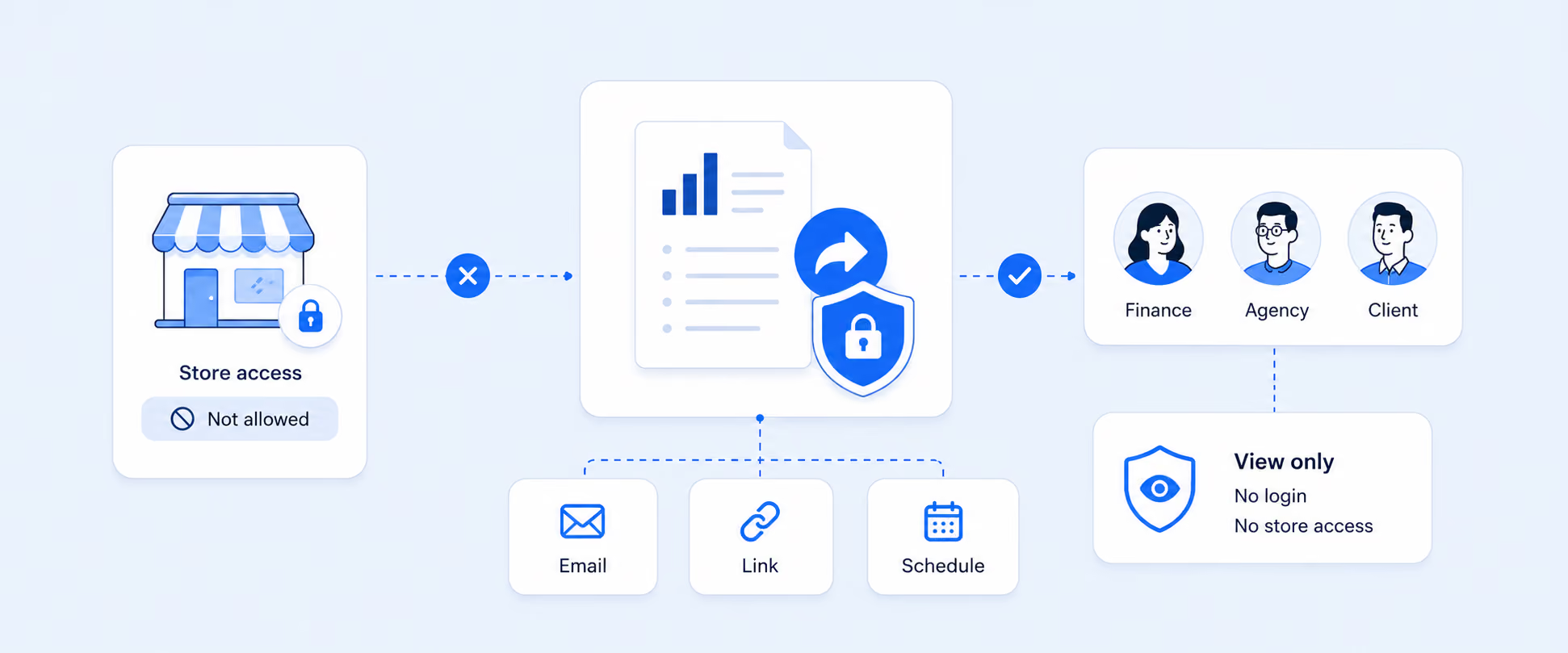
It supports marketing integrations including Google Ads, Google Analytics, Facebook, TikTok, Amazon Ads, Bing Ads, Yotpo, Snapchat, and UpPromote, and it can read marketing performance alongside payouts, returns, shipping, and subscriptions. Reports can be exported or scheduled to email, FTP, Google Sheets, Power BI, and BigQuery. The change that matters is workflow: a team can stop rebuilding campaign spreadsheets every week, and a founder can review channel performance without opening five tools.
Illustrative example: Unifying cross-platform ad reporting
The following is an illustrative scenario, not a specific customer. Picture an electronics store running ads on Google, Facebook, and Amazon, where each platform reports in its own silo. ROAS comparisons stay inconsistent and the multi-touch journey is hard to see. By bringing Facebook Ads, Google Ads, GA4, and Amazon Ads into one report, the team could compare impressions, clicks, conversion rate, and ROAS side by side, track post-click behavior through GA4, and shift budget toward the platforms carrying the highest return. The point of the example is the single connected view, not a promised percentage.
Native vs. custom Shopify marketing reporting
Native reports are best for a fast, in-admin read on campaign performance, attribution models, UTM results, and order-level conversion detail, especially when the data already flows into Shopify. Custom reporting earns its place when you need connected platform data, campaign costs, recurring exports, custom fields, app data, affiliate metrics, or reports that combine marketing with sales, refunds, payouts, or inventory.
That shift is usually where merchants move from checking marketing reports to running marketing analytics. See the full Shopify vs. Report Pundit comparison for where the line sits.
What does a better marketing reporting workflow look like?
A reliable workflow starts with clean campaign tracking. Use consistent UTM parameters for source, medium, campaign, content, and term, and keep naming conventions steady across paid ads, email, influencers, affiliates, and social. If campaign names change every week, reporting gets noisy no matter which tool you use.
Then separate views by decision. Paid media needs spend and ROAS. Retention needs repeat-purchase behavior. Affiliate teams need partner and coupon performance. Leadership needs a clean summary of revenue, spend, and customer growth. Finally, schedule the reports that repeat. Weekly campaign performance, monthly ROAS review, and daily sales by source should not depend on manual exports. If the same question comes up every week, the report should run on its own.
Common marketing reporting mistakes to avoid
- Treating one attribution model as the truth. First, last, last non-direct, any, and linear each answer a different question. Compare them, do not force one.
- Comparing Shopify and ad-platform totals without context. Different windows and rules mean the numbers will not match, and that is expected.
- Ignoring UTM discipline. Inconsistent tags make campaign reports unreliable at the source.
- Focusing only on ROAS. A campaign can post strong ROAS and still bring low-quality buyers who never return, refund often, or only buy on deep discounts.
Frequently asked questions
Where can I see customer journey details in Shopify?
Order-level conversion details appear on the order details page through the conversion summary. It can show visit behavior, the first visit origin, session referrals, app details, and UTM parameters when available. It is best for inspecting a single order rather than analyzing patterns across many orders.
What attribution models does Shopify support?
Shopify supports first click, last click, last non-direct click, any click, and linear attribution. When a report pairs a sales metric with a marketing dimension, Last click is applied by default. Each model credits the journey differently, so comparing more than one view is more useful than trusting a single model.
Why do Shopify and ad platforms show different marketing numbers?
The gaps come from different attribution models, attribution windows, tracking rules, and data access. Shopify and platforms like Meta or Google can credit the same order to different sources. The mismatch is normal and does not mean one report is broken, though it does mean totals need context before you act on them.
Can Shopify track UTM campaign performance?
Yes. Shopify's marketing reports and analytics fields support UTM reporting by source, medium, campaign, content, and term when those parameters are present on the session or order. Clean, consistent UTM tagging is what makes this reporting trustworthy, so campaign naming conventions matter as much as the report itself.
What is the difference between Shopify marketing reports and marketing analytics?
Marketing reports are the specific, prebuilt views inside Analytics > Reports, such as sales attributed to marketing. Marketing analytics is the broader practice of combining those reports with platform data, costs, and customer behavior to make budget decisions. Reports are the inputs. Analytics is what you do with them.
Does Shopify have a marketing campaigns report?
Shopify reports on marketing activities and campaigns through views like Performance by marketing activity and Performance by UTM campaign, plus campaign metrics on the Marketing page. For side-by-side comparison of paid and organic campaigns with cost and ROAS across platforms, most teams add a dedicated campaign performance report.
Can Report Pundit combine Shopify and marketing platform data?
Yes. Report Pundit supports integrations including Google Ads, Google Analytics, Facebook, TikTok, Amazon Ads, Bing Ads, Yotpo, Snapchat, and UpPromote, with custom reporting around the campaign and traffic metrics available for your setup. Reports can also be scheduled or exported to email, Google Sheets, Power BI, and BigQuery.

5.0 ( 2000+ Reviews)