Best Shopify Reporting Apps for Custom Reports, Exports & Analytics (2026 Guide)
Quick Answer
The 10 best Shopify reporting apps for 2026 are Report Pundit, Data Export IO, Mipler, Better Reports, Report Toaster, Easy Reports, Xporter, EZ Exporter, DataChamp, and Reports & Export by SyncWith. Report Pundit is the strongest all-round pick for custom reports, multi-store, and 30+ integrations. Use the comparison table below to match each app to your specific workflow.
Shopify's native reports cover the basics. Sales by day, inventory levels, a few customer metrics. For most merchants starting out, that's enough. Then the store grows.
You need to reconcile payouts against bank deposits. Your accountant wants a tax report that breaks out shipping charges and duties. Your ops team wants inventory by warehouse location. Your marketing lead wants customer journey data across channels. None of that comes out of Shopify's default dashboard cleanly, and rebuilding it in spreadsheets every week eats hours.
That's the gap Shopify reporting apps fill. We've compared 10 of them across the metrics that actually matter: report depth, customization, automation, integrations, support quality, and honest pricing. Thousands of merchants use Report Pundit alone, averaging at least 8 reports per store, and the most common request we hear is some version of: I know the data is in Shopify, I just can't get it out the way I need it.
Here's what we found.
.svg)
Shopify Reporting Apps Compared at a Glance
Use this table to find the right fit before reading the full reviews. Apps are ordered by overall capability for stores that need flexibility.
The 10 Best Shopify Reporting Apps for 2026
1. Report Pundit: Best for Custom Reports, Multi-Store, and Integrations
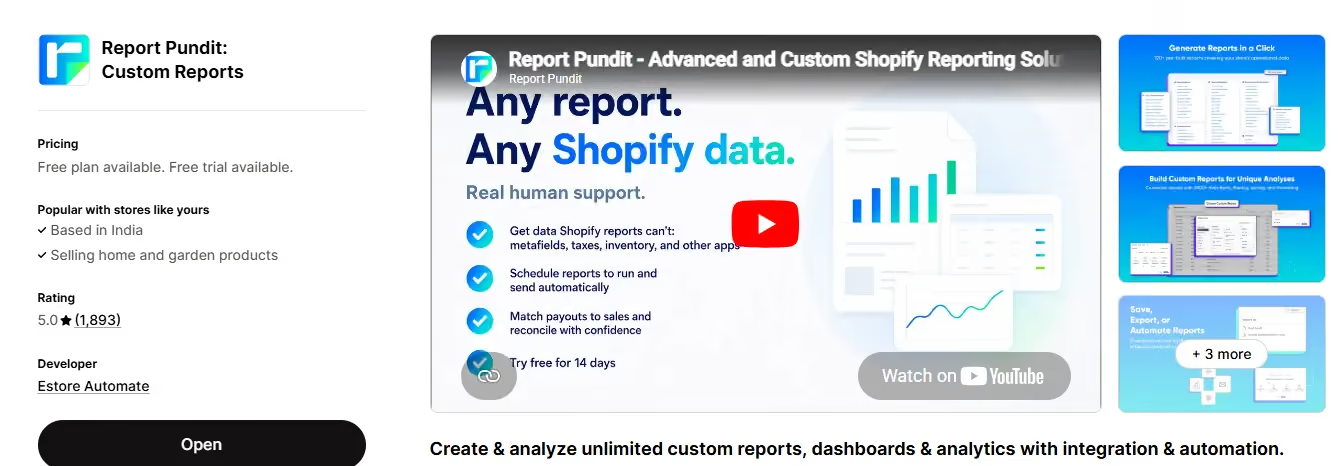
Rating: 5/5 on Shopify App Store | View on Shopify | reportpundit.com
Report Pundit is the highest-rated Shopify reporting app, trusted by thousands of merchants who collectively run more than 50,000 custom reports. It's been on Shopify since 2019 and has accumulated 1,800+ App Store reviews. The average store creates 8 reports, which tells you something: once merchants get access to the flexibility, they use it across every department.
The most requested templates are Payout Reconciliation, Multi-Store Consolidation, Current Inventory, Sales Breakdown, Tax Reports, Shipping Analysis, and Customer Journey Reports, according to Report Pundit's internal usage data (2026).
The app's strongest differentiator is its integration layer. Report Pundit connects to 30+ third-party apps including PayPal, ShipStation, Google Analytics, Klaviyo, and more. No other reporting app on this list comes close to that integration count. If your store runs on a tech stack beyond Shopify's native features, this matters more than almost anything else in your comparison.
Automation is the other standout. You can schedule reports to deliver automatically to Gmail, Google Sheets, Slack, Google Drive, Power BI, One Drive, FTP servers, and more. That means your accountant gets the tax report on Monday morning without anyone touching it. Your operations team gets inventory updates before the warehouse opens. It runs in the background.
What Report Pundit does well
- 150+ prebuilt report templates covering sales, payouts, POS, inventory, taxes, shipping, and customer behavior
- Advanced custom fields, calculated metrics, and filters without writing code
- Multi-store reporting and multi-currency support for merchants running more than one Shopify store
- Automated delivery to Gmail, Google Sheets, Slack, Google Drive, Power BI, and FTP
- Metafield support, including custom properties from 30+ integrated apps
- Complimentary report setup and customization service from the support team
- Live human support, 24/5, with an average query resolution time under 4 hours
Pricing
- Free plan available
- Essential: Basic $9/mo Shopify, $19/mo Advanced, $35/mo Plus, $45
Where it's not the right fit
If your reporting needs are extremely simple (monthly sales totals, basic inventory snapshots) and you're on a tight budget, the free plan handles it. But Report Pundit is at its best when the reporting requirements are complex, cross multiple data sources, or need to reach multiple people automatically.
2. Data Export IO: Best for Scheduled Exports to Multiple Destinations
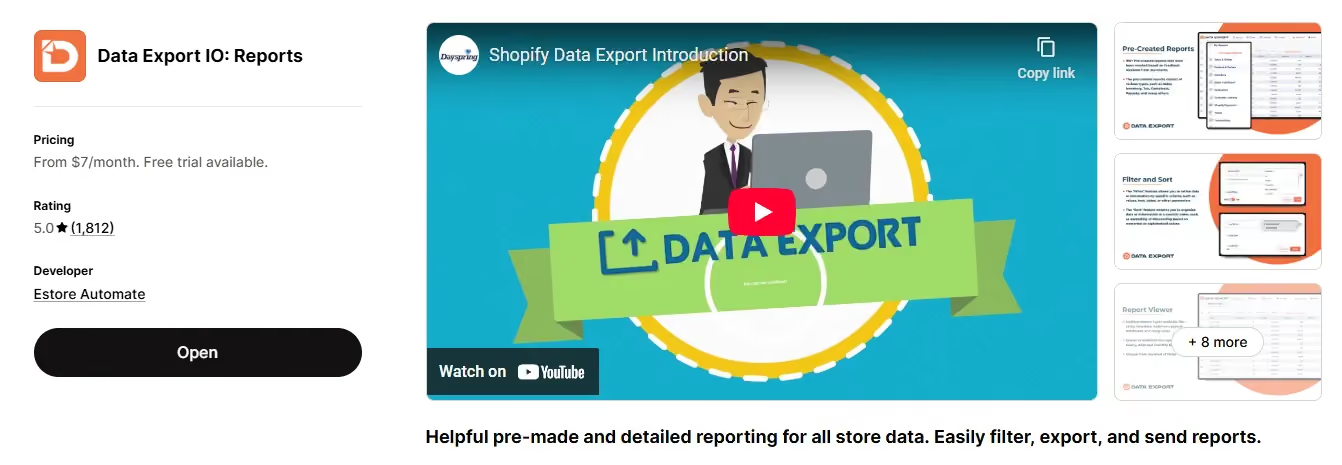
Rating: 5/5 on Shopify App Store | View on Shopify
Data Export IO has been on the Shopify App Store since 2016, making it one of the longest-running reporting apps in the ecosystem. It's built around scheduled exports: you configure a report once, and it runs on a schedule to email, FTP, or Google Drive. The report builder is visual and approachable, and live data previews let you verify output before an export runs.
We've found it works particularly well for finance and operations teams that need recurring data drops in a specific format. The password-protected report sharing is a useful feature that not many apps offer.
What Data Export IO does well
- 100+ prebuilt reports with live preview and summarization
- Advanced filters, field customization, and flexible column management
- Scheduled delivery via email, FTP, and Google Drive
- Password-protected shared reports for external team members
- Export formats: CSV, Excel, PDF
Pricing
- Starting from $7/mo (Basic Shopify) up to $35/mo (Plus)
Where it's not the right fit
Data Export IO doesn't offer third-party app integrations, so if you need to pull data from PayPal, ShipStation, or your email platform alongside Shopify order data, you're looking at a different tool. It's a strong choice for Shopify-native data only.\
3. Mipler: Best for Visual Dashboards and AI-Assisted Reports
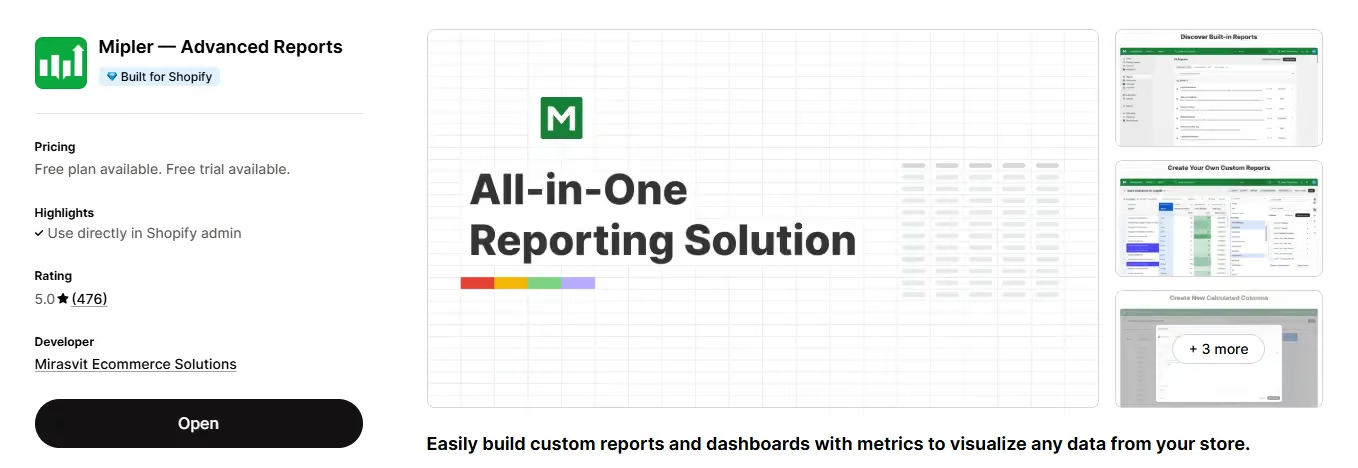
Rating: 4.9/5 on Shopify App Store | View on Shopify | mipler.com
Mipler leans into visualization and AI-assisted report building. It pulls data from Shopify's metafields, tags, and custom attributes, and lets you build complex custom reports with calculated metrics. The AI assistant can generate reports from plain-language prompts, which is genuinely useful for teams without a dedicated analyst.
Mipler's free plan is capped at 1,000 orders, so it works for stores that are just starting out. Once you cross that threshold, you're moving into paid tiers up to $39.99/mo. Smaller merchants comparing free plans across reporting apps should check the order cap closely, since not every free tier scales the same way
What Mipler does well
- Visual dashboards with charts and graphs for management-level reporting
- AI assistant for report generation from plain-language inputs
- Support for metafields, tags, and custom note attributes
- Scheduled email reports in CSV, Excel, and PDF
Pricing
- Free plan for stores with fewer than 1,000 orders
- Paid plans from $19.99/mo to $199.99/mo
Where it's not the right fit
Mipler doesn't offer user management capabilities, which matters for larger teams that need role-based report access. It also lacks integrations with Power BI, BigQuery, and third-party apps. If your reporting needs extend beyond Shopify's native data, it won't cover the gap.
4. Better Reports: Best for Stores Running Shopify POS
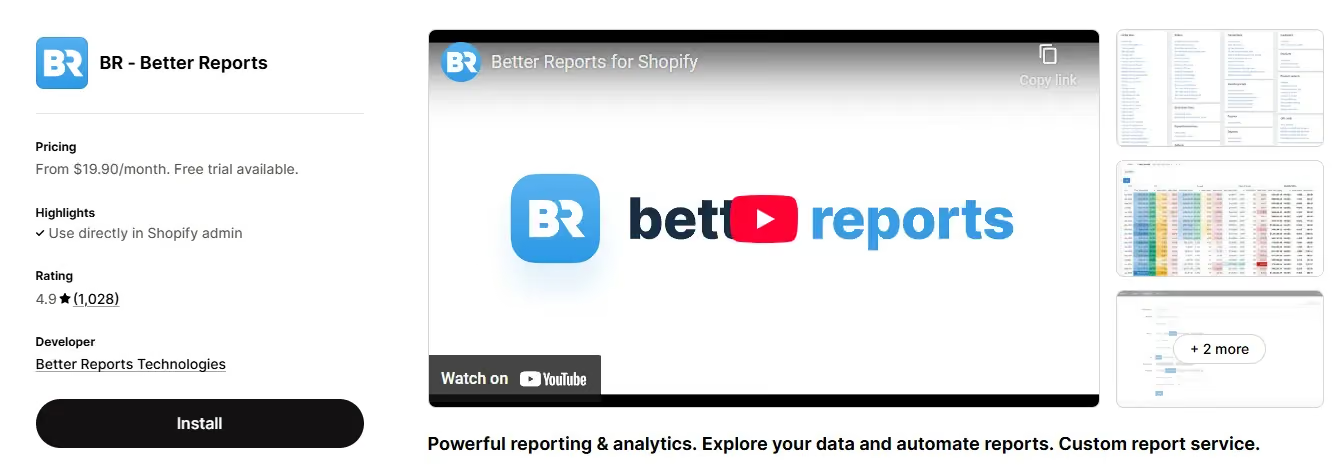
Rating: 4.9/5 on Shopify App Store | View on Shopify | betterreports.com
Better Reports is a premium reporting app that earns its price point through customization depth. Calculated fields, custom formulas, visual dashboards, and multi-store consolidation are all well-implemented. It supports Google Sheets sync and integrates cleanly with Shopify POS. The complimentary custom report setup service is a real differentiator for merchants who need a specific report built but don't want to figure out the configuration themselves.
What Better Reports does well
- Advanced metrics and calculated fields with custom formula support
- Multi-store and POS integration for consolidated reporting
- Inventory, sales, customer, and product analysis in one place
- Visual dashboards with chart options
- Complimentary custom report setup from their team
Pricing
- Plans from $19.90/mo to $299.90/mo
Where it's not the right fit
Better Reports doesn't offer live chat support. Scheduling options are more limited than competitors, and shareable report links aren't available. For teams that need to distribute reports externally or schedule deliveries to multiple destinations, that's a meaningful gap.
5. Report Toaster: Best Free Option for New Merchants
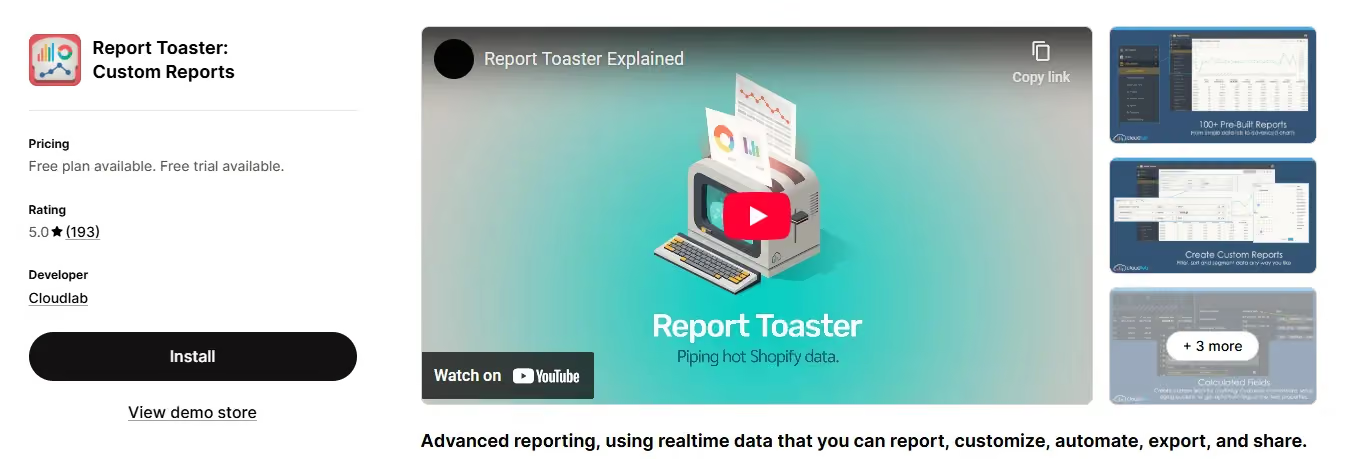
Rating: 4.9/5 on Shopify App Store | View on Shopify | reporttoaster.com
Report Toaster by Cloudlab gives you real-time access to 120+ report templates alongside live shareable links and AI assistance for report building. The free plan tied to your Shopify plan lasts up to 90 days, making it a good option for merchants who want to test advanced reporting before committing to a paid tool.
What Report Toaster does well
- 120+ prebuilt reports with real-time data sync
- Live shareable links for sharing reports without login requirements
- Custom filters, sorting, and groupings
- Multi-store reporting
- AI-assisted report building
Pricing
- Free plan (up to 90 days, tied to Shopify plan)
- Paid plans from $18/mo to $150/mo
Where it's not the right fit
Report Toaster lacks user management, mult-currency support, and live chat support. Integration with external tools uses the Mechanics app rather than native connections, which adds a setup step. For stores with currency complexity or team-based access needs, you'll hit the ceiling quickly.
6. Easy Reports: Best for Simple Automation on a Budget
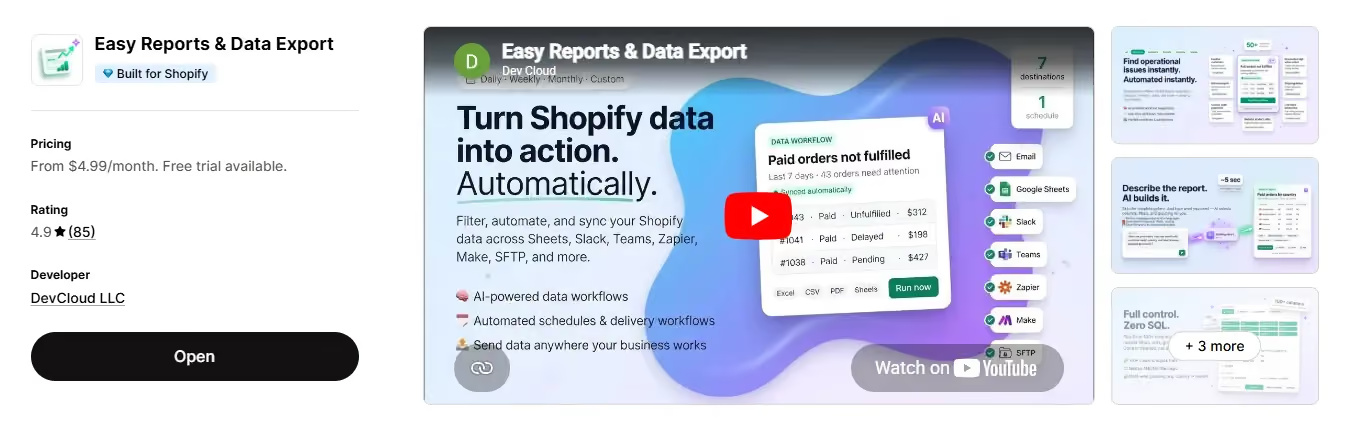
Rating: 4.7/5 on Shopify App Store | View on Shopify | devcloudsoftware.com
Easy Reports does what it says. The UI is clean and approachable, and the app handles order, inventory, and customer reports with attribute-based filters that don't require any configuration expertise. It supports Google Drive delivery and scheduled email sends, which covers the automation basics for small-to-mid-sized stores.
What Easy Reports does well
- Order, product, customer, and inventory reports with simple filter controls
- Export to XLS, CSV, PDF, and JSON
- Scheduled reports via email and Google Drive
- Centralized report storage
Pricing
- $4.99/mo (Basic Shopify) up to $99.99/mo (Plus)
Where it's not the right fit
Easy Reports lacks Big Query, One Drive, Power BI delivery, and third-party app data. Scheduling options are more limited than tools like Report Pundit or Data Export IO. It's a clean, focused tool but not built for stores that need advanced automation or data from outside Shopify.
7. Xporter Data Export: Best for Accessing Hidden Shopify Data
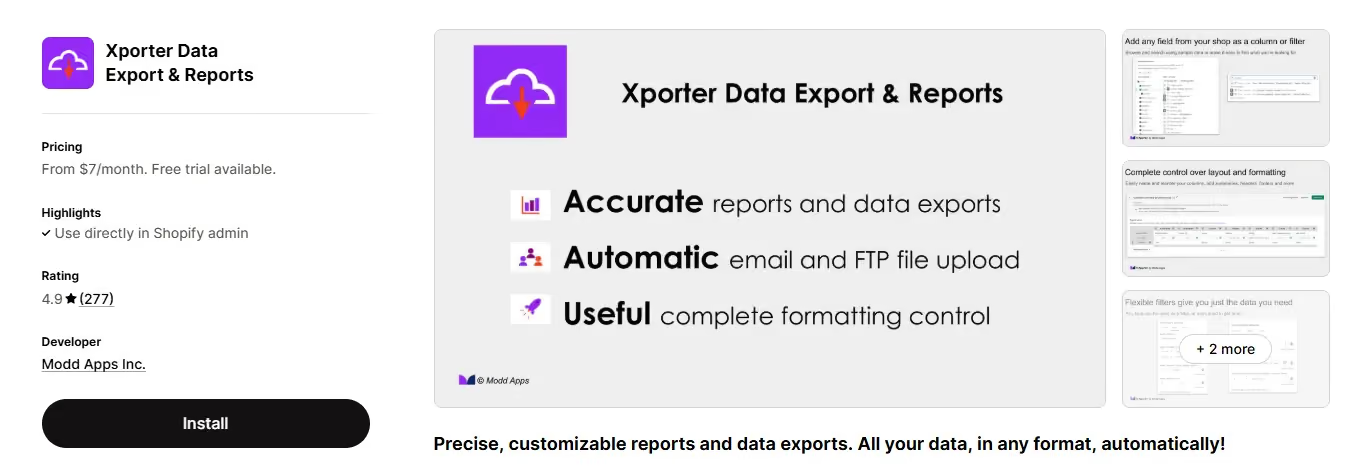
Rating: 4.8/5 on Shopify App Store | View on Shopify | moddapps.com/pages/xporter
Xporter's main strength is access to Shopify data that other reporting apps can't surface: line-item properties, metafields, and custom calculations that sit beneath Shopify's standard API responses. It uses extended Liquid support for data manipulation, which means you can build highly specific export formats for 3PLs and internal systems that have strict data requirements.
What Xporter does well
- Access to hidden Shopify data: line-item properties, metafields, custom calculations
- Extended Liquid support for data formatting and manipulation
- Scheduled exports via SFTP and email in Excel, CSV, XML, and Text formats
- Phone, email, and chat support
Pricing
- From $7/mo with a 7-day free trial, up to $45/mo
Where it's not the right fit
The interface is complex for users who aren't familiar with Liquid templating. If you're not technical, the learning curve is steep, and Google Sheets or Google Drive scheduling isn't supported. It's a specialized tool for stores with specific data architecture needs, not a general-purpose reporting app.
8. EZ Exporter: Best for Operations Teams and ERP Integrations
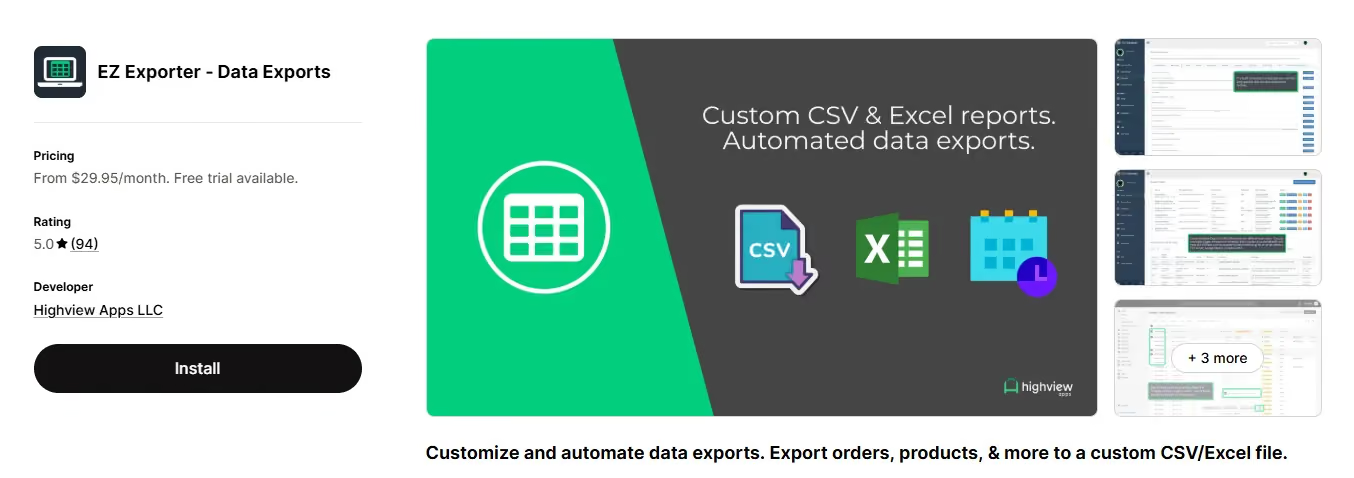
Rating: 5.0/5 on Shopify App Store (98 reviews) | View on Shopify | highviewapps.com
EZ Exporter is built for operations teams that need to move Shopify data into ERPs, 3PLs, WMS systems, fulfillment partners, and product feed destinations on a schedule. It goes deep on data coverage: orders, draft orders, abandoned checkouts, B2B companies, metafields, returns, tracking numbers, UTM parameters, and analytics via ShopifyQL. Python-based calculated fields give developers precise control over what the export looks like. Scheduled exports run to email, FTP, SFTP, Google Sheets, Google Drive, Dropbox, Airtable, and Amazon S3.
What EZ Exporter does well
- Export orders, draft orders, abandoned checkouts, B2B data, metafields, returns, UTM parameters, and analytics
- Custom export templates with Python-based calculated fields for precise data manipulation
- Scheduled exports to email, FTP, SFTP, Google Sheets, Google Drive, Dropbox, Airtable, and Amazon S3
- ShopifyQL support for exporting analytics reports
Pricing
- From $29.95/mo with a free trial, up to $149.95/mo
Where it's not the right fit
The interface isn't intuitive for non-technical users, and Python-based calculated fields assume some development familiarity. It's not an ideal choice if you need a general-purpose reporting tool that non-technical team members can use without help.
9. DataChamp: Best for Custom CSV/Excel Exports and ERP Sync
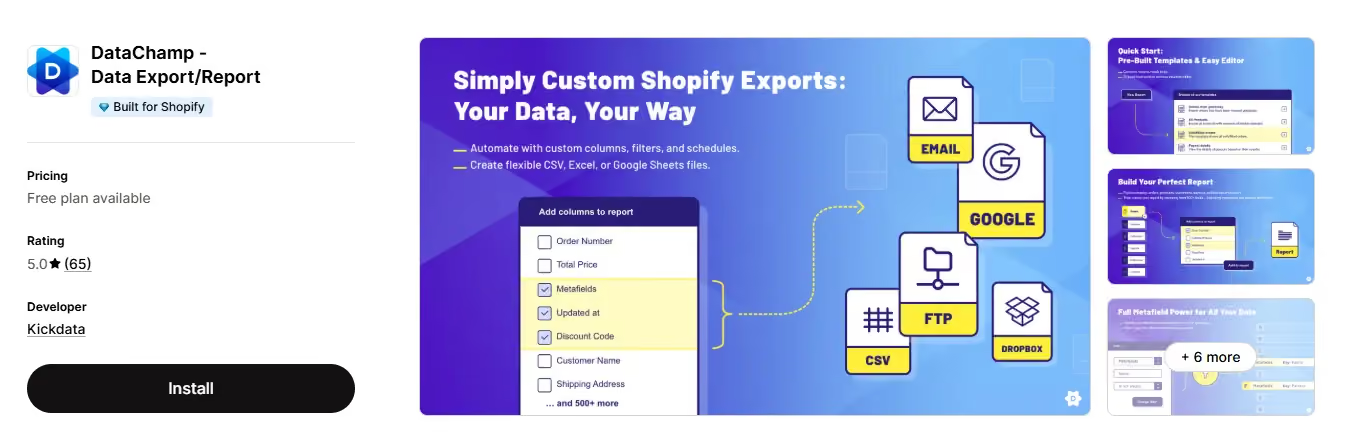
Rating: 5.0/5 on Shopify App Store (65 reviews) | Built for Shopify | View on Shopify | datachamp.io
DataChamp is a Built for Shopify export app that focuses on making custom data exports fast and flexible. You can export orders, products, customers, metafields, and more to CSV or Excel, using If/Then logic and custom columns to shape the output exactly how you need it. Scheduled exports run to FTP, SFTP with TLS, Google Drive, Google Sheets, Dropbox, and email. It also supports ERP and accounting sync, with encoding options for international stores.
What DataChamp does well
- Export orders, products, customers, metafields, and more to custom CSV or Excel formats
- If/Then logic and custom columns for precise data shaping without code
- Scheduled exports to FTP, SFTP with TLS, Google Drive, Google Sheets, Dropbox, and email
- ERP and accounting sync with encoding options for international stores
Pricing
- Free plan available. Paid plans: $15/mo (Basic), $49/mo (Professional), $99/mo (Enterprise)
Where it's not the right fit
DataChamp is built for export workflows rather than in-app reporting or visual dashboards. If you need prebuilt report templates, multi-store consolidation, or on-screen analytics, it won't cover those needs. It's strongest when you need precise, automated data delivery to external systems.
10. Reports & Export by SyncWith: Best for Quick, Simple Reporting
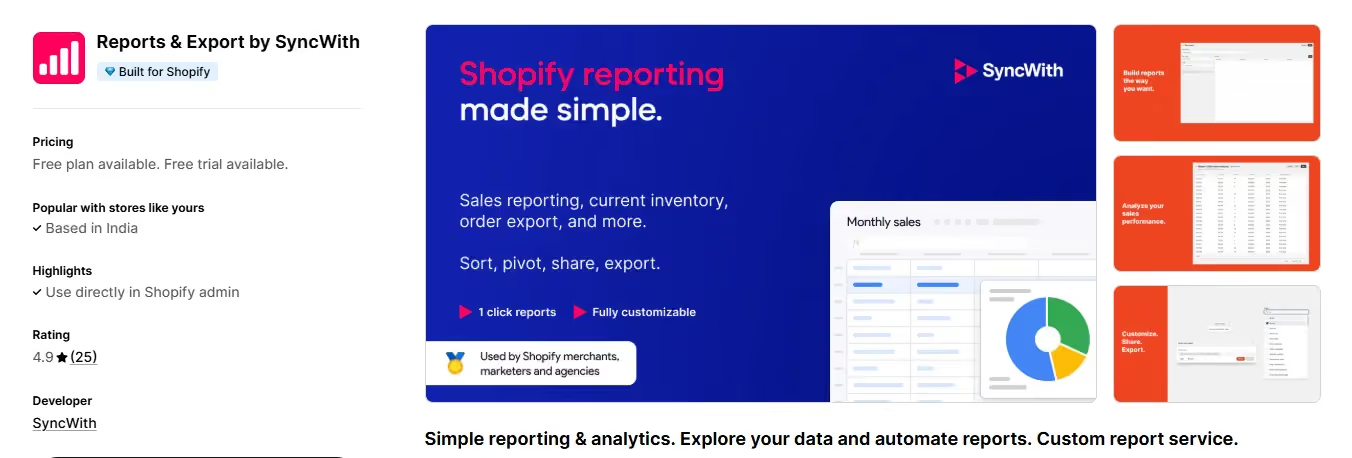
Rating: 4.4/5 on Shopify App Store | Built for Shopify | View on Shopify
Reports & Export by SyncWith is a free, Built for Shopify app focused on making store reporting simple. You can build custom reports in seconds, sort, pivot, share, and export in CSV or Excel. It covers sales, inventory, order exports, fulfillments, taxes, transactions, payments, abandoned checkouts, draft orders, refunds, returns, payouts, products, and shipping charges. It's a good starting point for merchants who want accessible reporting without setup complexity.
What Reports & Export by SyncWith does well
- Build custom reports in seconds with sort, pivot, share, and export options
- Track sales by month, week, or day; by product; by new versus returning customers
- Inventory reporting by product, warehouse, and SKU variant
- Automatic data delivery to spreadsheets via the report template feature
Pricing
- Free plan available
- Paid plans available for higher order volumes
Where it's not the right fit
Advanced scheduling, third-party integrations, and export options are limited. It's a good entry point for merchants who need quick, accessible data from Shopify without complex configuration, but it won't scale to the needs of a growing operation.
How Do You Choose the Right Shopify Reporting App for Your Store?
The honest answer is: it depends on what's slowing you down. From what we've seen across thousands of merchant setups, most stores fall into one of four reporting problems. Match yours to the right tool.
One thing worth knowing: the apps that get used long-term are the ones where non-technical team members can run their own reports without asking for help. In our experience, that's what separates a reporting app from a reporting headache.
Report Pundit's support team builds reports for you as part of the service, which solves that problem directly. Average resolution time is under 4 hours, 24/5. If you don't have a data analyst on staff, that kind of backup matters more than most feature comparisons suggest.
Frequently Asked Questions
What is the best Shopify reporting app overall in 2026?
Report Pundit is the top-rated Shopify reporting app overall, with 5 stars across 1,800+ reviews. It covers the widest range of use cases: custom reports, multi-store consolidation, 30+ app integrations, automated delivery to Gmail, Slack, Google Drive, One Drive, and Power BI, and live human support available 24/5. For stores that need more than basic Shopify analytics, it's the strongest all-round choice.
Which Shopify reporting app works best for multiple stores?
Report Pundit and Better Reports both support multi-store reporting. Report Pundit is the stronger choice if you also need integrations with third-party apps or automated cross-store exports. Better Reports is a good option if your priority is metafield-deep custom reports without integration requirements. Both handle multi-currency.
Is there a free Shopify reporting app?
Yes. Report Pundit, Mipler, Report Toaster, and Reports & Export by SyncWith all have free plans. Report Pundit's free plan covers up to 1,000 lifetime orders. Mipler's free plan also covers up to 1,000 lifetime orders. Report Toaster's free plan is time-limited to 90 days. Reports & SyncWith offers a free plan with paid tiers for higher order volumes."
What Shopify reporting app should I use for payout reconciliation?
Payout Reconciliation is the most requested report template on Report Pundit, which tells you something about how common this pain point is. The app lets you match Shopify payouts against orders, refunds, adjustments, and fees in a single exportable report. Data Export IO handles this too, though without the integration layer if you also need to reconcile against PayPal or a third-party gateway.
Which reporting app integrates with the most third-party Shopify apps?
Report Pundit is the only reporting app on this list that offers 30+ native third-party integrations, including PayPal, ShipStation, Google Analytics, Klaviyo, and others. No other Shopify reporting app in 2026 comes close to that count. If your store relies on apps outside Shopify's native ecosystem, this is the deciding factor.
How are Shopify reporting apps different from Shopify's built-in analytics?
Shopify's native reports cover standard metrics: total sales, orders by channel, basic inventory. Reporting apps add custom fields, calculated metrics, cross-app data, multi-store views, automated scheduling, and export to external tools like Power BI or Google Sheets. The gap grows as your store does. Merchants on Shopify Basic get the most restricted native analytics; reporting apps fill that gap regardless of your plan.
Which Shopify Reporting App Is Right for You?
Ten apps, different strengths. Here's the short version.
If you want one app that handles everything from custom reports to third-party data to automated delivery across every major destination, Report Pundit is the answer. That's not a biased take: it's why thousands merchants use it, and why it consistently holds a 5-star rating after 1,800+ reviews, more than any other app on this list.
Whatever your store setup looks like in Shopify, Report Pundit can generate reports based on your data, that go far beyond the basics. Getting started doesn't mean figuring it out alone: a free onboarding call walks you through building your first reports. That hands-on setup, plus support that actually responds quickly, is what makes it stand out from other apps on this list.
If your needs are narrower, match to the specific strength: Data Export IO for scheduled drops, Mipler for visual dashboards, DataChamp for custom exports to ERPs and external systems. The comparison table above maps it out.
The right reporting app isn't the one with the most features. It's the one your team will actually use. Start with your biggest data headache and work backwards from there.
Ready to see Report Pundit in action? Install it free on the Shopify App Store or explore templates.

5.0 ( 2000+ Reviews)
